Home » Games » Adiboo: Magical Playland
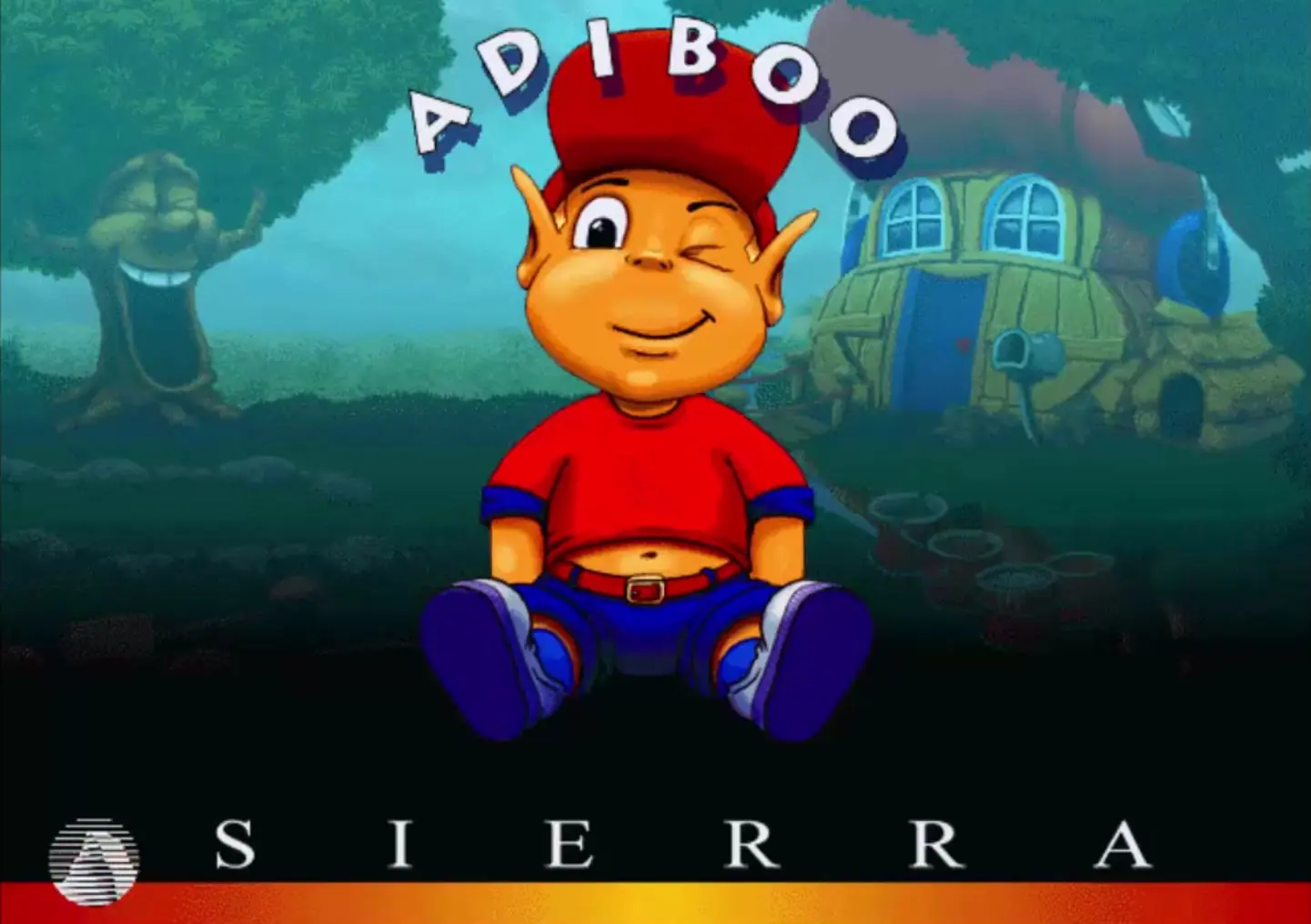
Adiboo: Magical Playland

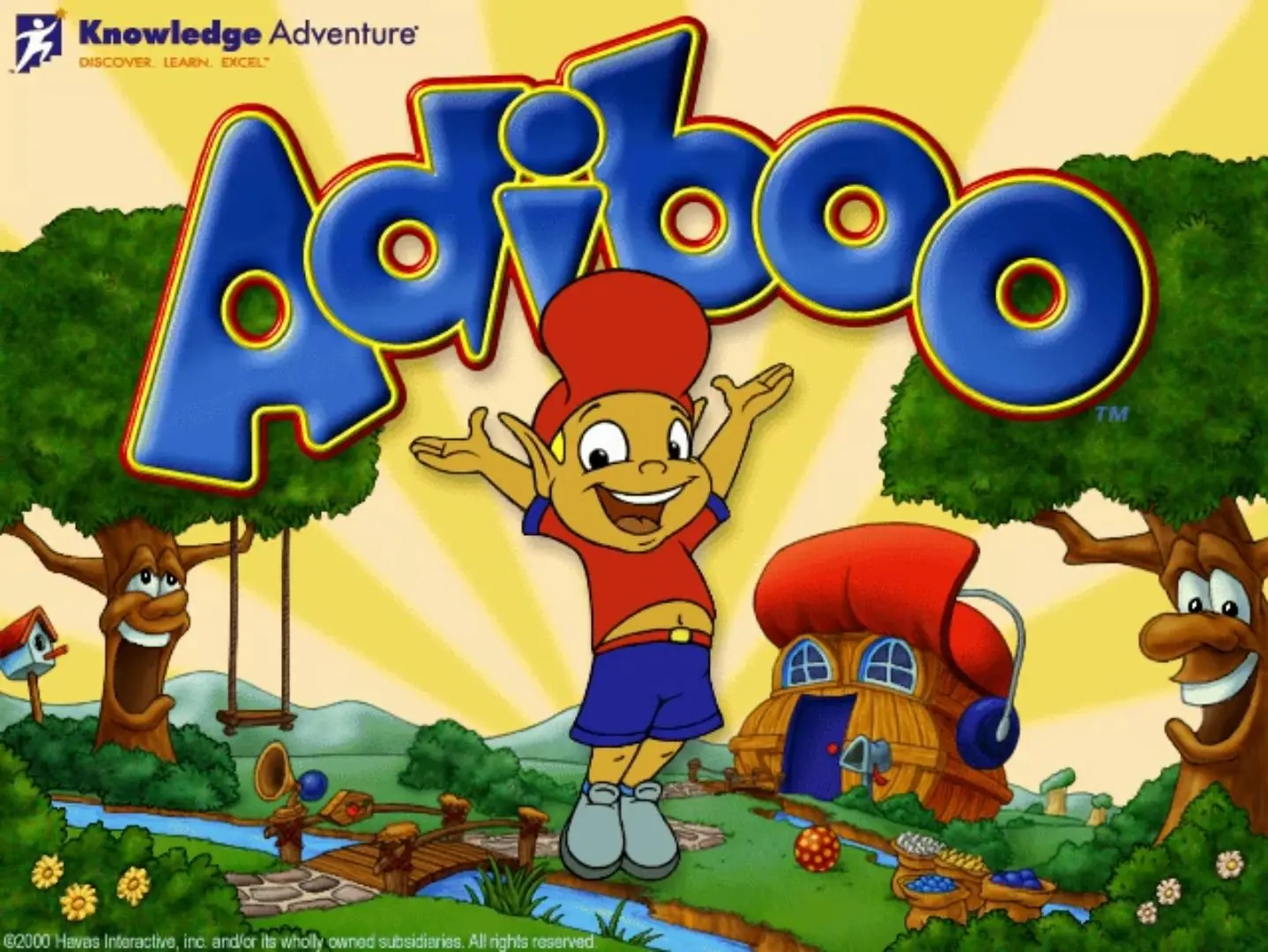
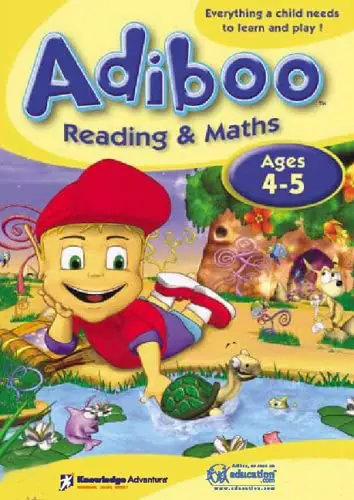
Adiboo: Magical Playland Game Cover
4.8/5 - 36 votes

Adiboo: Magical Playland is a 1996 educational game developed by Coktel Vision and published by Sierra Entertainment.
Other Titles

Adiboo Magical Playland

Genres
Released
Platforms
Download

Screenshots

Windows

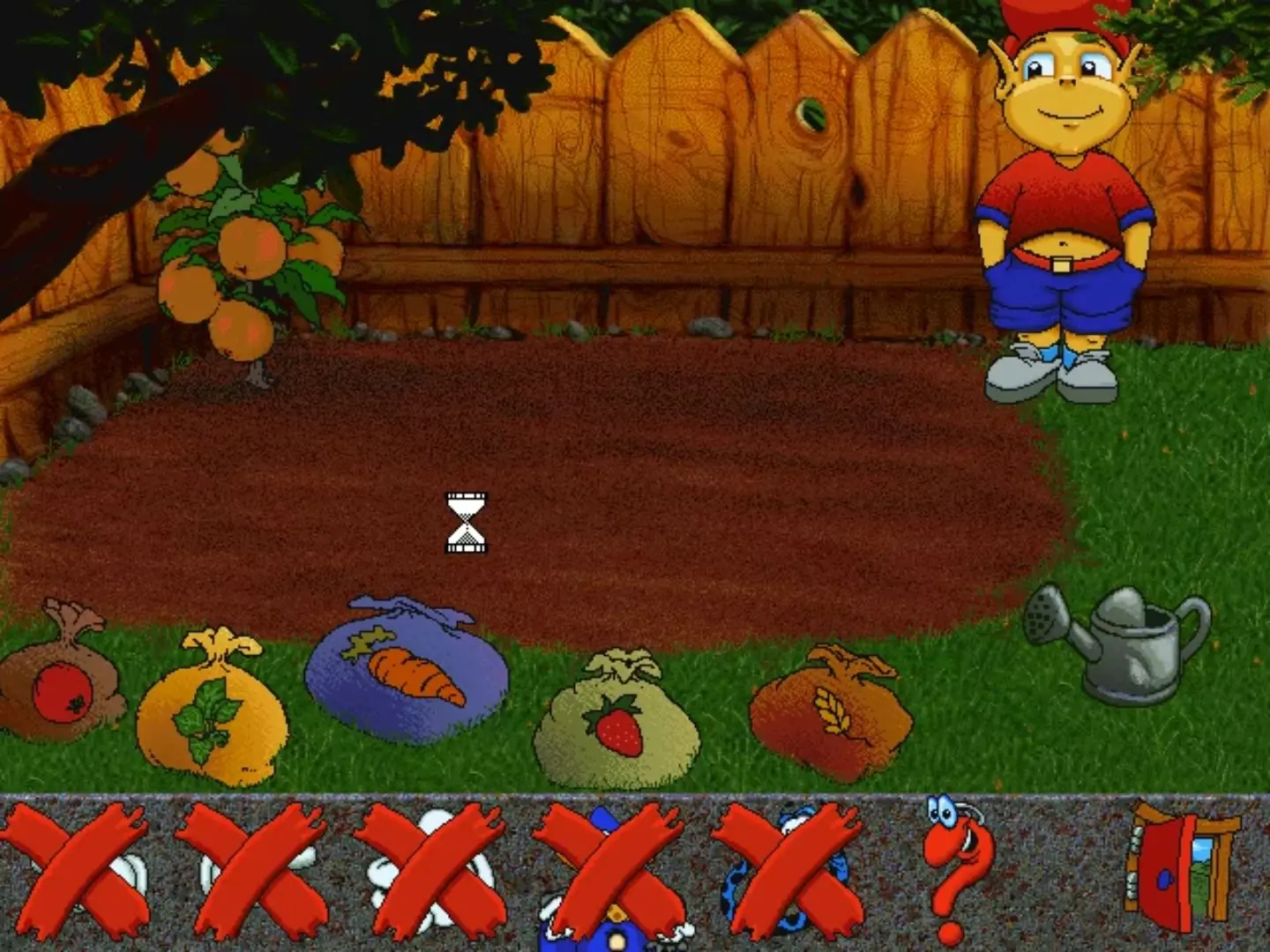
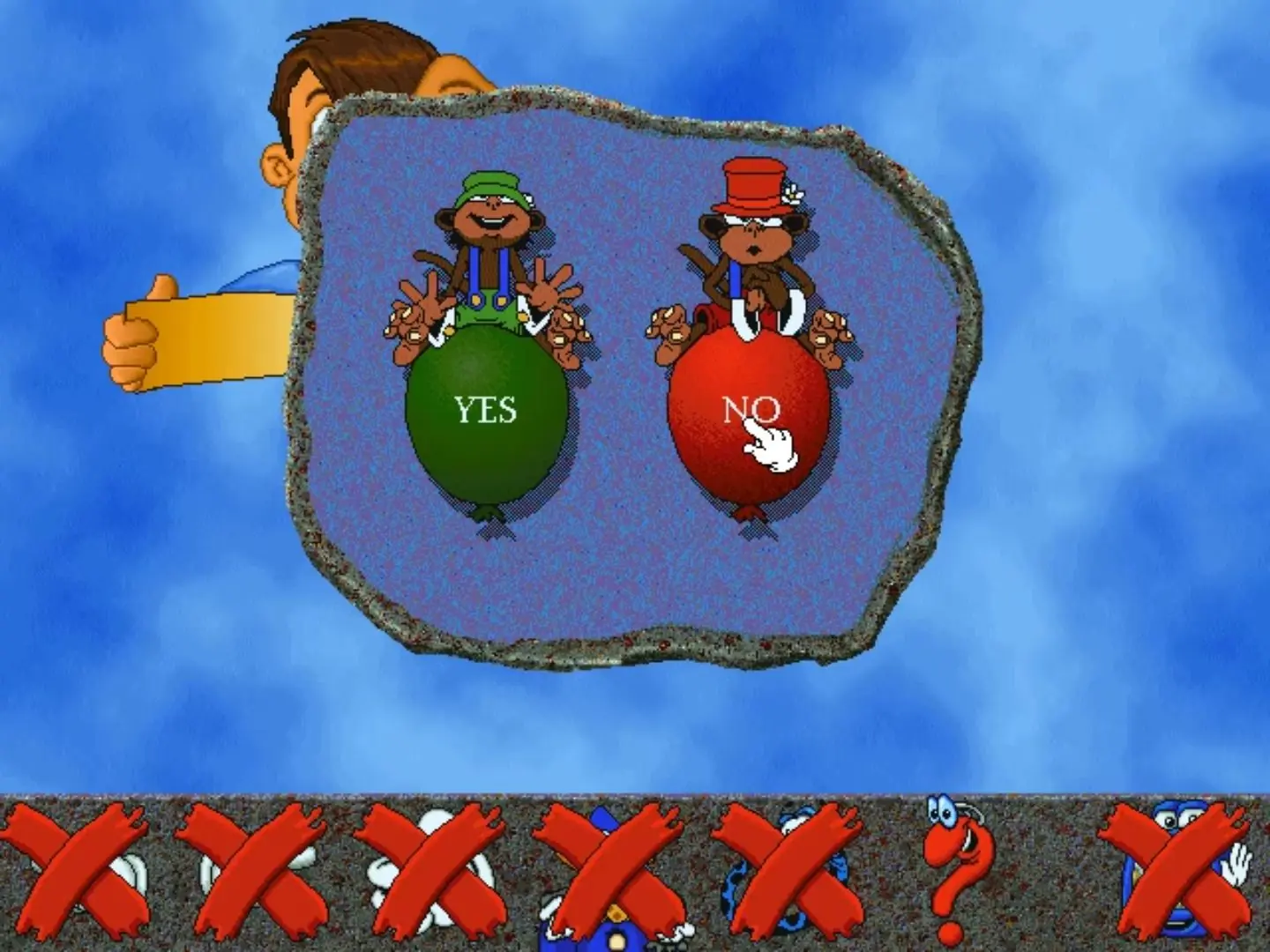
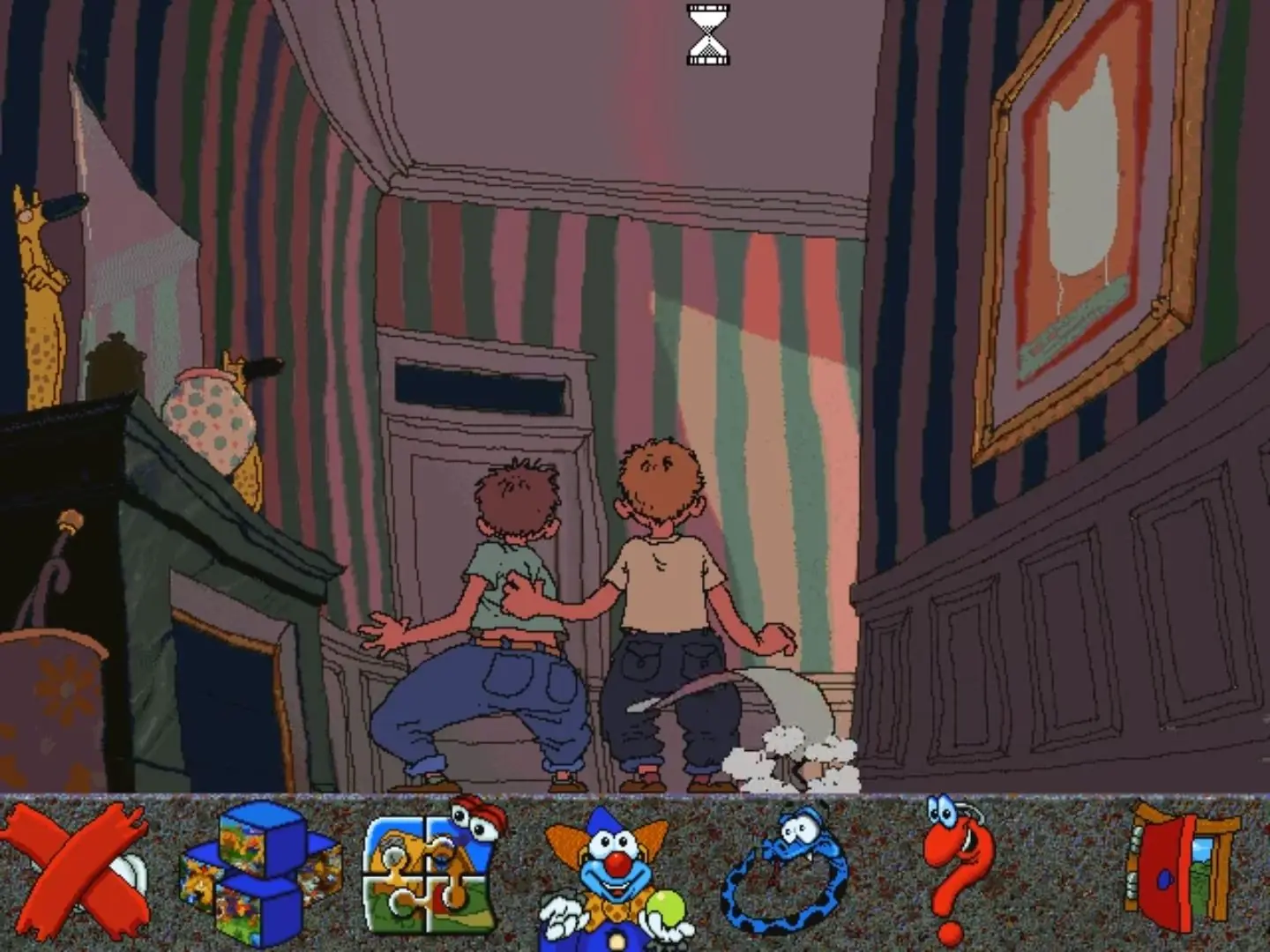
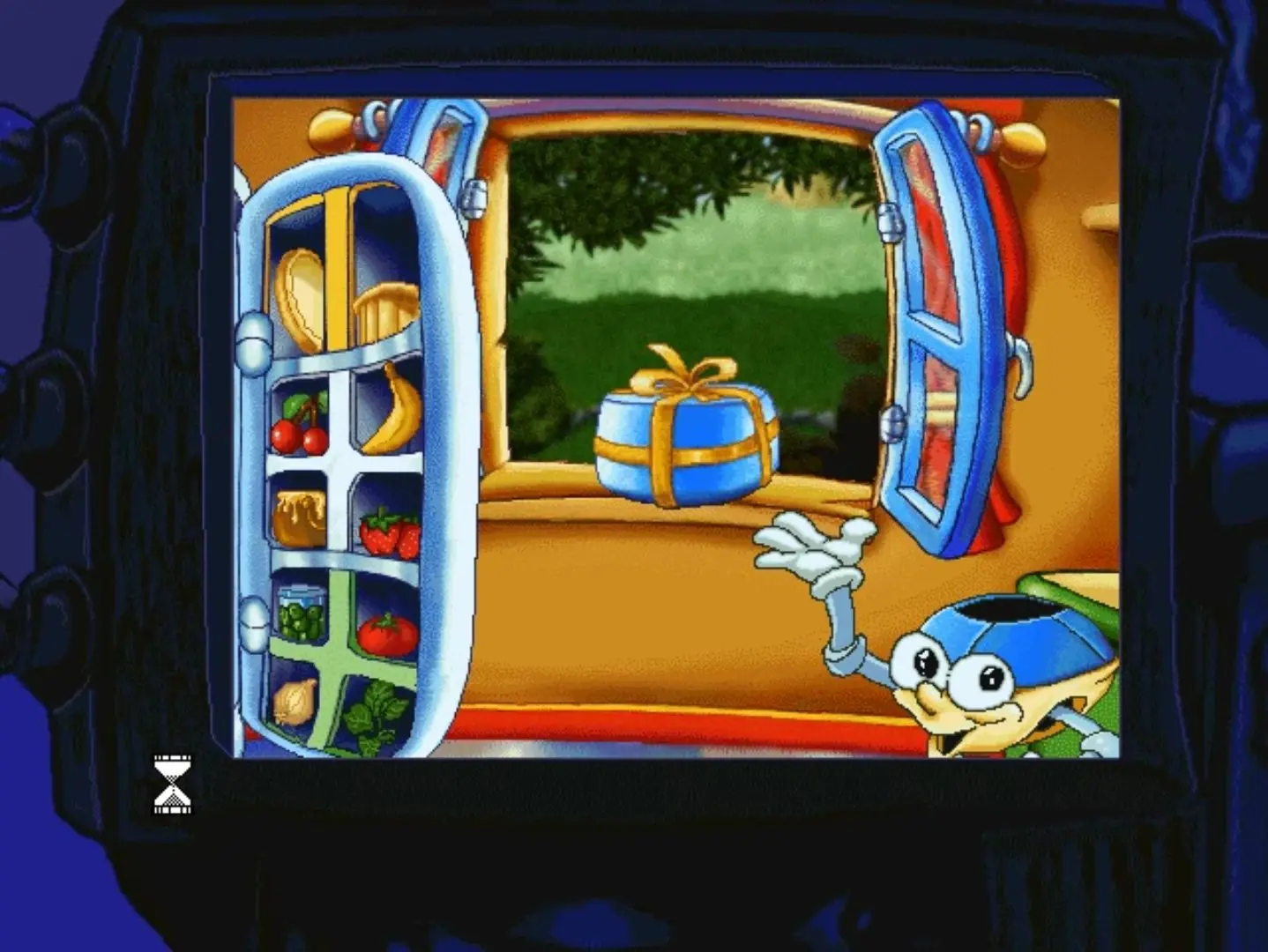
Adiboo: Magical Playland — Windows screenshot 1Adiboo: Magical Playland — Windows screenshot 2Adiboo: Magical Playland — Windows screenshot 3Adiboo: Magical Playland — Windows screenshot 4Adiboo: Magical Playland — Windows screenshot 5

Download Adiboo: Magical Playland

Adiboo: Magical Playland is abandonware and no longer sold or supported by its publishers. Files are archived here for these platforms:
Windows (1996)

Comments

13 thoughts on “Adiboo: Magical Playland”

  1. 0
    I can get the game to run in VirtualBox on Windows 95, but the colours are completely broken, e.g. the soil in the garden is yellow, Adiboo has blue skin and green shorts! Anyone else have this issue?
    Reply
  2. 0
    I got it to run perfectly fine in a WIN 95 virtual machine, the only problem is that I can’t install the extensions for the life of me. Dx
    Reply
  3. 0
    Does anyone know where I can get the US English version. This one is fine but it’s not the same one I played as a kid
    Reply
  4. 0
    Okay guys, so I got this game to work perfectly by using a windows 95 virtual machine instead of XP ^_^
    Reply
      • 0
        I didn’t know that, huh. I’m running Windows 10, and when I tried launching the .exe after mounting it, my laptop showed a message that the program couldn’t be run.
        Reply
        • 0
          So for whatever reason i cant make my own comment BUT i cant figure out how to get this to run on a windows xp virtual machine. There isnt really a walk through on how to get the game from download onto the machine then get it to play. I’ve tried a few different things and nothing seems to work. Can you offer me any help?
        • 0
          In the virtual machine, you have to download a software like PowerISO to be able to mount the .iso file. When it’s mounted, you open up the mounted drive and run the game setup and then install. Once the game has installed you should be able to run it. Are you getting any errors with this