Age of Empires II: The Conquerors
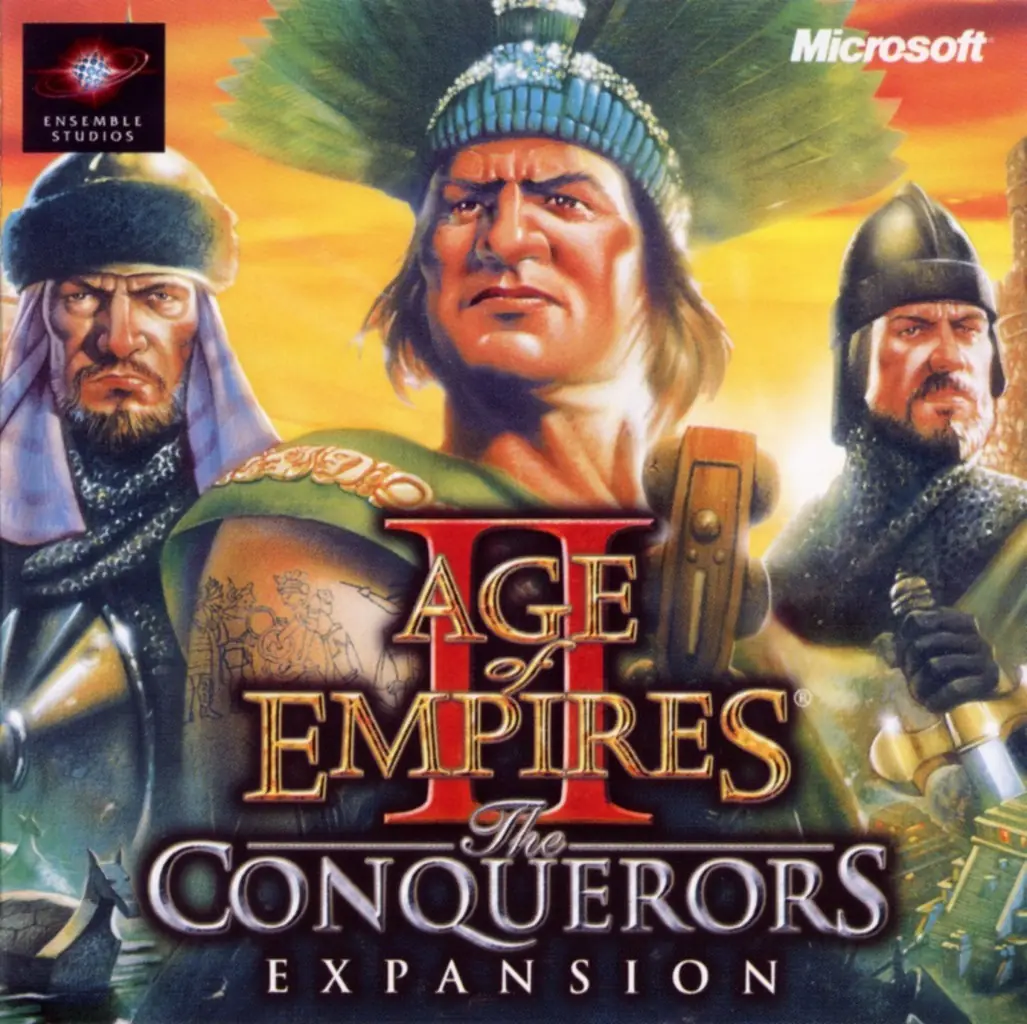
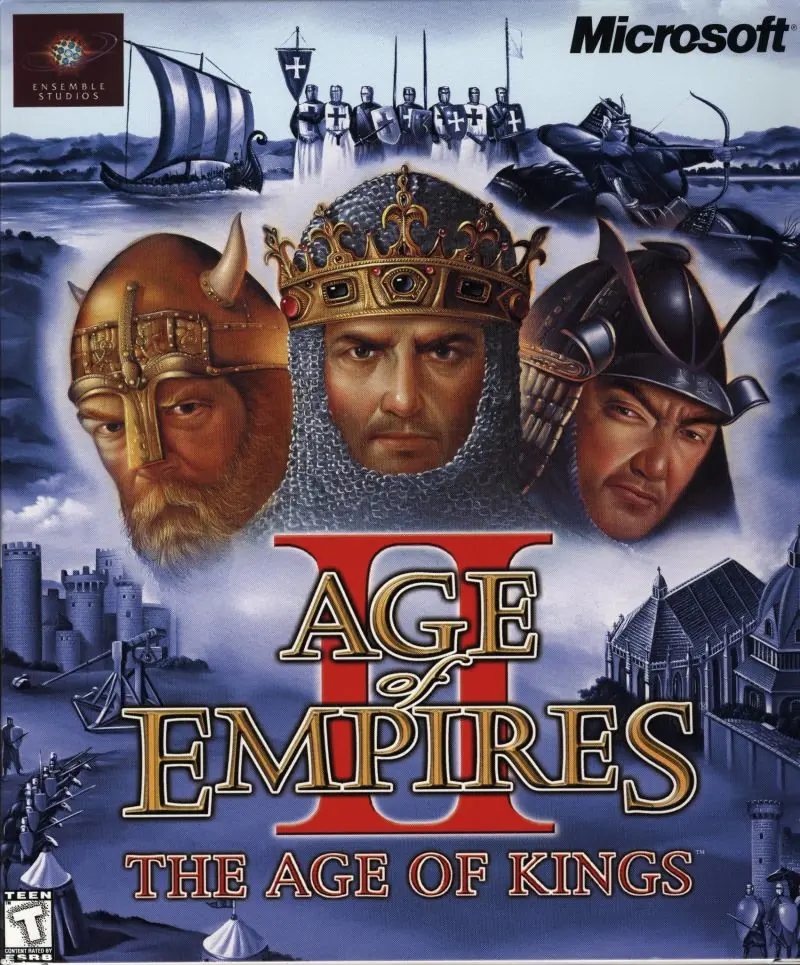
Age of Empires II: The Conquerors is a 2000 strategy game developed by Ensemble Studios and published by Microsoft.
Age of Empires II: The Conquerors is a 2000 strategy game developed by Ensemble Studios and published by Microsoft.
The Conquerors introduced various new gameplay features and tweaks, including the new game modes Defend the Wonder, King of the Hill, and Wonder Race. Additional maps, some based on real-life geographic locations, and new winter and tropical terrain textures were also included.
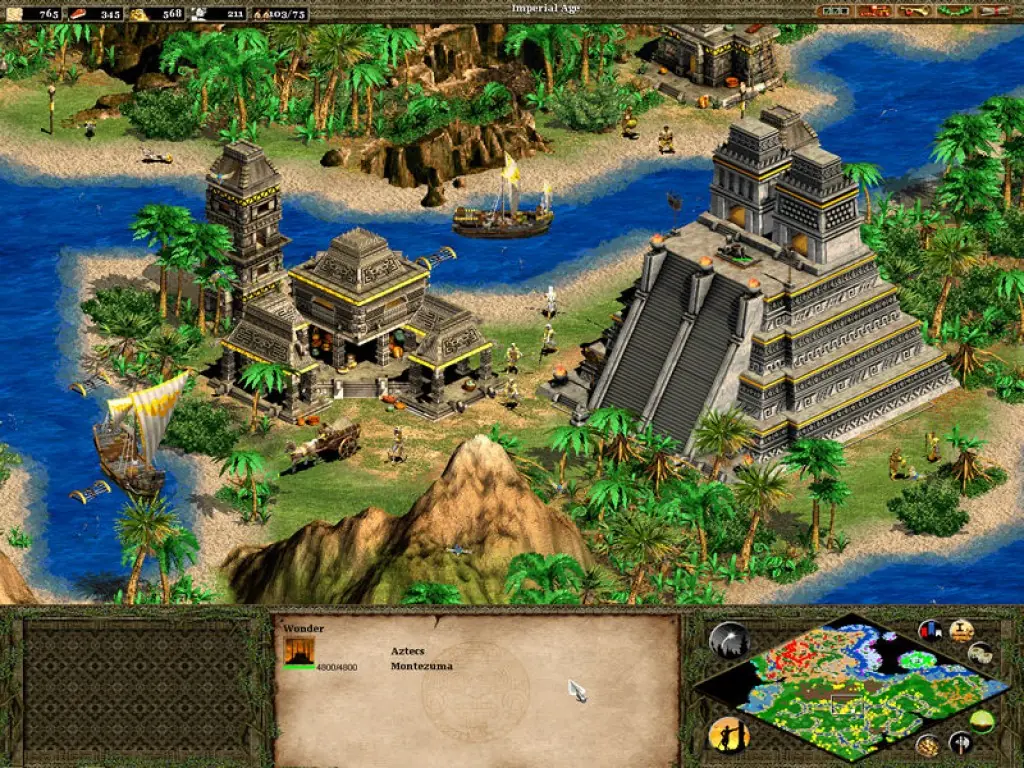
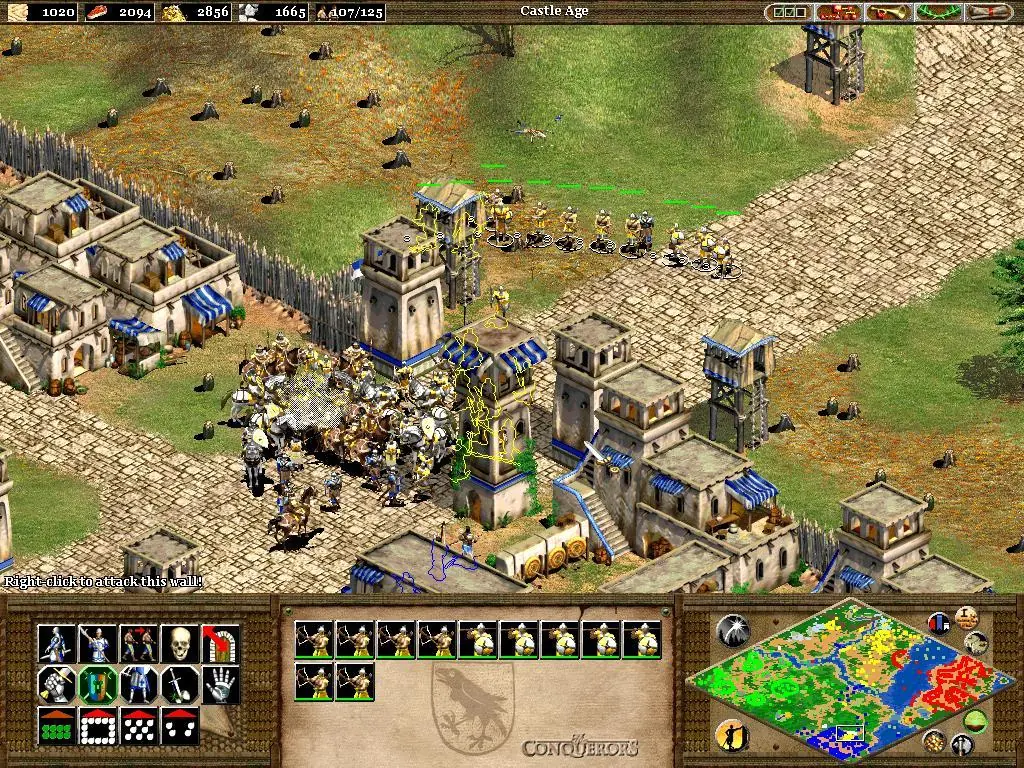
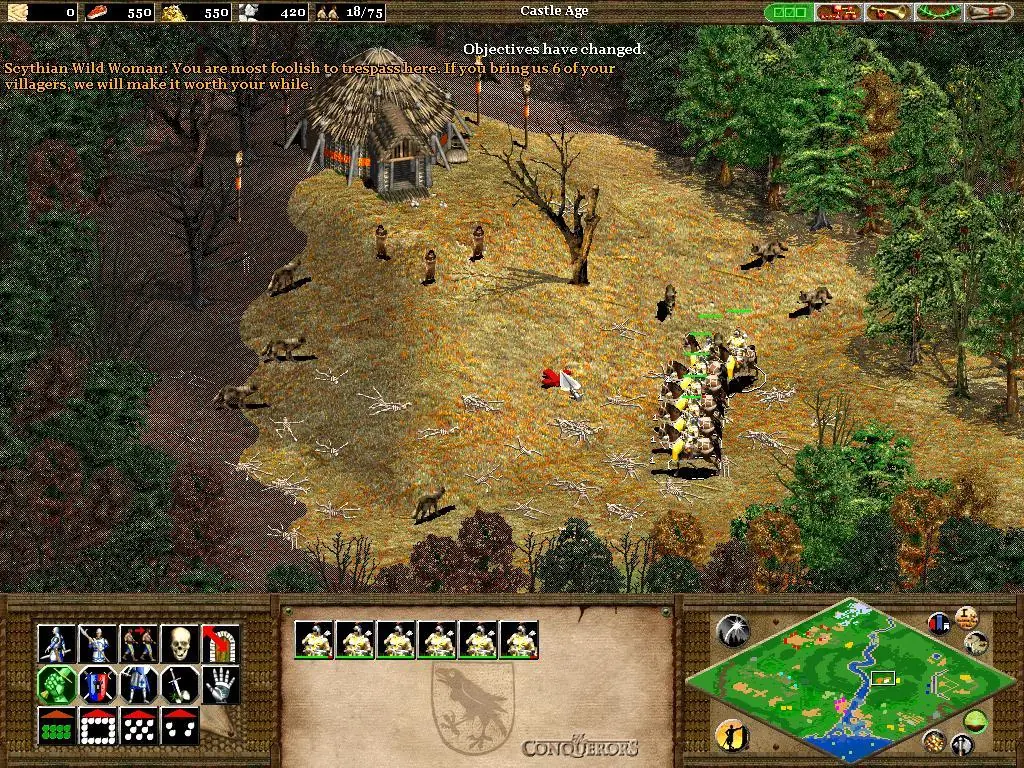
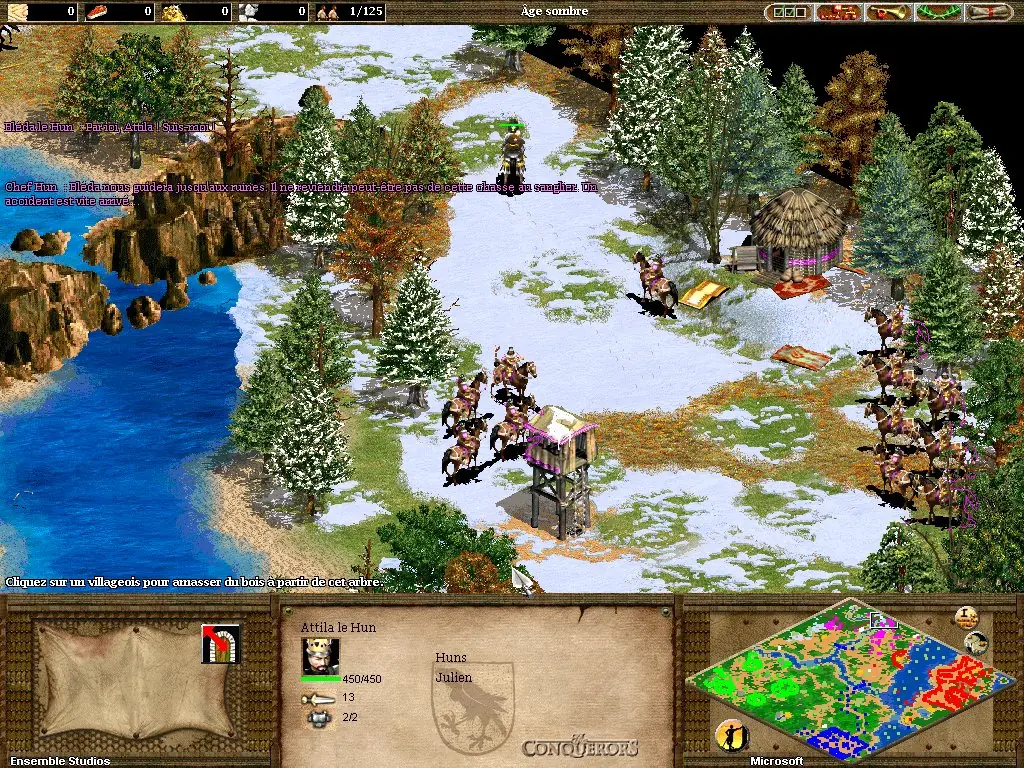
In-game, infantry are now able to garrison in battering rams, protecting the infantry while increasing the ram's speed and attack, while ships are now able to use formations for more effective fighting. The graphics are left unchanged, but five new civilizations have been added: the Aztecs, Huns, Koreans, Mayans, and Spanish. In addition to new units, the in-game upgrade lines have been extended to provide more unit choices. The Aztecs and Mayans lack the ability to train cavalry units, which is partially balanced by the fact that they start with Eagle Warrior infantry units, who have many of the advantages that cavalry have. Both civilizations also lack access to gunpowder units. The Huns are also unique in that they do not build houses to support their population, from the start being only limited by the fixed population limit of the game.
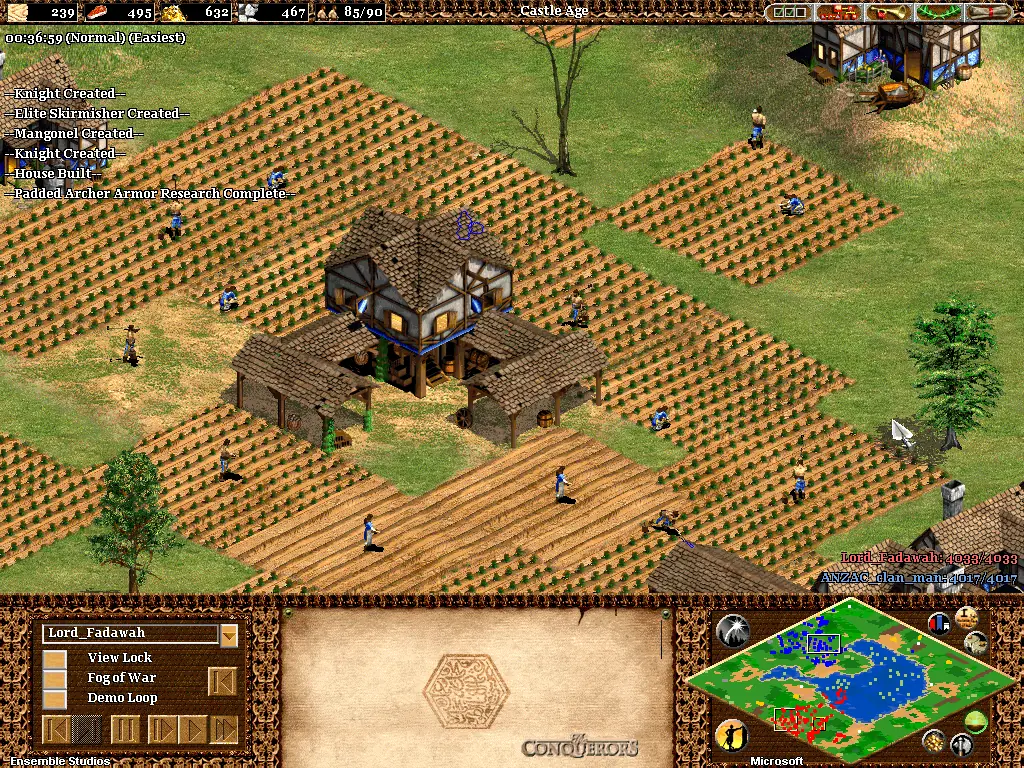
Micromanagement is made easier by an improved scripted artificial intelligence of villagers and siege weapons. Villagers will now automatically commence gathering resources if they have completed the construction of a resource-gathering site. Wall construction has also been improved: when assigning two or more villagers, they evenly spread out instead of working on the same segment. Similarly, if multiple farmers are sent to one farm, the surplus will start cultivating adjacent farms instead of idling. Mangonels and onagers will not automatically fire if their attack is likely to harm friendly units. Additionally, a button has been added to the mill, which allows farms to be paid for in advance, so that when an existing one is exhausted, it will automatically be replanted without requiring manual input from the player. Chat commands have been introduced in order to communicate more effectively with allied computer players.
Age of Empires II: The Conquerors was re-released and is no longer abandonware. You can purchase the game from:
* We may earn a commission if you buy through these links.






.
Thank you
When I extract to a file on my hard drive, nothing happens when I click the .exe
Please help!
do you know somthing about that code?
follow this step
– run age of empires
– alt+tab
– run task manager
– go to tab “Processess”
– select explorer.exe
– End Task your explorer.exe
– dont close your task manager
– and back to games ( alt+tab )
– after finish games, don’t forget to restore your explorer.exe
– open task manager
– got File – New Run – input explorer.exe
Earlier (when i was using the CD to play), switching off explorer worked with the graphics. Now i cannot switch off explorer and start the game.
any ideas how to get around this?