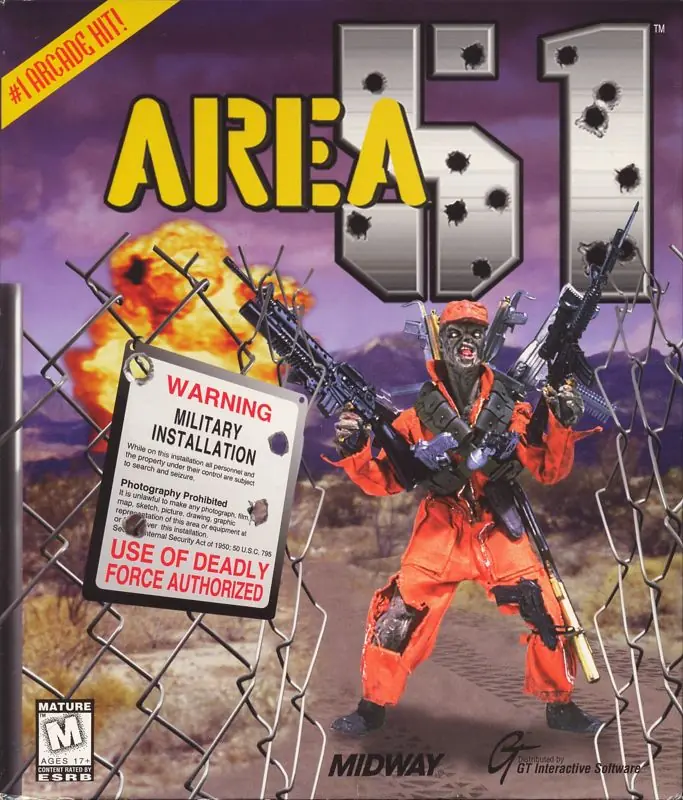
Area 51
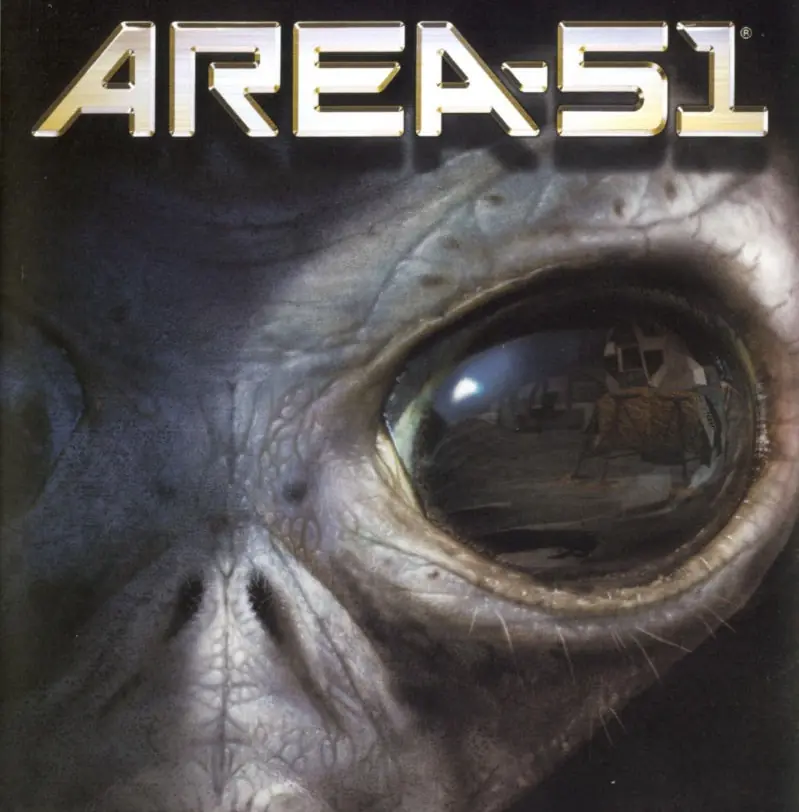
Arm yourself with 10 human and alien weapons as you explore dark and menacing corridors.
Genres
Publishers
Developers
Released
Platforms
Arm yourself with 10 human and alien weapons as you explore dark and menacing corridors.
Area 51 is the only action-packed 1st person shooter set in the U. S. government’s most secret and secure military facility. The U. S. Army has received a distress signal from Area 51 where a viral outbreak has just shut down the research facility and the automated quarantine procedures have locked all scientific and military personnel inside. A small Special Forces unit led by Specialist Ethan Cole of HAZMAT (hazardous materials) Division is sent to investigate. As Cole, players will delve into five massive levels within the confines of Area 51, discover a mutagenic side effect of the virus that controls the minds of those infected, as well as an ancient alien colony buried beneath the facility. With a multitude of human and alien weapons, players must explore chilling conspiracies such as the extraterrestrial crash at Roswell and the faked lunar landing, in order to solve the enigmas of Area 51 before the viral mutagen is released and irrevocably mutates all life on earth.
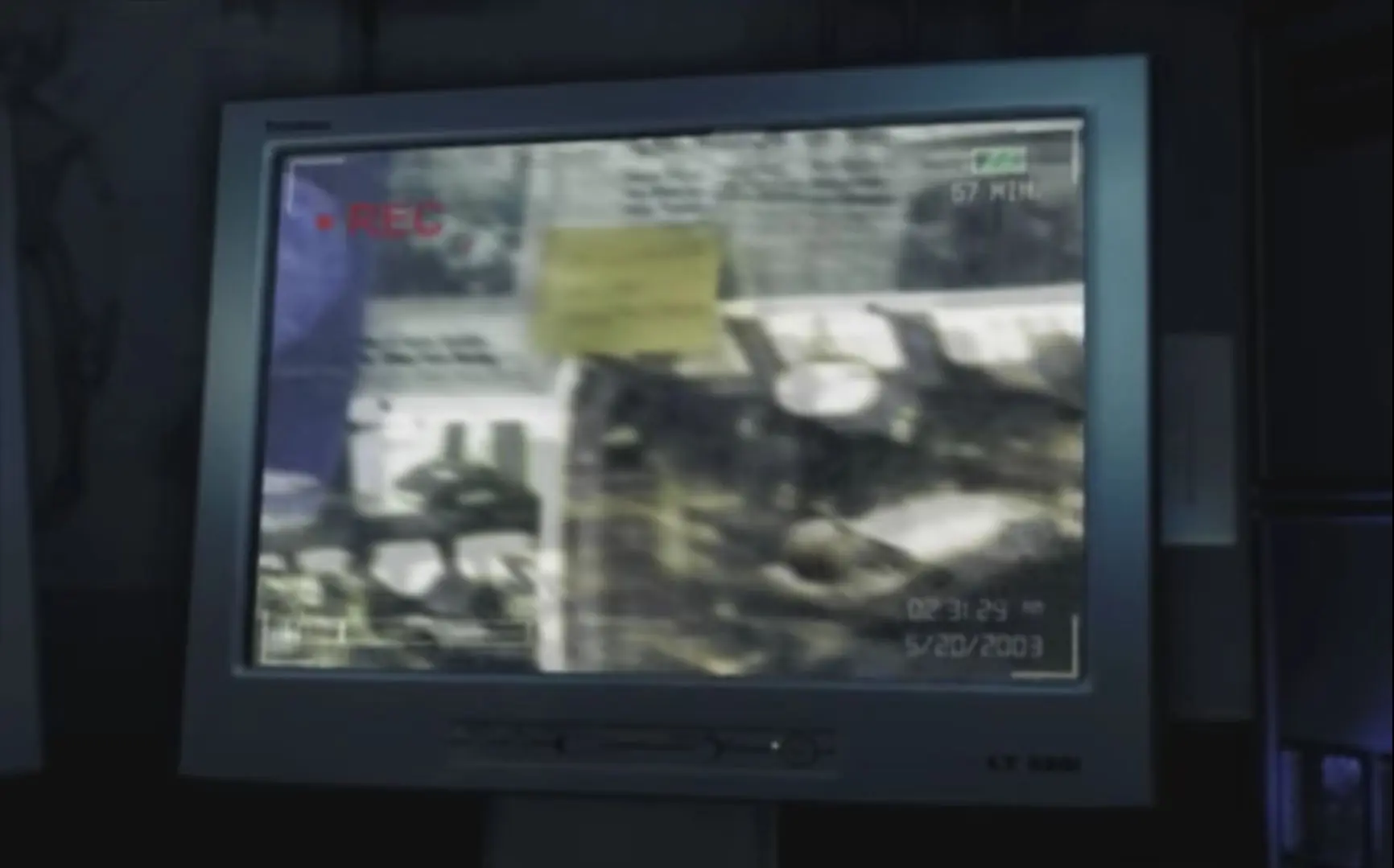
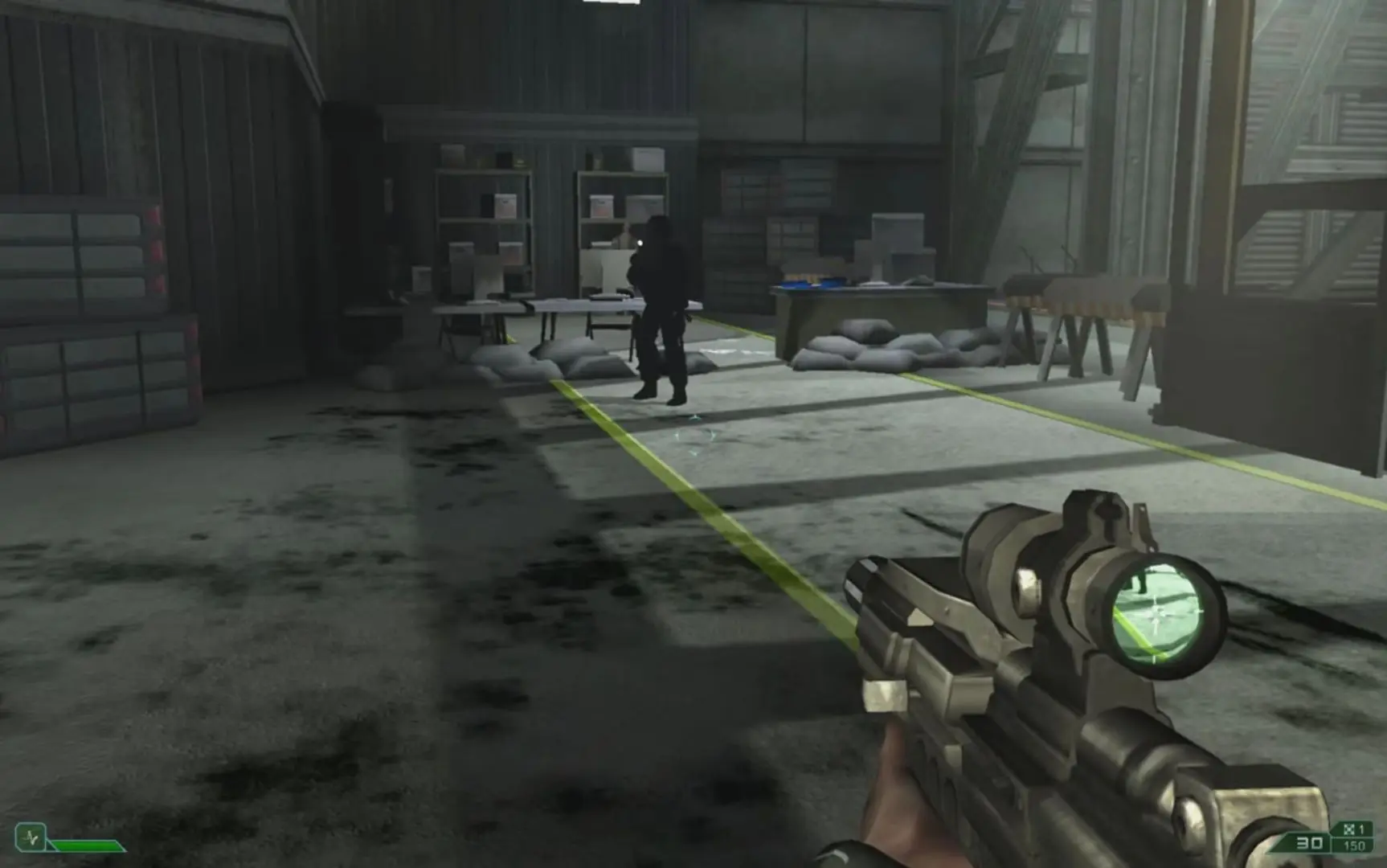
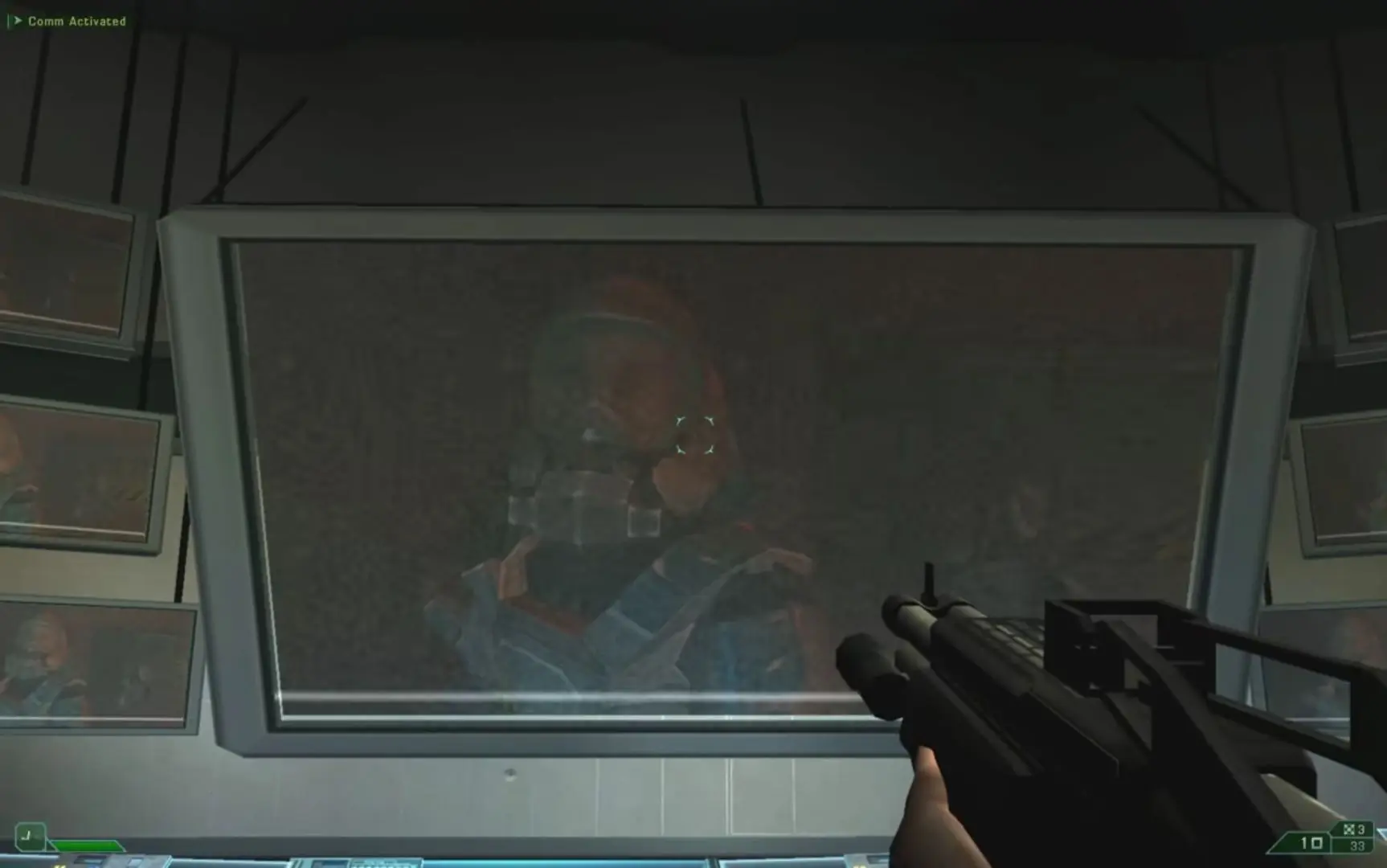
Area 51 is abandonware and no longer sold or supported by its publishers. Files are archived here for these platforms:
How to play on Windows







Go to the game folder > resources > app > game, and create a shortcut for A51.
On the new shortcut, right click > properties and in the ‘target’ box write following: ” –launcher”
It should look like Area51-Launcher-win32-ia32resourcesappgameA51.exe –launcher
Now run the game from newly created shortcut.
The only time i ran into a problem was when i didn’t leave a space there
C:[wherever you have the following folder saved]Area51-Launcher-win32-ia32resourcesappgameA51.exe –launcher
The correct path should already be in the target box, just add to the end of it a space after exe, and then type –launcher