Home » Games » Vietcong 2

Vietcong 2

Vietcong 2 Game Cover
4.6/5 - 57 votes

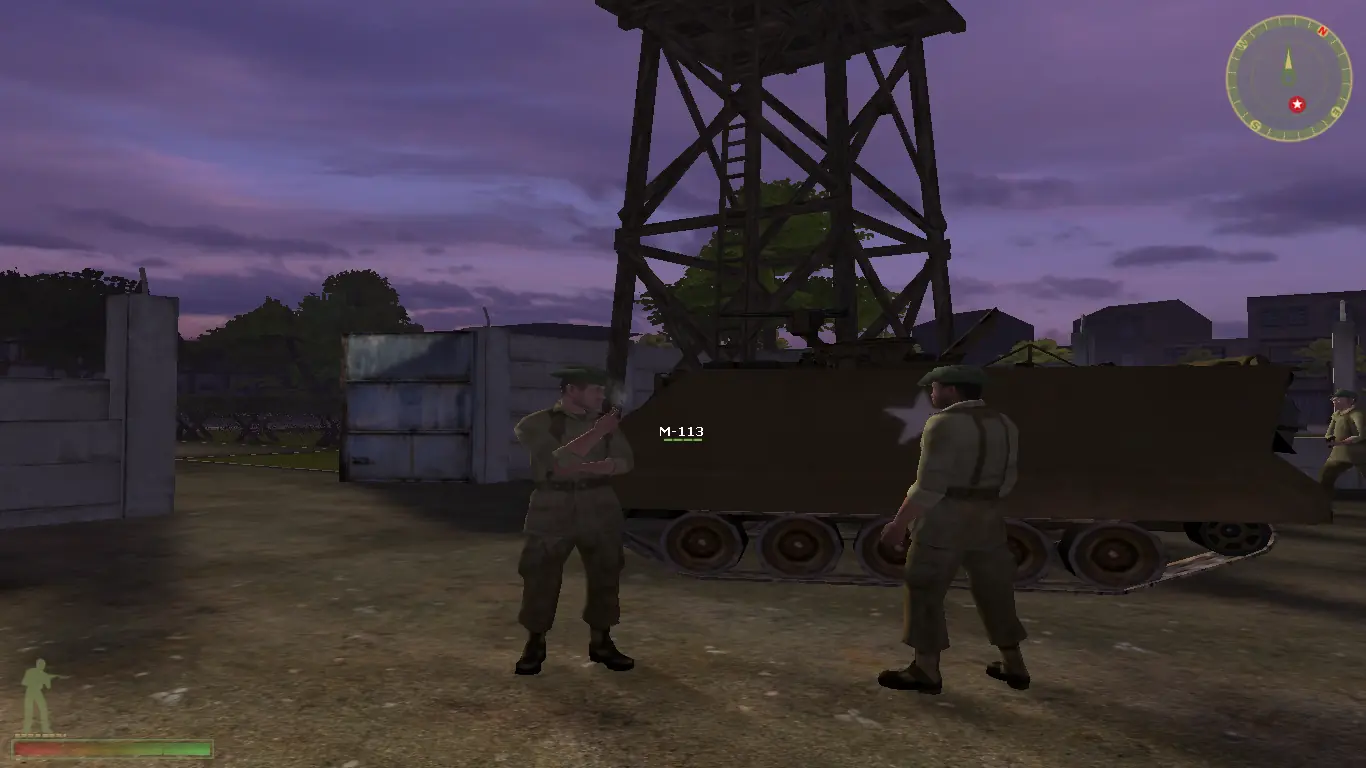
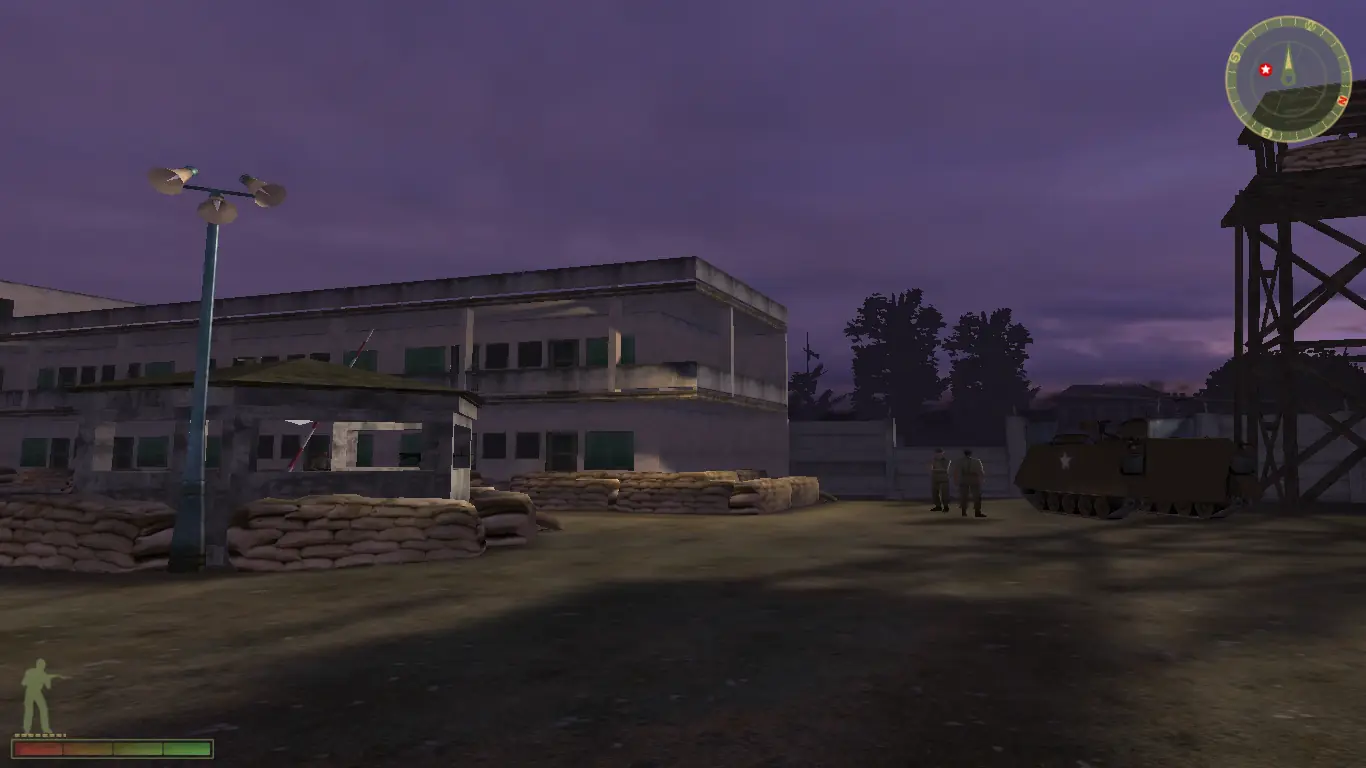
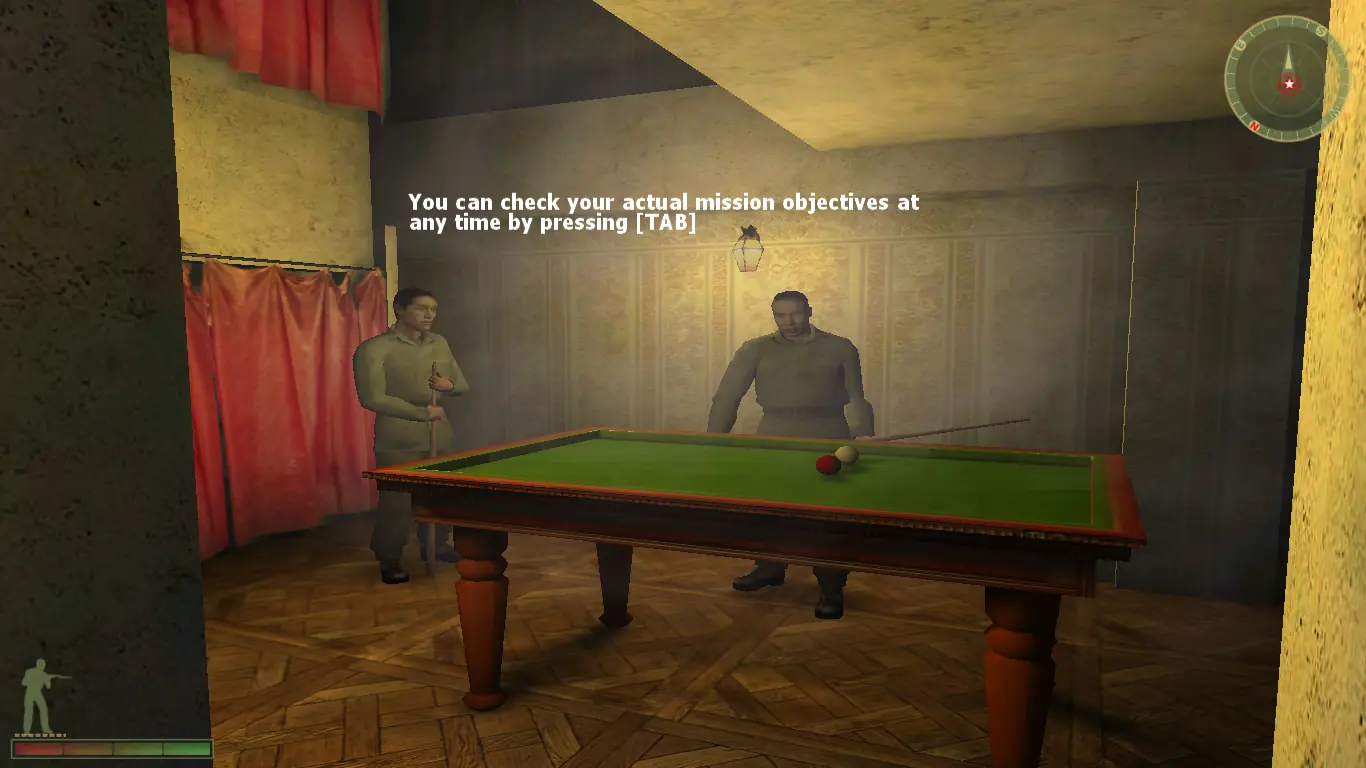
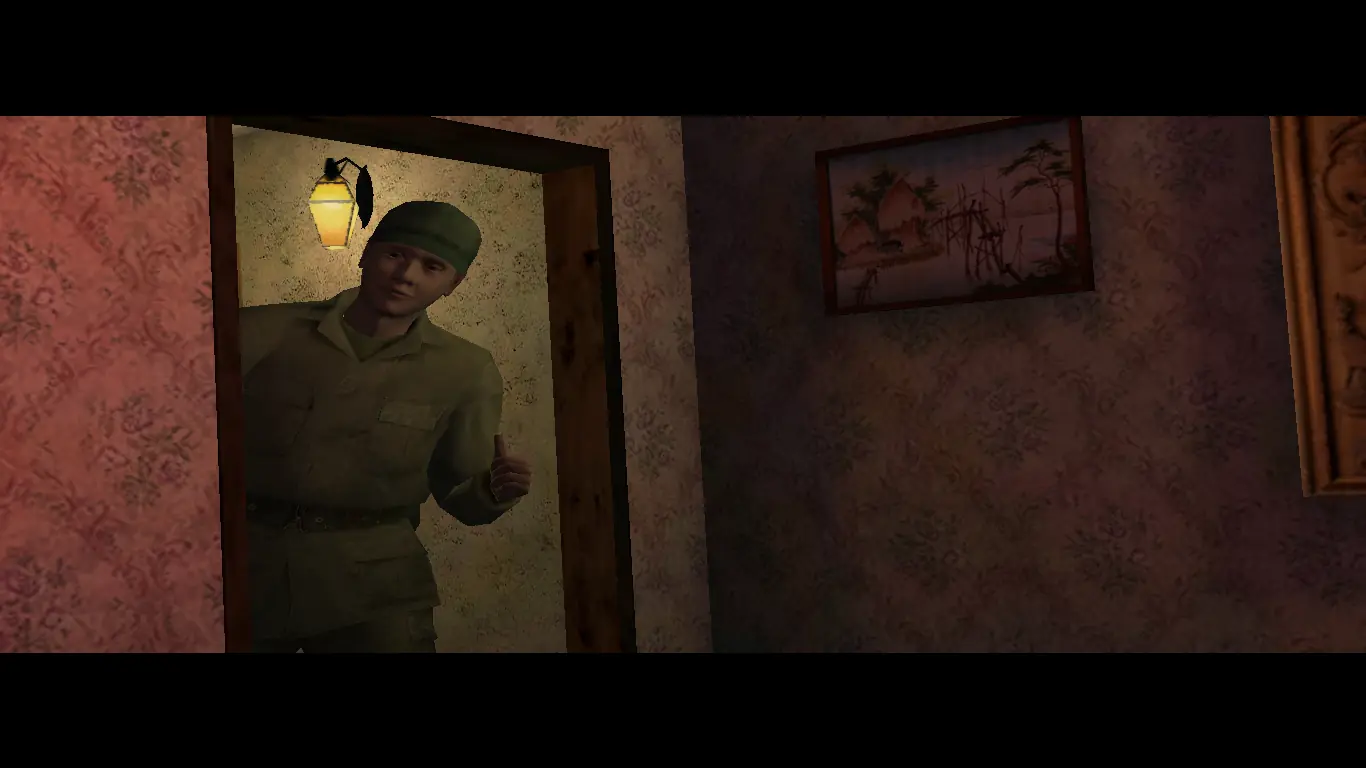
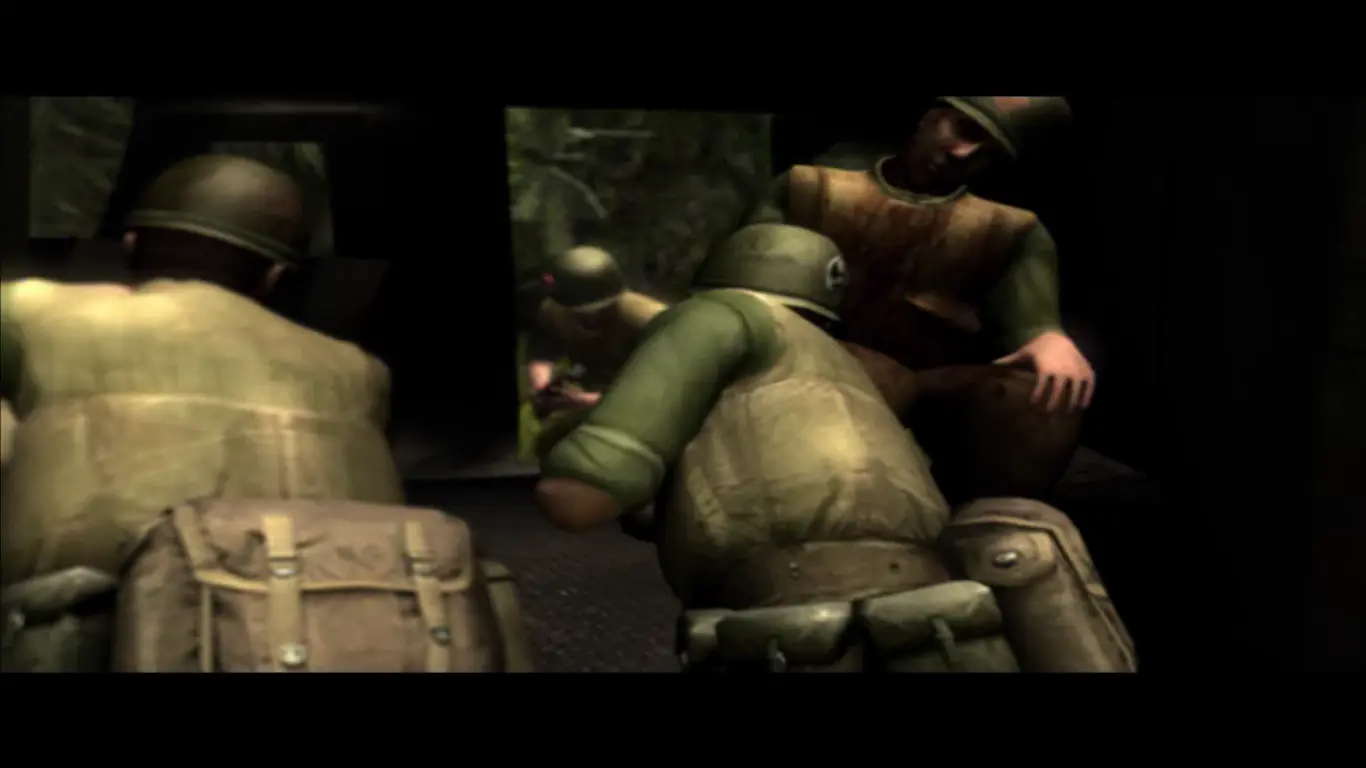
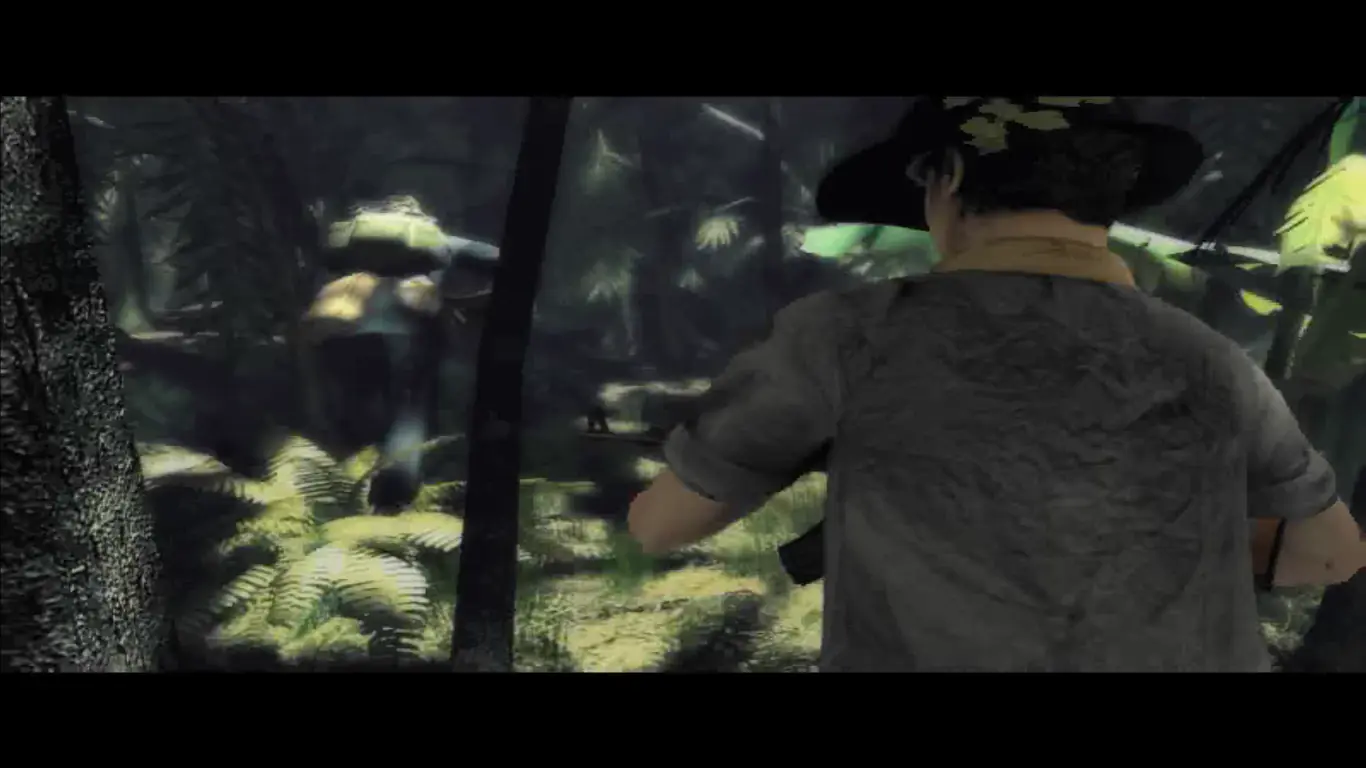
Vietcong 2 is a tactical shooter video game, developed by Pterodon and Illusion Softworks, published by 2K Games for Microsoft Windows in October 2005, and set during the Vietnam War. It is the direct sequel to Vietcong.

Other Titles

丛林之狐2Вьетконг 2ベトコン2베트콩 2

Genres
Publishers
Released
Platforms

Download

About Vietcong 2

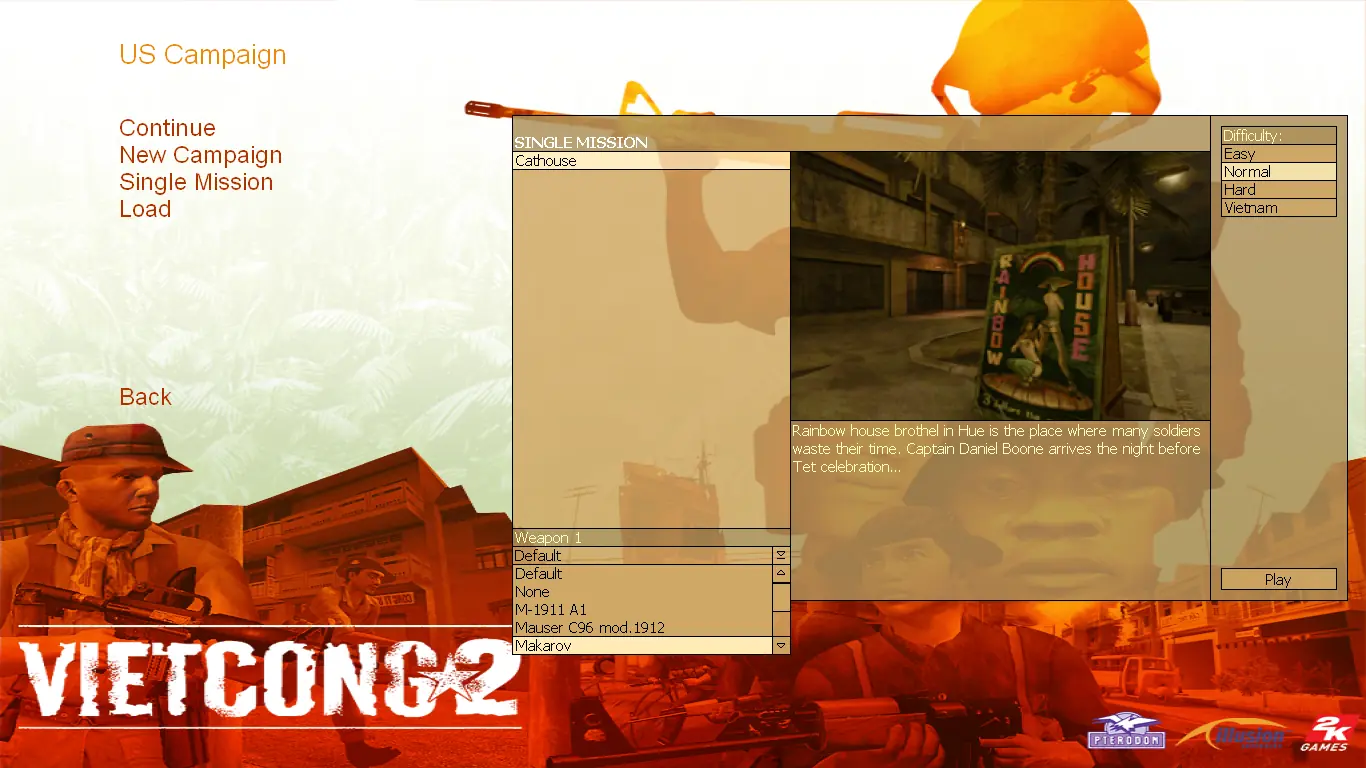
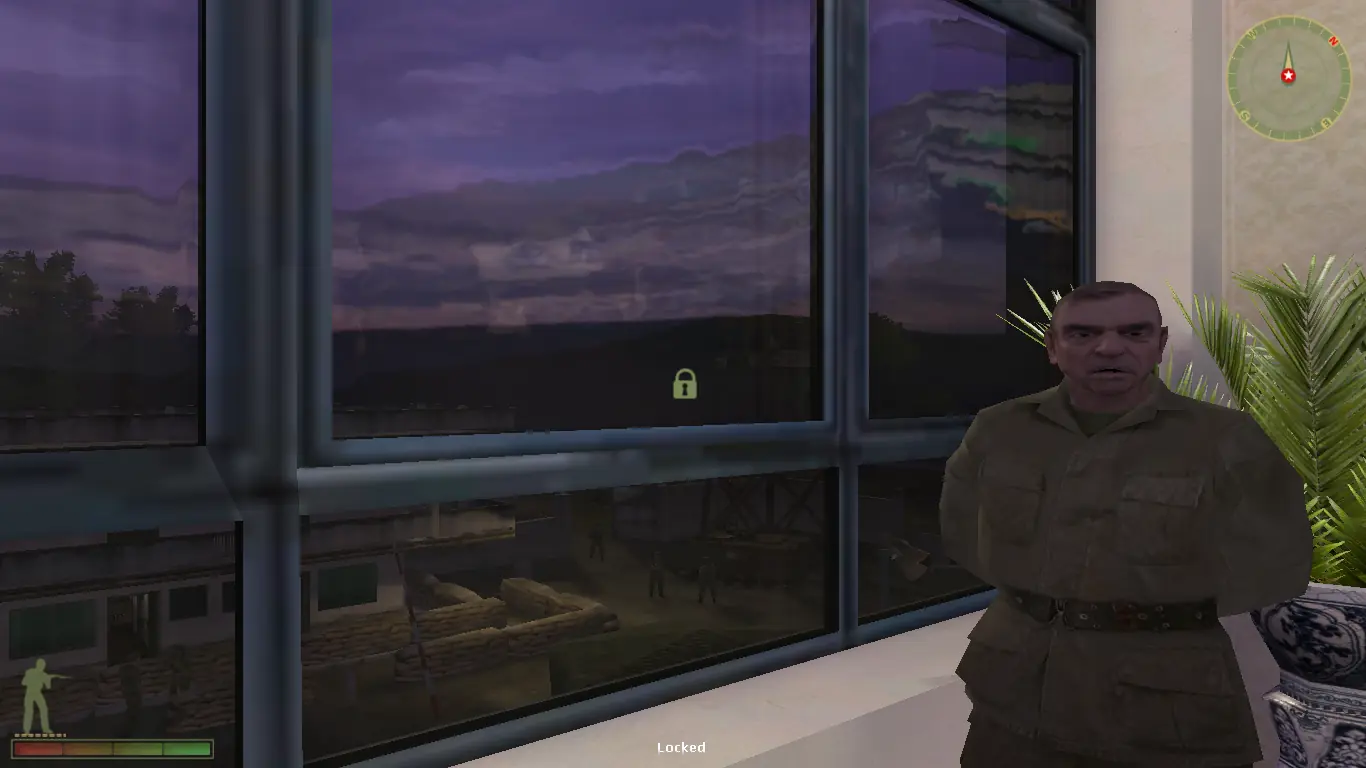
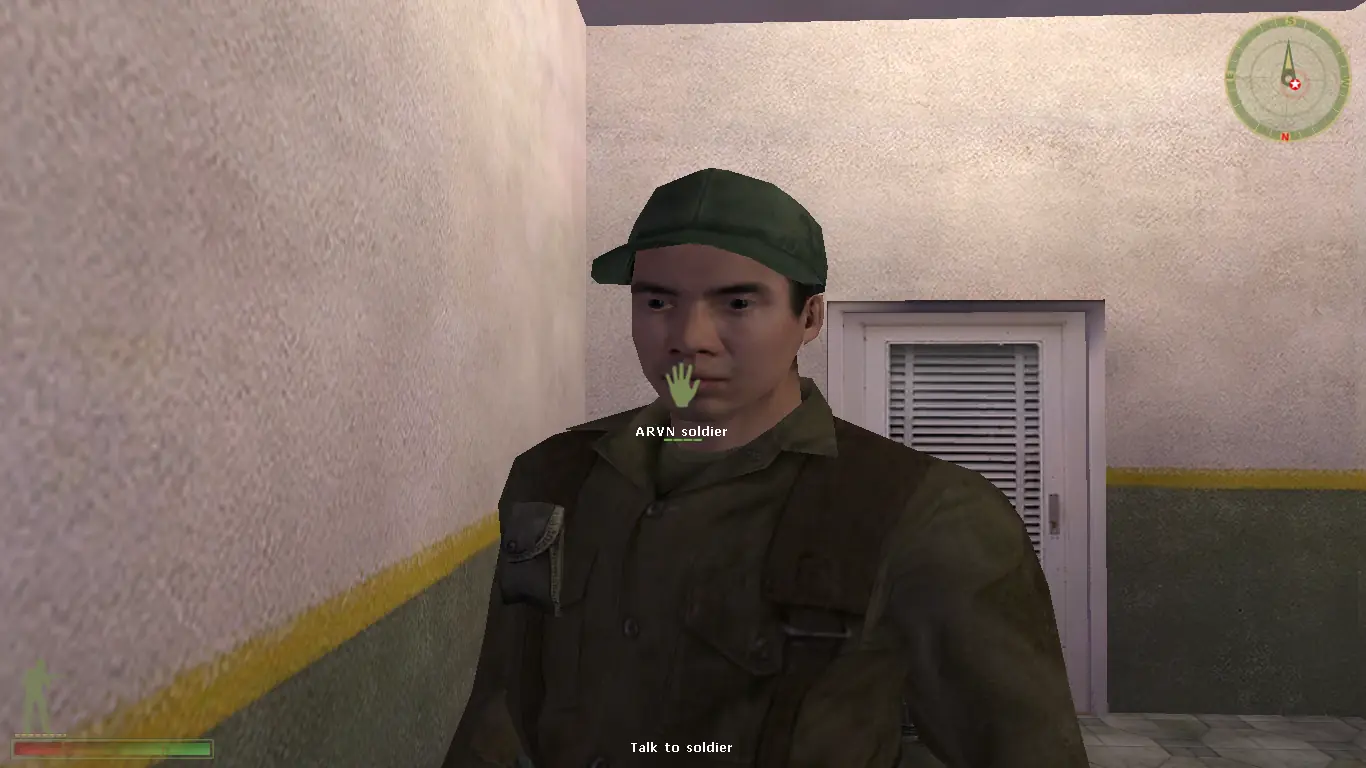
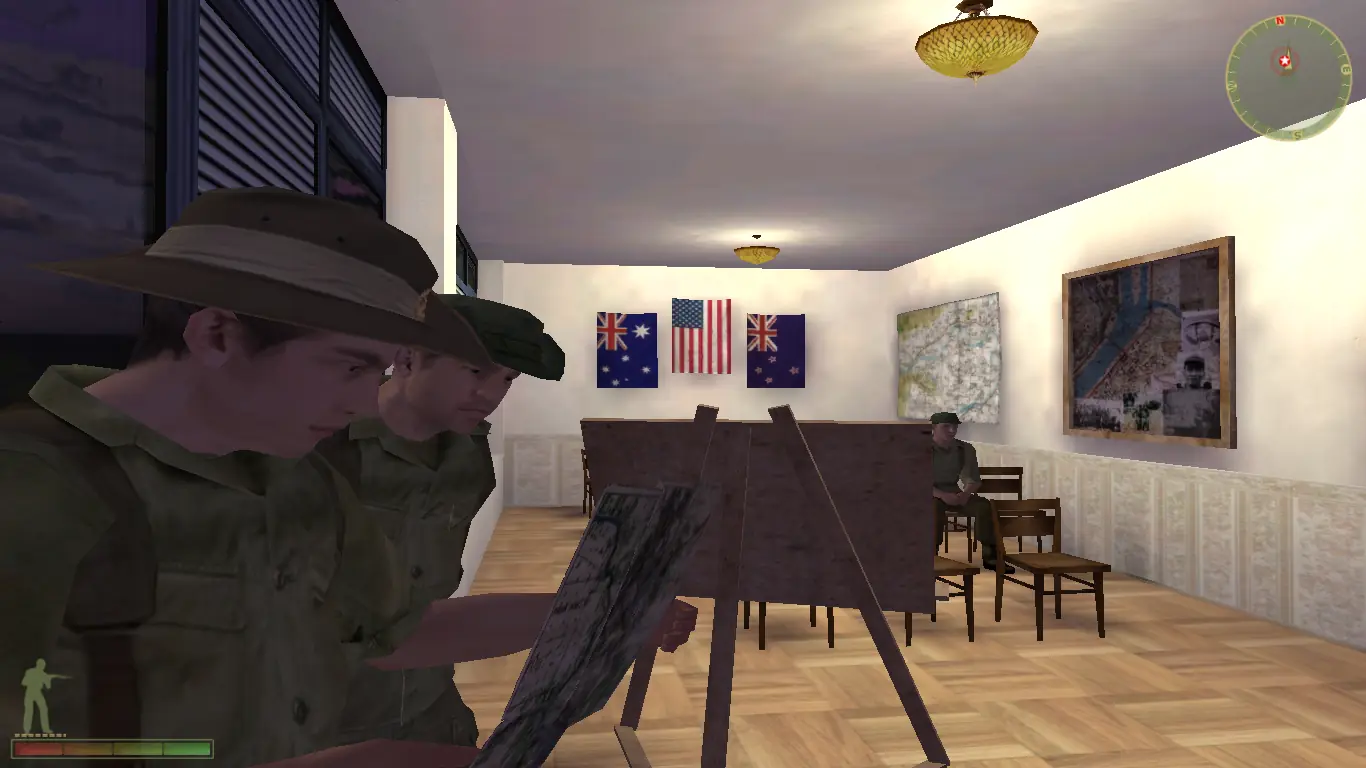
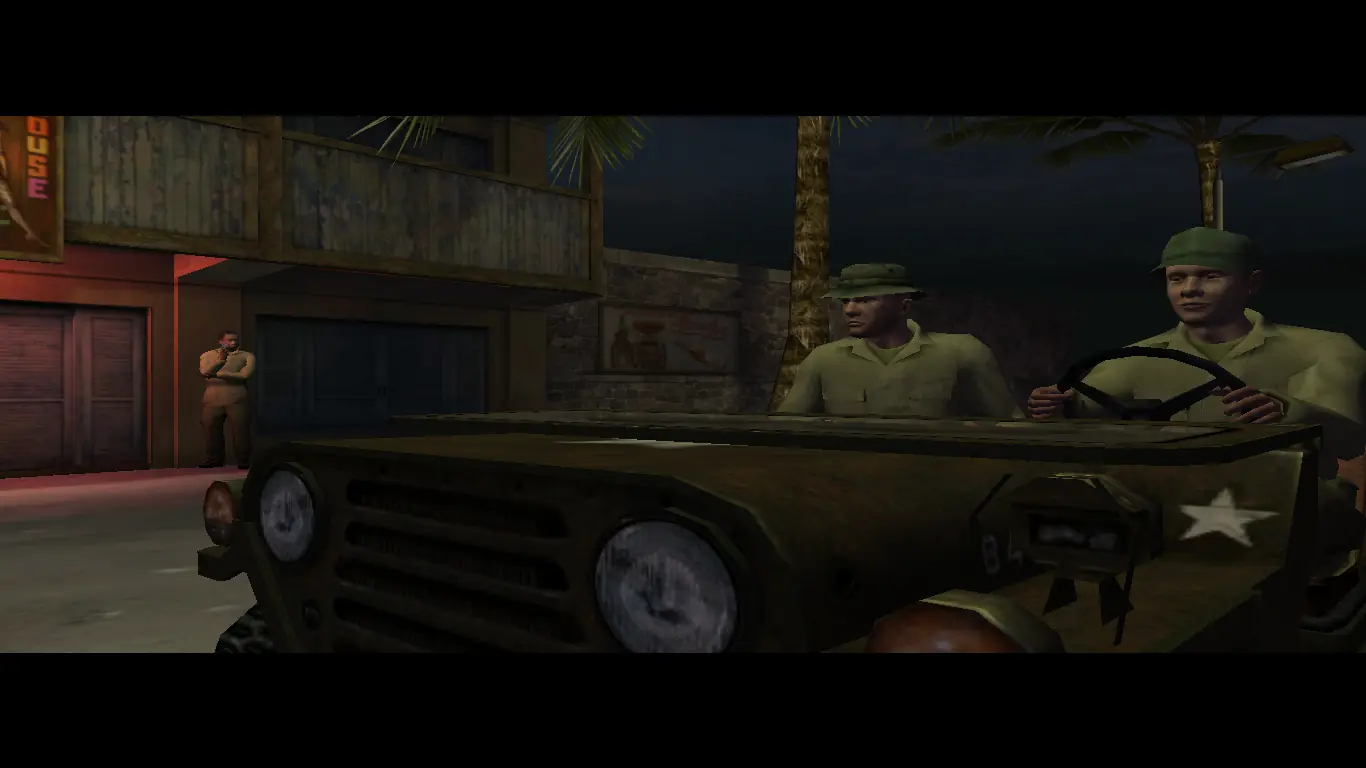
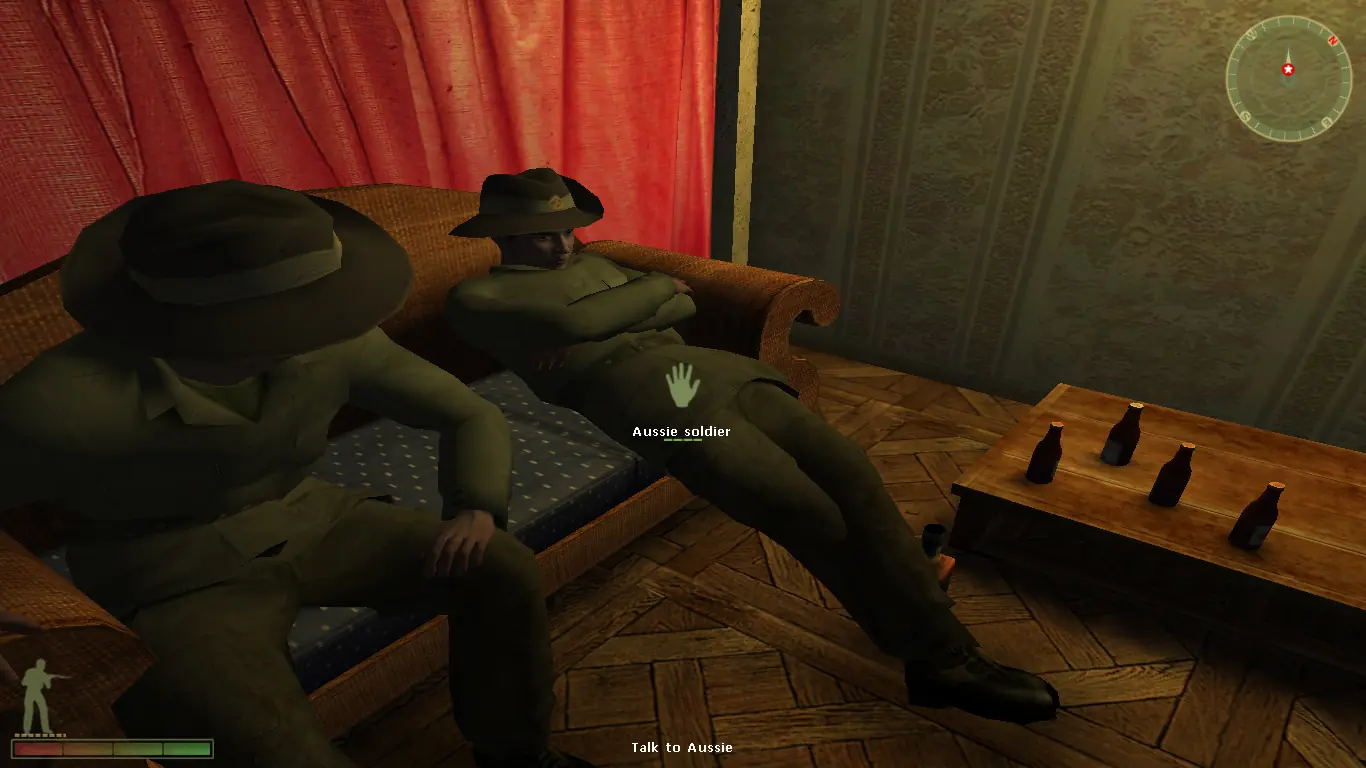
The story takes place during the Tet Offensive in Hue. The player assumes the role of the disillusioned American MACV soldier Captain Daniel Boone (named after the MACSOG Operation Daniel Boone). Boone is part of a coalition of international forces from Australia, New Zealand and Canada. The game also gives the player the ability to fight the war from another perspective as a young Vietcong recruit fighting before and during the Tet Offensive. This campaign is unlocked when the player has completed a certain part of the American campaign.

Screenshots

Windows

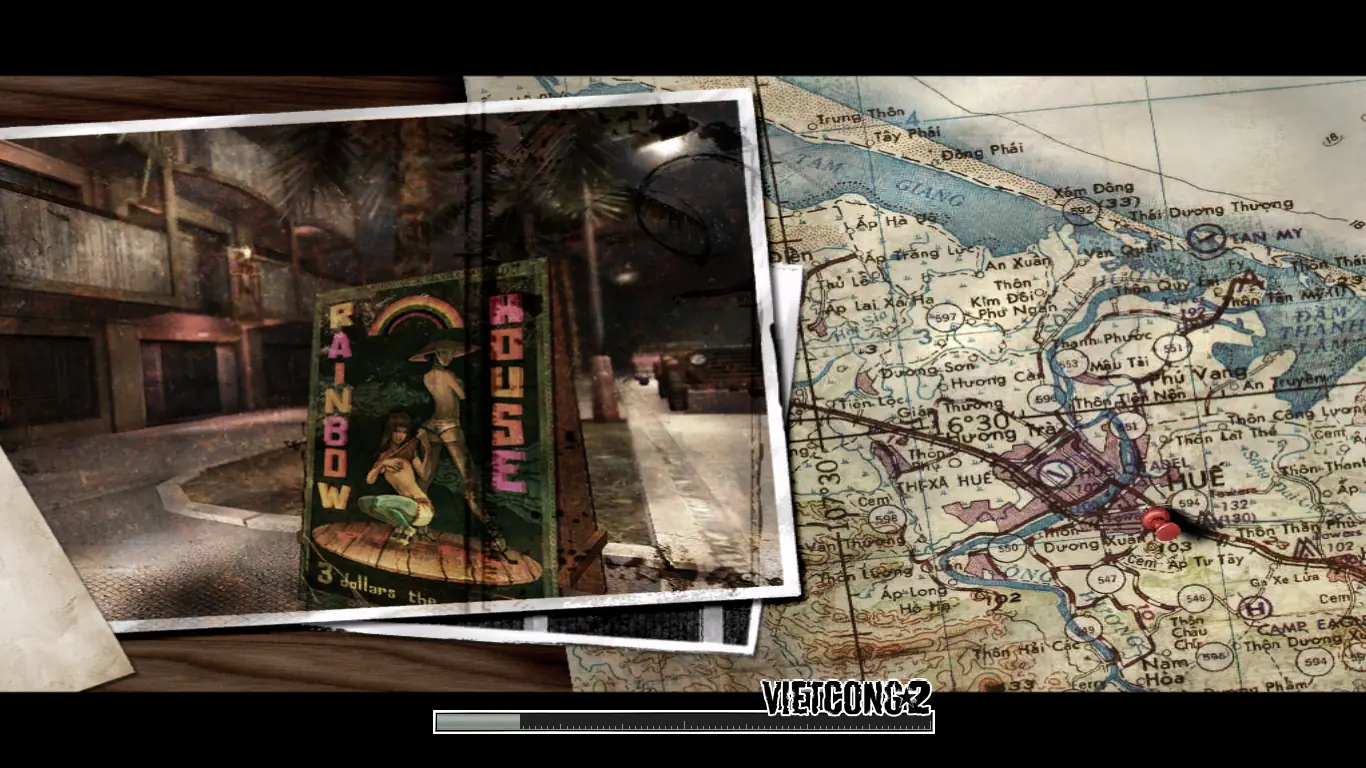
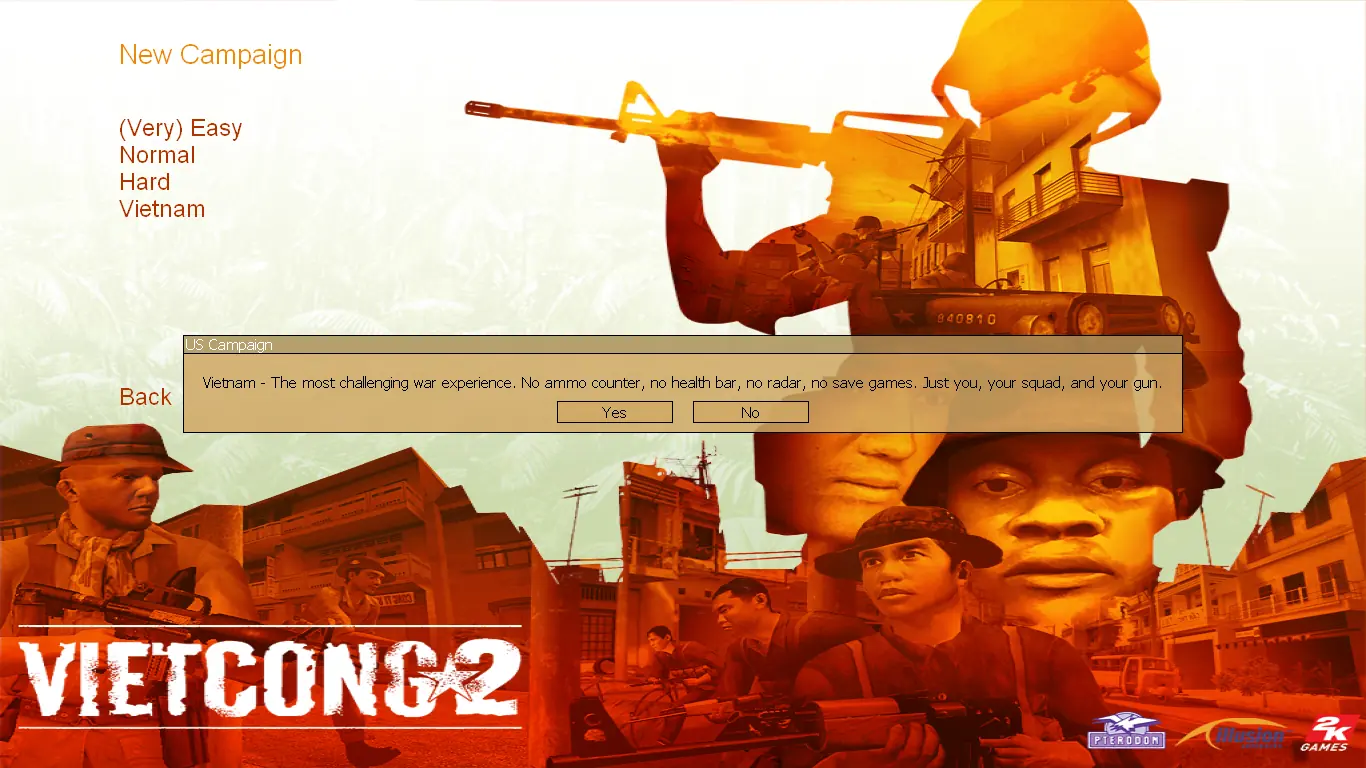
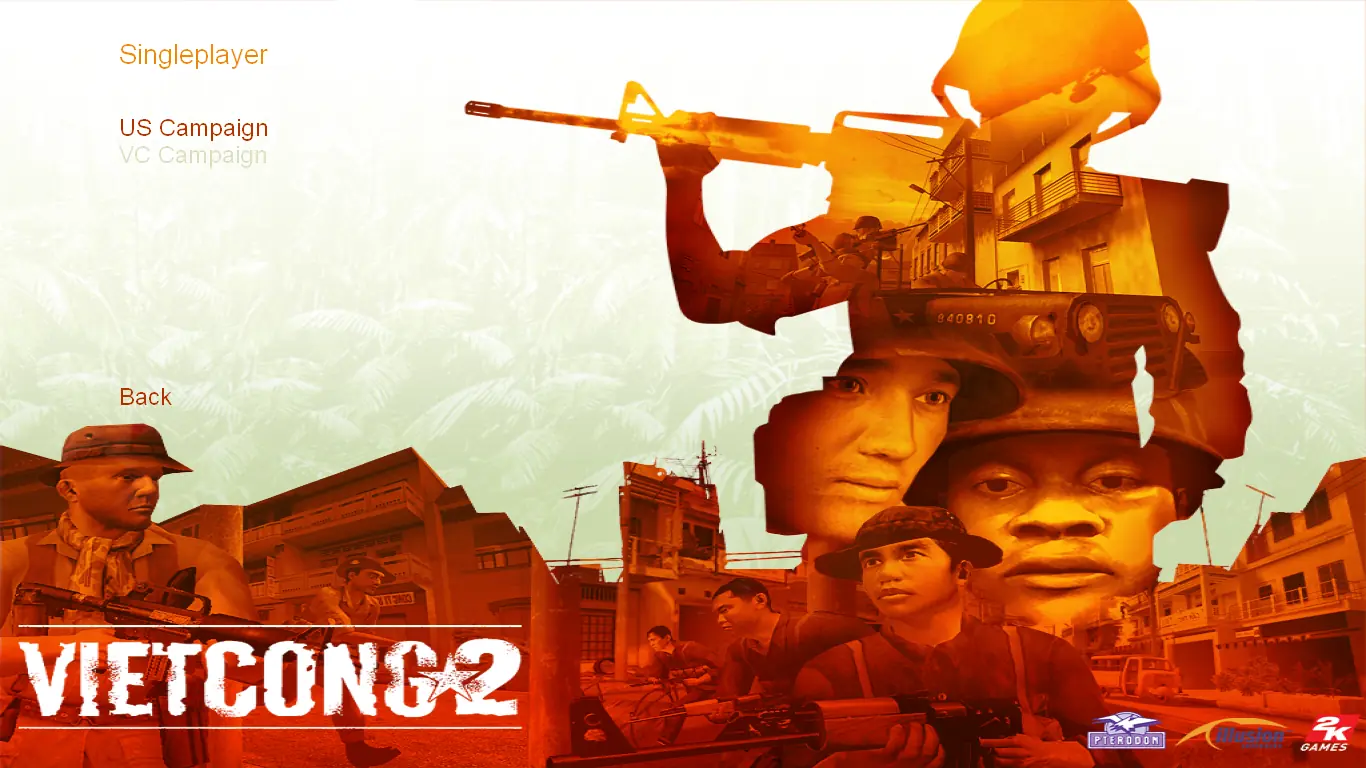
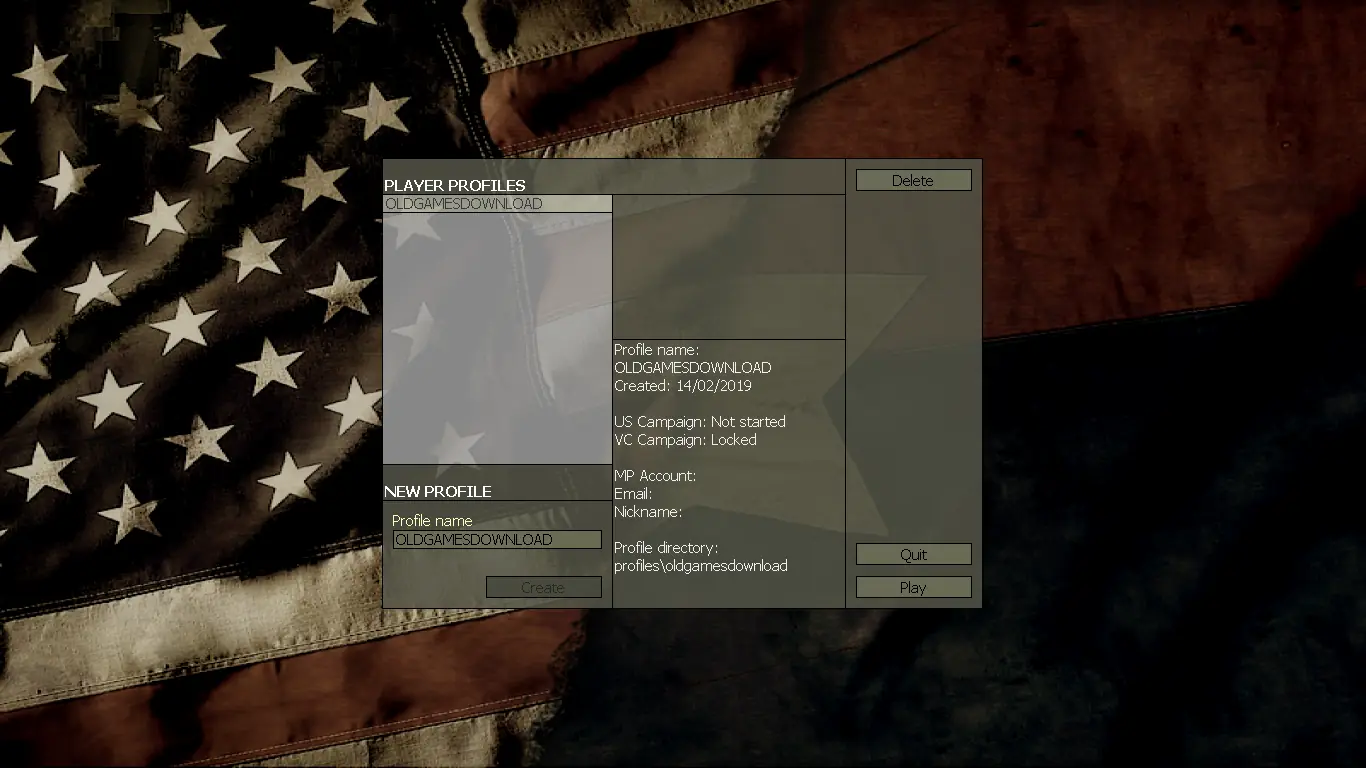
Vietcong 2 — Windows screenshot 1Vietcong 2 — Windows screenshot 2Vietcong 2 — Windows screenshot 3Vietcong 2 — Windows screenshot 4Vietcong 2 — Windows screenshot 5Vietcong 2 — Windows screenshot 6Vietcong 2 — Windows screenshot 7Vietcong 2 — Windows screenshot 8Vietcong 2 — Windows screenshot 9Vietcong 2 — Windows screenshot 10Vietcong 2 — Windows screenshot 11Vietcong 2 — Windows screenshot 12Vietcong 2 — Windows screenshot 13Vietcong 2 — Windows screenshot 14Vietcong 2 — Windows screenshot 15Vietcong 2 — Windows screenshot 16Vietcong 2 — Windows screenshot 17Vietcong 2 — Windows screenshot 18Vietcong 2 — Windows screenshot 19

Download Vietcong 2

Vietcong 2 is abandonware and no longer sold or supported by its publishers. Files are archived here for these platforms:

Windows (2005)

  • Vietcong_2_Win_Files_EN.FR.DE.IT.ES.7zENFRDEITES2.54 GB
  • Vietcong_2_Win_ISO_EN.FR.DE.IT.ES.7zENFRDEITES2.6 GB
  • Instructions Vietcong_2_Win_ISO_EN.FR.DE.IT.ES.7z

    How to play on Windows

    1. Download and extract Vietcong_2_Win_ISO_EN.7z
    2. Mount the .iso file and run "Setup.exe" as an administrator. Follow the on-screen instructions.
    3. When they ask you to insert a CD-key, use: NA11-AMB8-751R-4DR8-US7R
    4. Finish installing the game.
    5. Once installed, open the "Crack" folder found inside the mounted .iso file and copy the files found inside. Go into the game installation directory and paste the crack files. Confirm that you want to replace the files in the destination. Launch the game using the desktop shortcut.
    6. Enjoy!

Comments

7 thoughts on “Vietcong 2”

  1. 0
    I’ve been slaving for hours to get this thing to work, and everytime I manage to get to the set-up screen and I click play, it flicks a black screen and closes in a milisecond. Any help, literally any, please, I beg for it.

    Room temperature regards
    Random slav

    Reply
  2. 0
    do you have any video of how to install this game ?
    maybe there is something wrong how i install this game ,, hope u notice this thanks alot
    Reply