Home » Games » Barbie in the 12 Dancing Princesses

Barbie in the 12 Dancing Princesses

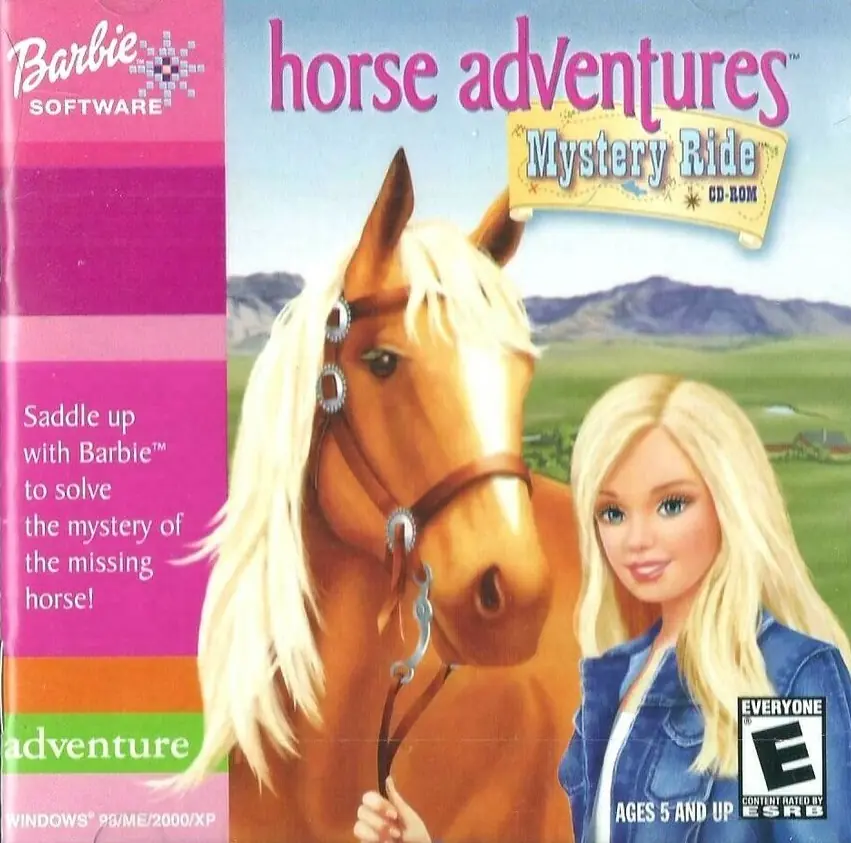
Barbie in the 12 Dancing Princesses Game Cover
4.5/5 - 329 votes

Barbie in the 12 Dancing Princesses is a 2006 action game developed by Blue Monkey Studios and published by Activision Publishing.

Other Titles

Barbie in le 12 Principesse DanzantiBarbie: 12 tančících princezenBarbie au Bal des 12 PrincessesBarbie en Las 12 Princesas BailarinasBarbie in: Die 12 Tanzenden PrinzessinnenБарби: 12 Танцующих принцессBarbie i 12 Tańczących księżniczek

Genres
Released
Download

About Barbie in the 12 Dancing Princesses

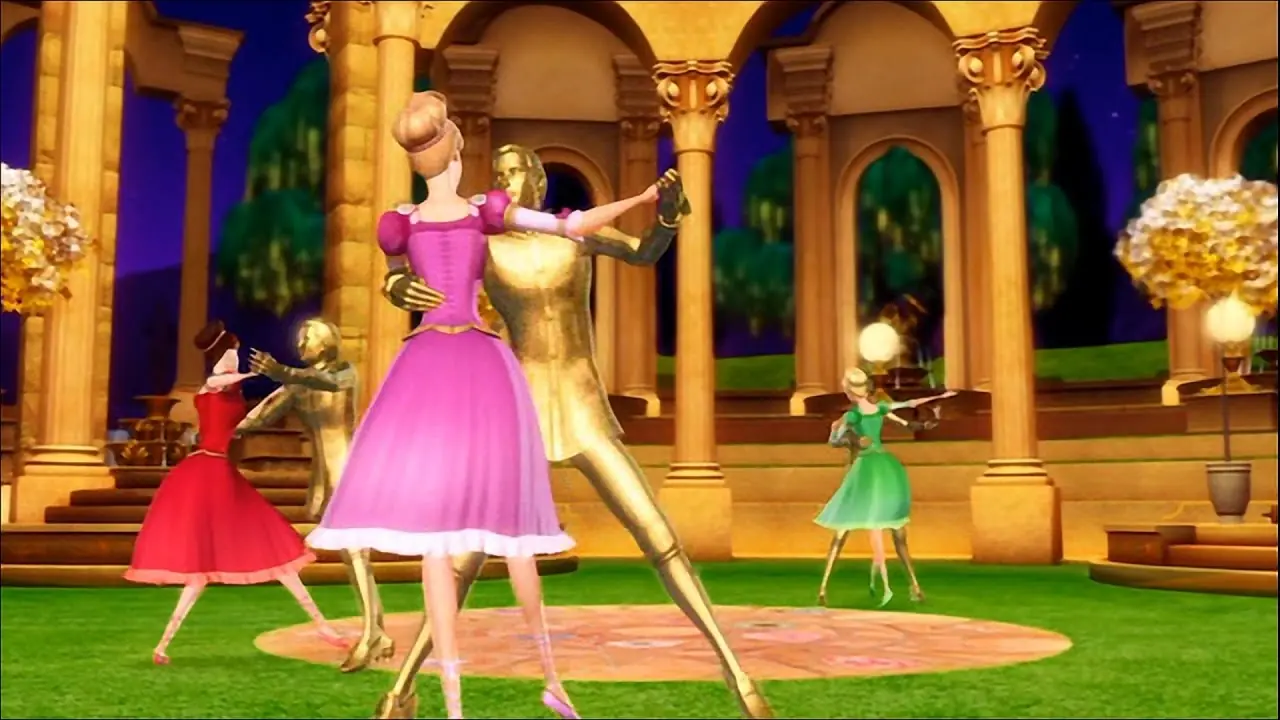
Barbie in the 12 Dancing Princesses is the story of Barbie as Genevieve, 1 of 12 sisters who live happily with their father the king. Concerned that the high-spirited, independent princesses need more structure to become proper princesses, the king invites his cousin, the Dutchess Rowena to move into the castle. Rather than help, Rowina forbids the sisters from singing and dancing and squelches their individuality. The princesses discover a magical enchanted world and escape the tyranny of Rowena. But when Genevieve learns that their father's life is in danger, the sisters must unite to save the king and their kingdom.
Screenshots

Windows

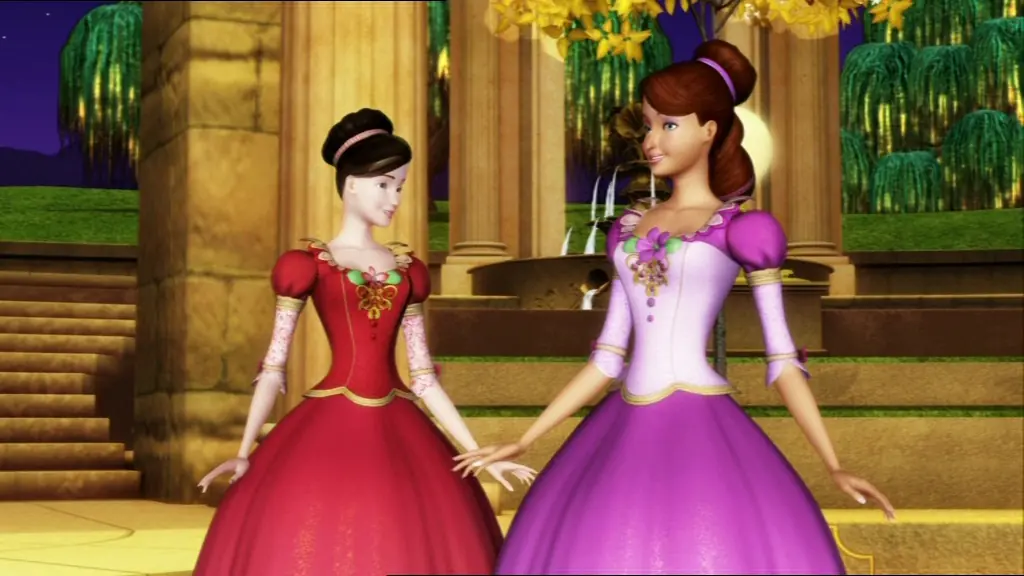
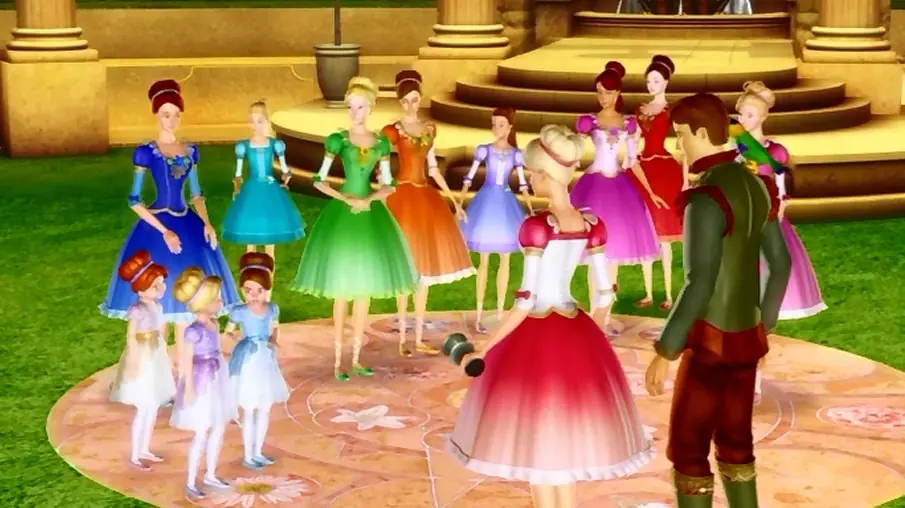
Barbie in the 12 Dancing Princesses — Windows screenshot 1Barbie in the 12 Dancing Princesses — Windows screenshot 2Barbie in the 12 Dancing Princesses — Windows screenshot 3

Download Barbie in the 12 Dancing Princesses

Barbie in the 12 Dancing Princesses is abandonware and no longer sold or supported by its publishers. Files are archived here for these platforms:
PlayStation 2 (2006)

Tutorial: How to play PlayStation 2 games on Windows

Windows (2006)

Comments

56 thoughts on “Barbie in the 12 Dancing Princesses”

  1. -1
    For everyone wondering how to open, FIRST if u have PC you have to download a simulator of a playstation 2 the one i have is PCSX2, after that download the game and extract the files, then download a BIOS for the simulator of the playstation2 to function and then when you already done this you have to open settings on the simulator emulator idk how to say it and then go to settings and list of games, then add, then look for the file and that’s all
    Reply
  2. -2
    hola el juego se puede jugar en windows 11 pero al final es como que no aparecen ciertas cosas, no pude terminar el juego xd
    Reply