Barbie in the 12 Dancing Princesses

Barbie in the 12 Dancing Princesses is a 2006 action game developed by Blue Monkey Studios and published by Activision Publishing.
Genres
Publishers
Developers
Released
Platforms
Barbie in the 12 Dancing Princesses is a 2006 action game developed by Blue Monkey Studios and published by Activision Publishing.
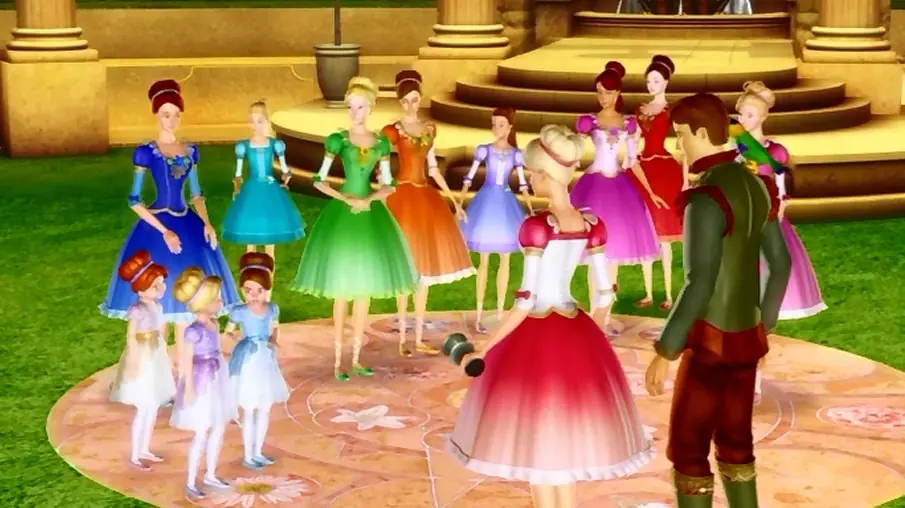
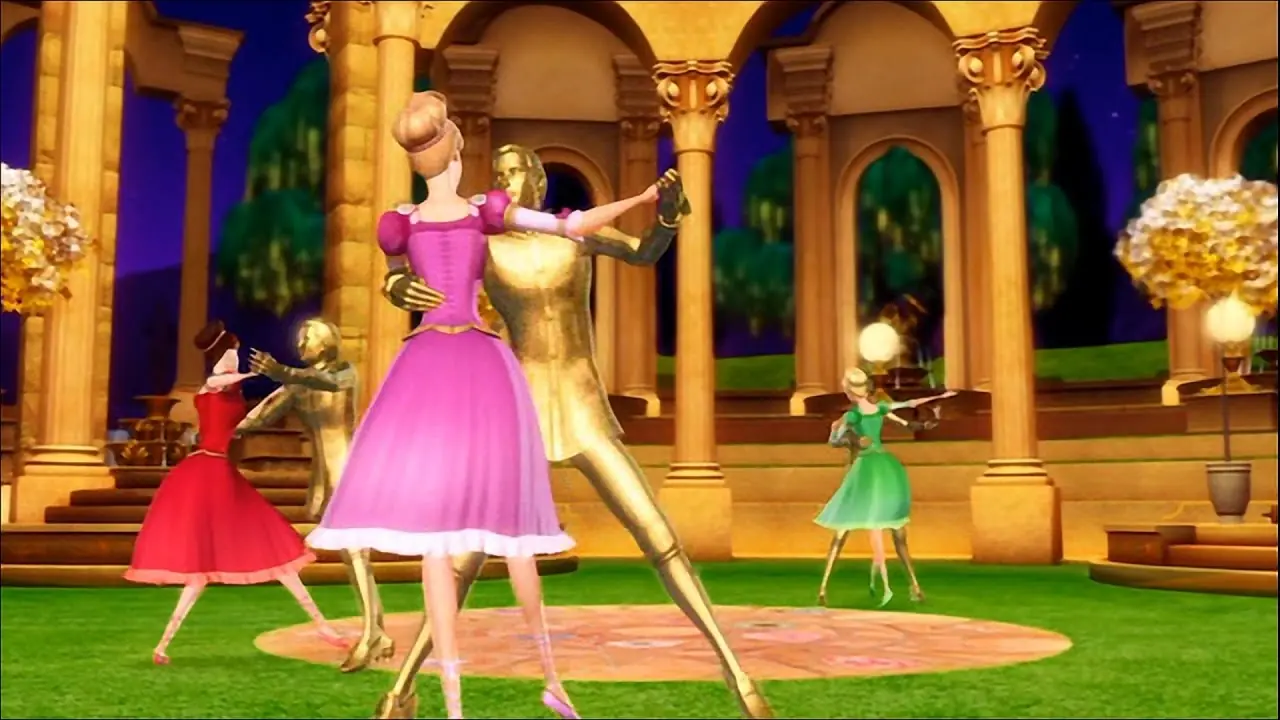
Barbie in the 12 Dancing Princesses is the story of Barbie as Genevieve, 1 of 12 sisters who live happily with their father the king. Concerned that the high-spirited, independent princesses need more structure to become proper princesses, the king invites his cousin, the Dutchess Rowena to move into the castle. Rather than help, Rowina forbids the sisters from singing and dancing and squelches their individuality. The princesses discover a magical enchanted world and escape the tyranny of Rowena. But when Genevieve learns that their father's life is in danger, the sisters must unite to save the king and their kingdom.

Barbie in the 12 Dancing Princesses is abandonware and no longer sold or supported by its publishers. Files are archived here for these platforms:









-the solution was given by Nostalgia Realm on youtube https://www.youtube.com/watch?v=iX05PAdbkrU&t=337s-
When playing the game on modern systems, the part with the lily pads might not work properly. If this is the case for you, you will have to find out a way to turn on vertical sync/vsync or a framerate limiter in the driver for the graphics chip that your device uses.
For example with an AMD graphics chip, you will need to do the following:
Right Click on the Windows Desktop
Choose “AMD Radeon Software”
Go to the Cogwheel icon
Go to “Graphics”
Then switch “Wait for Vertical Refresh” to “Always on”.
If no such option exists on your device, then external software like Bandicam may be a solution. Download and install the free version of Bandicam.
Click the game controller icon at the top.
Go to the FPS tab
Turn on SET FPS Limit to
Set the limit to 60
Turn off the switch for “Only when capturing”
Now restart the game to see if it worked.
– Bandicam way simply doesn’t change anything, game with lilypads is still “crushing” or sth after trying to shoot one of lilly on the pad. It just feezes and even with bandicam nothing changes.
– Radeon Softwarde… I have NVIDIA so even though i don’t have similar graphic card I tried to find an similar option and I found it, enabled it and still nothing changed…
I would be grateful for help – In any other case I/we aren’t able to finish this game …
Es triste no poder terminarlo :c
( 2007./2008. – 2013./2014. ) lost but thanks your method in my Windows 10 Finally Work without CD and also MOUNT Image. Fantastic work without problems. 🐞🍀🌌🌠🌃🌇🎆🎇