Home » Games » Barbie of Swan Lake: The Enchanted Forest
Barbie of Swan Lake: The Enchanted Forest

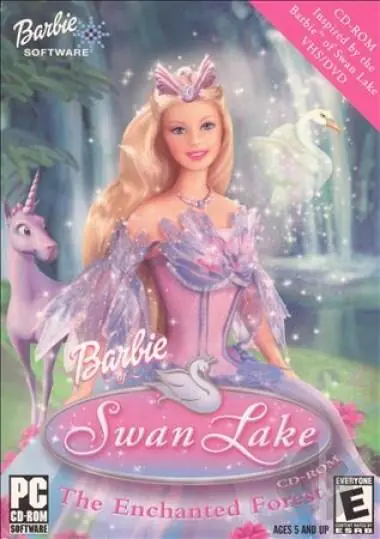
Barbie of Swan Lake: The Enchanted Forest Game Cover
4.3/5 - 88 votes

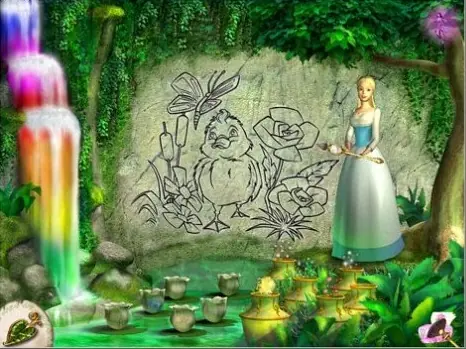
Barbie of Swan Lake: The Enchanted Forest is a 2003 educational game developed by Media Station and published by Mattel Media.
Other Titles

Barbie od Labutího jezera: Kouzelný lesBarbie: El Lago de los Cisnes - El Bosque EncantadoBarbie: Лебединое озероBarbie Лебединое озеро. Зачарованный лесBarbie(TM) z Jeziora Łabędziego - Zaczarowany Las

Genres
Publishers
Developers
Released
Platforms
Download

Screenshots

Windows

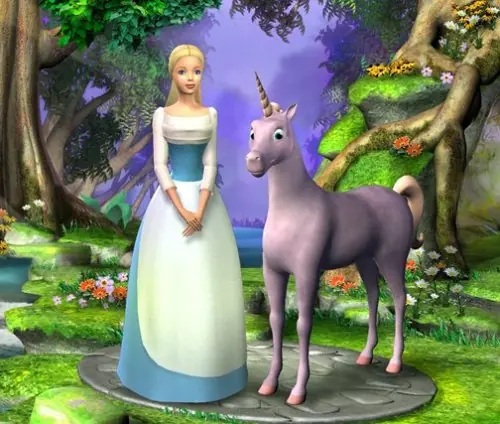
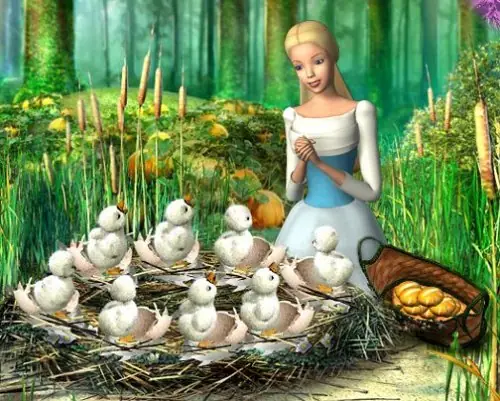
Barbie of Swan Lake: The Enchanted Forest — Windows screenshot 1Barbie of Swan Lake: The Enchanted Forest — Windows screenshot 2Barbie of Swan Lake: The Enchanted Forest — Windows screenshot 3

Download Barbie of Swan Lake: The Enchanted Forest

Barbie of Swan Lake: The Enchanted Forest is abandonware and no longer sold or supported by its publishers. Files are archived here for these platforms:
Windows (2003)

Comments

69 thoughts on “Barbie of Swan Lake: The Enchanted Forest”

  1. 0
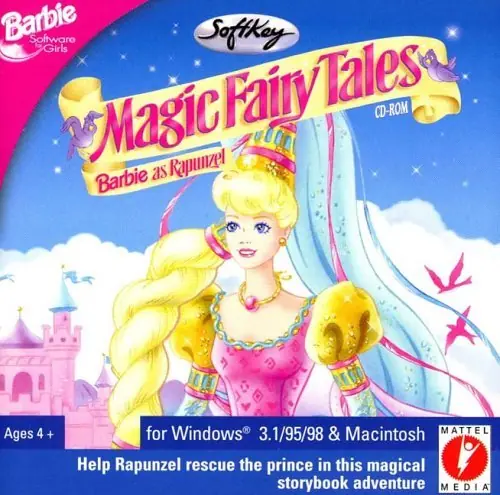
    really wish this one could be cracked, I love being able to show my child games I played when I was younger. she loves the barbie as rapunzel game
    Reply
  2. 0
    it installs just fine but when you click play the screen turns black and you go back to the desktop. literally nothing happens im so sad
    Reply
  3. 0
    I played this game from the library when I was little and decided to buy the CD a few years ago to finally play it again. I had the same problems people are describing in these comments even though I downloaded it from the disc and used it with the disc in. I even used it on a computer from the same time in case it needed an older one. Never got past the main menu before crashing and would always have to restart the computer after every try. Not sure what the issue is, but it doesn’t seem that having the CD solves the problem.
    Reply
  4. 0
    i was able to get through the full installation wizard and access the home menu but every time i clicked play, it’d resize the screen as if it was about to open and then crash completely. everyone else here was talking about issues with it only working if you had a disc, so i burned the contents of the iso to a blank cd-rom, and it worked exactly as i remember the actual disc working back in the day but then when i press play and the screen resizes, it comes up with an error message telling me the wrong disc has been inserted 🙁
    Reply
  5. 0
    Did anyone manage to get this working? It won’t even install for me on Windows 10, and even though it installed just fine on my Windows XP virtual machine, it won’t launch. If I click play, I get a black screen for like one second and then it crashes back to the desktop.
    Reply
    • 0
      Unfortunately if you look it up, this is one of those special occasions where the developer made it quite near impossible for it to function without the CD-ROM. I tried several programs and mounting the .iso to trick the system into thinking I had a disc in my drive. Unfortunately no luck. However, you can find a few copies on Amazon and EBay if you really want to play.
      Reply
      • 0
        if you ask me those developers should not have done that, this game name really needs to be cracked
        Reply
        • 0
          Totally agree, but what can you do? I plan on eventually attempting to play around and crack the file so a disc is not required. If it works and I can adjust the file I’ll submit it on here.
        • 0
          Unfortunately no, the pandemic has definitely made getting to my old discs a bit more difficult than planned.
      • 0
        I believe if you burn the .iso properly on a CD it will work. You have to burn the contents and not the .iso itself if that helps. No need to buy it.
        Reply
        • 0
          i tried this and it told me i had the wrong disc inserted (i made sure to get the contents and not the iso, and everything worked fine up until i pressed play on the main menu). was there anything in particular you did to get it working?
    • 0
      i remember having a similar problem with another old CD ROM game, I think it has something to do with the resolution of the screen? not totally sure though. Maybe try running in 16 bit color and in 640 x 800 or whatever the reccomended settings in the read me file are.
      Reply
  6. 0
    I can’t seem to get this to work. I’ve tried all the troubleshooting options and changing the compatibility mode helped a little but it just crashes. It installs just fine and I do get the main menu when I launch however once I select “Play/Start” it either goes to a small white rectangle with a loading symbol on the bottom or completely crashes.
    Reply