Barbie of Swan Lake: The Enchanted Forest
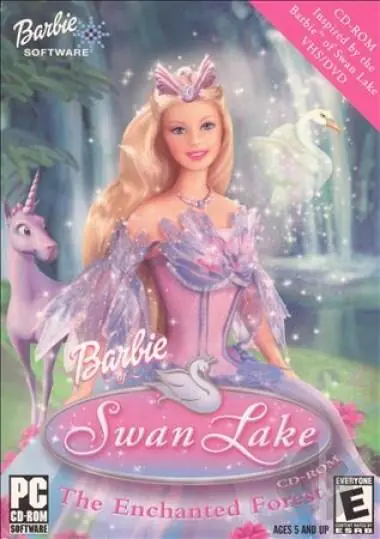
Barbie of Swan Lake: The Enchanted Forest is a 2003 educational game developed by Media Station and published by Mattel Media.
Barbie of Swan Lake: The Enchanted Forest is a 2003 educational game developed by Media Station and published by Mattel Media.
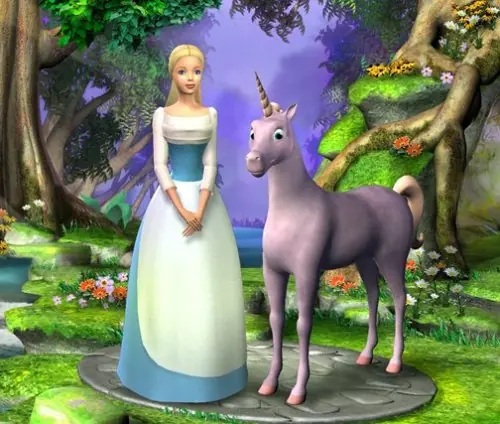
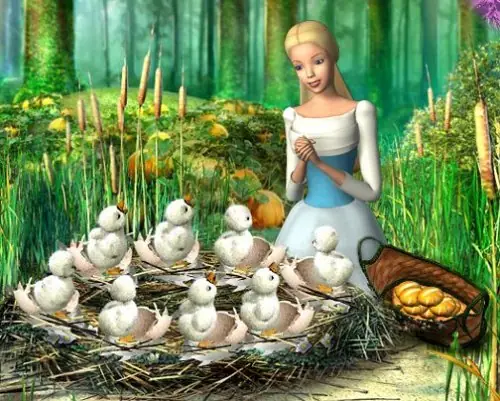
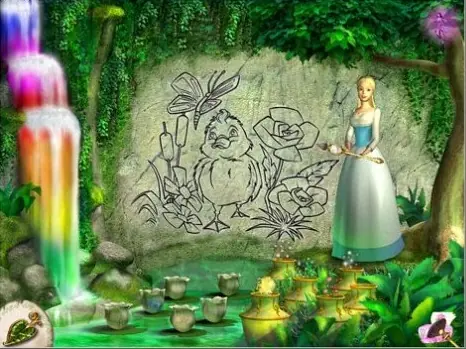
Barbie of Swan Lake: The Enchanted Forest is abandonware and no longer sold or supported by its publishers. Files are archived here for these platforms:







But the instructions may not be clear for everyone, I know I couldn’t get it to work either.
But today I finally got it, so I’ll try to explain it for everyone.
1)First follow the link to download the game there:
https://archive.org/details/BarbieofSwanLake
Make sure you select the ISO IMAGE file on the right. I uploaded a comment earlier with the wrong link, this is the right one.
2) Once the download is finished, look in your downloads. There will be a file called SwanLake. Double click on it, and you’ll be directed to the files on the Dvd-station. For me the location is called Dvd-station (D).
3) Make sure you go the the Dvd-station, and next click on the file INSTALL and install the game. Once it is installed you will see a pink barbie screen with the option to start the game. DO NOT START THE GAME YET!! Close the screen first.
4) Then go to the Dvd-station and look for a FOLDER called “Crack”. For me it’s on top of the list. Make sure you look for the FOLDER and not the FILE as there will be no FILE with that name.
5) Once you open the “Crack” folder you will see a file in there with the name: SwanLake. MAKE SURE YOU COPY THAT FILE!!
6) Next go to This PC>Windows (C:)>Program Files (x86)>Barbie(TM)>Barbie(TM) of Swan Lake.
7) In this folder there will also be a file named SwanLake. You don’t have to open any additional folders. It will be right there once you open the Barbie (TM) of Swan Lake folder. MAKE SURE YOU DELETE THIS SwanLake FILE IN THIS FOLDER!!
8) Once you have deleted the file, paste the SwanLake file you had to copy in step 5. This way only the “cracked file” will be available to play.
9) Now you have completed all the necessary steps. To start the game go to the Dvd-Station and select the file AUTORUN. The pink barbie screen will appear again. Click on start and you can play the game!
I hope this helpes.
Make sure you follow the rest of the steps to get the game up and running.
Please let me know if you ever found a fix for this!
theres instructions on what to do from there on that page or in the comments on this page
“I also had a bit of trouble following the instructions so here,
After opening the .iso file and it turning into a “disc” open that up and run the installation.
Once it has been installed, go into the “Crack” folder and copy the “SwanLake” application from in there.
Then go to:
This PC>Windows (C:)>Program Files (x86)>Barbie(TM)>Barbie(TM) of Swan Lake
There will be another “SwanLake” Application file, delete that file and then paste the file from the “Crack” folder in the disc drive in there.
Now you should have no trouble playing the game, you may have to fiddle around with resolution and settings, but it will be able to run.
Create a Shortcut to add to homescreen, and have fun!”
i can’t uninstall it. The only reason i installed is for memories and i dont want it on my pc anymore since im in the end of game :’)
STEPS
1. Download VirtualBox if you don’t have it already and create a Windows XP virtual machine on it (there are guides online on how to do this if you need help)
2. Download and unpack the game files from the link above.
3. Use a program to convert the .bin file in the folder into a mountable .iso file (I use PowerISO, but there are other programs that can do this)
4. Mount the .iso to your Windows XP machine in the machine’s settings.
5. Install the game as usual from the mounted game file on your Windows XP virtual machine.
6. Open the disk from File Explorer and access the “Crack” folder.
7. Copy the executional file from the Crack folder to the location where you installed your game (most likely your Program Files folder), replacing the old one.
8. Create a shortcut on your desktop with the new executional and launch the game from it, the game should now be running just fine!