Home » Games » Battlefield 2142

Battlefield 2142

Battlefield 2142 Game Cover
4.5/5 - 34 votes

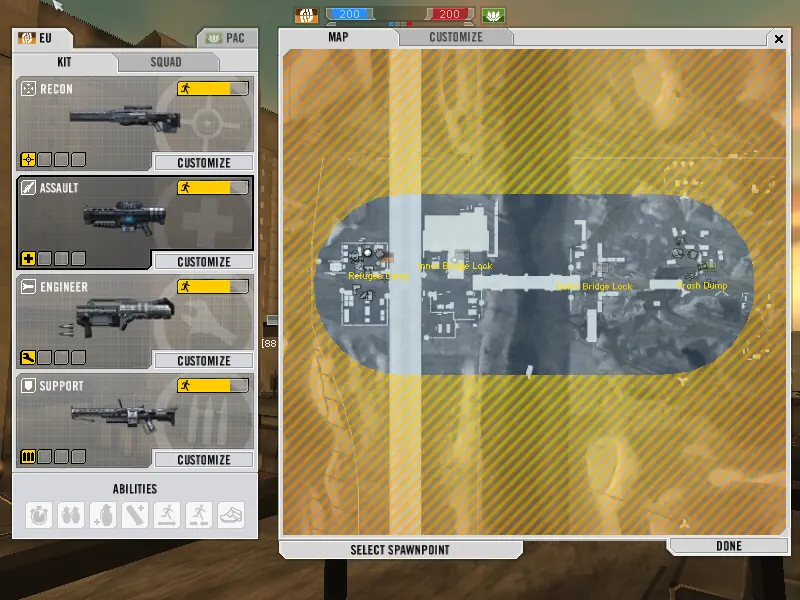
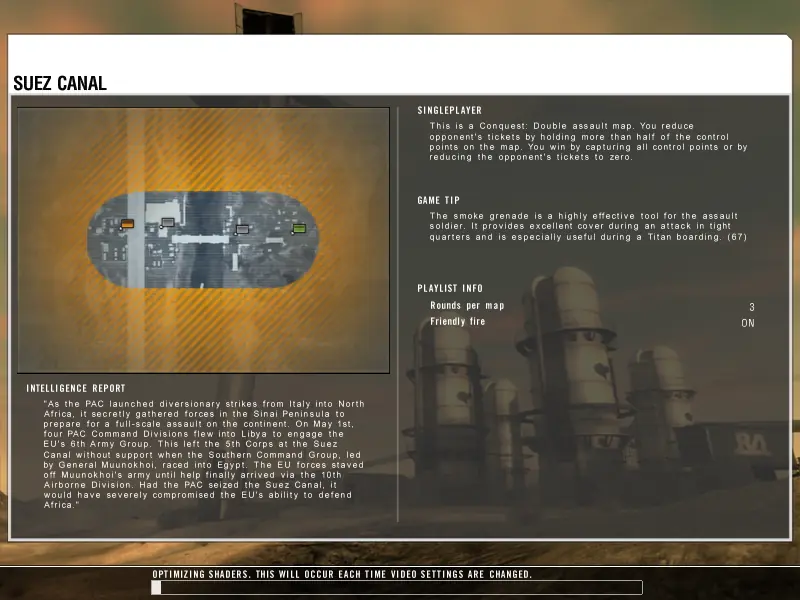
Titan Mode-- Wage epic-scale war to defeat your opponent's Titan, a massive flying warship, controlled by the team's commander.

Other Titles

BF2142باتلفيلد 2142باتڵفیڵد ٢١٤٢بتلفیلد ۲۱۴۲バトルフィールド2142戰地風雲2142배틀필드 2142

Genres
Publishers
Developers
Released
Platforms
Download

About Battlefield 2142

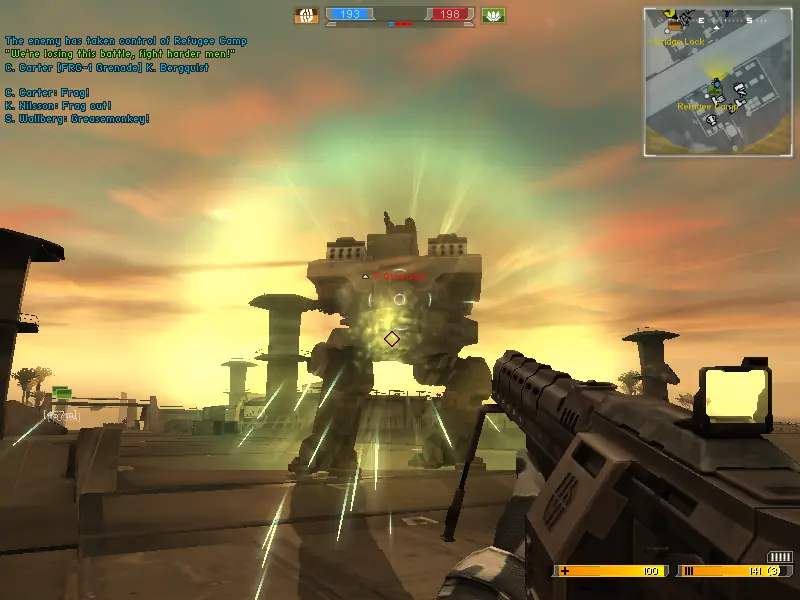
Earth, 2142. As a new ice age depletes the planet’s resources, two massive multinational coalitions wage a brutal war for the only cause that matters: survival. Armed with a devastating arsenal of futuristic weaponry you must coordinate the efforts of your teammates to win the war for Earth’s last fragile pieces of livable land. With extensive improvements to the groundbreaking Battlefield 2 ranking and upgrade system and the new Titan gameplay mode, Battlefield 2142 brings the franchise’s award-winning online warfare into a harsh and desperate future.
Screenshots

Windows

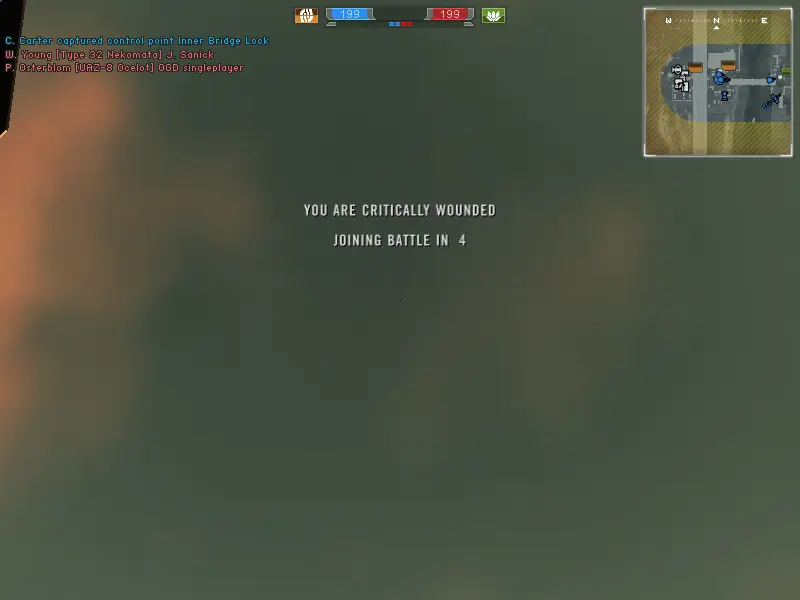
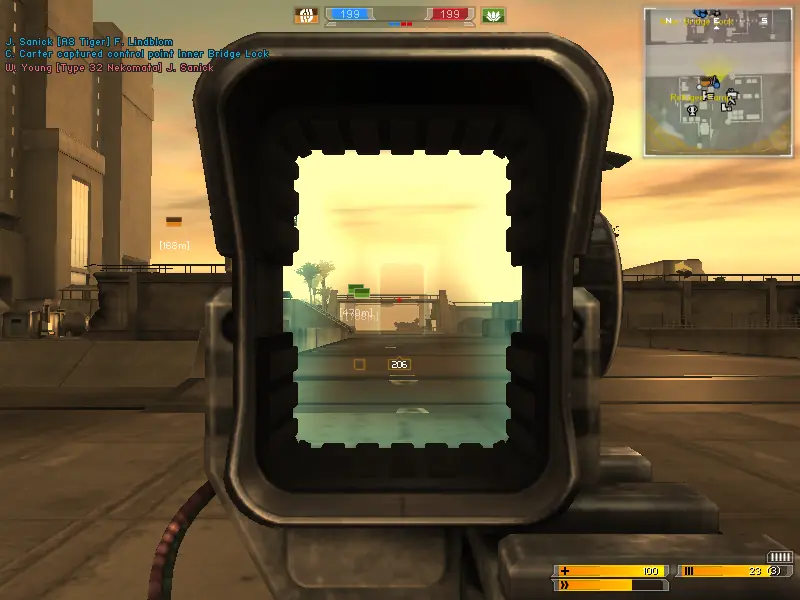
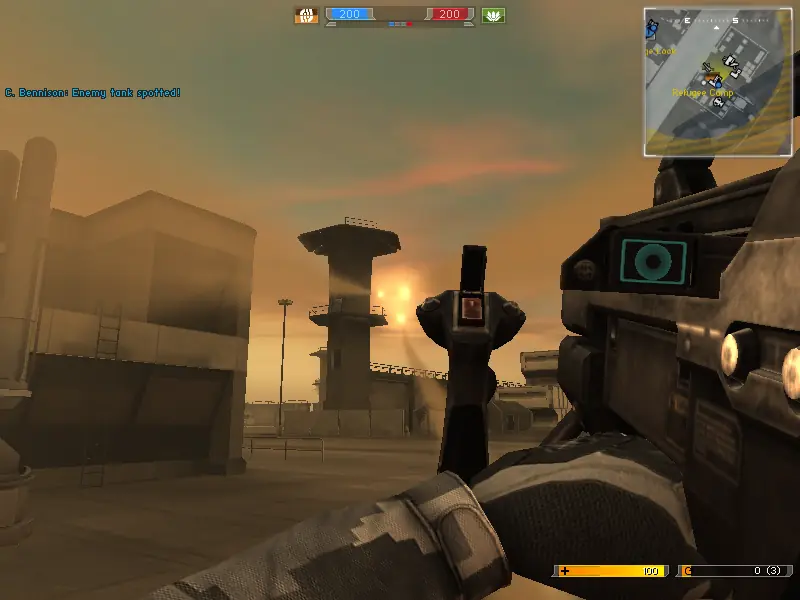
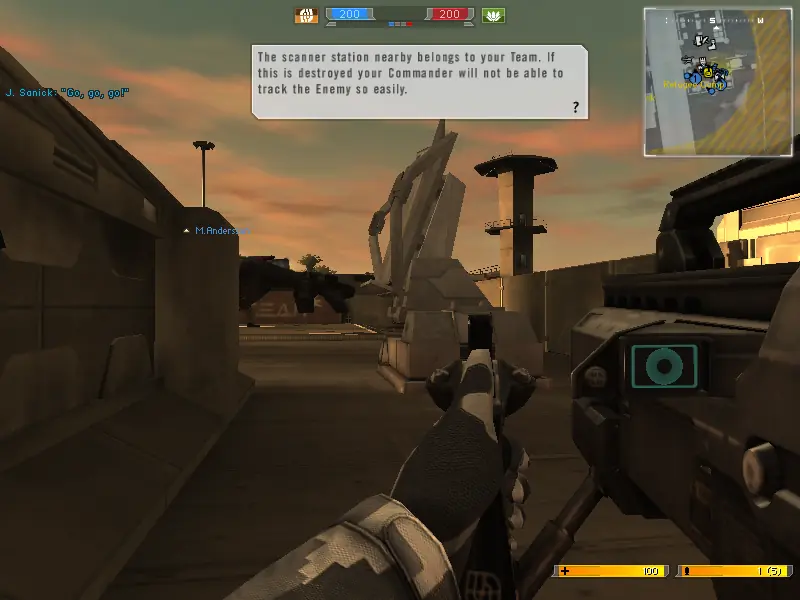
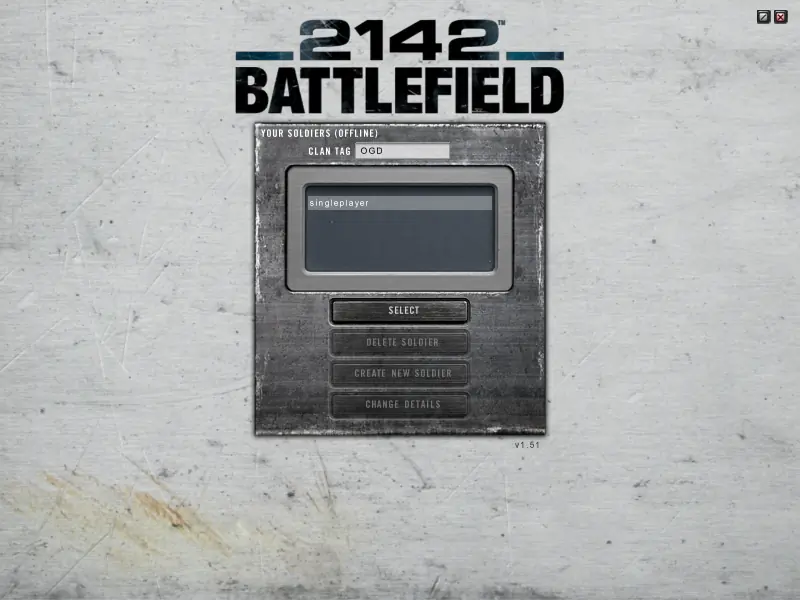
Battlefield 2142 — Windows screenshot 1Battlefield 2142 — Windows screenshot 2Battlefield 2142 — Windows screenshot 3Battlefield 2142 — Windows screenshot 4Battlefield 2142 — Windows screenshot 5Battlefield 2142 — Windows screenshot 6Battlefield 2142 — Windows screenshot 7Battlefield 2142 — Windows screenshot 8Battlefield 2142 — Windows screenshot 9Battlefield 2142 — Windows screenshot 10Battlefield 2142 — Windows screenshot 11

Download Battlefield 2142

Battlefield 2142 is abandonware and no longer sold or supported by its publishers. Files are archived here for these platforms:

Windows (2006)

  • Battlefield_2142_Win_Setup_EN.zipEN5.71 GB
  • Instructions Battlefield_2142_Win_Setup_EN.zip

    How to play on Windows

    1. Dowload and extract Battlefield_2142_Win_Setup_EN.zip
    2. Double click on the file called “setup.exe” and the game’s setup should begin. When asked for a serial, use: 2UG8-2ARU-7UC5-GEFL-Z55N. Continue the game setup until the installation is completed – don’t download GameSpy Arcade and don’t register to EA servers.
    3. When installed, open the “Patch Files” folder and install the 2 patches there. IMPORTANT: Install the 1.50 patch first, and then the 1.51 patch after.
    4. Open the file called “generic profile.zip” – in here, you will find another folder called “Battlefield 2142”. You want to drag that folder over onto your “My Documents” folder.
    5. Now, you want to disconnect your internet connection. This is because EA servers for the game have closed down and so your game will not launch.
    6. You can now launch the game from the desktop shortcut.
    7. Enjoy the game!

Comments

11 thoughts on “Battlefield 2142”