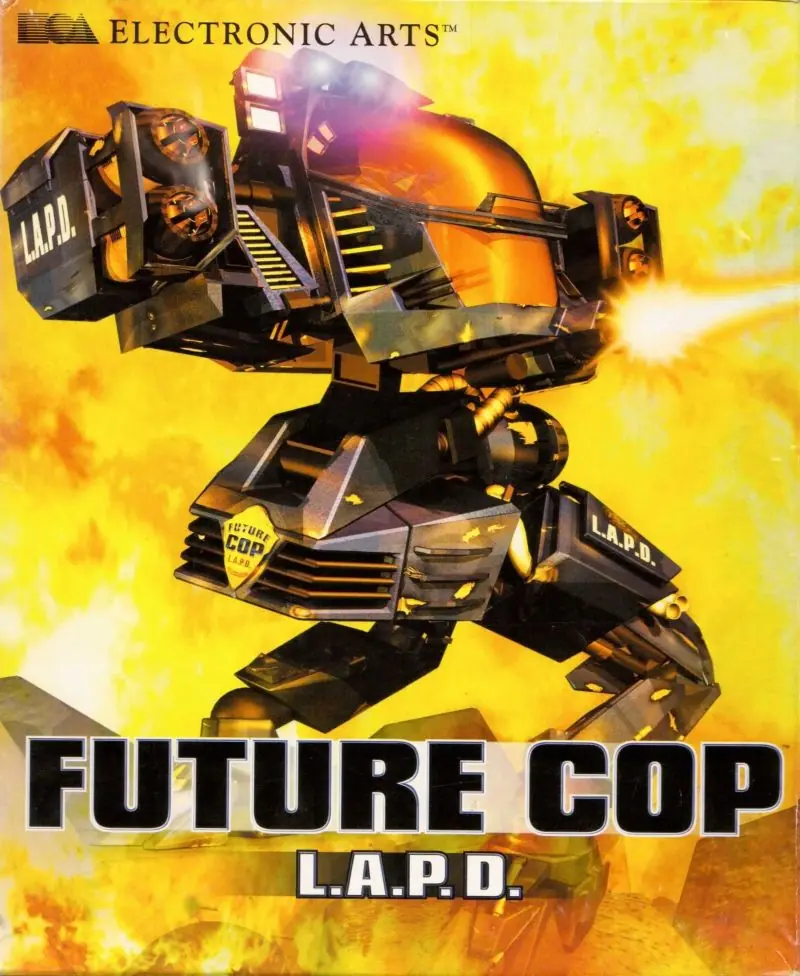
About Future Cop: LAPD
There are two modes of play in the game, Crime War and Precinct Assault (both modes can be played either as single player or two player). Precinct Assault is a strategy mode that is similar to Herzog Zwei (except the player can actively help their armies get to the other base) and is well known for inspiring MOBA games like DotA and League of Legends.
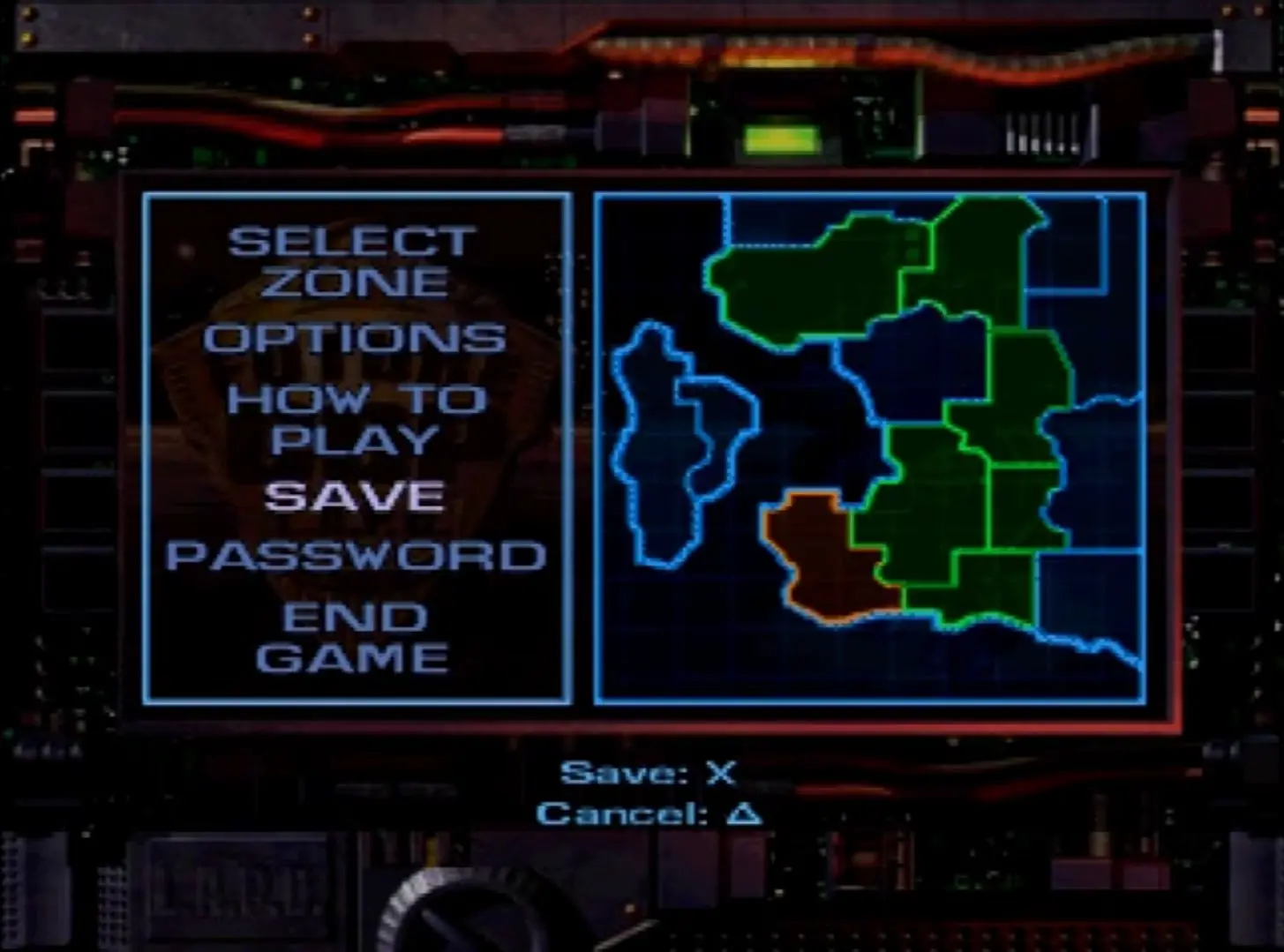
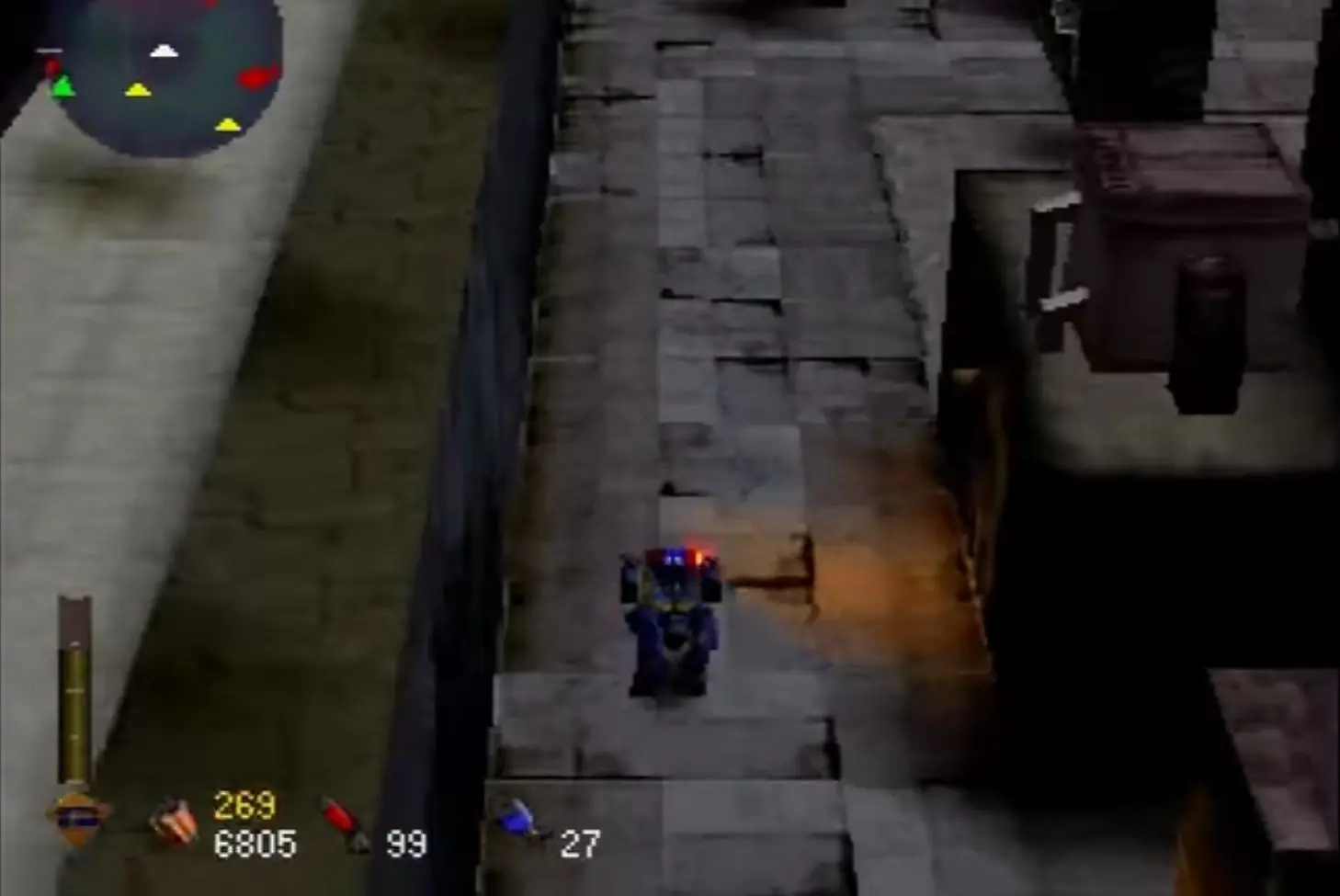
Crime War is a story mode, following a day in the life of an LAPD X1-Alpha pilot. The story events range from rogue lunatics arming observatories with weapons, to a malfunctioning supercomputer. Players begin in a futuristic Griffith Park, but as they advance through the game they may unlock areas such as Venice Beach, LAX and Long Beach. Crime War also supports a second player in cooperative play. Cooperative play features the unique feature that the life bars of the two players are intertwined; if either player is destroyed, it counts as a failure for both players.
Considered an early form of the MOBA genre by some, Precinct Assault is an arena battle mode in which each player starts with a single base and can capture automated Turrets or Outposts across the map. The objective is to defeat one's opponent by purchasing and deploying Hovertanks to invade their main base. The game ends when one player's base is breached by either a standard or super-sized "Dreadnought" Hovertank. Players may also deploy defensive Helicopters or the "Flying Fortress" Superplane to assist in securing their perimeter, shooting down enemy tanks that come near the base. Single-player mode consists of fighting a computer opponent named "Sky Captain", whose in-game avatar is a Superplane, more powerful and advanced than the X1-Alpha. Two player mode is a competitive battle between two X1-Alpha robots. There are five different precinct assault areas with 10 difficulty settings (for single player); however the level "La Cantina" was not on the original PlayStation release, only being added later for the computer versions. There is also a bonus area, known as 'Bug Hunt', which is the same as the 'Proving Ground' level, except all objects have been made into creatures such as worms and butterflies, instead of Hovertanks and Helicopters. The Flying Fortress is now a bat, and the Dreadnought is a large, armored caterpillar. The level features an up-beat music track in comparison to the game's normal dark military music and "Sky Captain" is a dragonfly.







Download dgVooDoo, paste DDraw.dll and D3Dllm.dll from MS>x86 folder into the game’s folder where the .exe is.
Run the game as administrator.
If audio’s not working, change it in settings. Setting windows are outside of the game, so it will be switching back and forth. If the window is outside your screen and you can’t move it, use tab and arrow keys to change volume.
How to bypass this issue on windows 10?
I extracted all the files (I had to highlight and do this via the 7zip App as there was no extracting option when I right clicked).
Do you have any advice for me?
if not just install WinCDEMU and then right click on ” future_cop_lapd (disc image file ) ” choose ” select driver letter & mount ” then just press “ok”
then try to install game again and good luck