Bella Sara
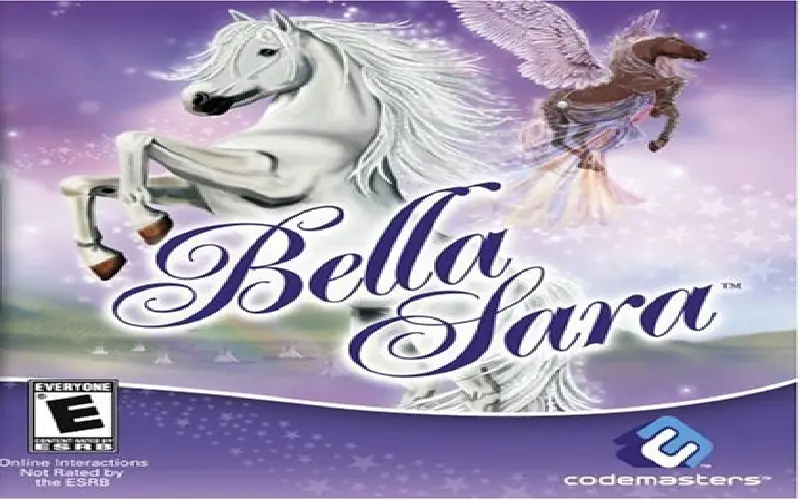
Bella Sara is a 2008 simulation game developed by Razorback Developments and published by Codemasters Software Company.
Genres
Publishers
Developers
Released
Platforms
Bella Sara is a 2008 simulation game developed by Razorback Developments and published by Codemasters Software Company.
Based on the hugely successful trading card and website for girls, Bella Sara will immerse the player in a world filled with fantasy horses. Players will be able to ride, care for, accessorize and trade horses with friends over Wi-Fi while discovering secret items and exclusive cards.
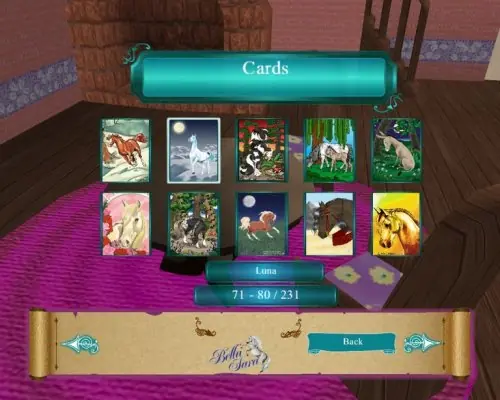
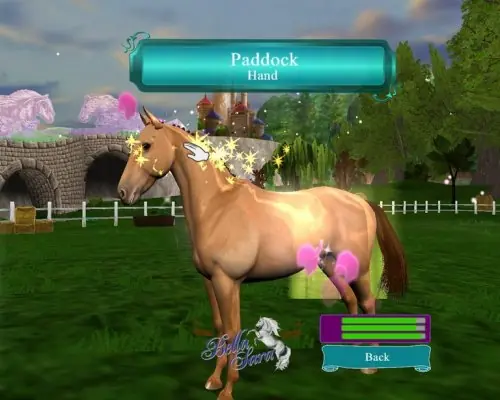
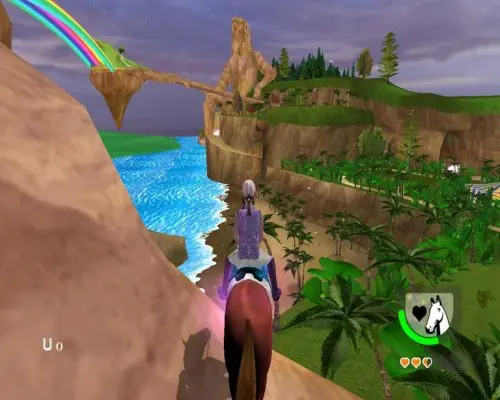
Bella Sara is abandonware and no longer sold or supported by its publishers. This game was preserved thanks to a community donation - see our missing games page for credits and titles we're still looking for.








1) Download the Bella Sara link, extract everything.
2) Install the Bella game on your laptop with the Install Wizard.
When you click on the game after installing it, it might give you an error message saying the DVD isn’t right.
3) Go to the Dino R Ownz folder and COPY the game version that is inside that folder.
4) Go to your files and find in “my pc” > Windows SSD > Programs files (mine is called Programs x86) > Codemasters. Inside that codemasters folder, you will find a Bella Sara folder.
5) PASTE the version of the game you took from the Dino R Ownz folder INSIDE the Bella Sara folder that is in the codemasters folder. Inside that folder you will find some read me pages, an fmod.dll file and also a Bella Sara game version. When you will paste what you took from the Dino R Ownz folder into that Bella Sara folder, it will tell you a preexisting file is already named like that and it will ask you if you want to replace it, click yes. Now if you click on that version of the game from inside that folder, it should work!
*I am not on a laptop so set 4 is different,
Local Disk (C:) -> Program Files (x86) -> Codemaster
Do everything else and it will work!!
Please insert the original “Bella Sara” CD/DVD.”
Please,help
It keeps saying…
“Wrong disc insterted.
Please insert the original “Bella Sara” CD/DVD.”
???
Openend it with winrar en opened it with WinCDEmu