Home » Games » Crazy Frog Racer

Crazy Frog Racer

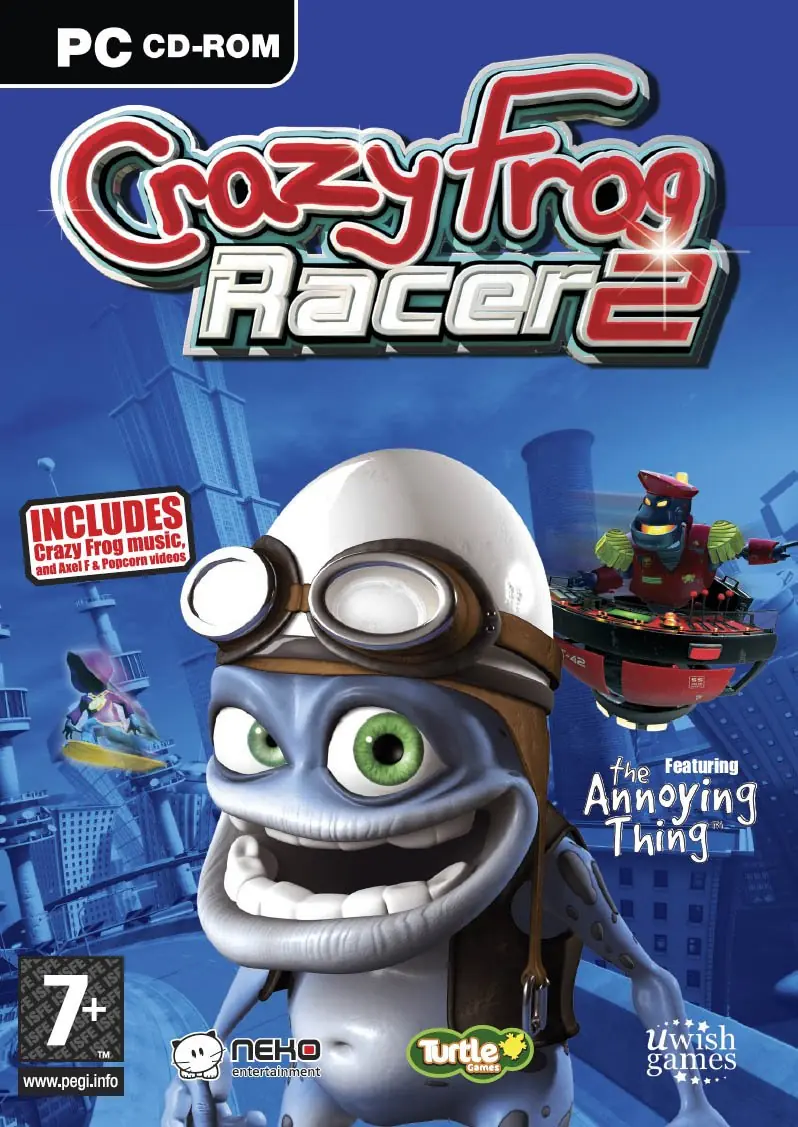
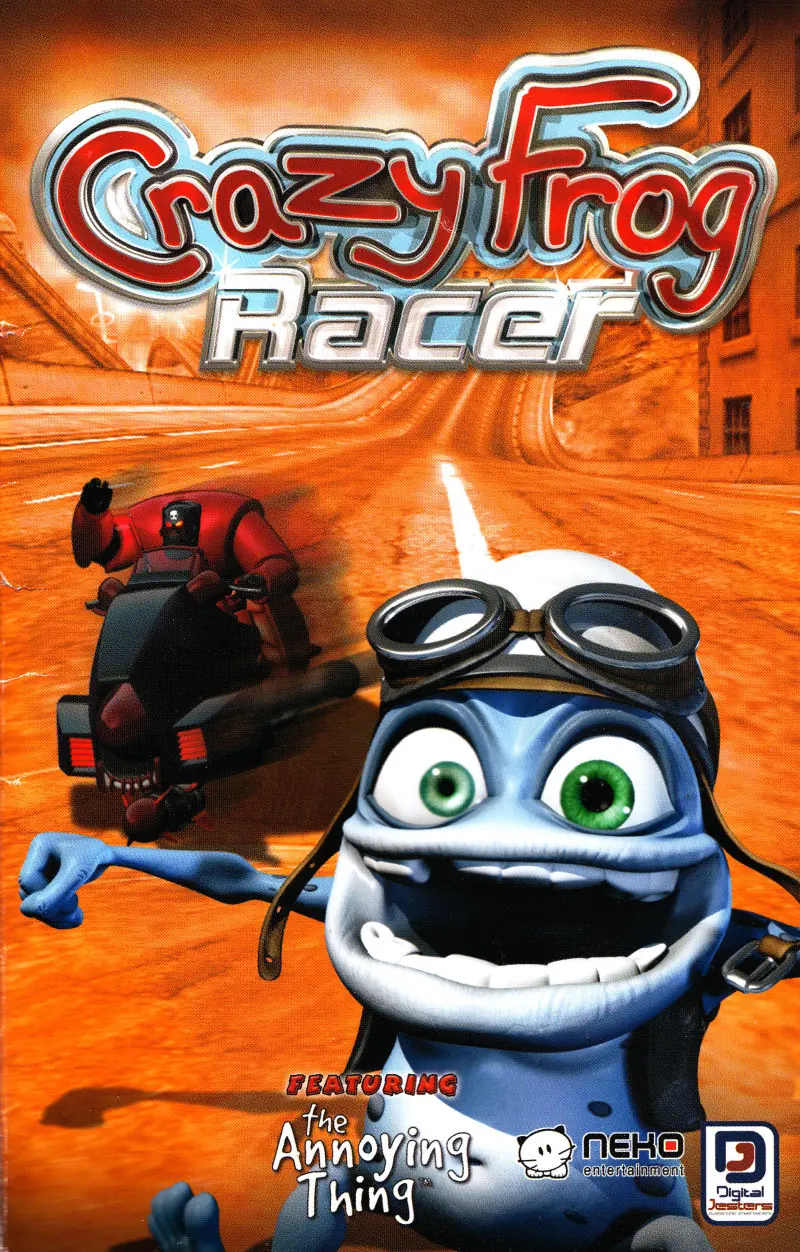
Crazy Frog Racer Game Cover
4.6/5 - 116 votes

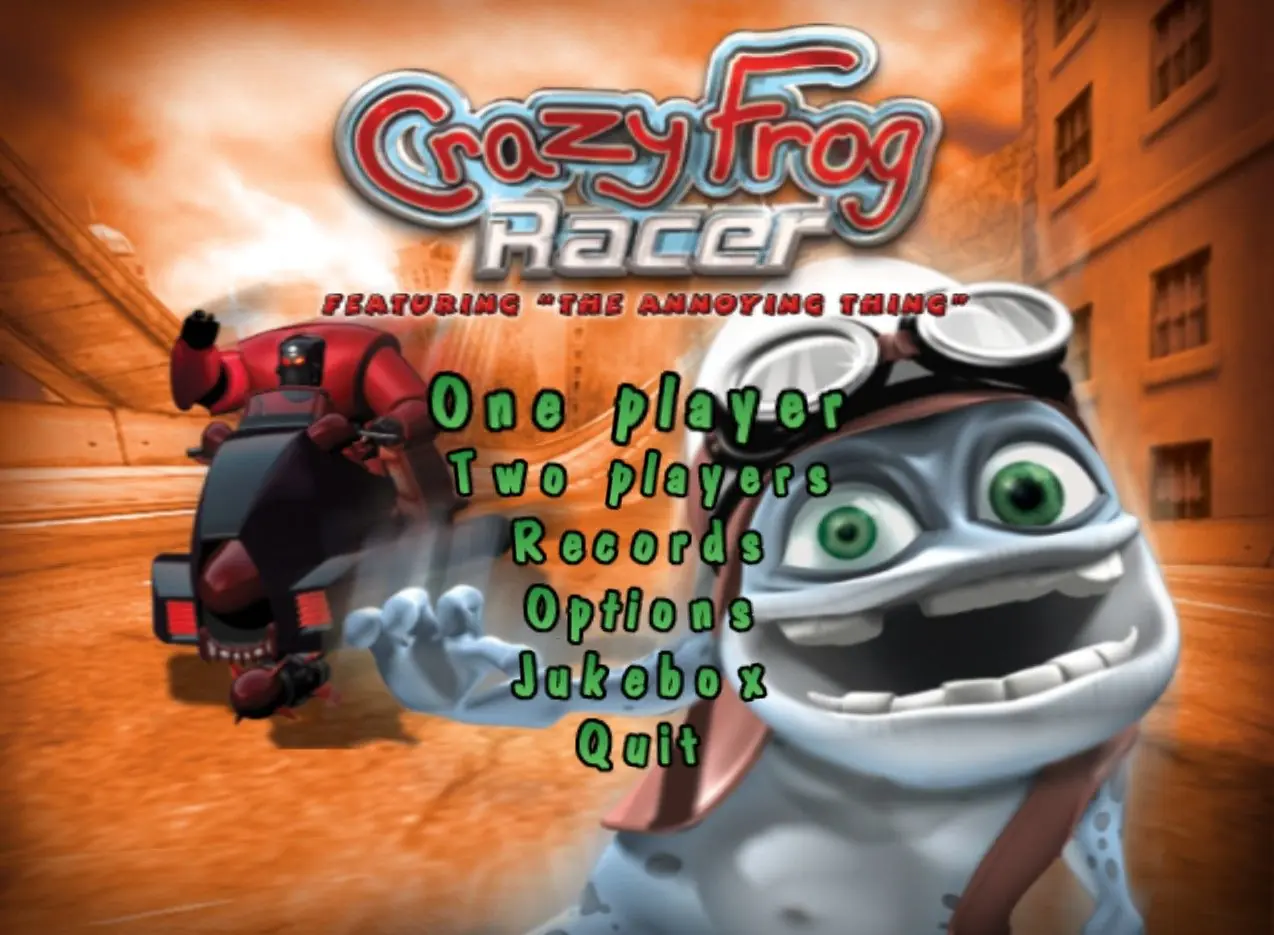
Crazy Frog Racer is a 2005 racing game developed by Neko Entertainment and published by Digital Jesters.

Other Titles

كريزي فروغ رايسر

Genres
Publishers
Developers
Released
Platforms
Download

About Crazy Frog Racer

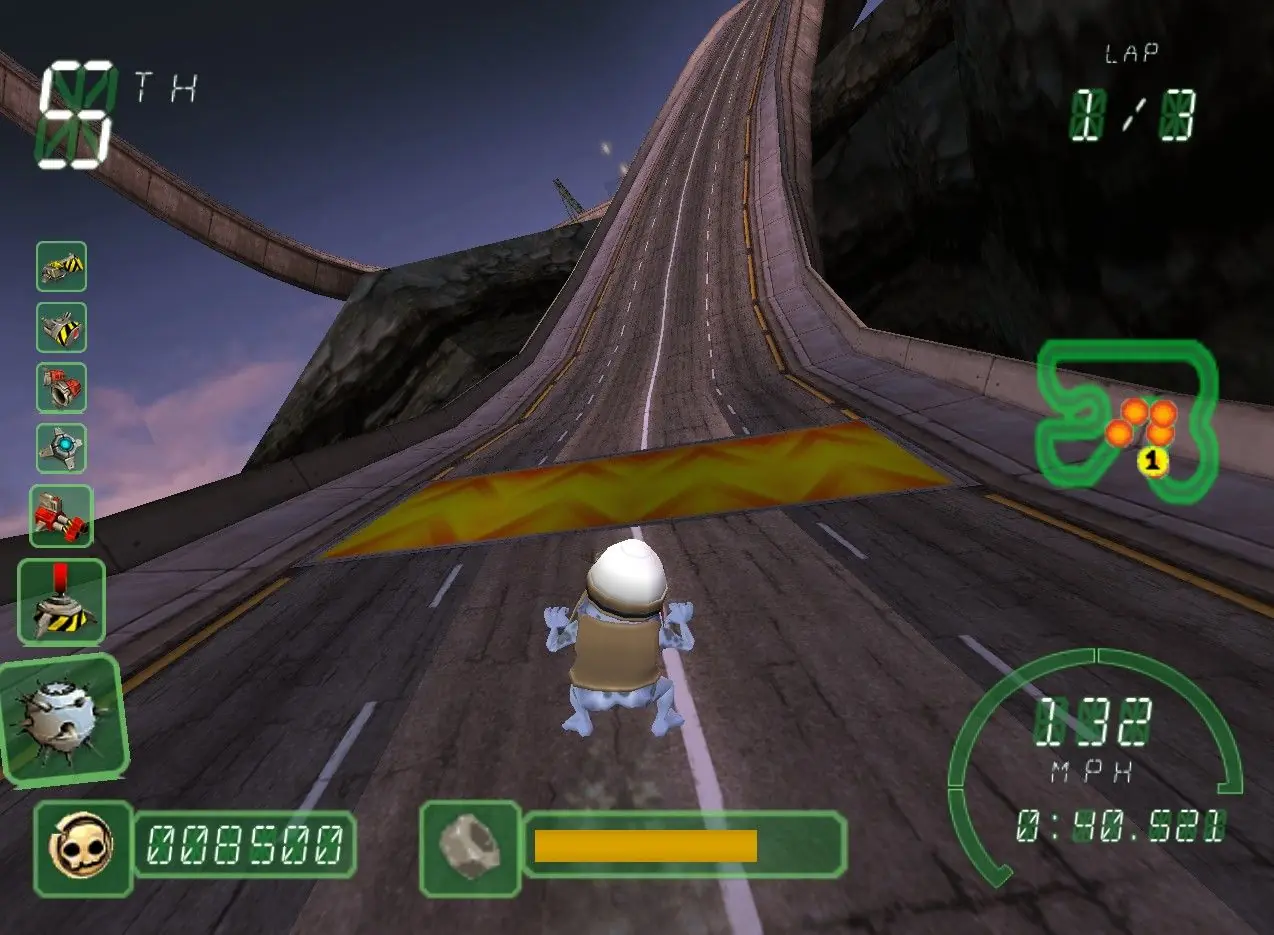
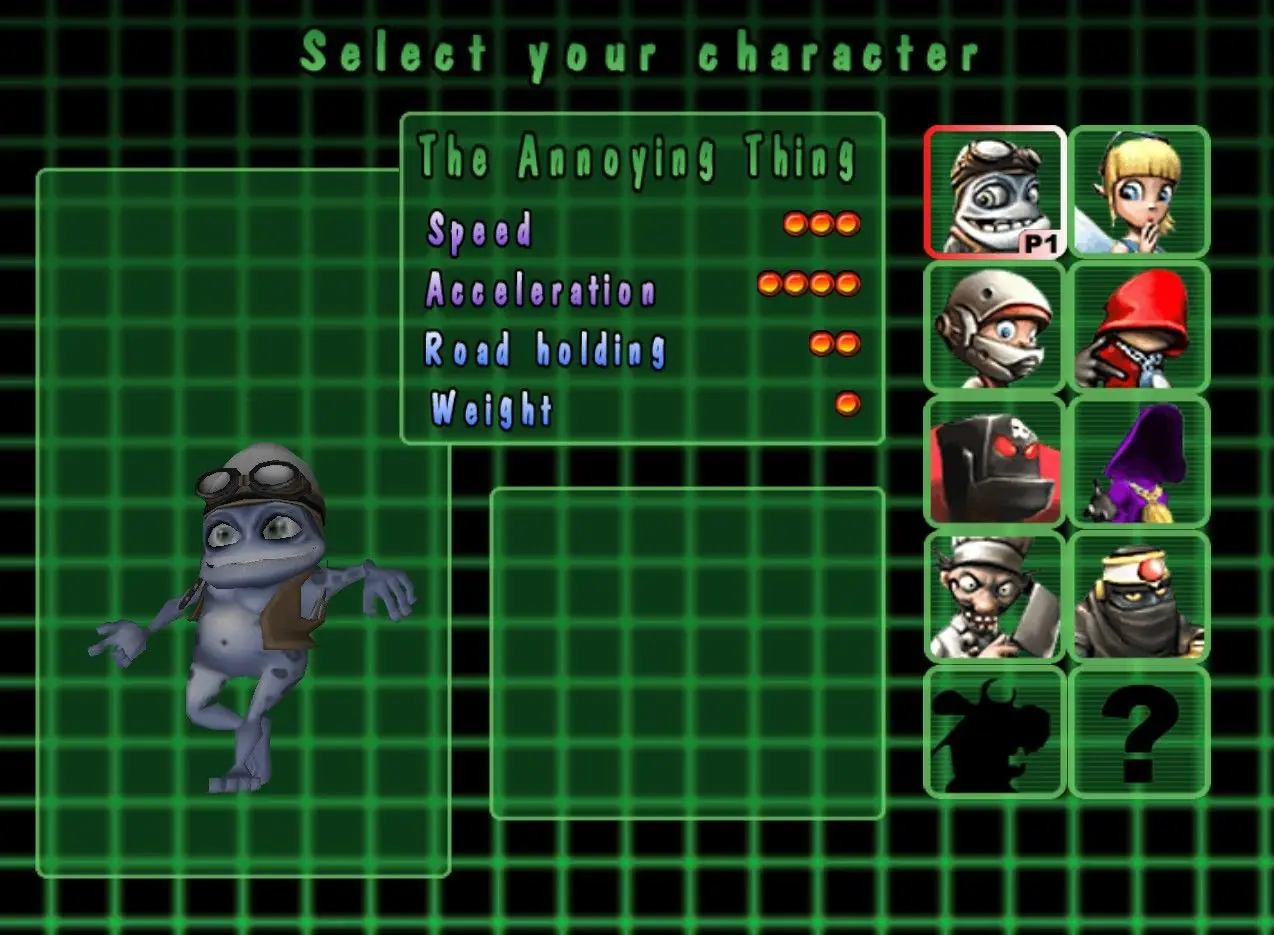
In the PlayStation 2 and PC versions, players race as the Annoying Thing, an animated character, across four tracks to come in 1st place. As they race, there are coins scattered across the tracks that give the player 500 points for each coin picked up, which can be used to buy bonuses during races.
Screenshots

Windows

Crazy Frog Racer — Windows screenshot 1Crazy Frog Racer — Windows screenshot 2Crazy Frog Racer — Windows screenshot 3

Download Crazy Frog Racer

Crazy Frog Racer is abandonware and no longer sold or supported by its publishers. Files are archived here for these platforms:

Windows (2005)

  • Crazy_Frog_Racer_Win_ISO_EN.zipEN339.48 MB
  • Instructions Crazy_Frog_Racer_Win_ISO_EN.zip

    How to play on Windows

    1. Extract Crazy_Frog_Racer_Win_ISO_EN.zip
    2. Mount OGD_Crazy_Frog_Racer.iso and run Setup.exe
    3. When installation is complete, copy "CRAZY.exe" from "NoCD" folder to game installation directory
    4. Play the game

Comments

14 thoughts on “Crazy Frog Racer”

  1. 1
    i’ve followed all the steps but it’s still asking for a CD key. my computer isn’t letting me edit any of the files on the mounted CD, so i can’t copy the CRAZY file into the folder. when i try to run the CRAZY application it tells me im missing fmod.dll. can someone please help?
    Reply
  2. 0
    I GOT IT: ((first of all check if there’s a “CRAZY” application in \Crazy_Frog_Racer_Win_ISO_EN\CrazyFrog, and try opening it, if it doesn’t work, do the following)):
    first, extract the zip file into a normal folder,
    go to Crazy_Frog_Racer_Win_ISO_EN\Crazy_Frog_Racer_Win_ISO_EN\Game Files , and right click on the ISO file and click “mount”
    then, go back to file explorer and click on the mounted cd,
    now click Setup (i think you may need to install first, but not sure)
    after you click setup and the game closes, i clicked the arrow that goes back from the folder and instead of going to the home of file explorer, it showed a NEW “NoCD” next to the cd file
    go in the NoCD folder and copy “CRAZY”, then go back to the folder you extracted and to \Crazy_Frog_Racer_Win_ISO_EN\CrazyFrog
    and paste the “CRAZY” there and then click it.
    IT WORKED, and wow the song i had forgotten..
    Reply
  3. 0
    GUYS I’VE GOT THE SOLUTION. You guys probably try to change Crazy.exe in the mounted cd. Don’t do this so it won’t change. You’ve got to find the file location of game by right clicking the shortcut on your desktop. Probably it’s installed in Program Files in the Digital-Jesters directory. So go into this directory and you’ll see Crazy.exe as an application. Copy your Crazy.exe from NoCD to this path. Your problem will be solved.
    Reply
  4. 0
    I installed the game, but can´t copy the crazy.exe into the installation directory (whatever that is), because there is no spece left, strangely the Folder changed to a Disc-drive on my Pc, dont know if thats supposed to happen. I also cant delete the existing crazy.exe on the folder.
    Reply
  5. -1
    i already downloaded and install but i cannot play it because it required a disc key for the disc labelled CFR. where can i get the disc key?
    Reply

Similar games