Croc: Legend of the Gobbos
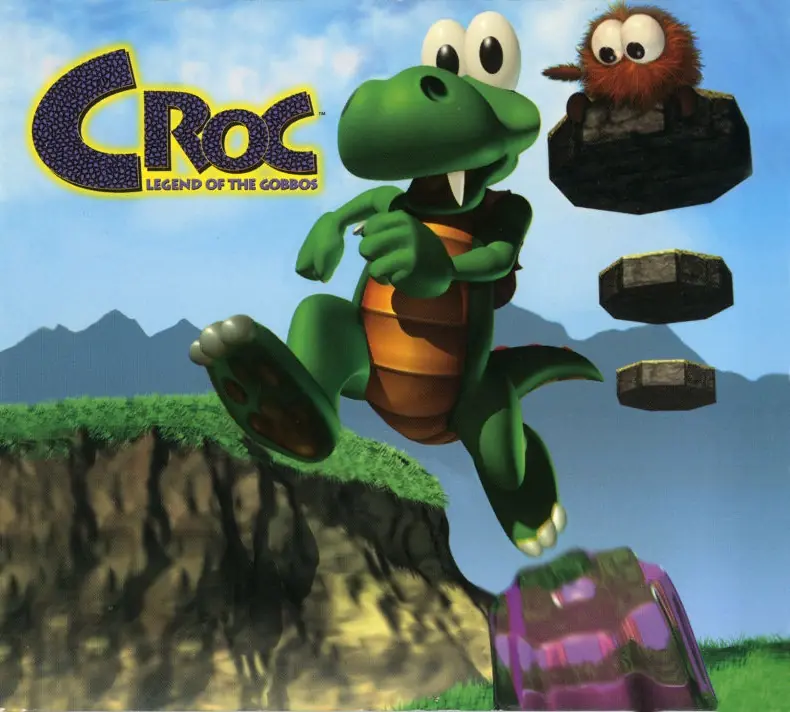
Croc: Legend of the Gobbos is a 1997 platformer game developed by Argonaut Software and published by Fox Interactive.
Genres
Publishers
Developers
Released
Platforms
Croc: Legend of the Gobbos is a 1997 platformer game developed by Argonaut Software and published by Fox Interactive.
This game introduces Croc as a crusading crocodile who must rescue his friends, the Gobbos, from the evil villain Baron Dante. Baron Dante has taken over the Gobbo Valley and is turning all good creatures to evil with his magical powers. With amazing graphics and animation, including moves such as swimming, swinging, and flying, you can explore with Croc in more than 250 individual game areas on 45 levels. Help Croc, the crusading crocodile, rescue his peace-loving Gobbo Islander friends from the grasp of the evil magician Baron Dante. This game has five different 3-D worlds to explore and includes volcanoes, forests, ice glaciers, and underwater caves, each with its own unique elements, terrifying monsters, and mind-boggling obstacles. Stunningly rendered real-time 3-D graphics and seamless animation provide hours and hours of gameplay with over 40 levels, 50 different enemies, and 9 stage bosses. Free-roaming 3-D gameplay lets you go anywhere as you run, jump, climb, stomp, and even swim.
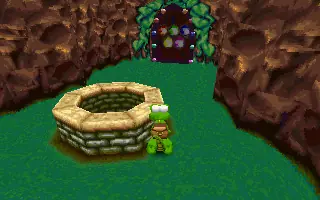
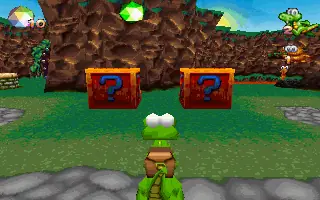
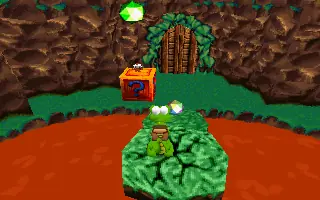
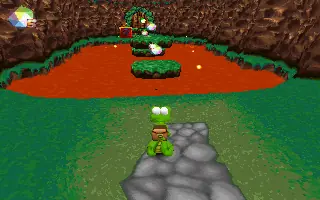
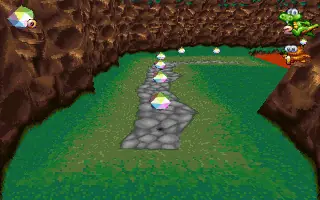
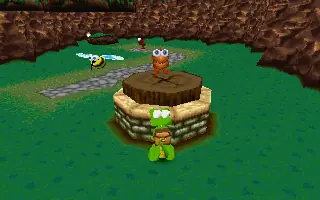
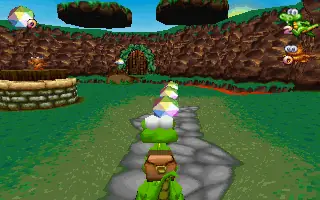
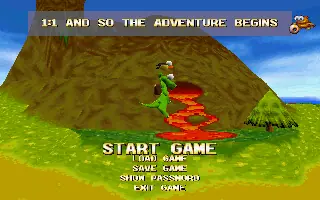
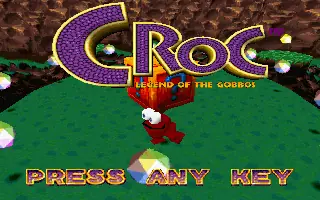
Croc: Legend of the Gobbos is abandonware and no longer sold or supported by its publishers. Files are archived here for these platforms:
How to play on Windows - first method
How to play on Windows - second method







In order to get it to run:
1. Open regedit.
2. Navigate to “HKEY_LOCAL_MACHINE\SOFTWARE\Argonaut Software\Croc”, which should already exist if you have already ran CrocRun.exe.
3. Right click and hit “New” > “String Value”.
4. Name it “Directory” (without quotes, naturally).
5. Double click your new “Directory” key and copy or write the path to the game files into the “Value data” form. For example mine is “C:\Documents and Settings\User\My Documents\Downloads\Croc_Legend_of_the_Gobbos_Win_Files_EN\Game Files”, again without quotes.
That should get CrocRun.exe to stop complaining.
It still doesn’t run for me because it requires like some old ass version of direct3d or something. But on modern windows, that might not be an issue, it may run fine in compatibility mode. If not you can try dgVoodoo or some other similar graphics api wrapper. It does come with a software renderer but I can’t get that to work either. I might reply to this with an update if I manage to get it running properly but maybe not.
Download and Extract Croc_Legend_of_the_Gobbos_Win_Files_EN.7z
Launch CrocRun.exe
Play the game
When I tried to launch CrocRun.exe, the only option available was to “Install Croc!”, but when I selected that, I got an error, “Unable to find installation binary on install CD”.