Home » Games » Diner Dash 2: Restaurant Rescue

Diner Dash 2: Restaurant Rescue

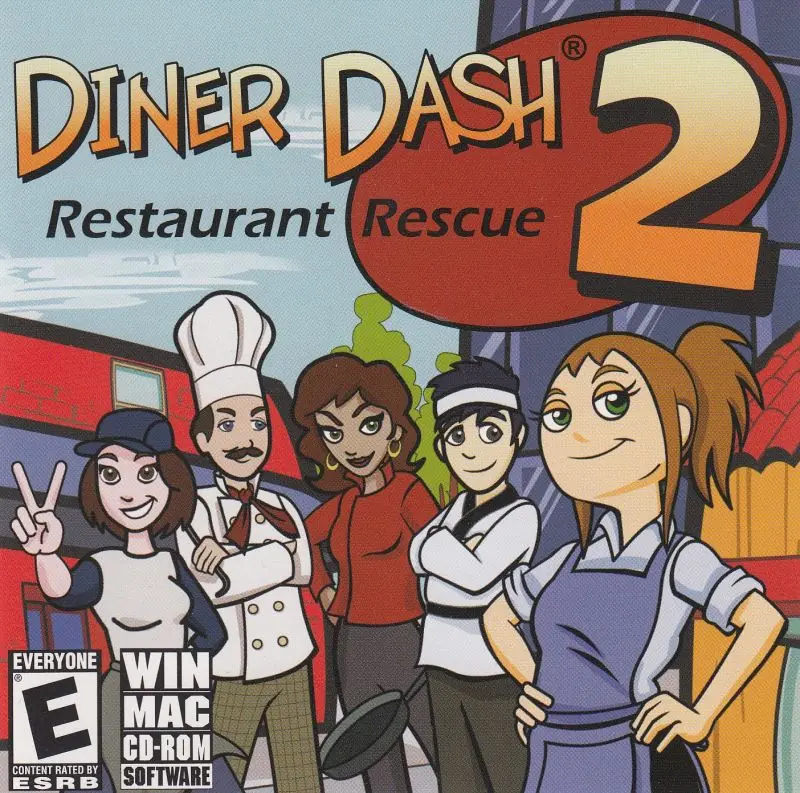
Diner Dash 2: Restaurant Rescue Game Cover
4.5/5 - 282 votes

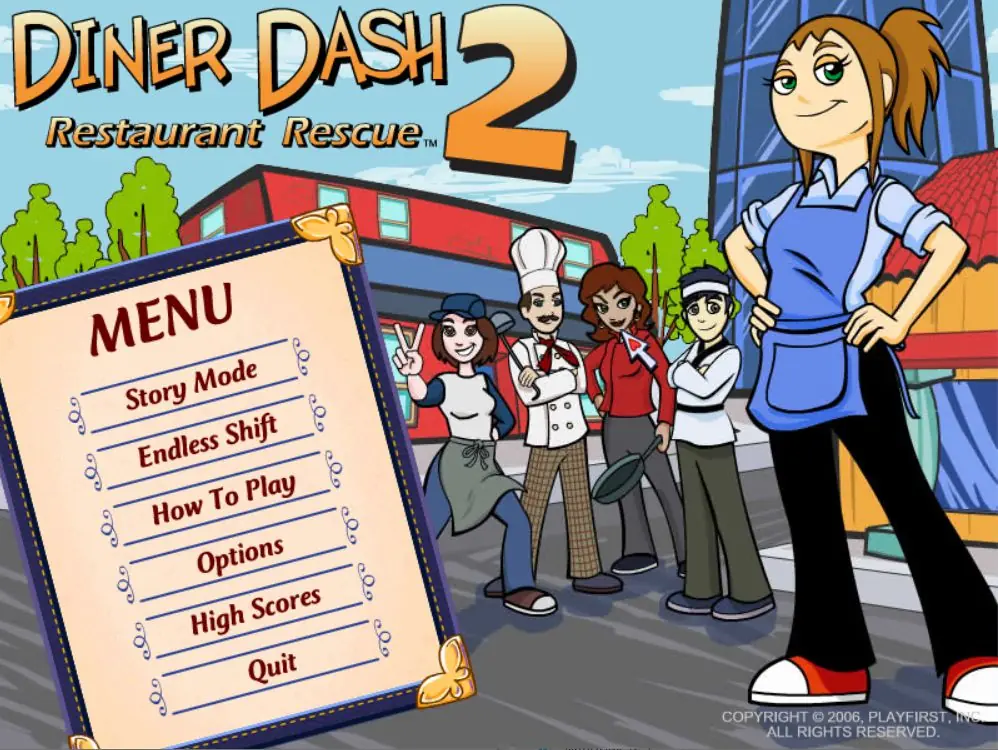
Diner Dash 2: Restaurant Rescue is a 2006 action game developed and published by PlayFirst.

Genres
Publishers
Developers
Released
Platforms
Download

About Diner Dash 2: Restaurant Rescue

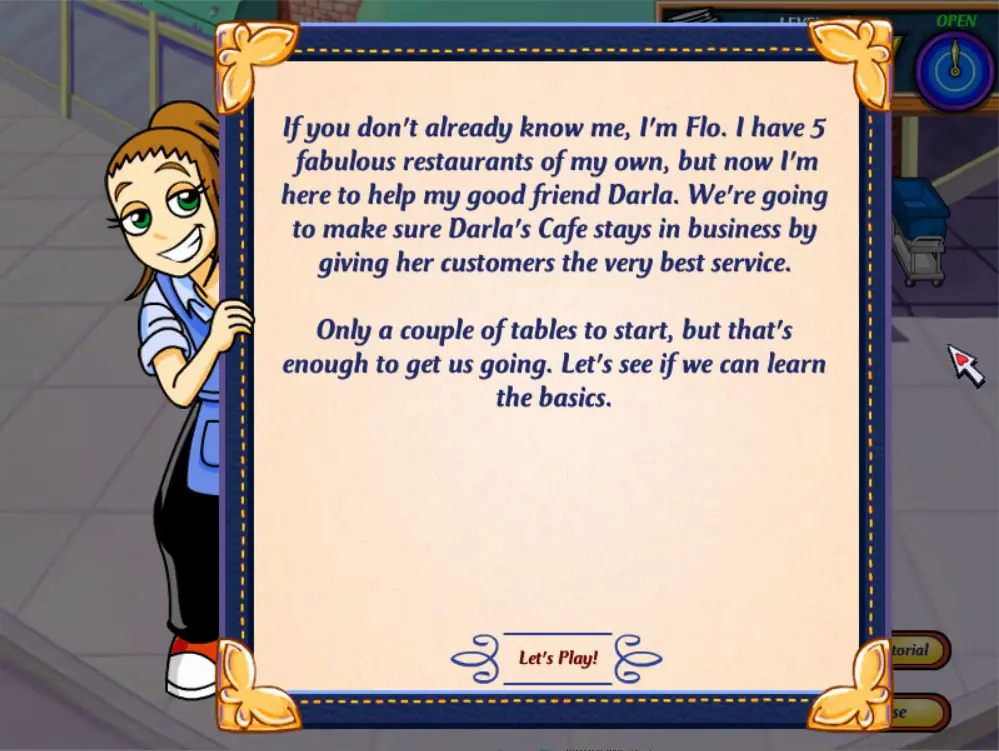
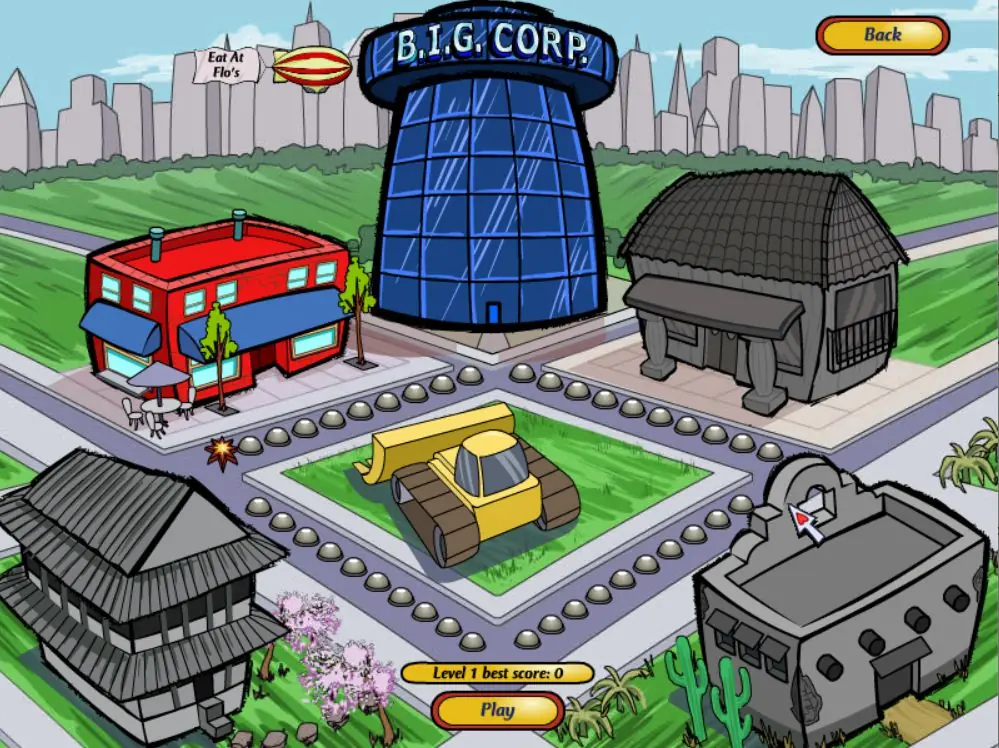
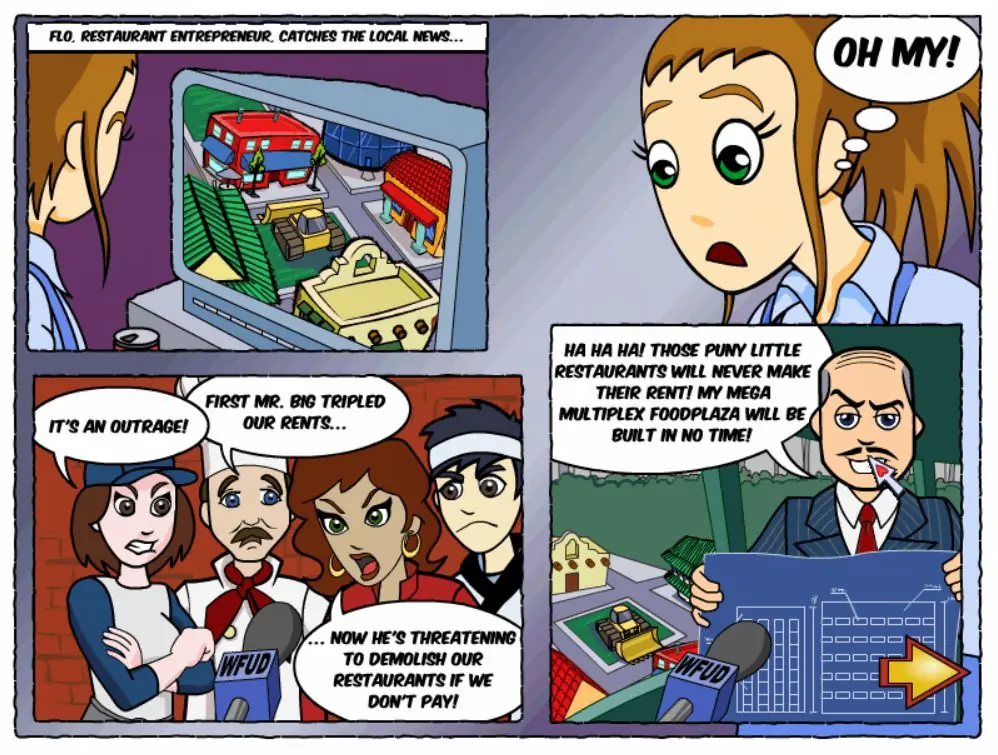
Flo, a successful restaurant entrepreneur, has just watched the news that Mr. Big, a greedy landlord, wants to destroy four restaurants that belong to Darla, Tony, Margarita and Toshiro, respectively, so that he can build his own "Mega Multiplex Food Plaza" in their place. Flo runs to help each of her friends and arrives just in time to stop Mr. Big and earn a chance to make enough money to pay him back.

After saving all four restaurants, a devastated Mr. Big considers retiring now that his plans have failed, but Flo has another idea. She converts his company into a fifth restaurant and has him serve as her assistant. Once this restaurant is a success, Flo grants Mr. Big full ownership of the restaurant before leaving.
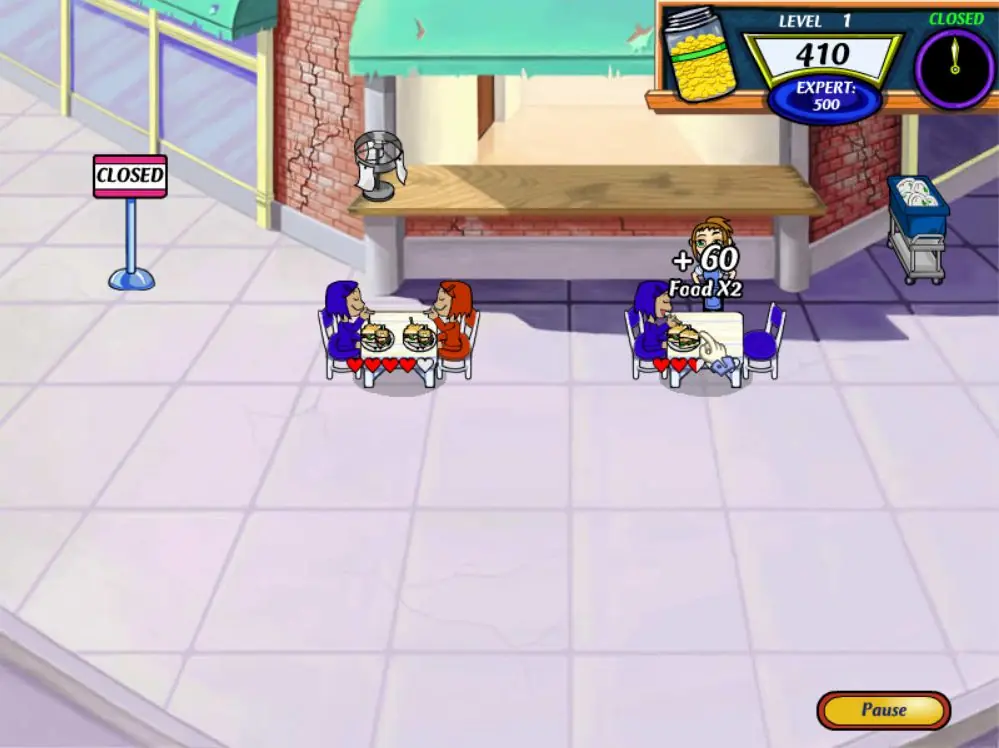
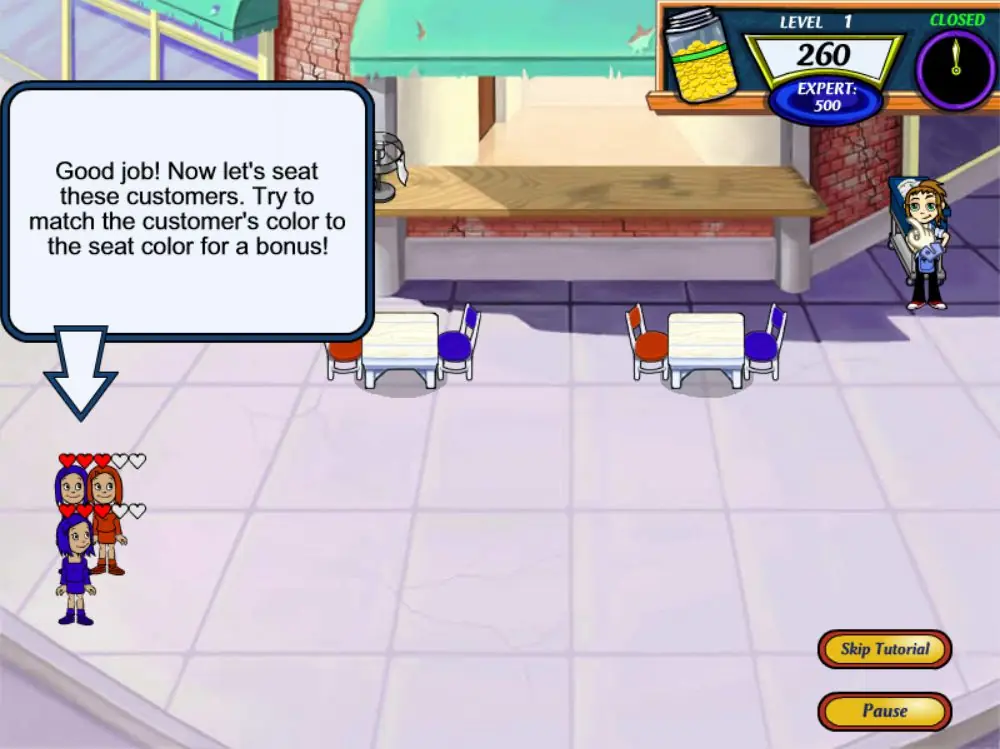
Screenshots

Windows

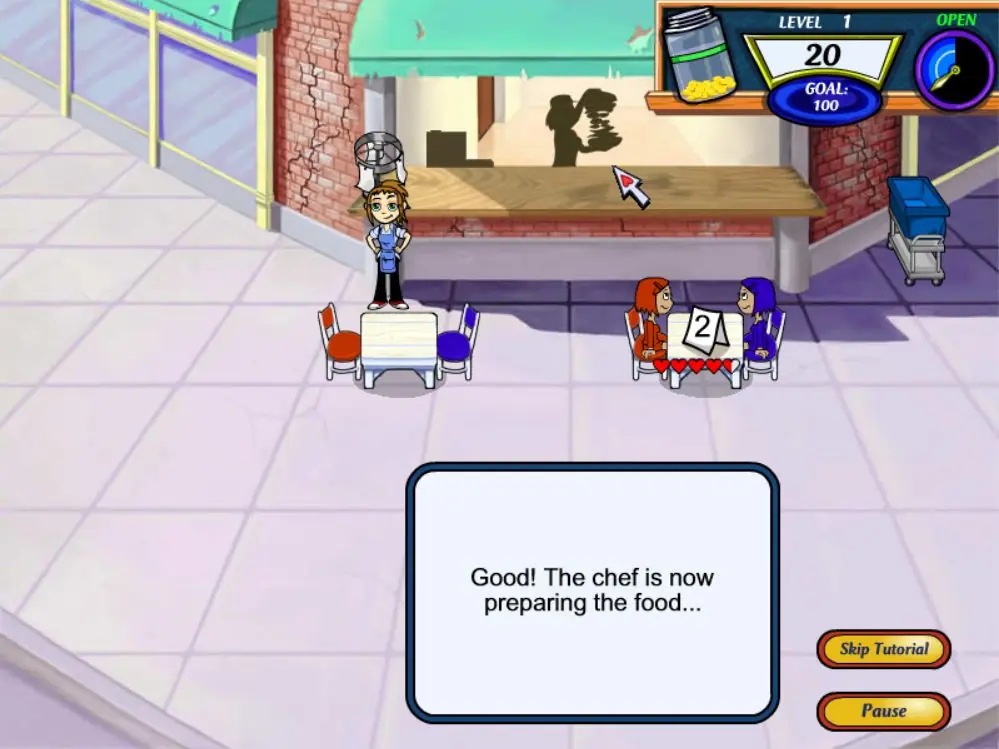
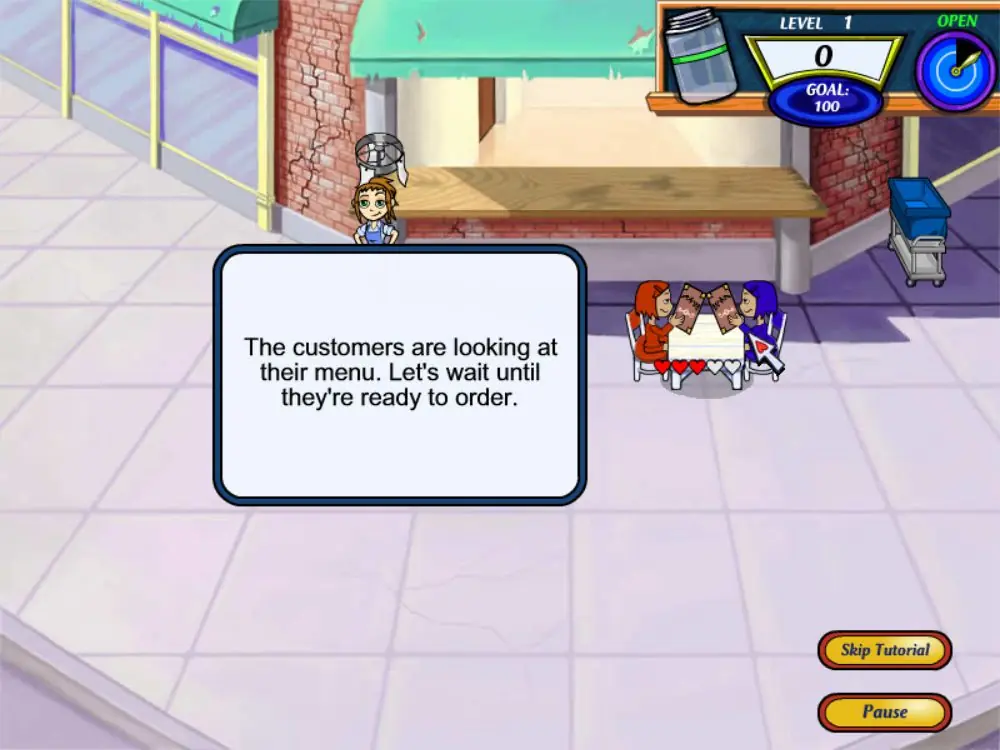
Diner Dash 2: Restaurant Rescue — Windows screenshot 1Diner Dash 2: Restaurant Rescue — Windows screenshot 2Diner Dash 2: Restaurant Rescue — Windows screenshot 3Diner Dash 2: Restaurant Rescue — Windows screenshot 4Diner Dash 2: Restaurant Rescue — Windows screenshot 5Diner Dash 2: Restaurant Rescue — Windows screenshot 6Diner Dash 2: Restaurant Rescue — Windows screenshot 7Diner Dash 2: Restaurant Rescue — Windows screenshot 8Diner Dash 2: Restaurant Rescue — Windows screenshot 9Diner Dash 2: Restaurant Rescue — Windows screenshot 10

Download Diner Dash 2: Restaurant Rescue

Diner Dash 2: Restaurant Rescue is abandonware and no longer sold or supported by its publishers. Files are archived here for these platforms:
Windows (2006)

Comments

32 thoughts on “Diner Dash 2: Restaurant Rescue”

  1. 0
    (This comment is from another user on another Diner Dash games but it works too ! thank you ) If you’ve downloaded this recently and are having issues regarding the cursor, I recommend running the game in windowed mode, and then going into the assets folder > cursor folder and deleting the cursor image files. Game runs like a dream now!
    Reply
  2. 0
    DO NOT TRY TO PLAY. If you open readme.htm, you will see that the game doesn’t support Windows NT, meaning it doesn’t support Windows NT 10.0
    The minimum needed is Windows 95/2000/98/etc.
    If you don’t know how to fix this, you can delete the file.
    Reply
  3. 0
    I have the same problem where it doesn’t run, saying it isn’t compatible with the display. I have the display set to 32bit, and have tried setting the compatibility to windows98 (I saw someone say to try that somewhere else), but it still doesn’t work. 🙁
    Reply
  4. 0
    Download it onto windows xp and get a failed to initialize error, I tried changing my screen resolution to no avail.:( also tried to uninstall and redownload. Idk what I’m doing wrong 🙁
    Reply
  5. 0
    This game always crashes for me after a couple of minutes of play, essentially making the game unplayable. I can’t get past the second level because of this. Really hope they look into this and see if they can patch it.
    Reply
  6. 0
    If glitchy, try this – right click application file, “Properties’, ‘Compatibility’, ‘Windows 98’. But to avoid crashing the game after this change, instead of opening game as usual, right click game icon, ‘Run as admin’. Works well for me now.
    Reply
  7. 0
    Outside of the VERY odd setup agreement, this game continuously crashes for me before I even get through the tutorial. I reinstalled as suggested by the wiki, still didn’t work. I looked for similar crash reports on google (also suggested by the wiki) and found a similar report (mentioned the arrow glitching out first) but no fixes. Another game I downloaded from you worked absolutely perfectly, so I don’t know why this one is having issues.
    Reply
  8. 1
    I definitely have some questions regarding the game file. I’m guessing that unless you go through the SETUP and install the game (even though you can run the application without it for a few levels) the game will crash. I went to install the game via SETUP and the “Agreement” section was a little alarming. Things such as not being allowed to Google any guides or walkthroughs for the game, not being able to look up or ask about WDoubleYouW (the person who donated the file I suppose?), and a few other things that made me fear it could be a virus or malware of some sort. @OldGamesDownload should look into this quickly. It definitely raised some red flags to me.
    Reply
  9. 0
    So with this game if you have webroot
    You will end up with a false positive
    So what you have to do is

    Go to the Cog by PC Security
    Go to Quarantine
    Find the .EXE file
    Click the file
    Hit RESTORE
    then hit OK
    and the game works again since Webroot will delete the .EXE of the game.

    Reply