Dino Crisis

Dino Crisis is a 1999 horror game developed and published by Capcom.
Publishers
Developers
Platforms
Dino Crisis is a 1999 horror game developed and published by Capcom.
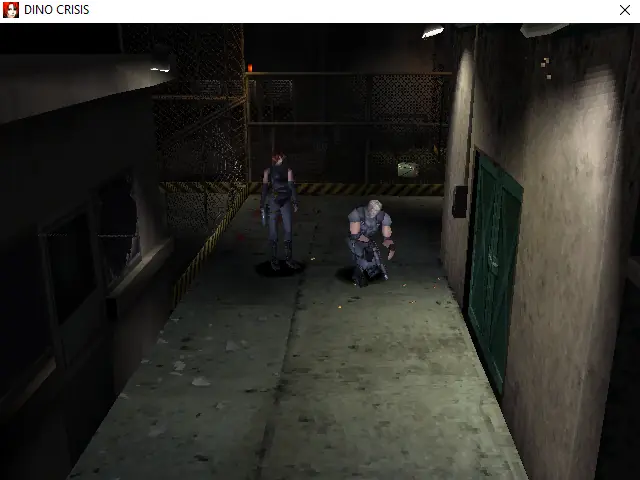
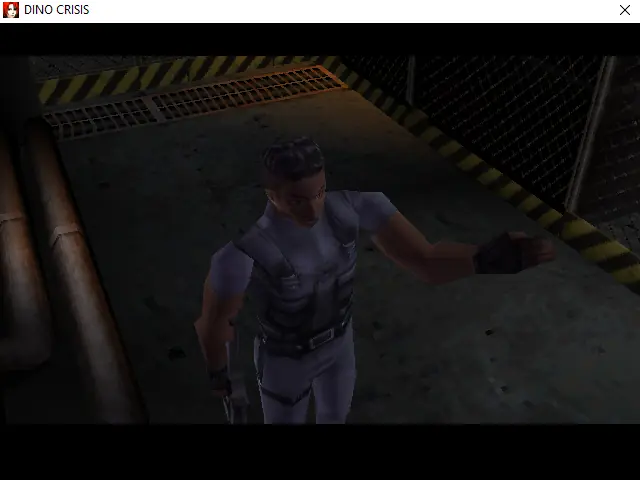
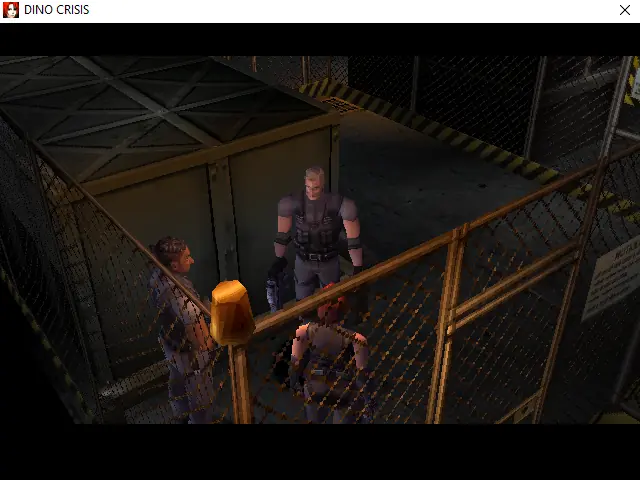
Dino Crisis is a 1999 survival horror game developed and published by Capcom for the PlayStation. It is the first installment in the Dino Crisis series and was developed by the same team behind Capcom's Resident Evil series, including director Shinji Mikami. The story follows Regina, a special operations agent sent with a team to investigate a secluded island research facility. Finding it overrun with dinosaurs, Regina must fight through the facility to discover its secrets and escape alive with her team.
Instead of the pre-rendered backgrounds of the Resident Evil games that preceded it, Dino Crisis uses an original real-time engine with 3D environments. Gameplay features traditional survival horror mechanics including action and puzzles, and it was developed to have more consistent visceral terror with the dinosaurs being quick, intelligent, and violent. Capcom later marketed the game as "panic horror" as opposed to "survival horror" due to these design changes. The team used carnivorous animals as references for animating the dinosaurs and programming their behaviors. Mikami's vision was not completely fulfilled, as he wanted to develop more complex dinosaur artificial intelligence. However, he believed the team was able to create sufficiently detailed environments despite hardware limitations.
The PlayStation version sold more than 2.4 million copies. Critics drew comparisons to Resident Evil, with some describing it as "Resident Evil with dinosaurs". They also praised the game's intensity, graphics, and gameplay. Some criticized the lack of dinosaur variety, repetitive environments, and tedious puzzles. Dino Crisis was ported to Dreamcast and Windows in 2000, and was re-released for the PlayStation Network in 2006. Two versions for the Game Boy Color were in development, but both were cancelled. The game was re-released for PlayStation Plus Premium subscribers in October 2024 and made available for purchase on the PlayStation Store in November. In January 2025, Dino Crisis and Dino Crisis 2 were re-released on GOG.com with support for Windows 10 and Windows 11, as well as 4K resolution and modern gamepads. In February 2026, Dino Crisis and Dino Crisis 2 were released on Steam, both co-developed by GOG.com.
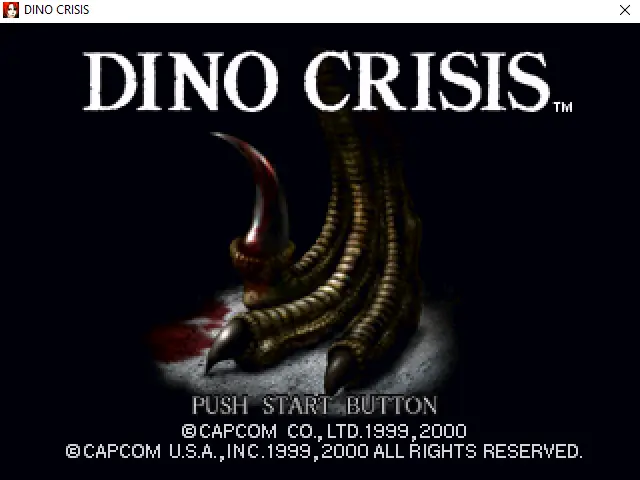
Dino Crisis is abandonware and no longer sold or supported by its publishers. Files are archived here for these platforms:
How to play on Windows










is there possible to use a joystick?
– Run Regedit.exe.
– Search for: ComputerHKEY_CURRENT_USERSoftwareClassesVirtualStoreMACHINESOFTWAREWOW6432NodeCAPCOMDINOCRISIS
– Change SaveLocation and InstallPath to your game location. Then you are good.
I have problems with starting the game.
I ran setupreg.exe as an administrator, but when I use the launch.exe nothing happens. No game start and even no no exe in the task manager. Only for 1 second the windows timer when you execute a file but that is all. Any Ideas?
Thank you