Home » Games » Onimusha 3: Demon Siege
Onimusha 3: Demon Siege

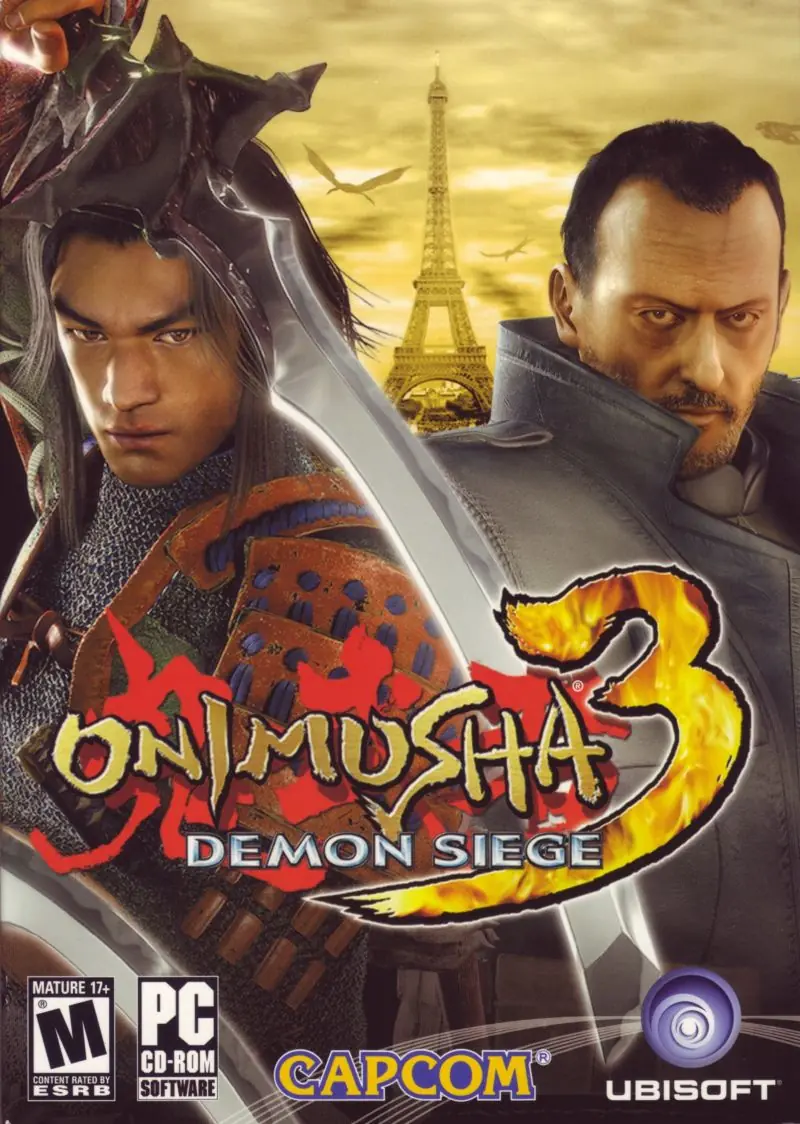
Onimusha 3: Demon Siege Game Cover
4.8/5 - 57 votes

Onimusha 3: Demon Siege is a 2004 action game developed and published by Capcom.

Other Titles

鬼武者3귀무자 3Guiwuzhe 3Onimusha 3أونيموشا 3: حصار العفريتاونيموشا 3: ديمون سيجاونیموشا ۳: محاصره اهریمن

Genres
,
Publishers
, ,
Developers
,
Released
,
Download

About Onimusha 3: Demon Siege

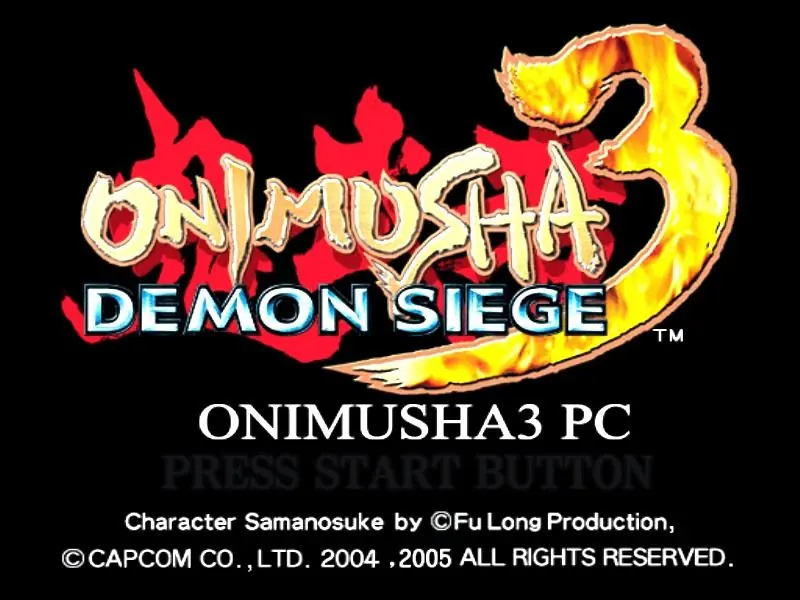
Onimusha 3: Demon Siege, released in Japan and Europe as Onimusha 3 (鬼武者3, Onimusha Surī), is a 2004 action-adventure game developed and published by Capcom. It is the third game of the Onimusha series and was released for the PlayStation 2 in April 2004, and later ported to Windows in December 2005. The story focuses on the returning hero, swordsman Hidemitsu Samanosuke Akechi, who is in his quest to defeat his nemesis, Nobunaga Oda, who wishes to conquer Japan with his army of demons known as Genma. Samanosuke, however, changes places with a French officer from the future named Jacques Blanc, and both have to adapt to their new worlds to get rid of Genma army and stop Oda Nobunaga's ambitions to conquer the world.

The game retains elements from previous games in the franchise including the use of multiple special weapons in order to fight enemies and absorb their energy to enhance the weaponry. This time the player primarily controls both Samanosuke and Jacques in separate scenarios. The two are able to exchange items in order to solve puzzles. In order to appeal to the Western market, the team set this game in Paris and chose French actor Jean Reno to portray Jacques.
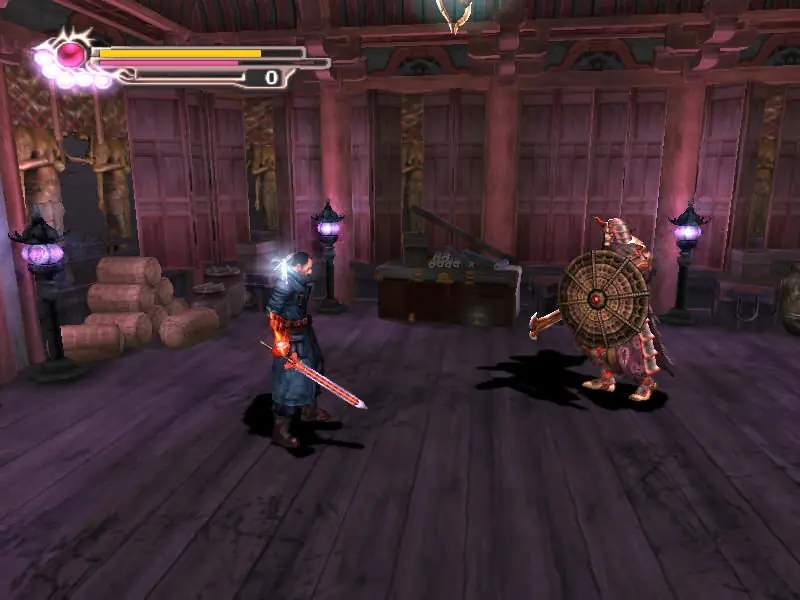
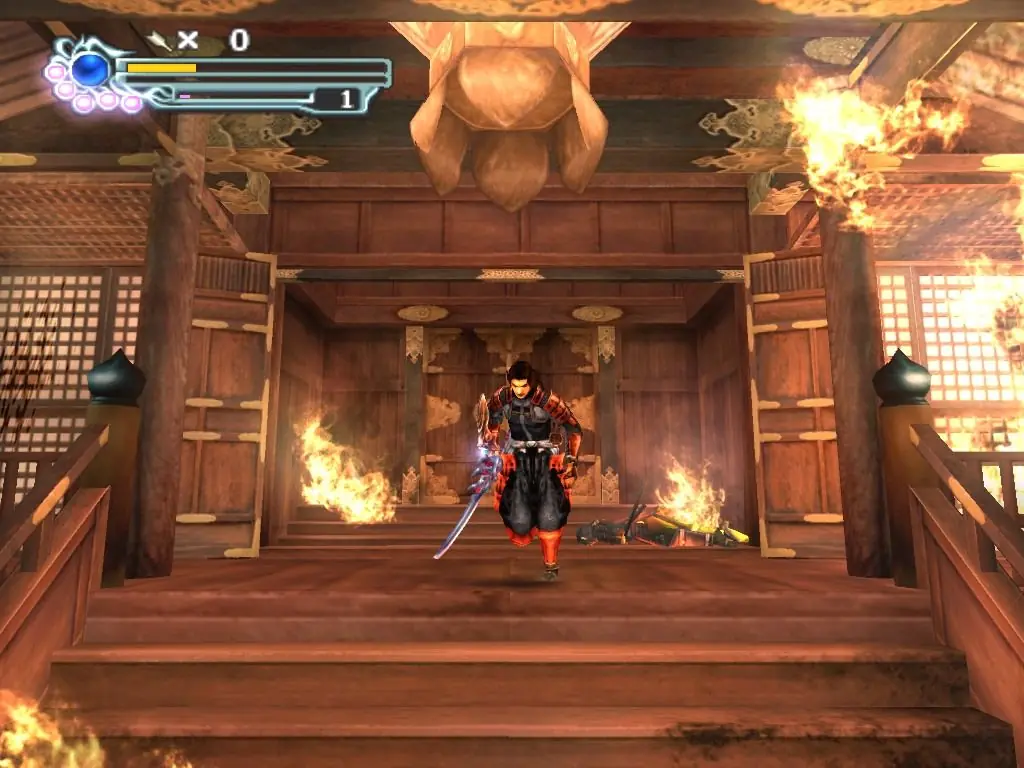
Screenshots

Windows

Onimusha 3: Demon Siege — Windows screenshot 1Onimusha 3: Demon Siege — Windows screenshot 2Onimusha 3: Demon Siege — Windows screenshot 3

Download Onimusha 3: Demon Siege

Onimusha 3: Demon Siege is abandonware and no longer sold or supported by its publishers. Files are archived here for these platforms:
PlayStation 2 (2004)

Tutorial: How to play PlayStation 2 games on Windows

Windows (2005)

Comments

10 thoughts on “Onimusha 3: Demon Siege”

  1. 0
    btw, if I buy a gamepad or controller, can I play it for Onimusha 3? how to connect it? I mean how to set it?
    please let me know
    Reply
  2. 0
    I can’t play anymore. I downloaded it 3 days ago and I play normally, this morning I went to play and then I closed the game with Alt+F4 (it wasn’t during the save game), after that I open the game but it keeps loading and without response, only on the black screen. I tried to open it as an administrator, compatibility with several windows, I uninstalled the game 4 times, I deleted everything that had to be deleted, I looked for a EURO and EN patch but none of them solved it because they couldn’t find the way and there was no way to do it manually. I also tried to save the SAVE file because I didn’t want to lose progress, but the file inside the game and outside the error persists. How to solve?
    Reply
  3. 0
    i cant play game it is saying ‘the code execution cannot proceed because d3dx9_27 dl was not found’ pls what do i do?
    Reply
  4. 0
    Having issues? This how you fix it.
    Download it run the setup install it but without changing anything hit finish.
    When the shortcut is on the desktop
    right click properties
    tick compatibility mode
    For windows 98/Windows Me
    Also tick run as administrator Click Apply then ok
    Click shortcut finally it works.
    Reply
  5. 0
    I will write controls for windows because there isnt list of it in a game. Movement WASD attack LMB defend RMB power attack first press L than J archery is done with Ctrl+Enter you can do that when you need to jump with Jaques its ssame Ctrl+Enter to attach your whip to fly and jump. Spacebar is inventory and start button. To interact press U to cancel press 2 at right part of keyboard to exit a game or pause press 3 at upper part of keyboard. Saving is done by protective mirrors. If you die to much times on mission you will unlock easy mode.
    Reply