Disney’s 102 Dalmatians Activity Center
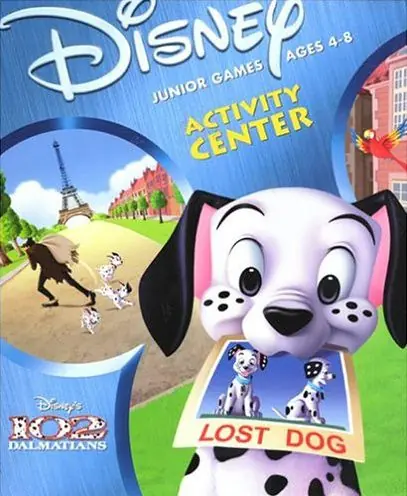
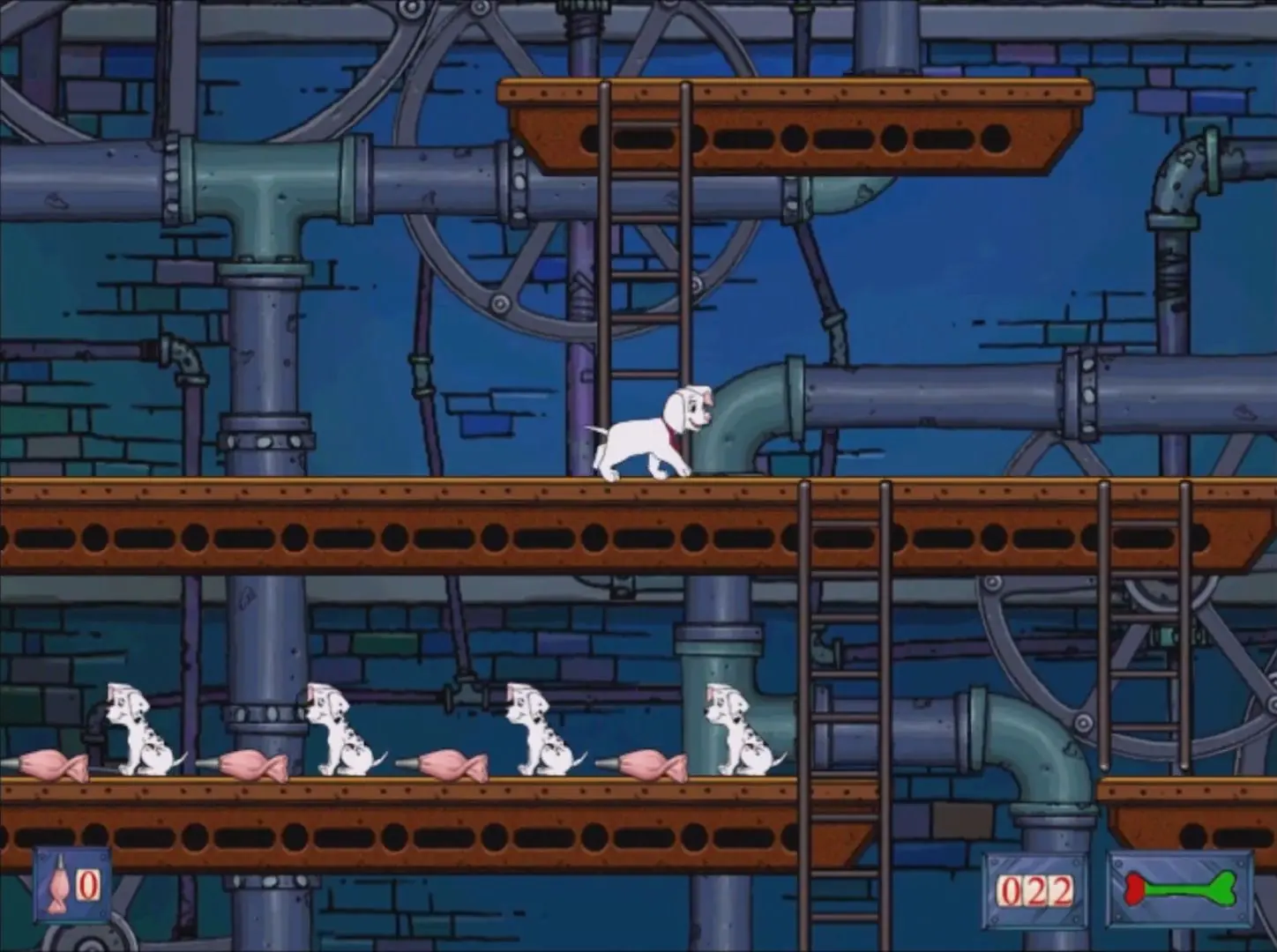
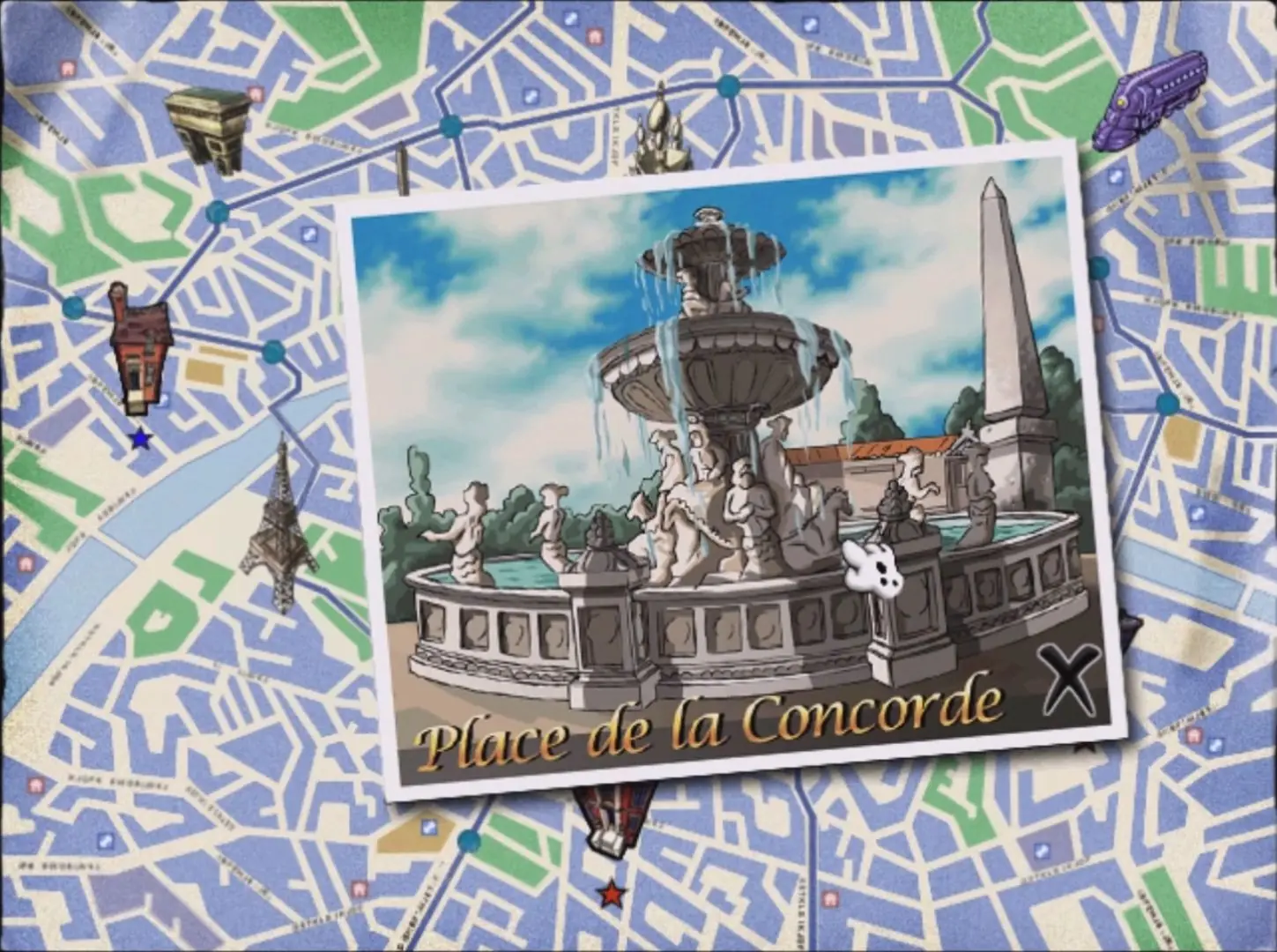
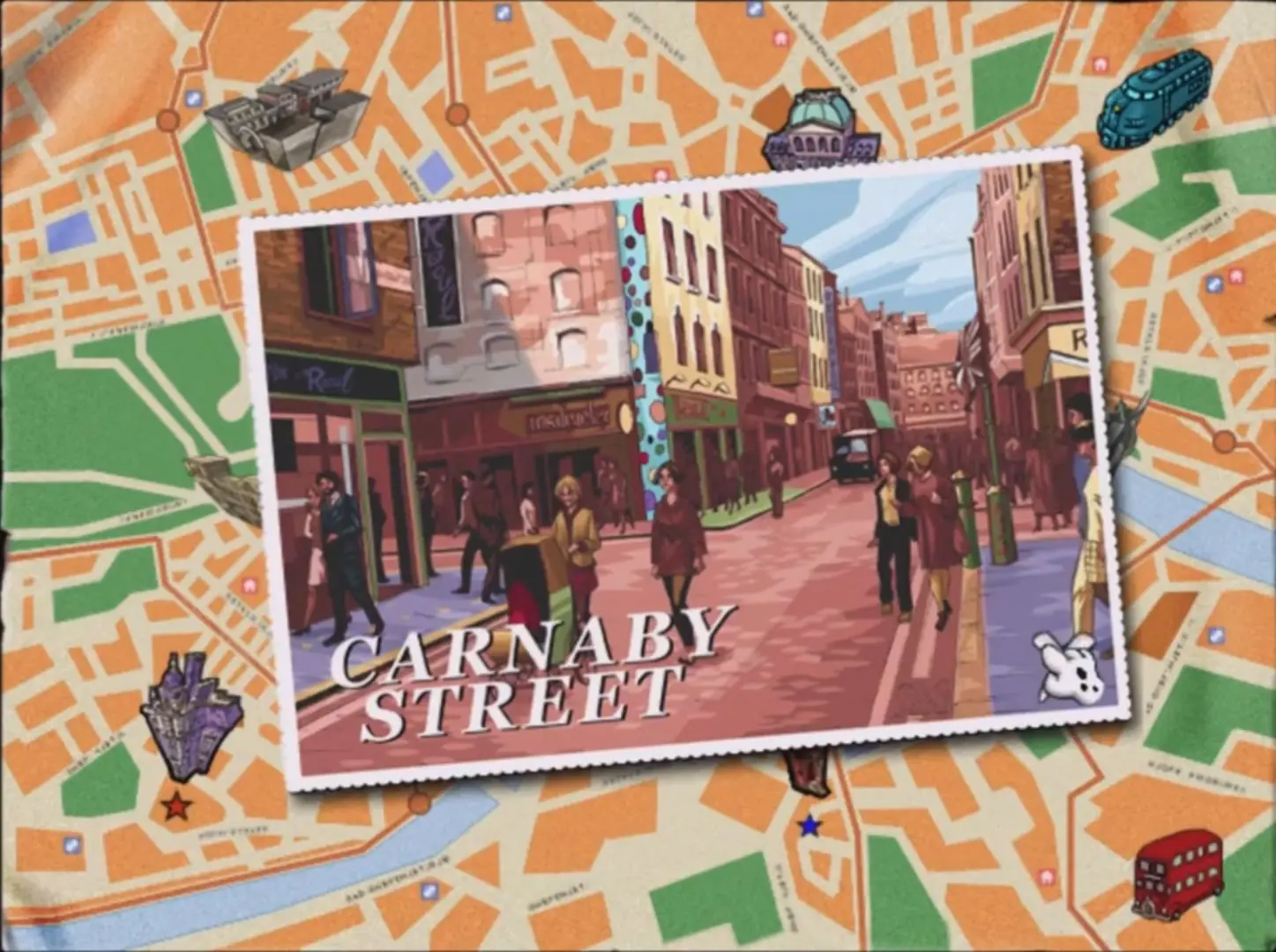
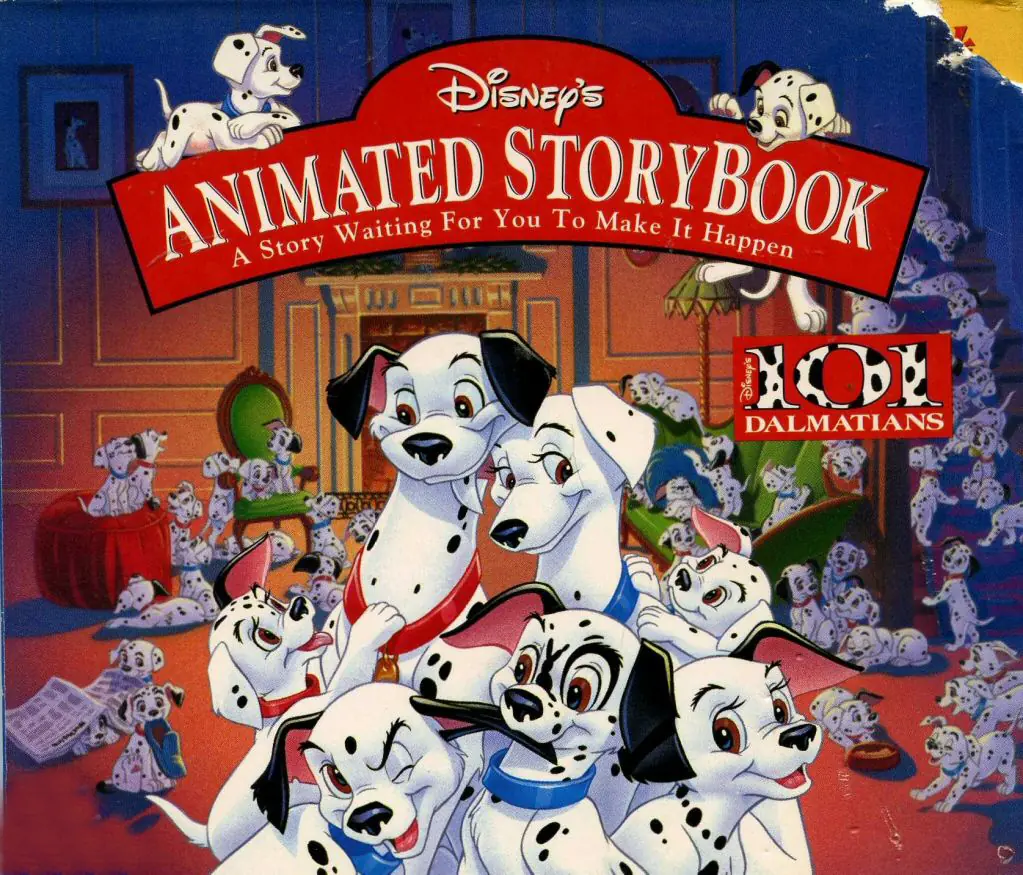
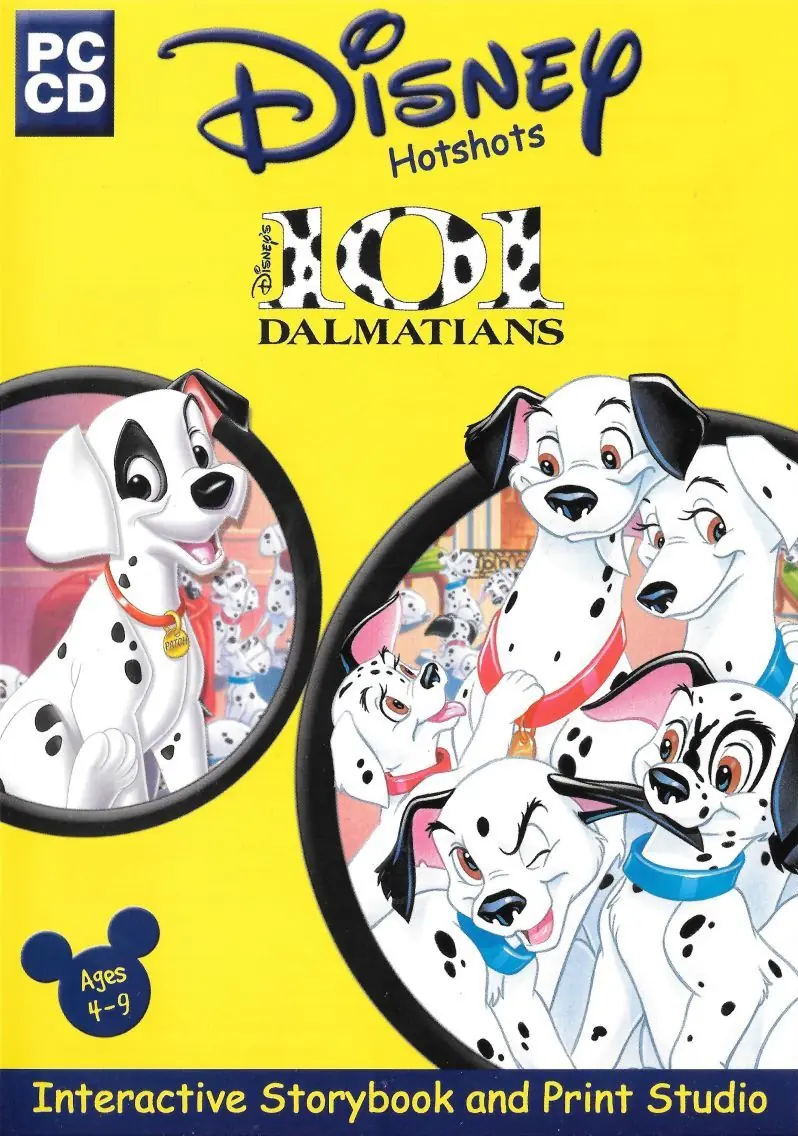
Disney’s 102 Dalmatians Activity Center is a 2000 educational game developed by TerraGlyph Interactive Studios and published by Disney Interactive.
Genres
Publishers
Developers
Released
Platforms






“Thank Biskut for the help, It worrked. But I am going to give more specific solution as I had difficult time following your instruction. what you should do, is going to the drive where you have windows folder (let’s say it‘s C). So you go to C:\Windows\SysWOW64\InstallShield\Setupdir
after that you create a folder and name it 0809 (be careful, you should name it exactly like that for the Installation to work). Now after you created the 0809 folder in that specific location, you should copy (_Setup.DLL) file from another 0809 folder located in Game Installation folder to the 0809 folder you created. (That another 0809 folder located exactly in Game Installation Folder then: Setup\setupdir\0809). after that you should be ready to go. I hope this helped. ^_^
Sorry for any inconvenience as English is not my first language.”
I haven’t started the game yet, but it helped me get the install running.
Extract all the files in the iso to anywhere(Folder on Desktop is easiest)
Navigate to setup -> Game -> HD -> Dalmatians.exe
This will open the game but not really installed in the manor we all know.
Press the spacebar to start moving the cursor if not visible.
Don’t tab out as this will break the graphics on the game.
This is not a full solution but it might help those who just want to play it
Extract the file and the error will go away