Scooby-Doo!: Show Down in Ghost Town
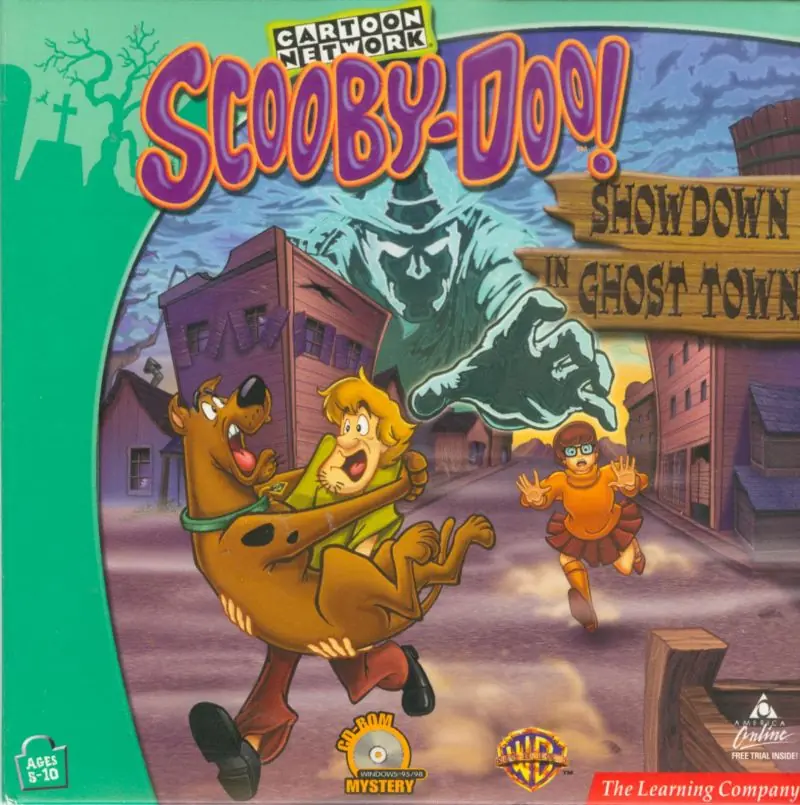
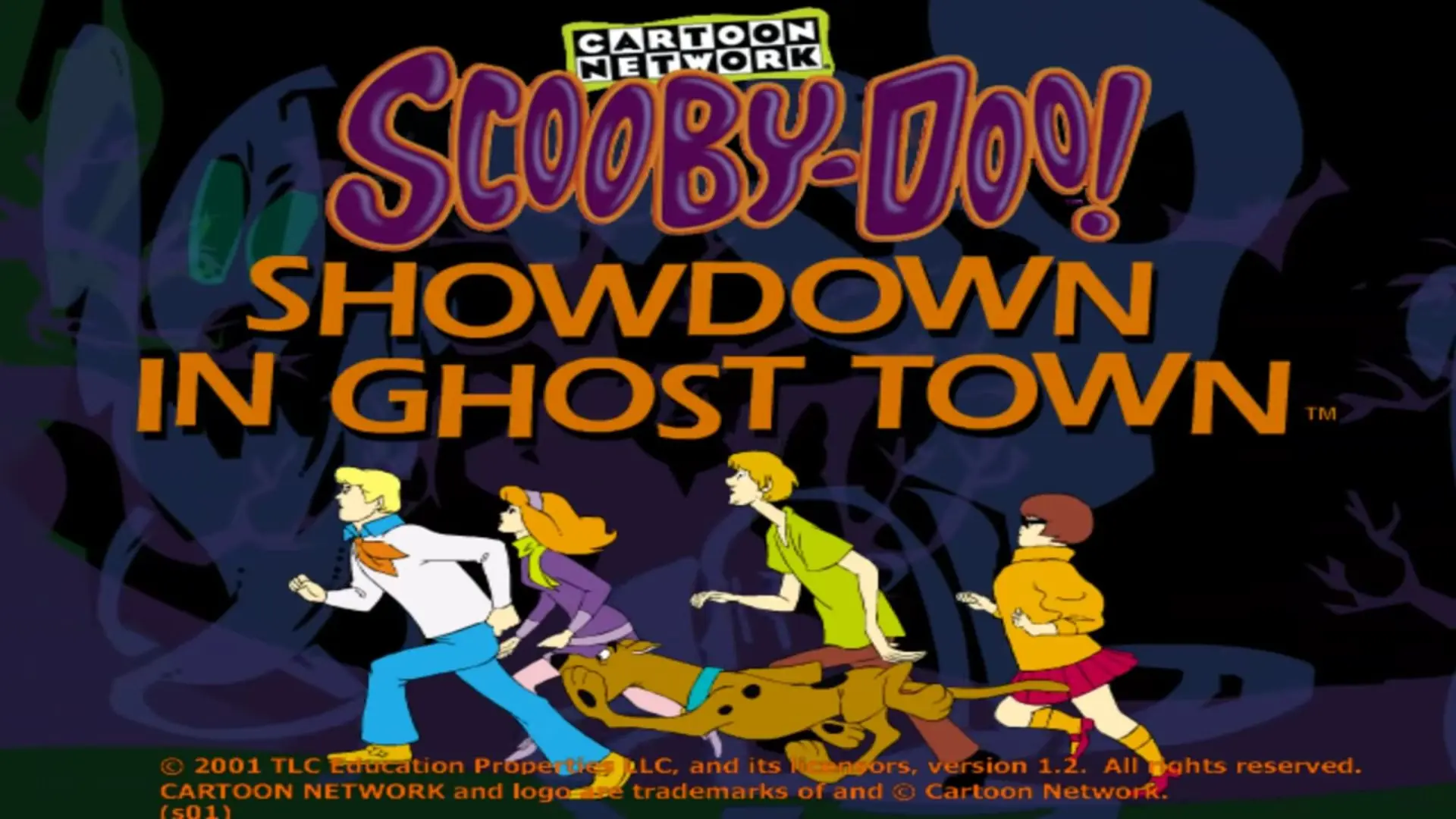
Scooby-Doo!: Show Down in Ghost Town is a 2000 adventure game developed by TerraGlyph Interactive Studios and published by The Learning Company.
Genres
Publishers
Developers
Released
Platforms
Scooby-Doo!: Show Down in Ghost Town is a 2000 adventure game developed by TerraGlyph Interactive Studios and published by The Learning Company.
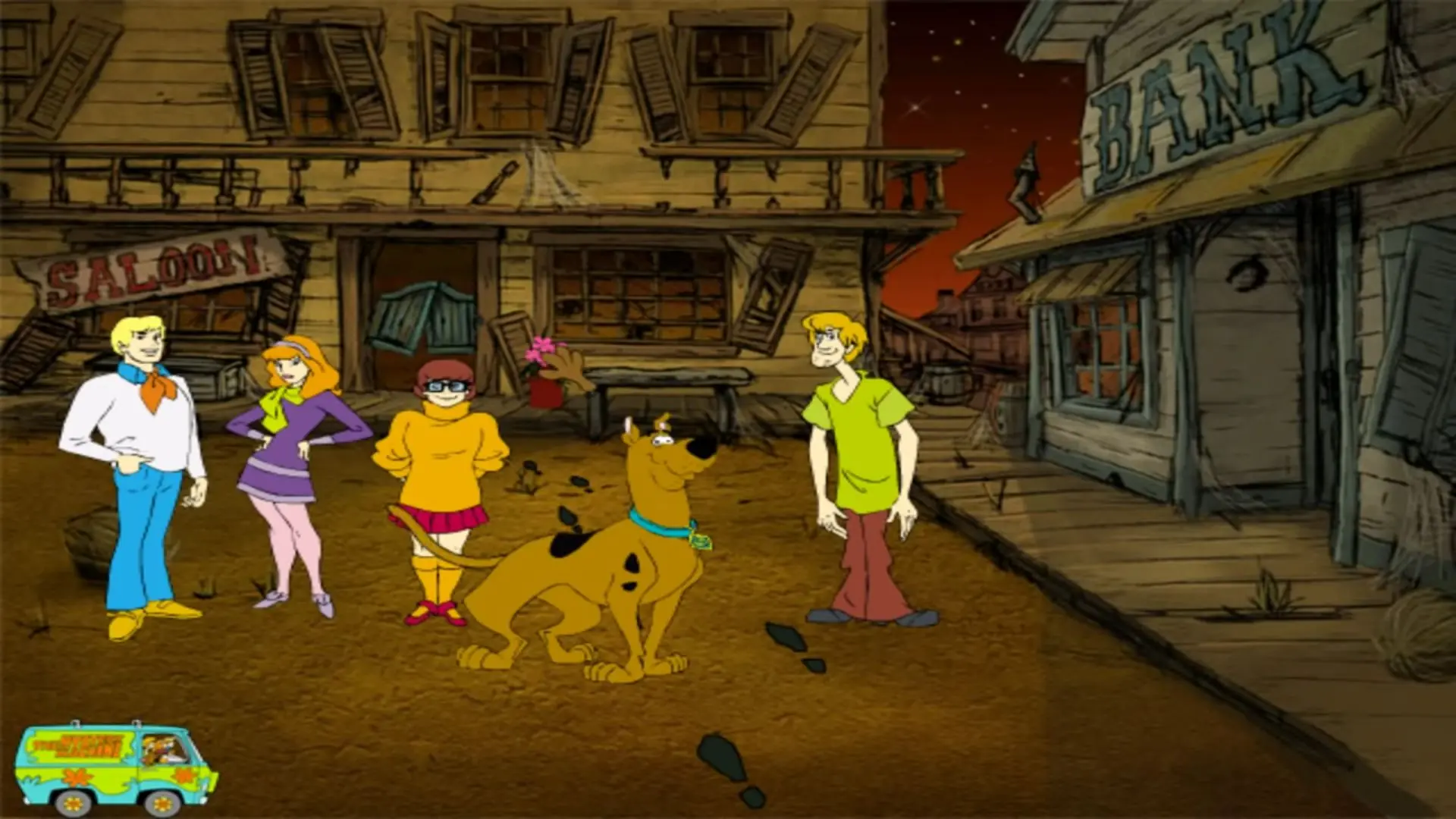
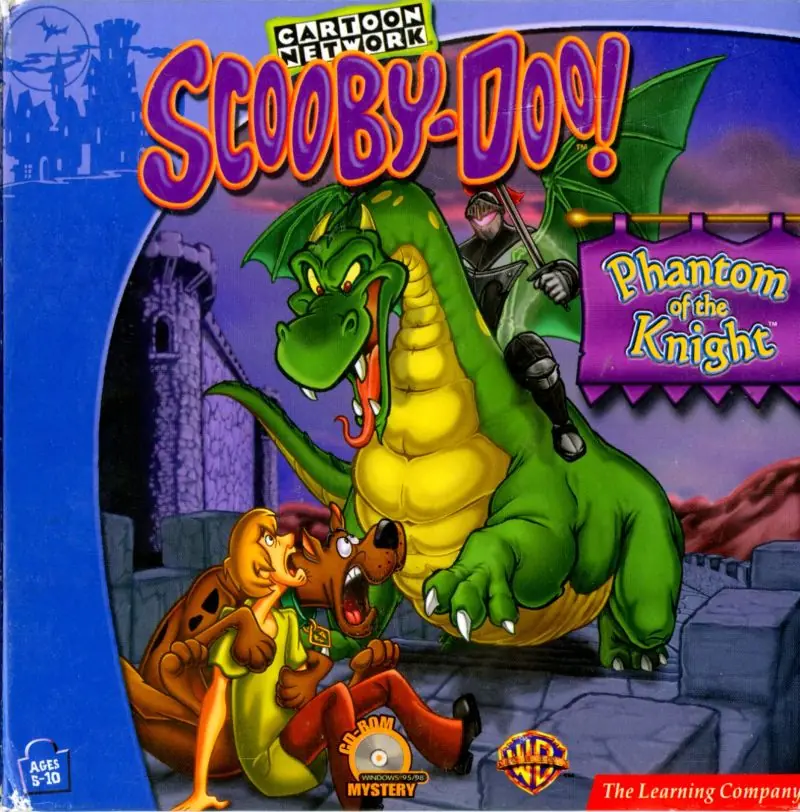
The Mystery Machine pulls into the creepy town of Los Burritos and those "meddling kids" try solve the mystery of the Faceless Bandit in Scooby-Doo! Showdown in Ghost Town. Players direct Freddie, Daphne, Velma, Shaggy, and Scooby Doo through this adventure, solving puzzles and searching for clues. Whether they have their own ideas about where to search for the next clue or are just a little afraid of what might be behind the next door, players may occasionally have to use special care in coaxing the teen sleuths through certain parts of the adventure. When the characters need a little extra motivation, they can be bribed with Scooby Snacks. Though players do not begin with an unlimited supply of these special treats, luckily they can win more Scooby Snacks in a pie-throwing contest against some groovy ghosts. Scooby-Doo! Showdown in Ghost Town is designed for kids between the ages of five and ten, (and for true Scooby Doo fans of all ages).
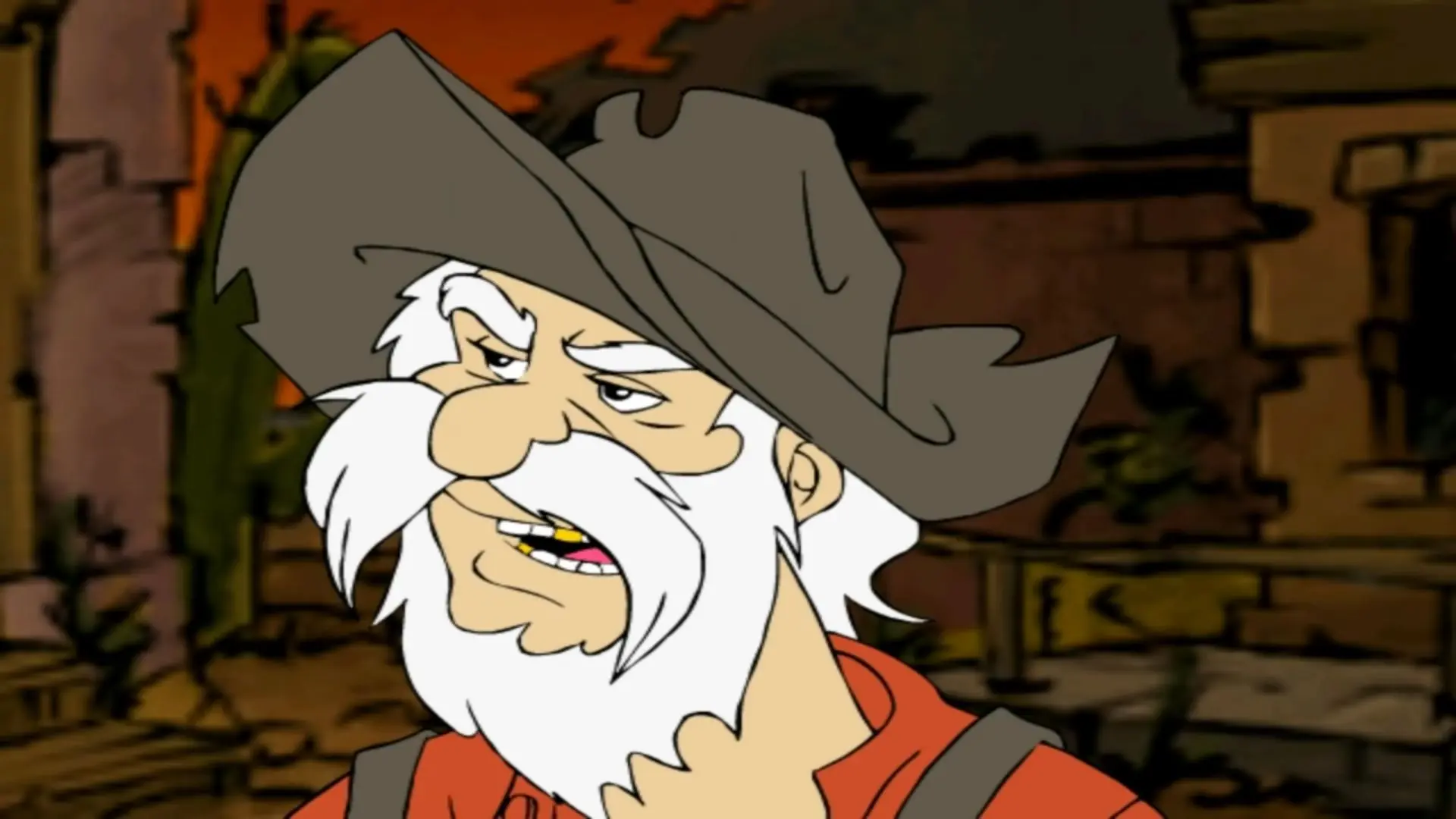
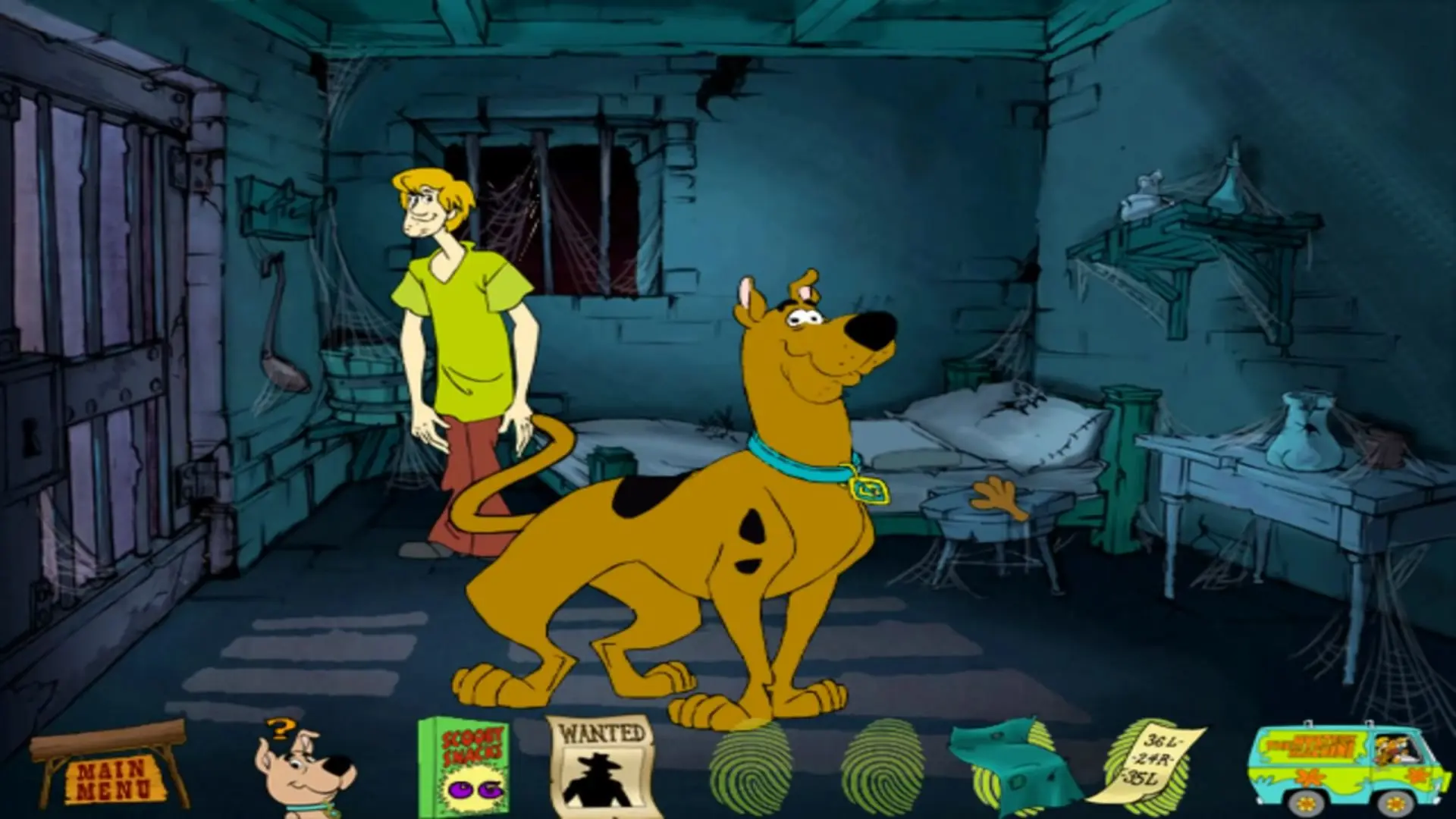
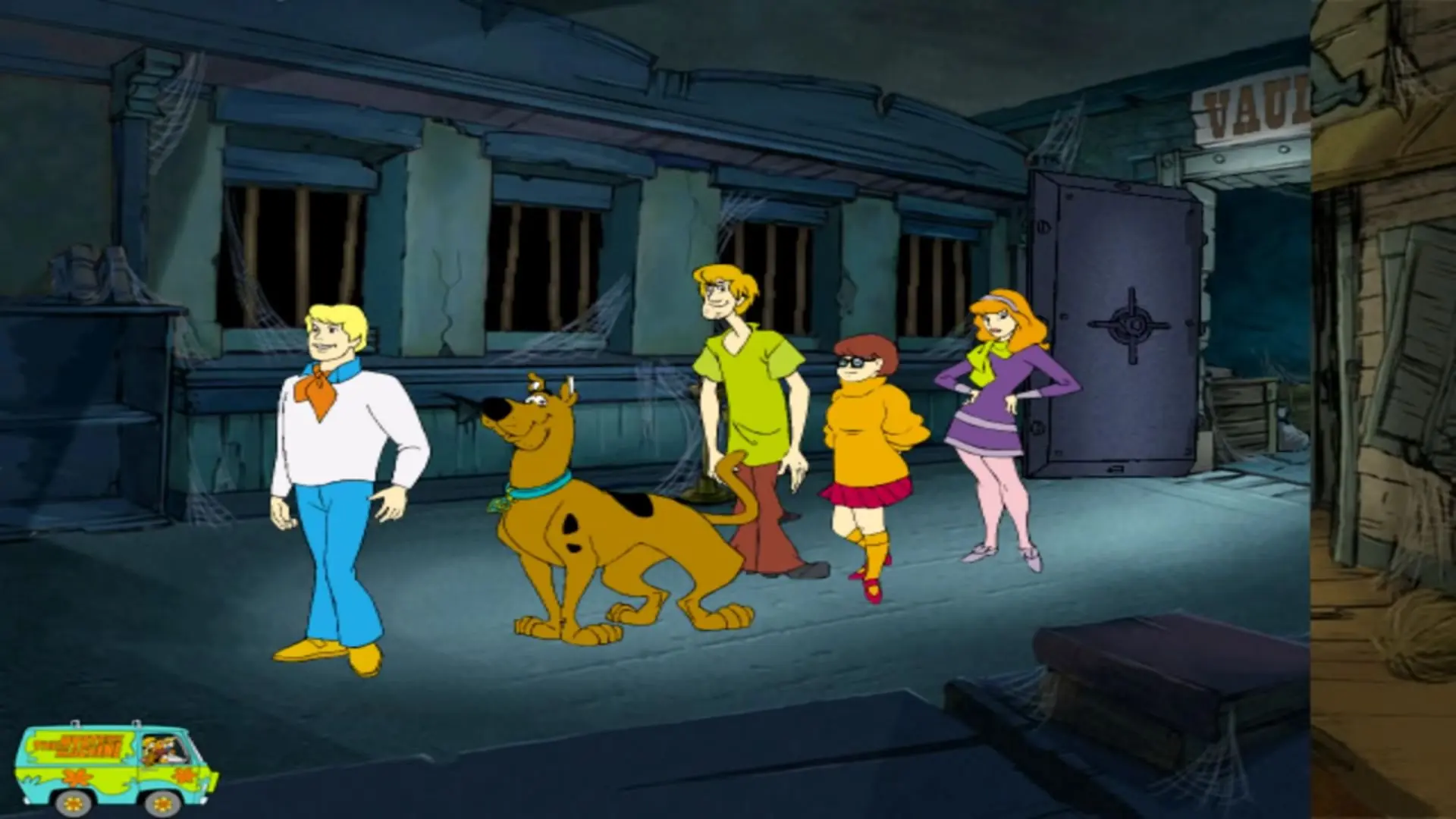
Scooby-Doo!: Show Down in Ghost Town is abandonware and no longer sold or supported by its publishers. Files are archived here for these platforms:
How to play on Windows







1. Extract the ISO for the zip folder.
2. Mount the ISO (Right click, mount. Or left click and mount should pop up as an option in windows explorer.)
3. Open the new drive that appears.
4. Copy the content of the “scooby” folder anywhere you like.
5. Run “scooby.exe.”
6. Profit. No mouse problem. no virtual machine. Just Scooby Doo.
Credit goes to COWTOW from myabandonware.com
when I run the setup, it asks me if I want to install or not, then it gets stuck when I click yes