Home » Games » Dogz 5

Dogz 5

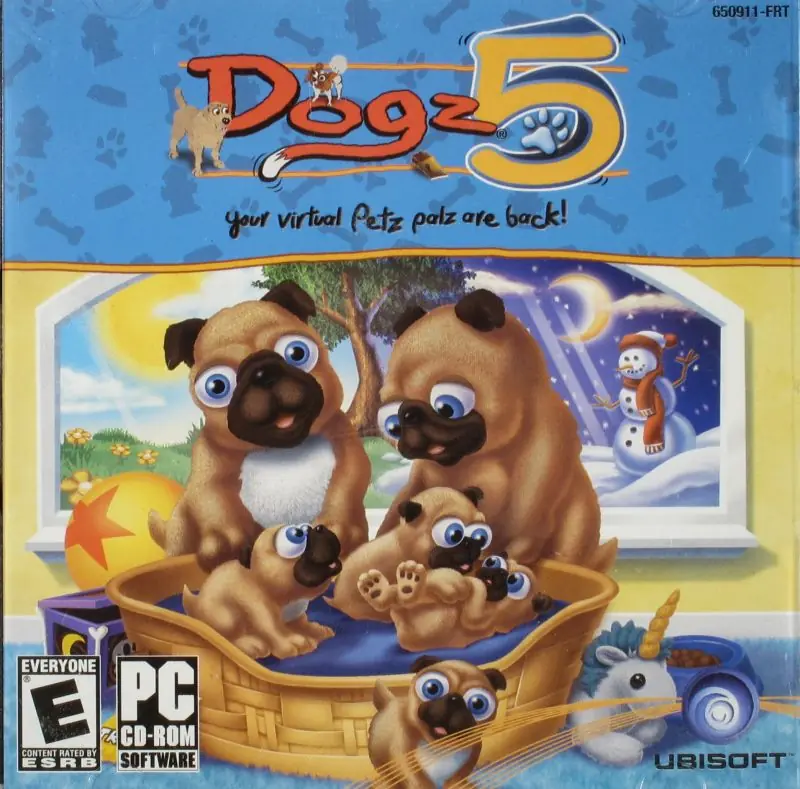
Dogz 5 Game Cover
4.7/5 - 127 votes

Dogz 5 is a 2002 simulation game developed by Studio Mythos and published by Ubisoft.

Genres
Publishers
Developers
Released
Platforms
Download

About Dogz 5

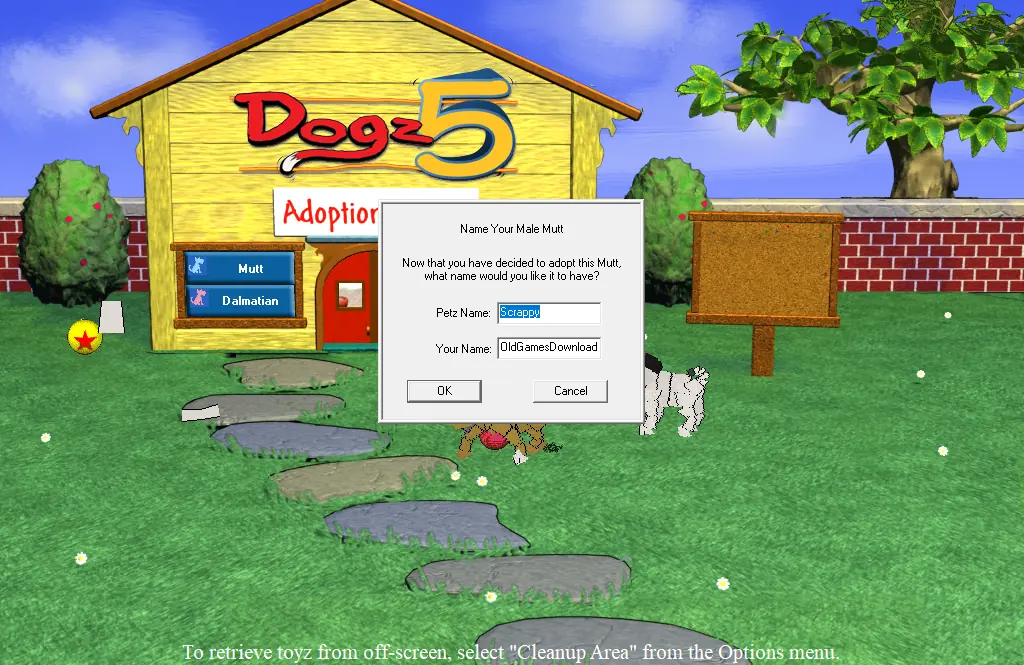
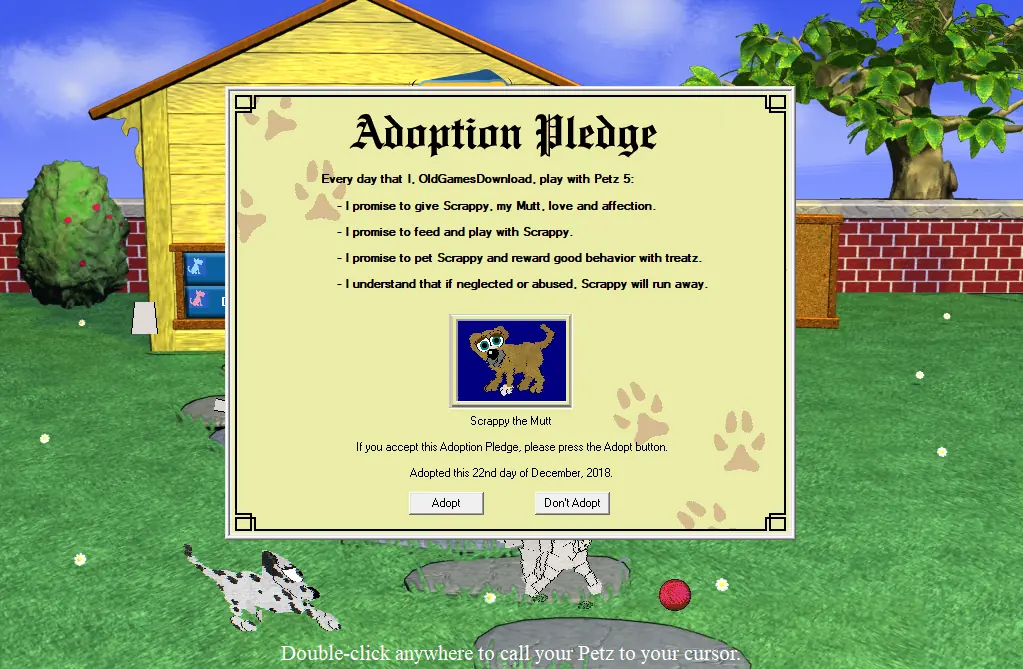
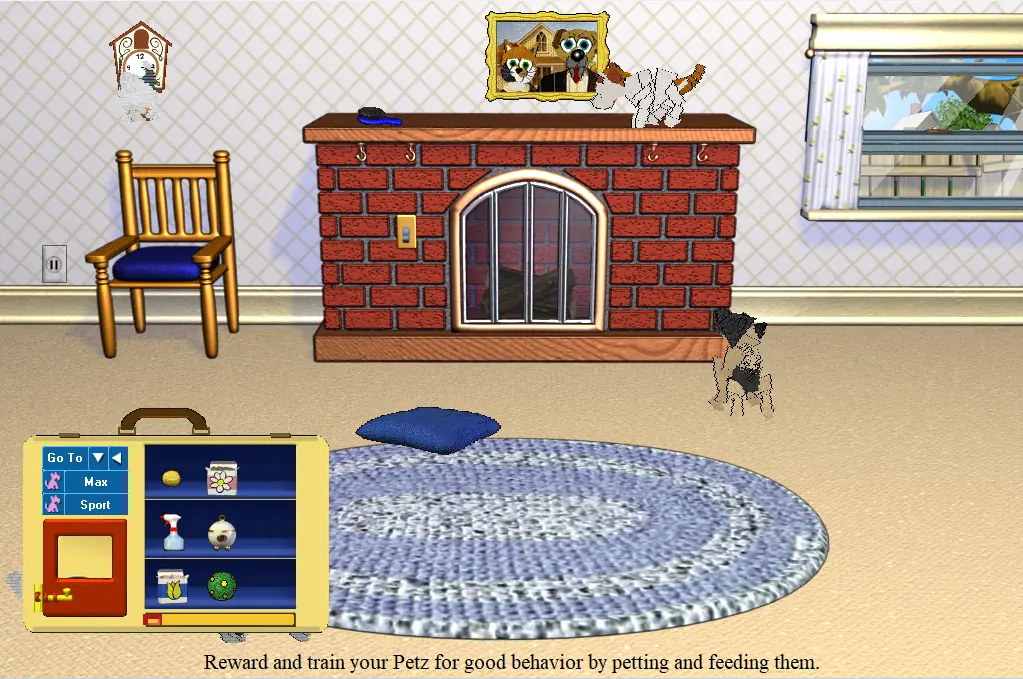
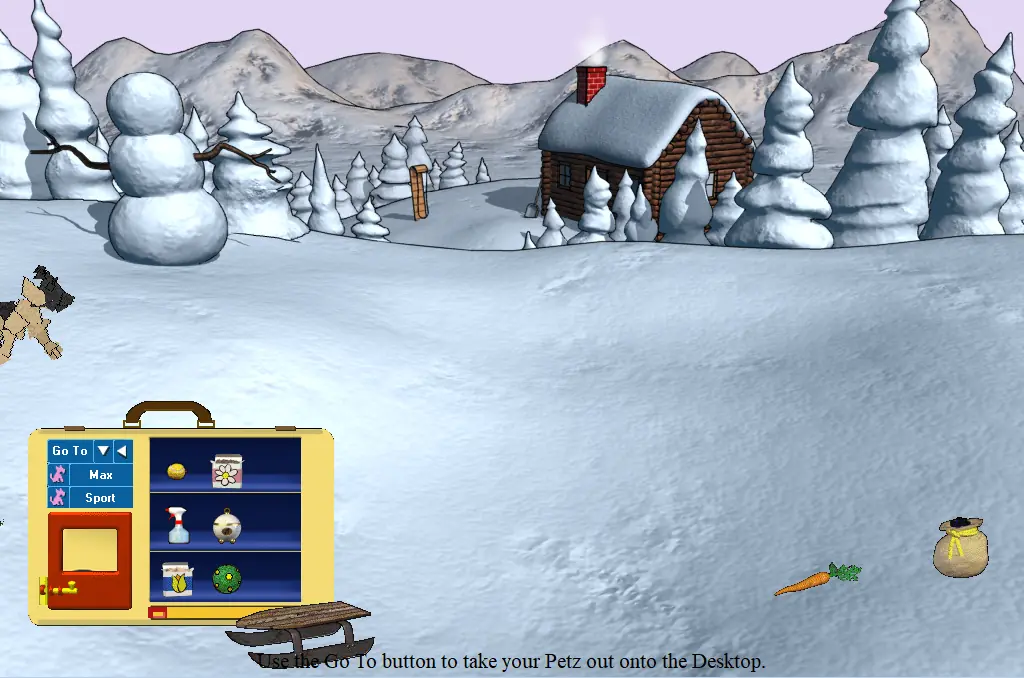
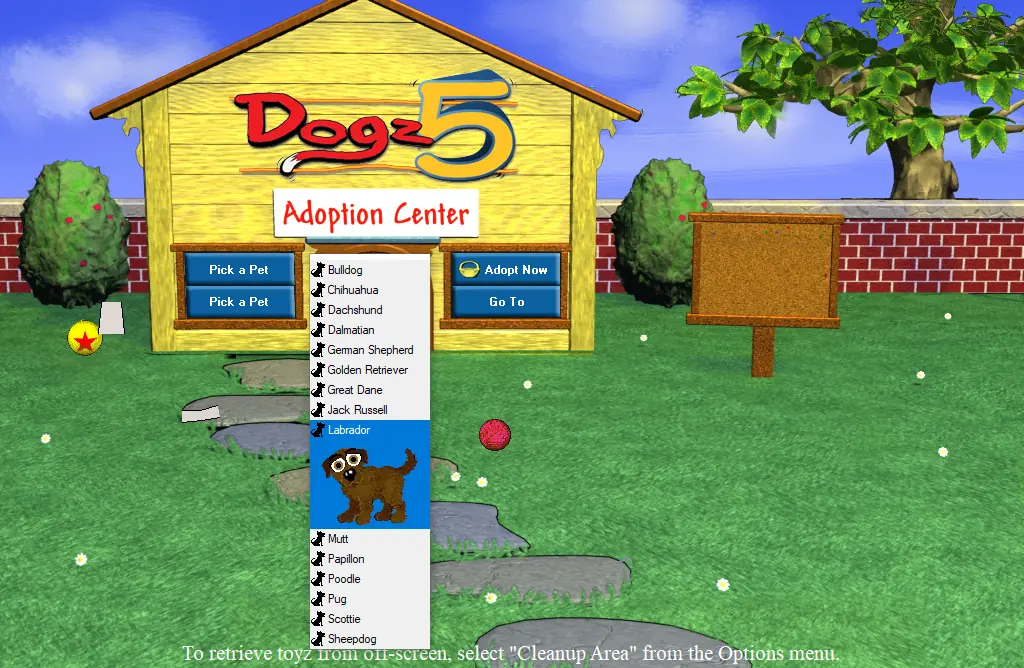
The Dogz are back, in the fifth version of the bestselling Petz family of products from Ubi Soft. Now Petz lovers can enjoy multiple litterz of Puppyz, new weather effects, and day and night cycles in graphically updated play scenes including five new places to play with your Dogz. The Catz and Dogz virtual Petz product lines have sold more than 2 million copies worldwide, while spawning a huge community of loyal Petz owners. Dogz and Catz live on your computer desktop, from little Puppyz and Kittenz, you raise them as they grow, play, and learn together. When they grow up, many will start families of their own. Petz look to you for care, guidance, and training. For every Petz you adopt, you'll get to sign an Adoption Pledge promising to be a good Petz owner. Make sure your Dogz and Catz get plenty of healthy food, exercise, play time--and lots of love from you! Tasty treatz are one way to reward your Petz for good behavior, just don't overdo it. Use the spray bottle to keep particularly naughty Petz in line. Your Petz will run away if they feel neglected. Please adopt only those Petz you're sure you want and take good care of them.
Screenshots

Windows

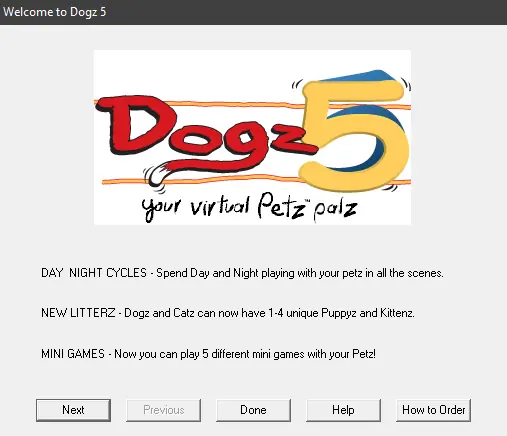
Dogz 5 — Windows screenshot 1Dogz 5 — Windows screenshot 2Dogz 5 — Windows screenshot 3Dogz 5 — Windows screenshot 4Dogz 5 — Windows screenshot 5Dogz 5 — Windows screenshot 6

Download Dogz 5

Dogz 5 is abandonware and no longer sold or supported by its publishers. Files are archived here for these platforms:
Windows (2002)

Comments

44 thoughts on “Dogz 5”

  1. 0
    my download plays fine, but my data isn’t being saved it seems? my dogs won’t age up at all, and my inventory shows up blank after I close and reopen the game. any tips?
    Reply
  2. 0
    my download is running alright, but doesn’t seem to be saving all of my data? my dogs still show up but aren’t aging and the items I’m picking up don’t show in my inventory when I close and reopen the game. anyone else have this issue?
    Reply
  3. 0
    the graphics of the dogs features show up next to the dog’s body instead of on the dog. Does anyone know how to fix that?
    Reply
  4. 0
    Hey I have downloaded the game and gone through the setup process but when I try and open the game it says the error code about screen resolution and needing 256 colours, has anyone else had this problem and got the game to work? I have Windows 10.
    Reply
  5. 0
    Am I able to add custom petz from other people?? I’m been trying to figure it out but the adoption center file/folder isn’t available here..
    Reply
  6. 0
    Having a slight issue with being unable to return dogs. Comes up with an error saying “The system cannot find the path specified” and when looking for the adopted dogs folder. It’s no where to be seen so I can manually remove them myself. Is there a fix for this?
    Reply
  7. 0
    Hi! I’m trying to download after I downloaded catz already from you, but it keeps saying “application could not open. catastrophic failure” when I try to run setup.exe 🙁 Anything I can do to fix this?
    Reply
  8. 0
    Downloaded it. Runs fine, but I’m having issues with the graphics. The Dogz have no faces and look like pixels.. Near the dogz are mirror images of what they should look like that freeze to the game screen. Any solutions?
    Reply
  9. 0
    Hey! Thanks for the download link! I´m so happy to be able to play the game again 🙂 But I can remember that there were more rooms/locations….? Rooms where you can buy food, toys, etc. Instead of the missing rooms all other rooms are listed twice. Do you know how to fix this bug?
    Reply
  10. 0
    Doesn’t work? I did everything right however when I click run as admin and then yes nothing comes up? Please help as I would love to be able to play this. Advice???
    Reply
    • 0
      One thing you can try is running the game in compatibility mode with Windows XP (Service Pack 2). To change the settings you can right click the game icon > Go to Properties > Select Compatibility tab at the top > Under “Compatibility mode” select one of the Windows XP > Click “Apply” then “Ok”.

      I would try to play around with those settings to maybe find a setting that works. I was able to play the game on Windows 10 without doing this though, but it really depends on your laptop. If none of that works then if at all possible try playing on a different computer/laptop.

      Reply

Similar games