Home » Games » Dogz 5

Dogz 5

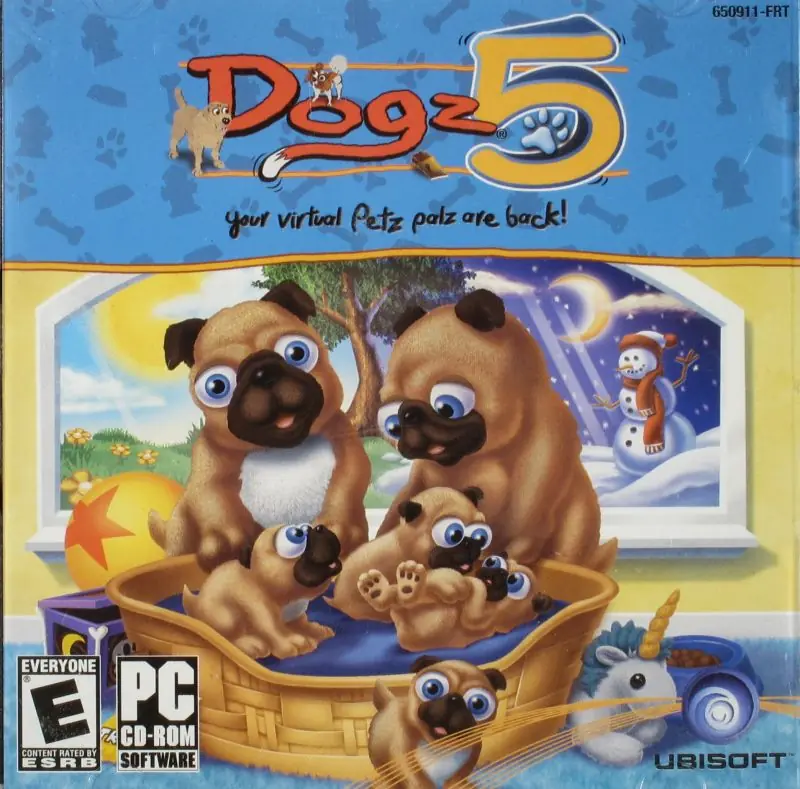
Dogz 5 Game Cover
4.7/5 - 127 votes

Dogz 5 is a 2002 simulation game developed by Studio Mythos and published by Ubisoft.

Genres
Publishers
Developers
Released
Platforms
Download

About Dogz 5

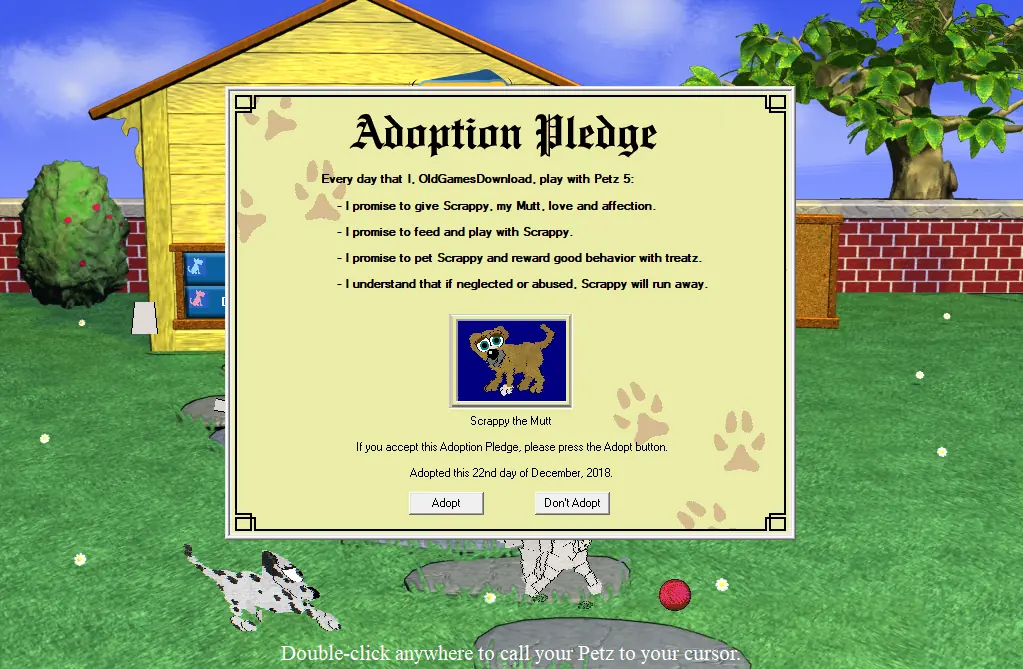
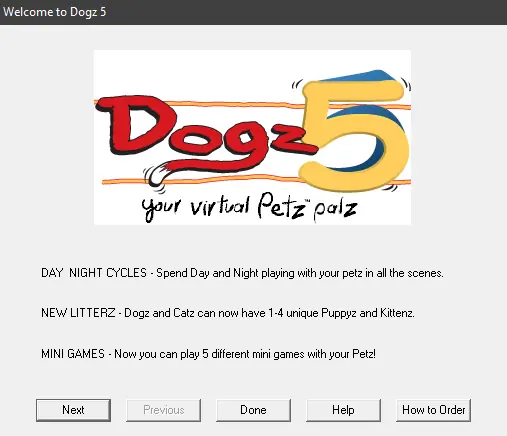
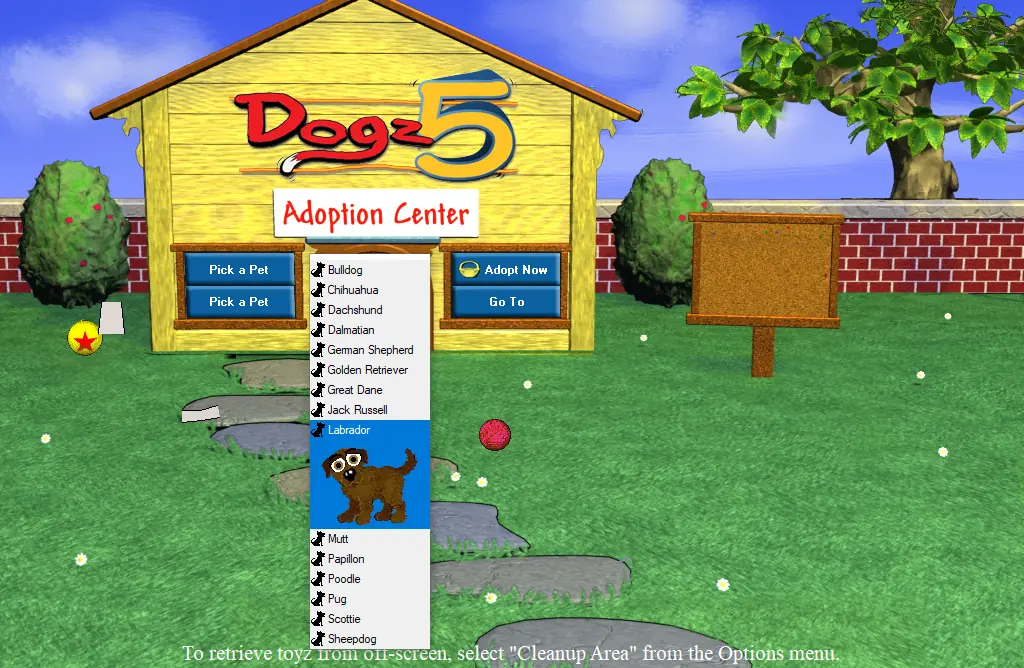
The Dogz are back, in the fifth version of the bestselling Petz family of products from Ubi Soft. Now Petz lovers can enjoy multiple litterz of Puppyz, new weather effects, and day and night cycles in graphically updated play scenes including five new places to play with your Dogz. The Catz and Dogz virtual Petz product lines have sold more than 2 million copies worldwide, while spawning a huge community of loyal Petz owners. Dogz and Catz live on your computer desktop, from little Puppyz and Kittenz, you raise them as they grow, play, and learn together. When they grow up, many will start families of their own. Petz look to you for care, guidance, and training. For every Petz you adopt, you'll get to sign an Adoption Pledge promising to be a good Petz owner. Make sure your Dogz and Catz get plenty of healthy food, exercise, play time--and lots of love from you! Tasty treatz are one way to reward your Petz for good behavior, just don't overdo it. Use the spray bottle to keep particularly naughty Petz in line. Your Petz will run away if they feel neglected. Please adopt only those Petz you're sure you want and take good care of them.
Screenshots

Windows

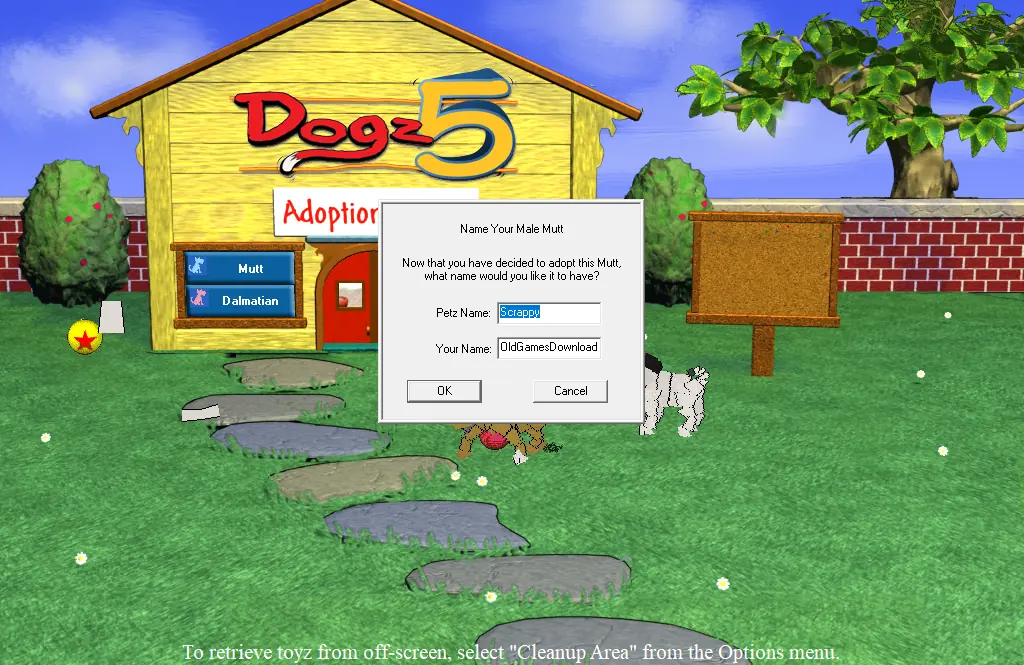
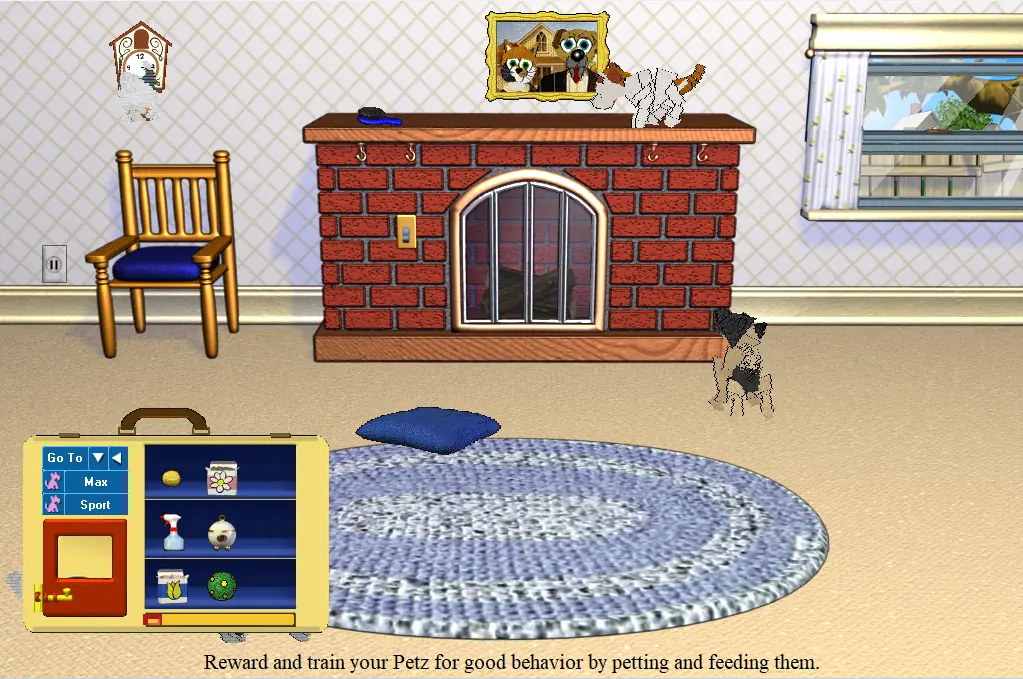
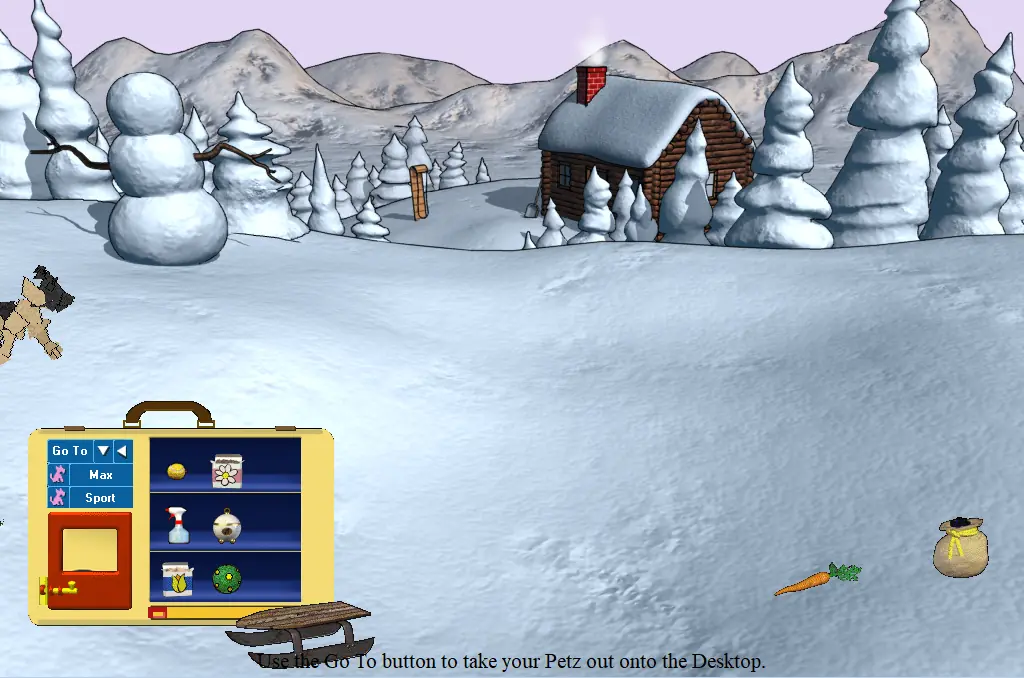
Dogz 5 — Windows screenshot 1Dogz 5 — Windows screenshot 2Dogz 5 — Windows screenshot 3Dogz 5 — Windows screenshot 4Dogz 5 — Windows screenshot 5Dogz 5 — Windows screenshot 6

Download Dogz 5

Dogz 5 is abandonware and no longer sold or supported by its publishers. Files are archived here for these platforms:
Windows (2002)

Comments

44 thoughts on “Dogz 5”

  1. 0
    Is anyone else having trouble with the mini games? I’ve downloaded this both ways (separately of course) trying to figure out how to fix the mini games but I can’t get them working. A box continuously pops up when we go to the places with the mini games, I have to bring up task manager and shut the entire game down.
    Reply
  2. 0
    okay so i found out that if you try to apply a picture to a picture frame, it shows the adopted and returned petz folders, but actually trying to find said folders outside of that scenario shows they’re not there. the closest i’ve managed to get to fixing the problem is recreating the folders by the letter and putting them where i saw said folders to begin with. i can now return petz as a result but i can’t find any files for said petz returned or adopted.
    Reply
  3. 0
    okay so i found out that if you try to apply a picture to a picture frame, it shows the adopted and returned petz folders, but actually trying to find said folders outside of that scenario shows they’re not there. the closest i’ve managed to get to fixing the problem is recreating the folders by the letter and putting them where i saw said folders to begin with. i can now return petz as a result but i can’t find any files for said petz returned or adopted.
    Reply
  4. 0
    Hi, everything works super well, except when I want to return unwanted petz, an error window appears and says that I don’t have the folder for returns… How do I fix this?
    Reply
  5. 0
    I have two compressed files for Catz 5 and Dogz 5 that I extracted. I did the Preinstalled versions since they were the only ones to work on Windows 11. They open separately but not have not merged into Petz 5. How do I do this?
    Reply
  6. 0
    Hi! Just got it to work except one little hiccup. Any time I enter a themed area (Asain temple, Wild West, ect) I get a million continuous “click to play the mini game” windows that are unstoppable. anyone know how to fix this? Thank you!
    Reply
  7. 0
    Just downloaded both catz and dogz version…. whenever I go to Arabia I get a trail of click on the vase to play the mini game…. like literally a row of it. then the game crashes and automatically closes
    Reply
  8. 0
    I’m not sure if this will help. I downloaded the Catz 5 game first, installed it per the instructions, and then downloaded the Dogz 5. I ran the set up like they explain here and it said it detected Petz 5. I said yes to install it/set up as Petz 5 and it works perfectly well for me!

    I hope this helps someone.

    Reply
    • 0
      Also, my daughter and I played with Catz a little bit before adding Dogz 5. We adopted three kitties before running the other game. I’m not sure if having a cat will help it run, too. I know my Babyz game is finnicky as heck. <3 Good luck!!
      Reply
  9. 0
    When i start the game the error: Asset not found –
    asset = resourcetranslationkit.txt.comes. Anyone have an idea how to fix this? 🙂
    Reply
    • 0
      had the same problem – you have to resize your screen under display settings-screen resolution.1024 x 768 is the ideal size to run the game, fixed the issue for me completely
      Reply
  10. 0
    How do I combine the Dogz 5 and Catz 5 games? they haven’t combined automatically and both run seperately
    Reply

Similar games