Home » Games » Emperor: Battle for Dune
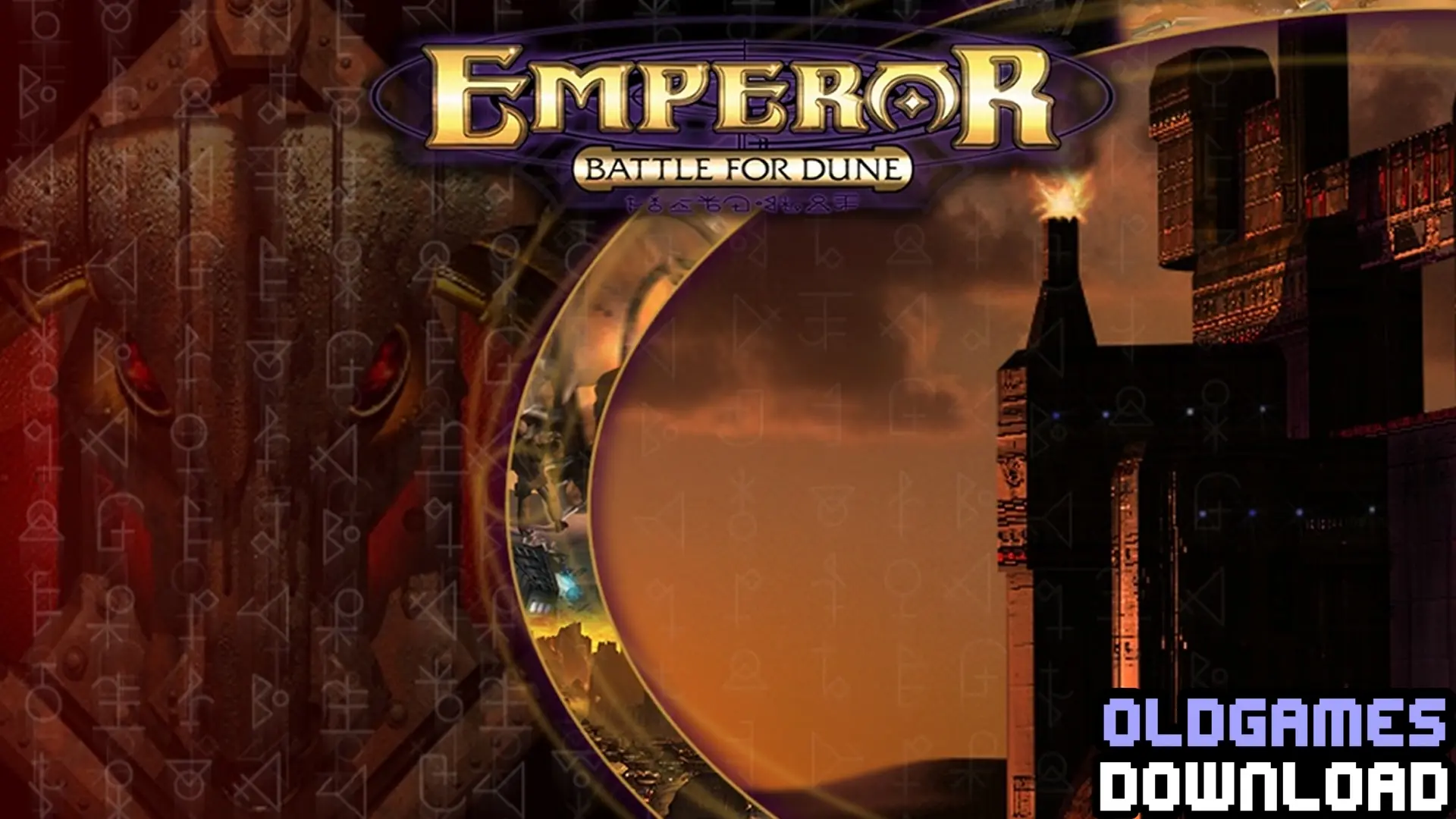
Emperor: Battle for Dune

Emperor: Battle for Dune Game Cover
4.6/5 - 80 votes

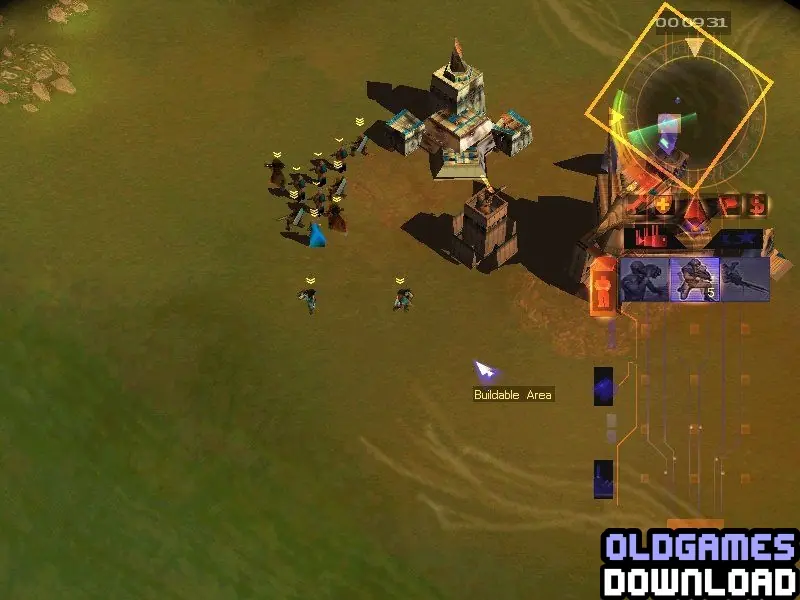
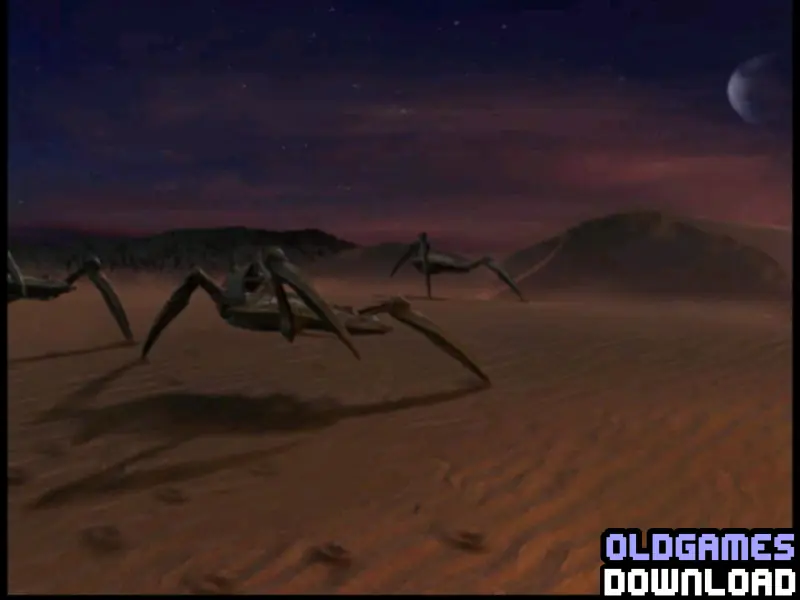
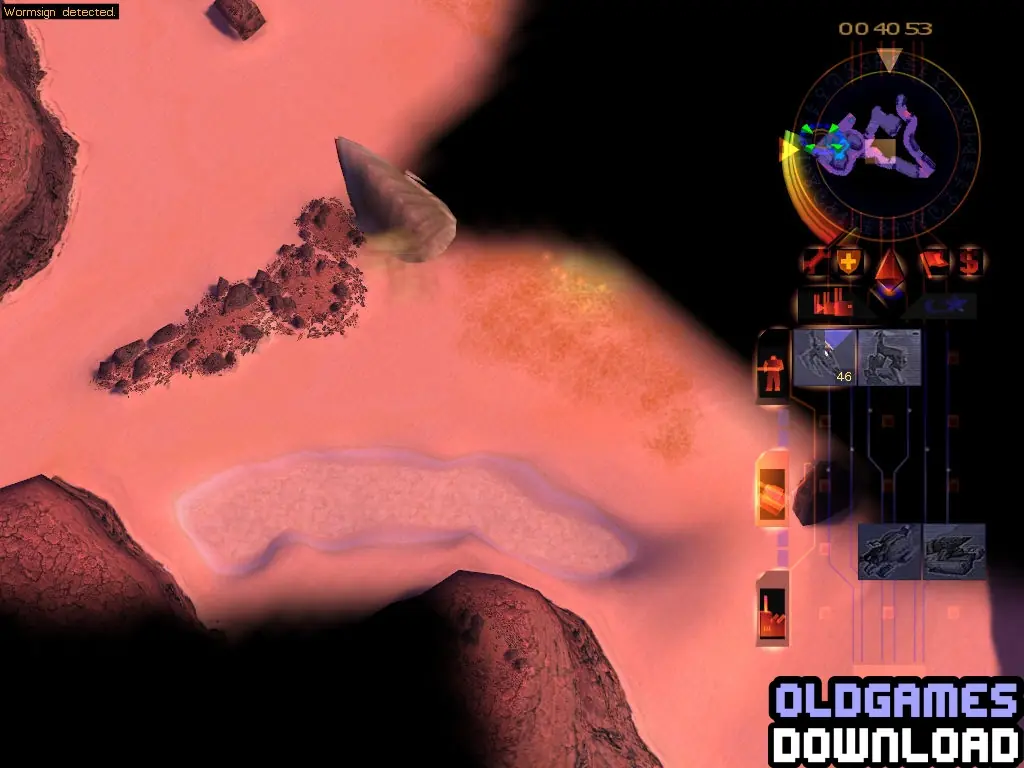
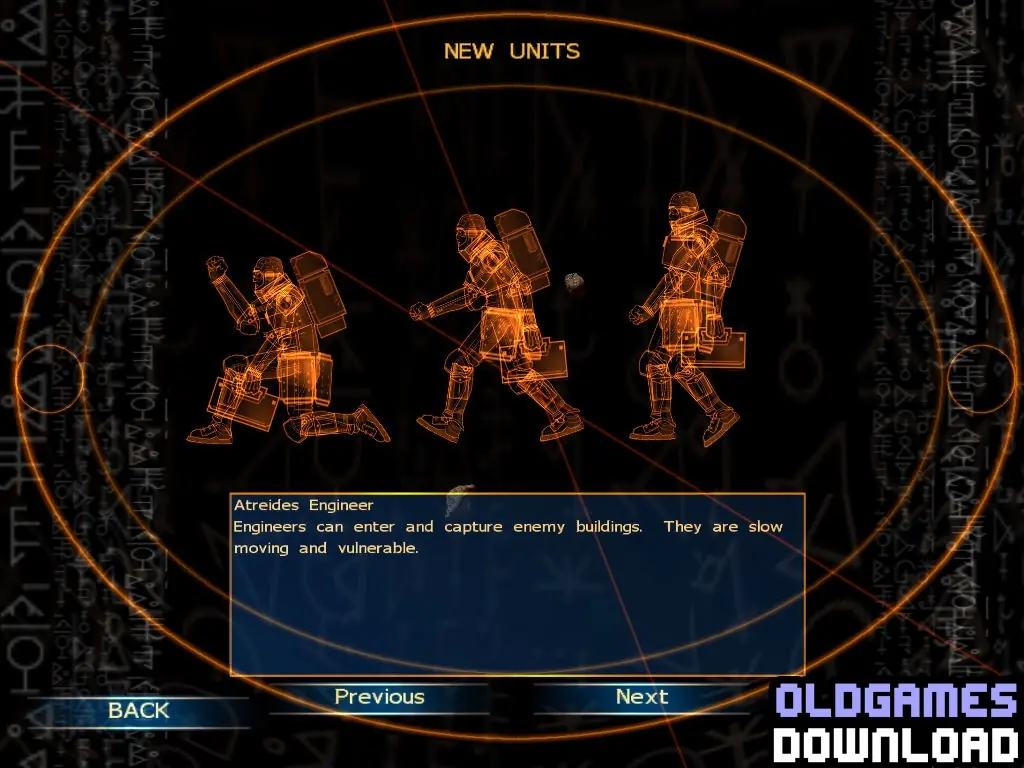
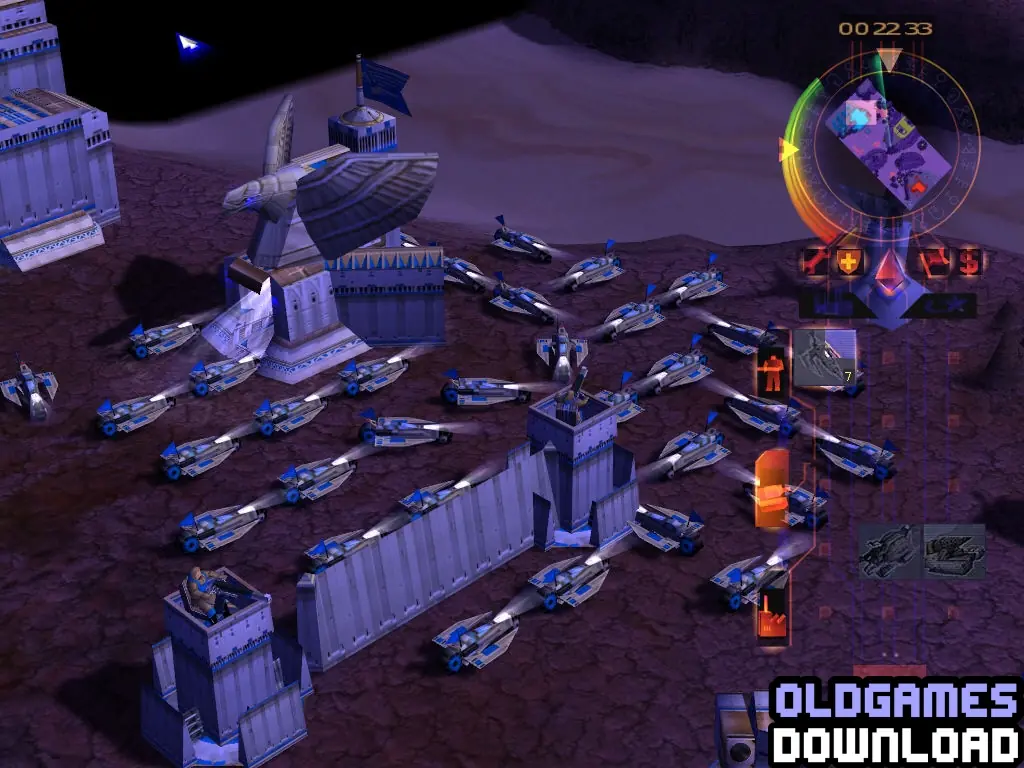
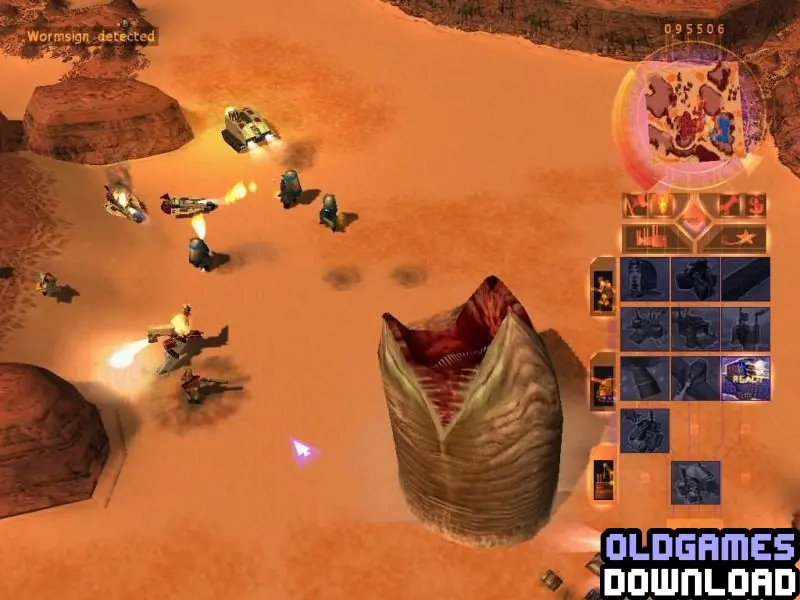
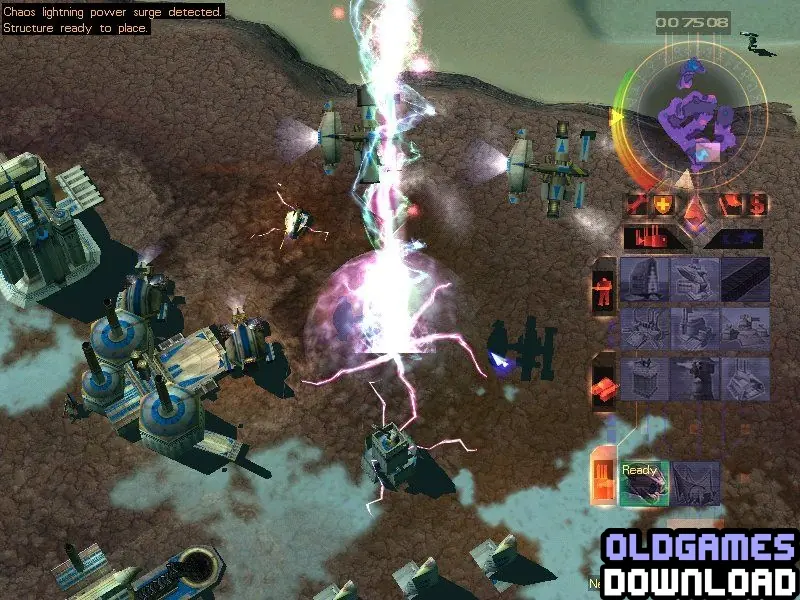
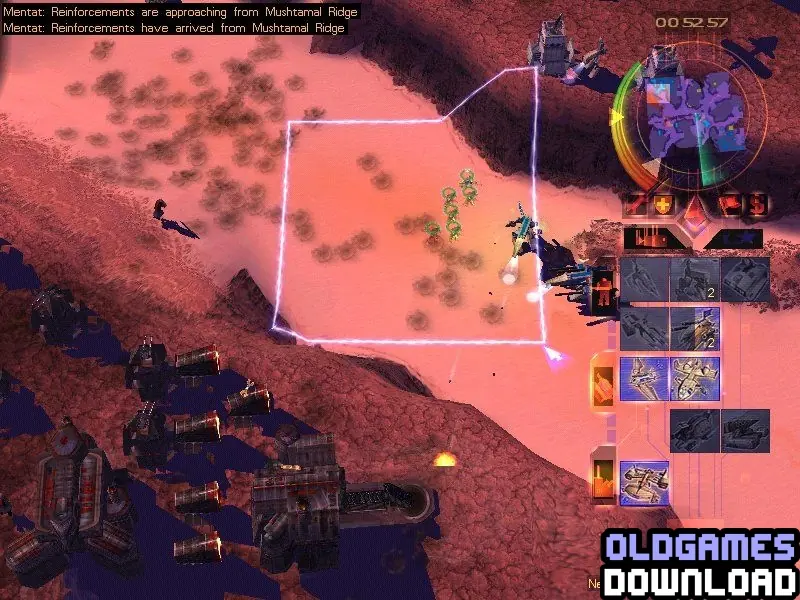
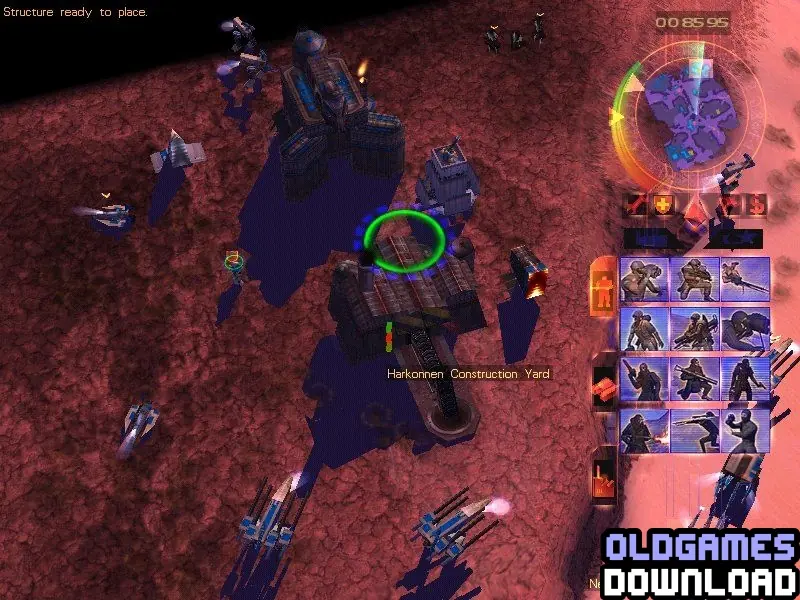
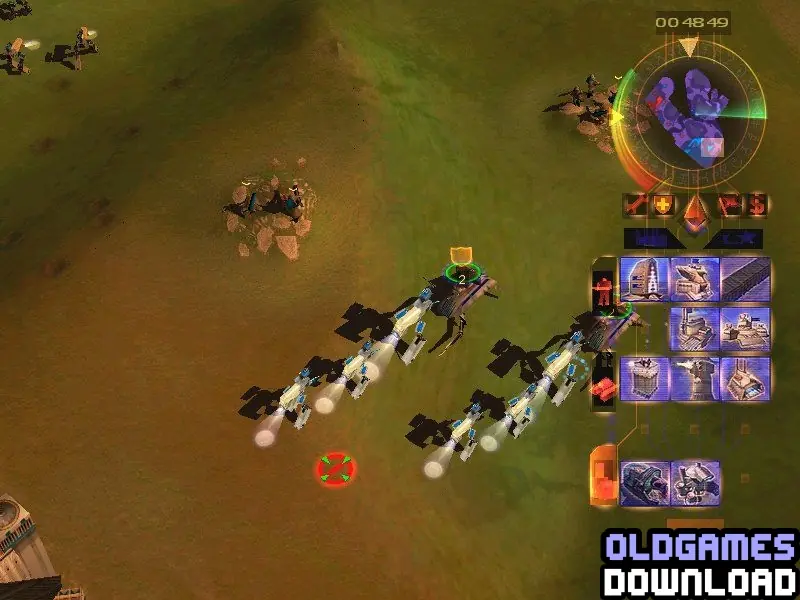
Explore 5 different landscapes including lush prairies, industrial wastelands, frozen tundras and the harsh desert of Dune. From the Dust Scout to the Devastator war machine, each unit plays a role.

Other Titles

Dune 3EBfDEmpereur: La Bataille pour DuneEmperor: Schlacht um Dune帝王:沙丘战争Empereur : La bataille pour DuneImperator: Bitka za Dinuالإمبراطور: معركة كثيب沙丘魔堡:皇權爭霸엠페러: 배틀 포 듄

Genres
Publishers
Released
Platforms
Download

About Emperor: Battle for Dune

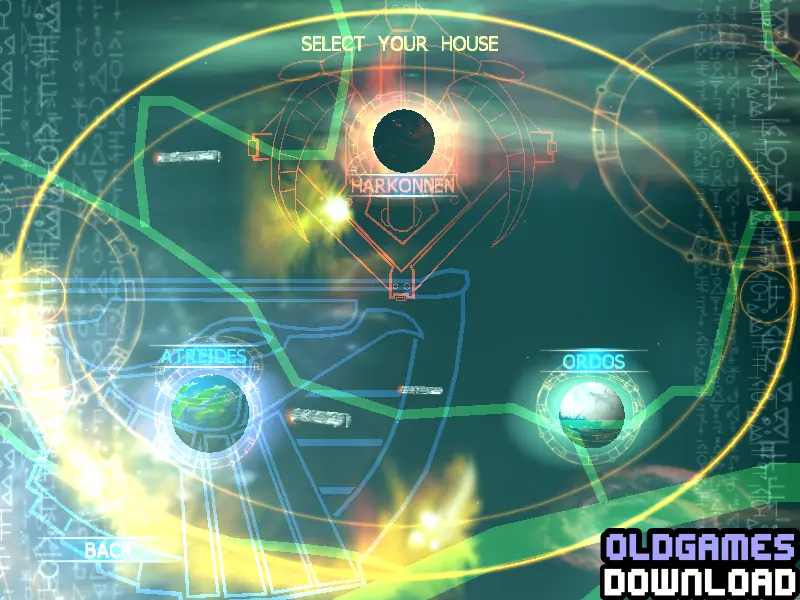
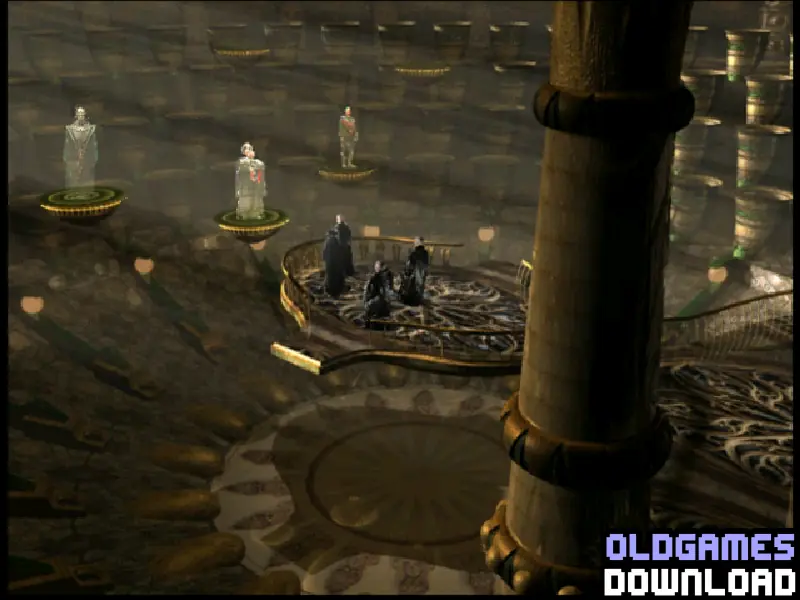
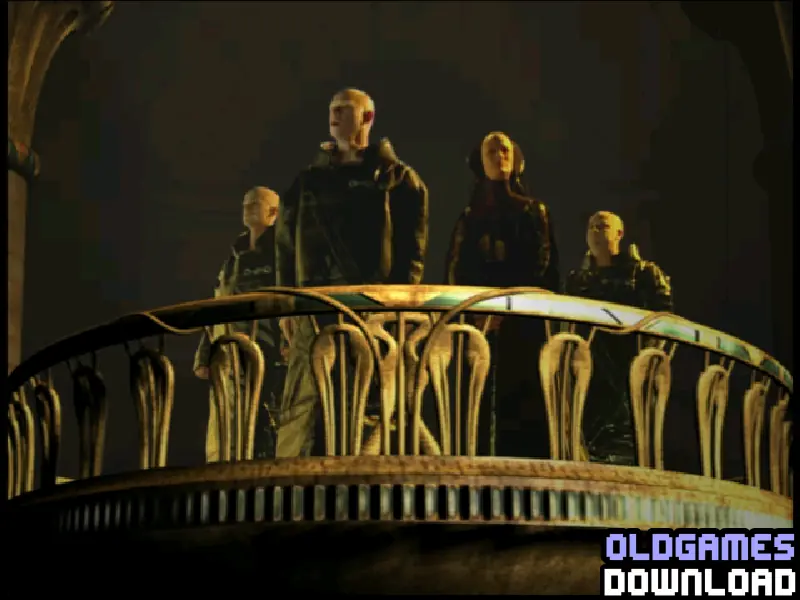
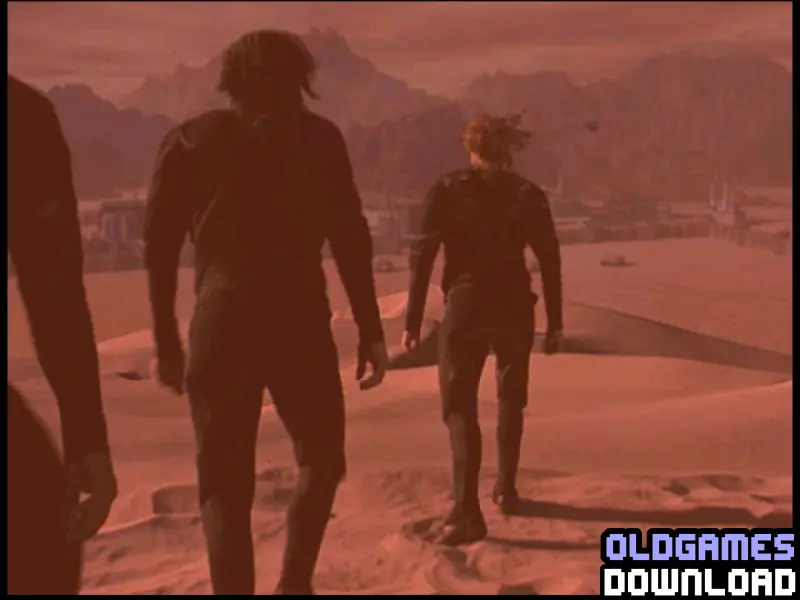
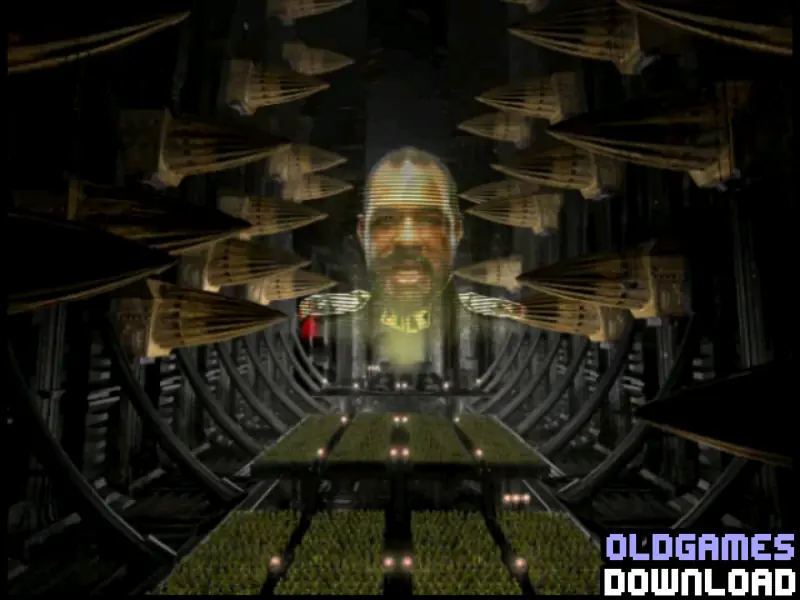
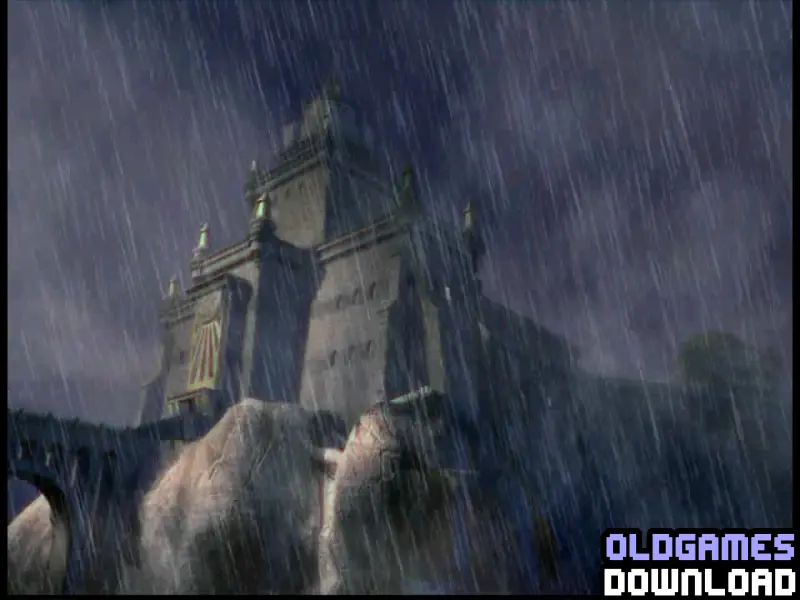
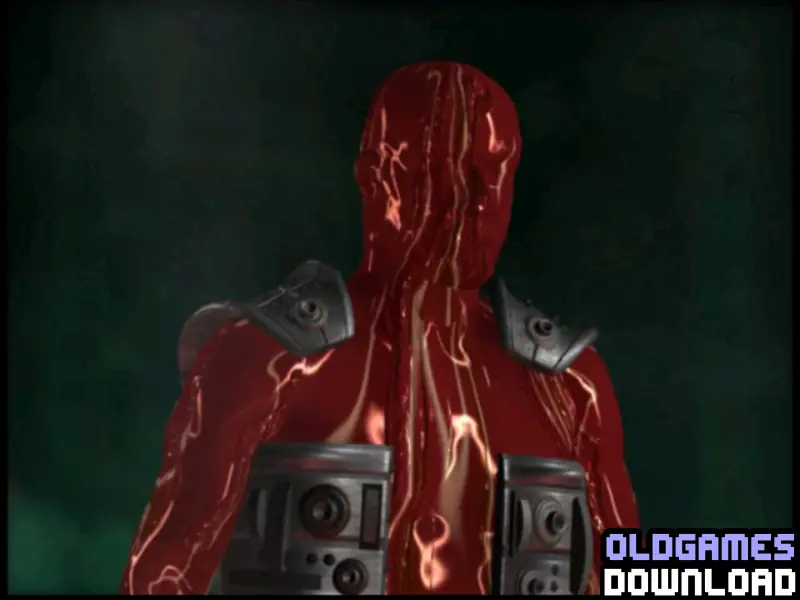
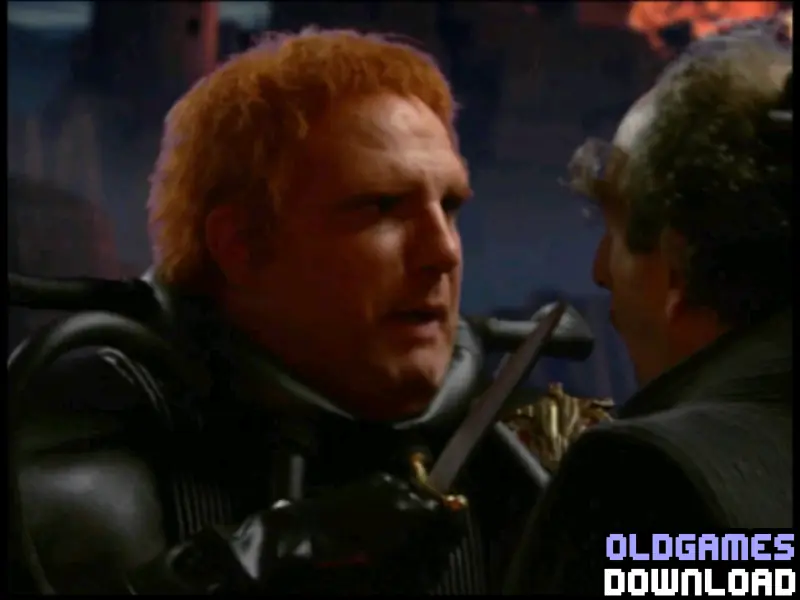
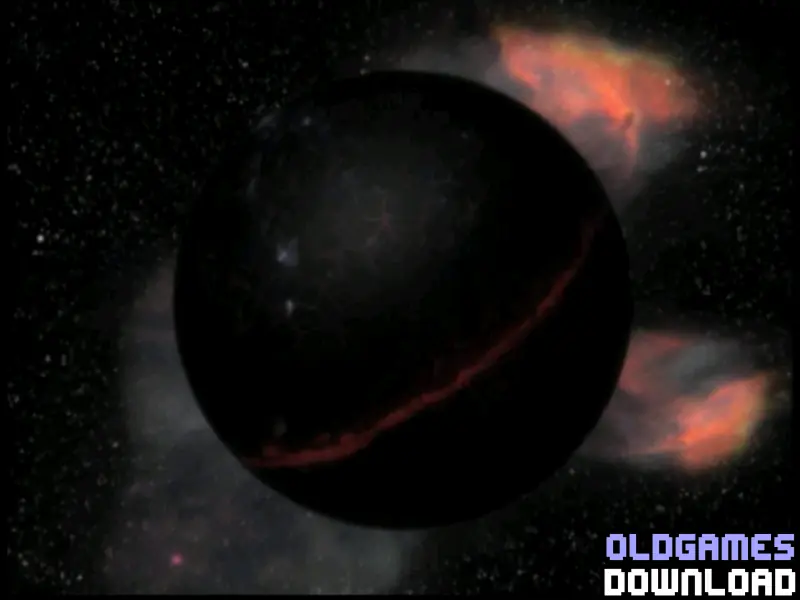
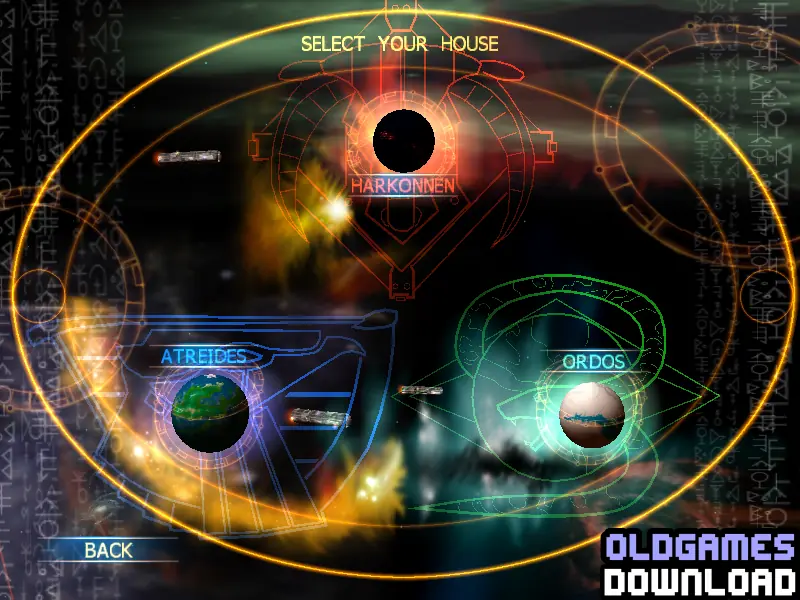
Emperor returns gamers to Dune, land of sand, home of the spice and the first real-time strategy title. This all-new game presents the Dune universe in full 3-D. As in the classic Dune 2, players can command three unique political houses: noble Attreides, evil Harkonnen, and insidious Ordos. Five powerful subgroups add to the volatile political climate. There are four game worlds to battle on, and players can choose large-scale strategic advances or ground-level tactics. Gamers can wage war online both head-to-head and cooperatively.
Screenshots

Windows

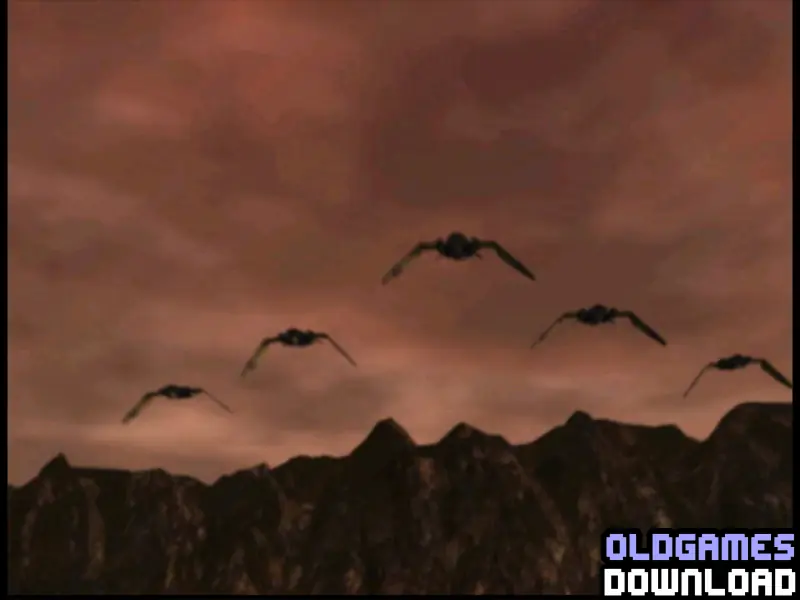
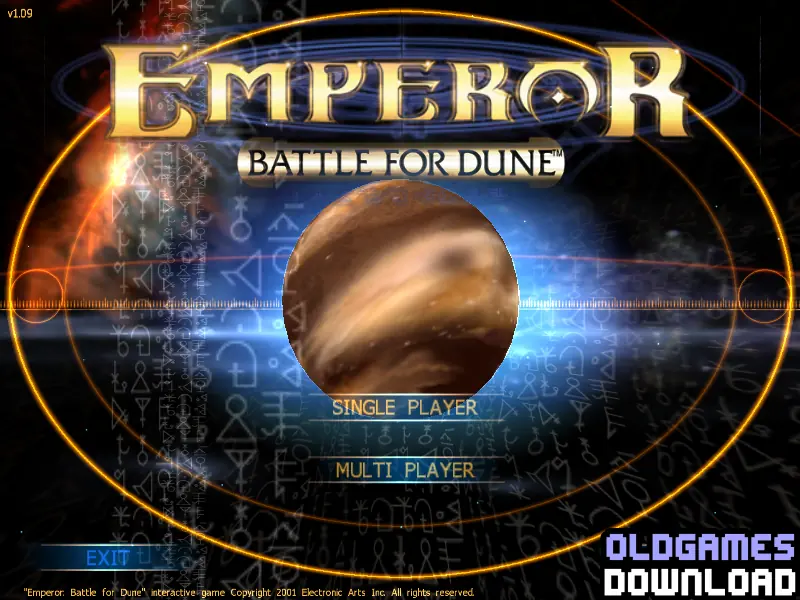
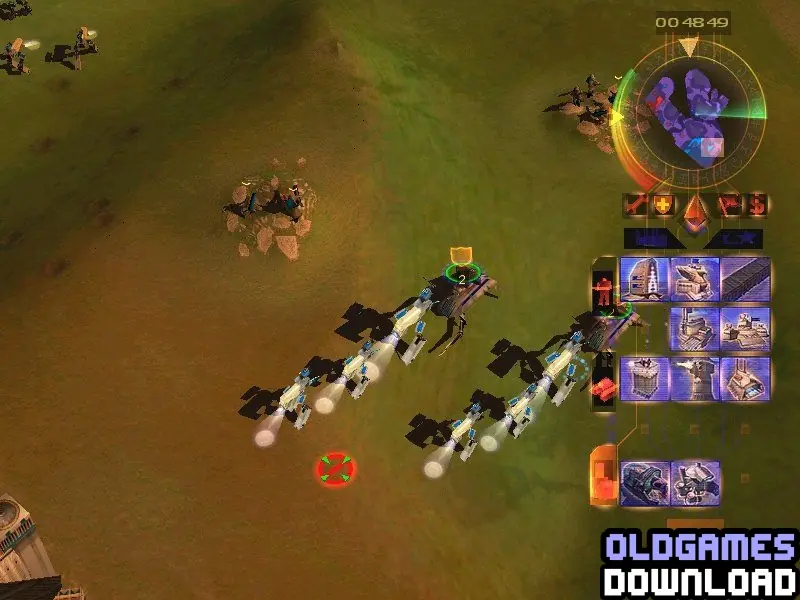
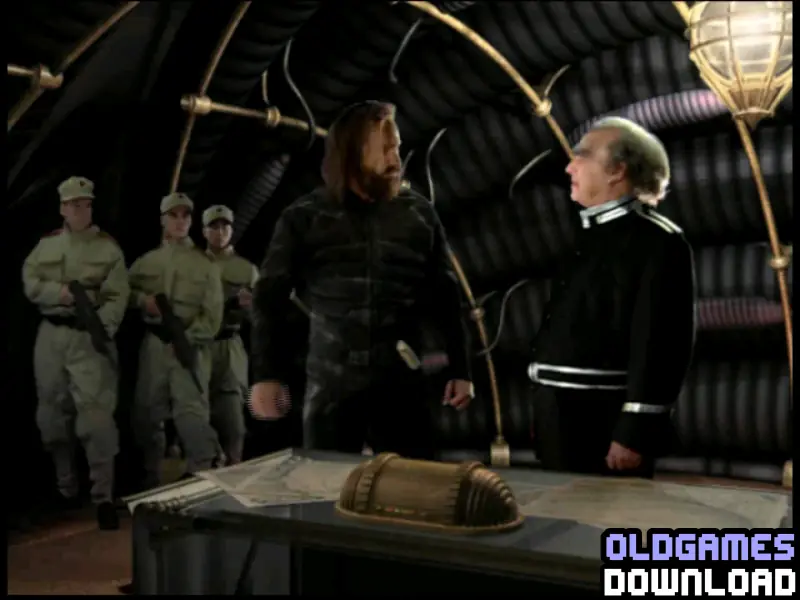
Emperor: Battle for Dune — Windows screenshot 1Emperor: Battle for Dune — Windows screenshot 2Emperor: Battle for Dune — Windows screenshot 3Emperor: Battle for Dune — Windows screenshot 4Emperor: Battle for Dune — Windows screenshot 5Emperor: Battle for Dune — Windows screenshot 6Emperor: Battle for Dune — Windows screenshot 7Emperor: Battle for Dune — Windows screenshot 8Emperor: Battle for Dune — Windows screenshot 9Emperor: Battle for Dune — Windows screenshot 10Emperor: Battle for Dune — Windows screenshot 11Emperor: Battle for Dune — Windows screenshot 12Emperor: Battle for Dune — Windows screenshot 13Emperor: Battle for Dune — Windows screenshot 14Emperor: Battle for Dune — Windows screenshot 15Emperor: Battle for Dune — Windows screenshot 16Emperor: Battle for Dune — Windows screenshot 17Emperor: Battle for Dune — Windows screenshot 18Emperor: Battle for Dune — Windows screenshot 19Emperor: Battle for Dune — Windows screenshot 20Emperor: Battle for Dune — Windows screenshot 21Emperor: Battle for Dune — Windows screenshot 22Emperor: Battle for Dune — Windows screenshot 23Emperor: Battle for Dune — Windows screenshot 24Emperor: Battle for Dune — Windows screenshot 25Emperor: Battle for Dune — Windows screenshot 26Emperor: Battle for Dune — Windows screenshot 27Emperor: Battle for Dune — Windows screenshot 28Emperor: Battle for Dune — Windows screenshot 29Emperor: Battle for Dune — Windows screenshot 30Emperor: Battle for Dune — Windows screenshot 31Emperor: Battle for Dune — Windows screenshot 32Emperor: Battle for Dune — Windows screenshot 33Emperor: Battle for Dune — Windows screenshot 34

Download Emperor: Battle for Dune

Emperor: Battle for Dune is abandonware and no longer sold or supported by its publishers. Files are archived here for these platforms:

Windows (2001)

  • Emperor_Battle_for_Dune_Windows.zipEN1.9 GB
  • Instructions Emperor_Battle_for_Dune_Windows.zip

    Text instructions (how to play on Windows)

      1. Click on the download button below. It should redirect you to your download (a .rar file). Make sure you download the file properly and that your internet does not disconnect while downloading.
      2. Extract the "Emperor_Battle_for_Dune_Windows.zip" folder to your desktop. You will need a software such as WinRAR to do this.
      1. Open the folder called "Game Files" and in there, you want to open the folder called "ISO Files". In there, you want to mount the file called "1. INSTALL DISK" to any empty virtual disc. To do this, you will need to download a software such as PowerISO or Daemon Tools (right click on the file and there you should see your options to mount the file).
    1. Once you have the file mounted, run the game setup. Install the game (you can leave everything at default). When asked for a serial code, use "036642-256734-246754-5204".
    2. Once installed, open the "Patch" folder and then double click on the file called "EM109EN.exe" to install the patch.
    3. Once the patch is installed, open the folder called "Crack" and then copy the file inside of it called "Emperor.exe". Go into the game's installation directory (default directory is C:\Westwood\Emperor) and paste the file there. Confirm that you want to replace the files in the destination.
    4. To launch the game, all you want to do is double click on the file called "Emperor.exe" and your game show now launch!
    5. Enjoy the game!
    6. If you want to play one of the campaigns, if you go into the "ISO Files" folder, you will see a list of the game discs. You must mount the disc of the campaign you want to play before you can play that campaign (or just mount them all at once for smoother playing.)

Additional files, patches and fixes

Comments

21 thoughts on “Emperor: Battle for Dune”

  1. 0
    I have exactly teh same problem. Unmounted all the disc, mounted only ATREIDES and still asks for CD. No clue what to do.
    Reply