Home » Games » FIFA Football 2004

FIFA Football 2004

FIFA Football 2004 Game Cover
4.6/5 - 87 votes

FIFA Football 2004 is a 2003 sports game developed by EA Canada and published by EA Sports.

Other Titles

FIFA Soccer 2004FIFA足球2004FIFA 2004FIFA Zuqiu 2004FIFA Total Footballتۆپی پێی فیفا ٢٠٠٤فيفا فوتبول 2004فيفا كرة القدم 2004فیفا فوتبال ۲۰۰۴

Genres
Publishers
Released
Platforms
Download

About FIFA Football 2004

FIFA Soccer 2004 has deeper soccer action with all-new graphics and a Career Mode, for the truly devoted soccer fan! Face all the slide-tackles and hard charges you'd find on a pro soccer field Try out the new Career Mode -- you'll play up through the lower divisions and fight your way into a starting position with a premier club Total realism and industry-leading gameplay return with the true authority in soccer gaming!
Screenshots

Windows

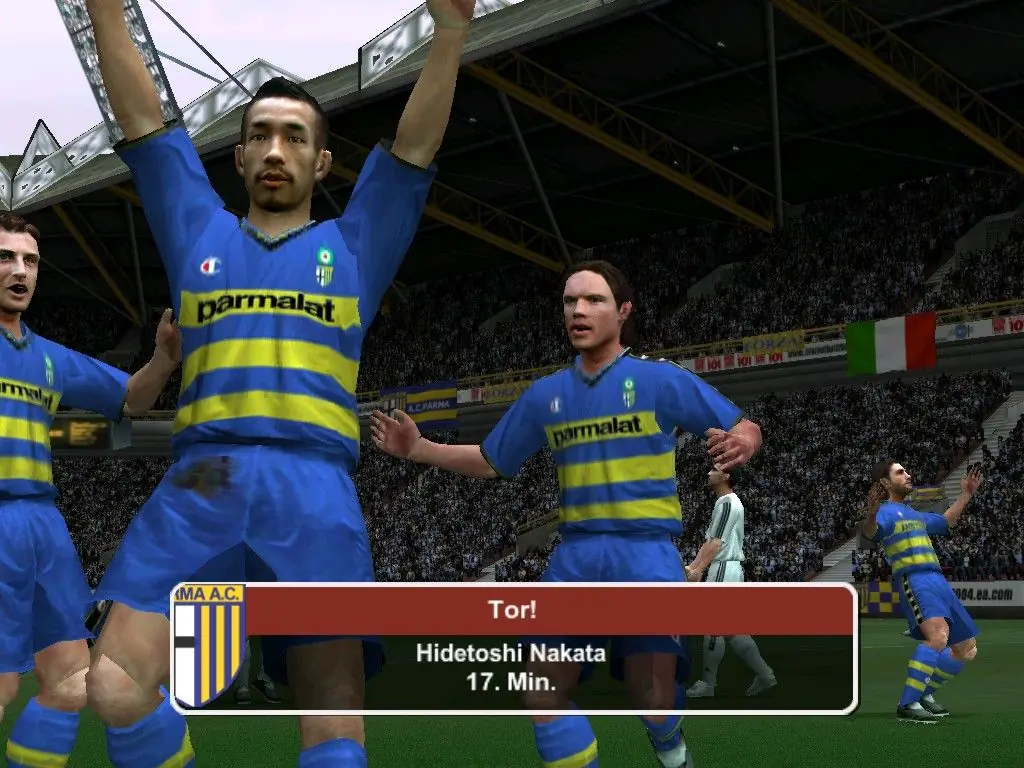
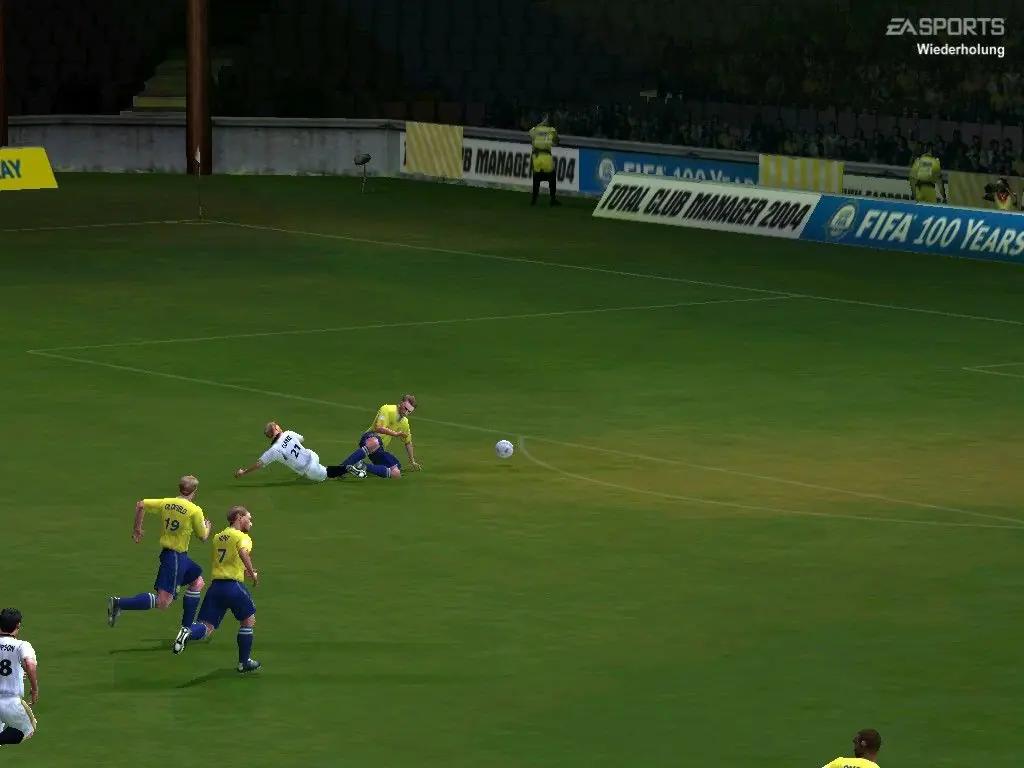
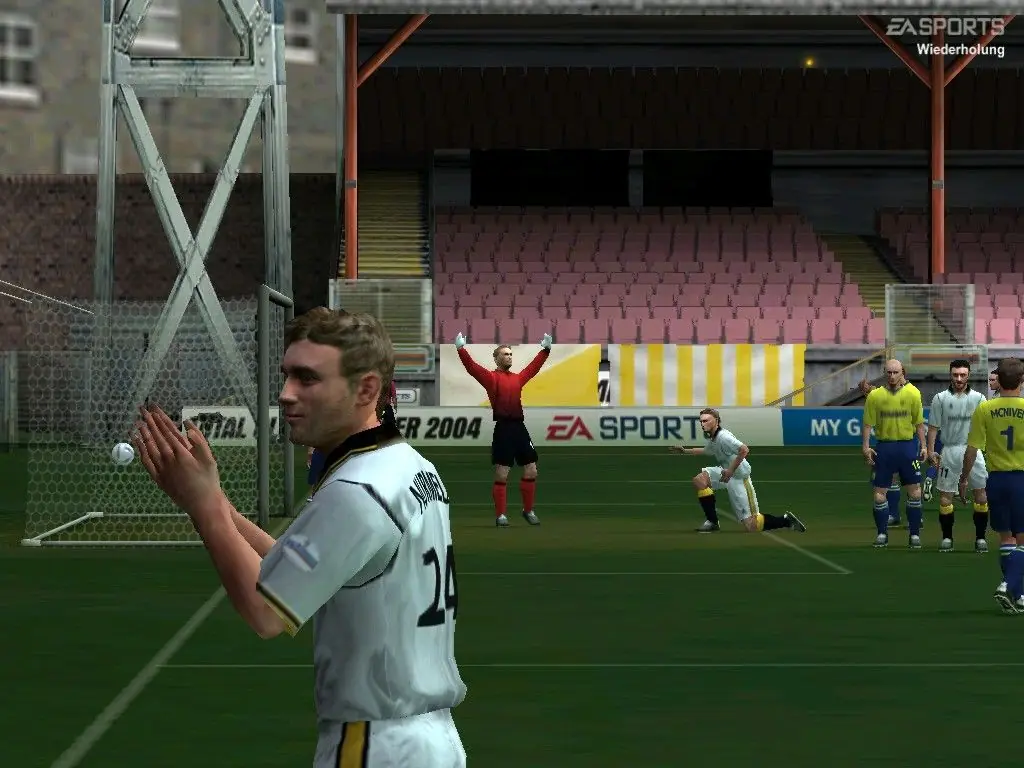
FIFA Football 2004 — Windows screenshot 1FIFA Football 2004 — Windows screenshot 2FIFA Football 2004 — Windows screenshot 3

Download FIFA Football 2004

FIFA Football 2004 is abandonware and no longer sold or supported by its publishers. Files are archived here for these platforms:
Windows (2003)

Comments

23 thoughts on “FIFA Football 2004”

  1. -2
    Cheers. I’ve still got the game on disc (so I was able to use my own key) but I don’t have a pc with a DVD drive so I’ve resorted to doing this. This download works flawlessly, thanks.
    Reply
  2. 0
    Djbfkdbsoansnxjxnnxkdndjxnxk ke dalam video ni aku rindu fari u of King run to Walmart to pick up a MAR so I don’t have it but u y so aku beli kereta dulu
    Reply
  3. 1
    Whoever finding it difficult to install and stuck at “insert disk 2”. Just install WinCDEmu and open FIFA2004_CD2.mdf with WinCDEmu. Mount the disk. And then run setup.exe
    Reply
  4. 0
    Hello, to all questions for “insert disk 2” while installing (Keys can be found here. “https://youtu.be/7Cd4jSfA11E”):

    Mount these two disks (FIFA2004_CD1.iso and FIFA2004_CD2.mdf in “FIFA_Football_2004_Win_ISO_EN\Game Files” folder) using WinCDEmu, doesn’t matter different virtual drive. (Referenced in https://oldgamesdownload.com/wiki/install-games-on-windows/)

    Then, install it again by execute AutoRun.exe in CD1.

    Reply

Similar games