Home » Games » Ford Racing 3

Ford Racing 3

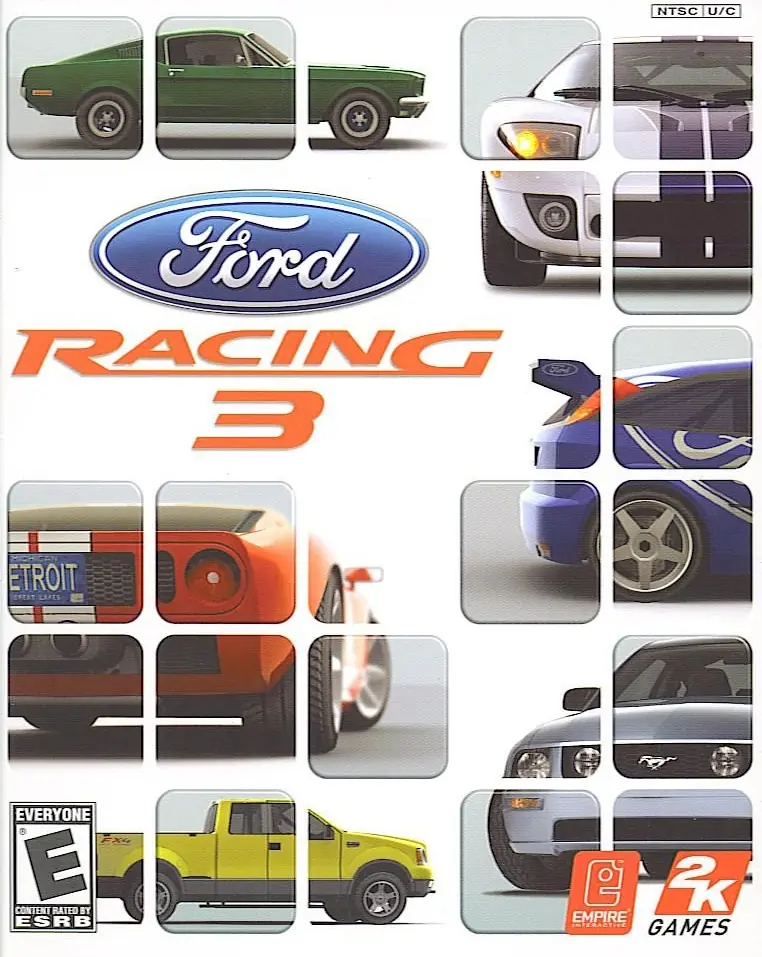
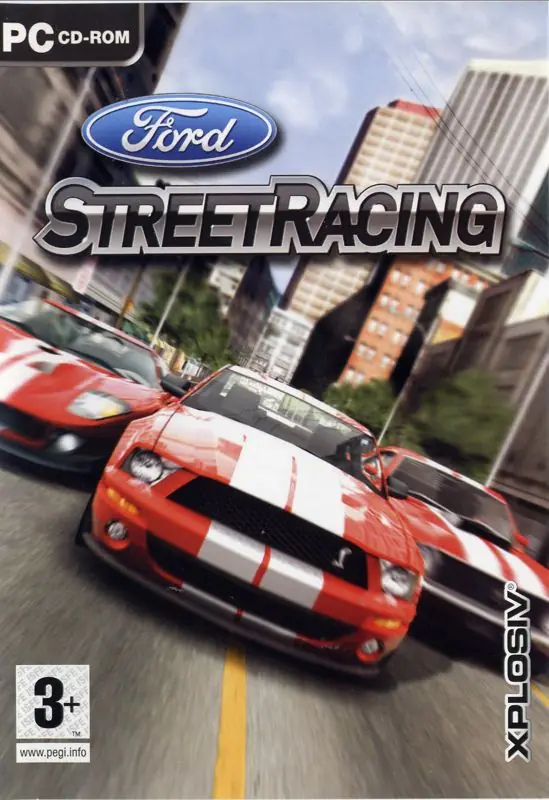
Ford Racing 3 Game Cover
4.6/5 - 216 votes

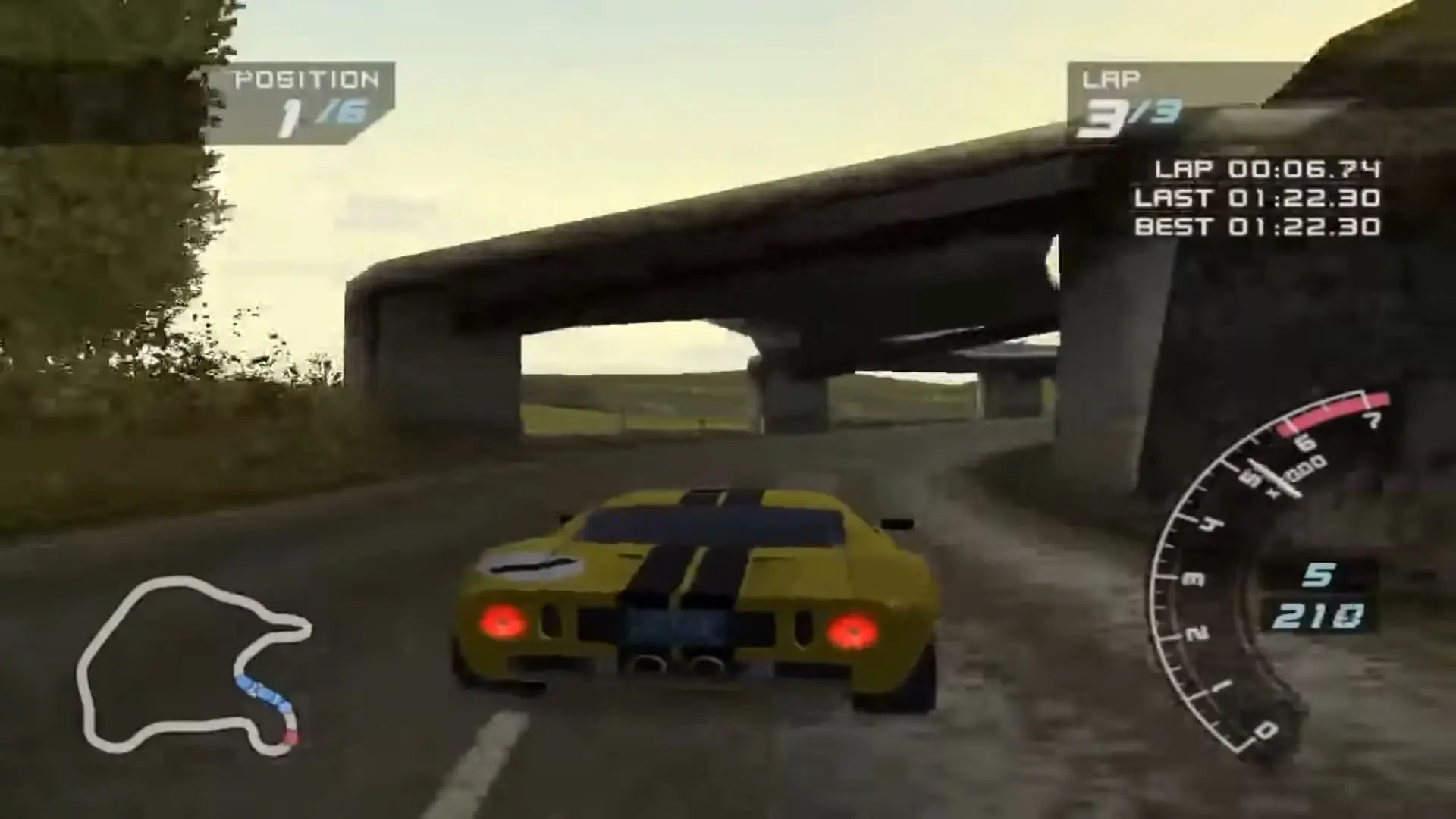
Ford Racing 3 is a 2004 racing game developed by SNK and published by HAMSTER.

Other Titles

Форд Драйв 3福特赛车3فورد راسينج 3

Genres
Publishers
,
Developers
Released
Platforms
Download

Screenshots

Windows

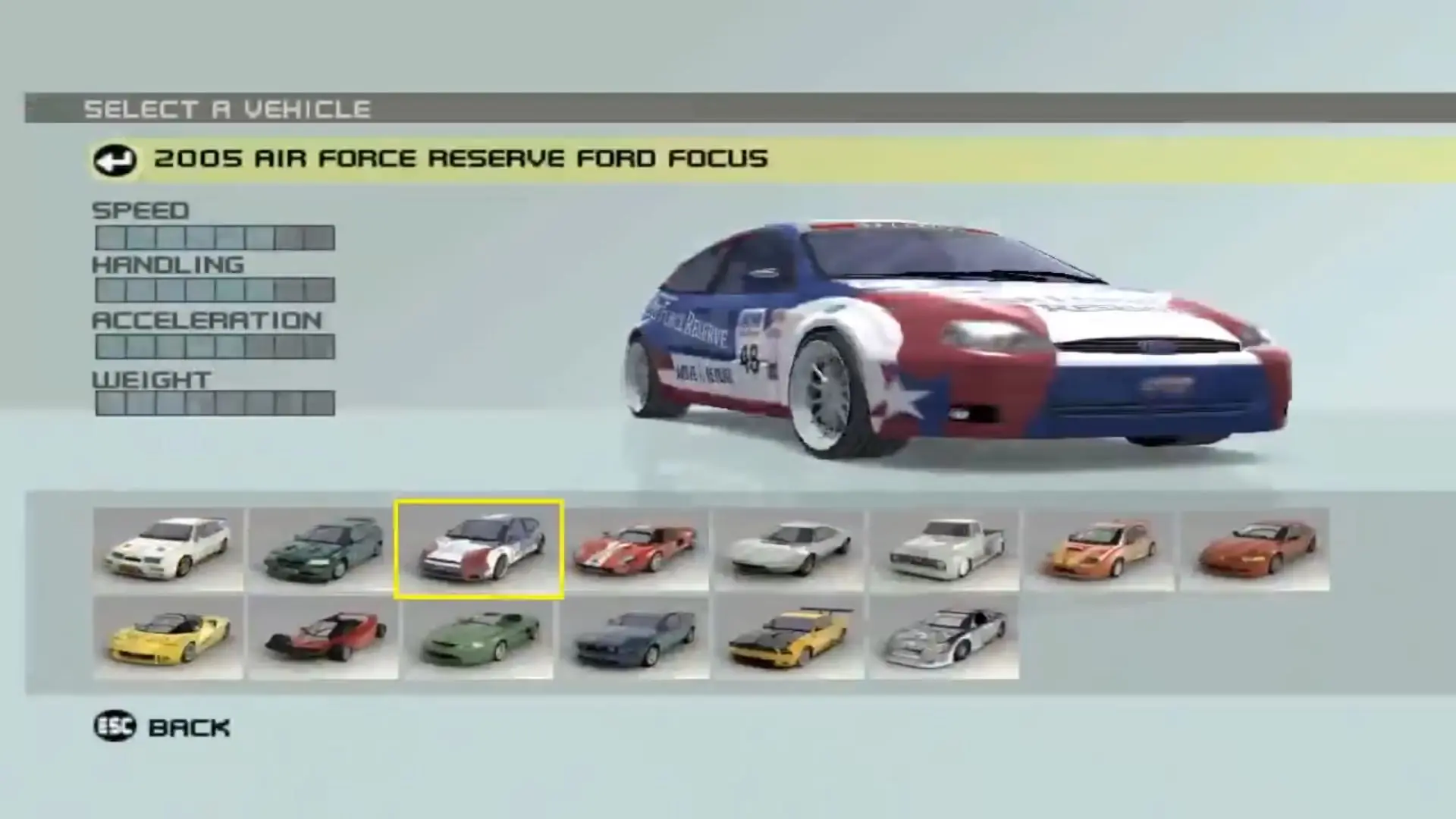
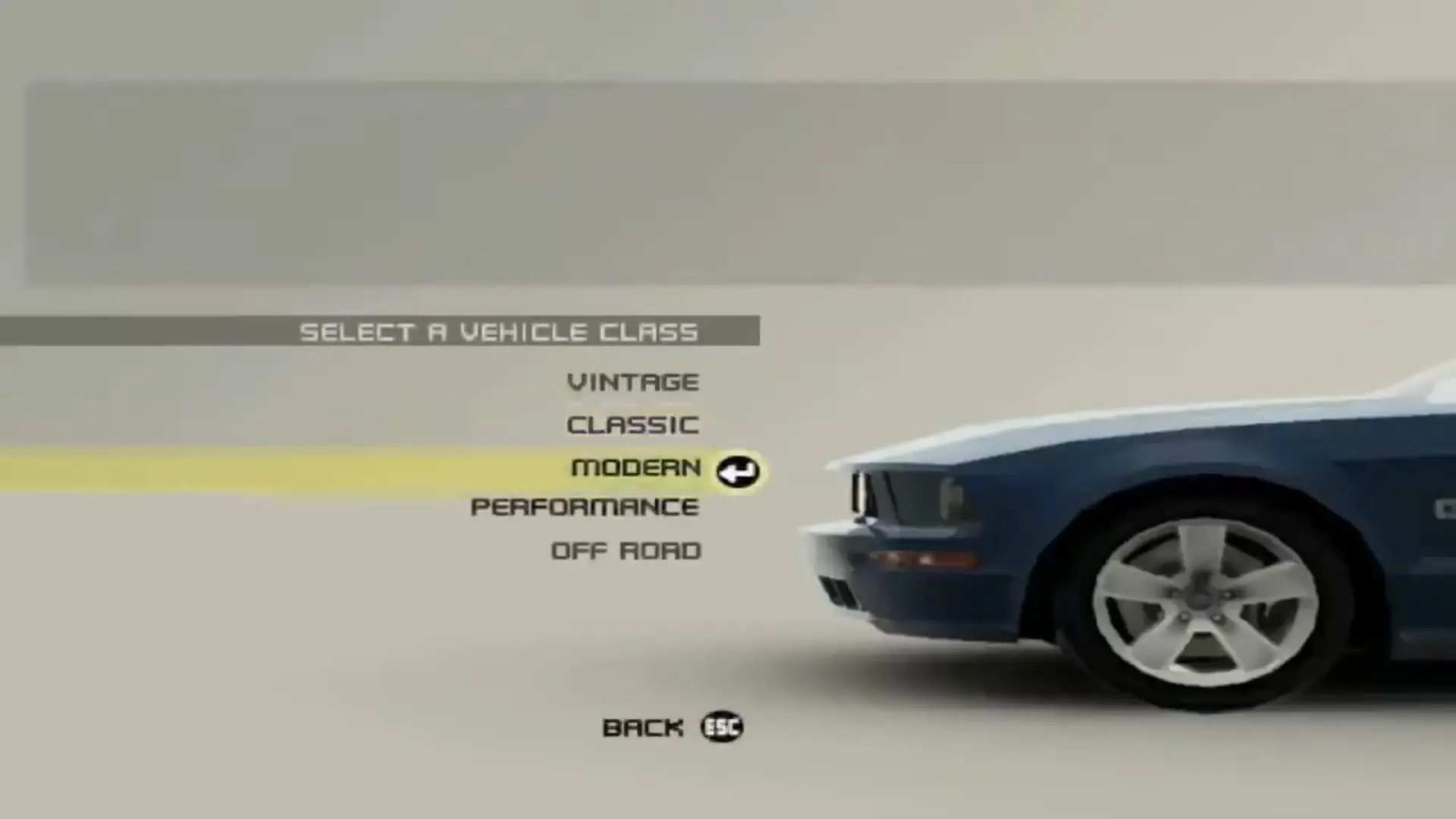
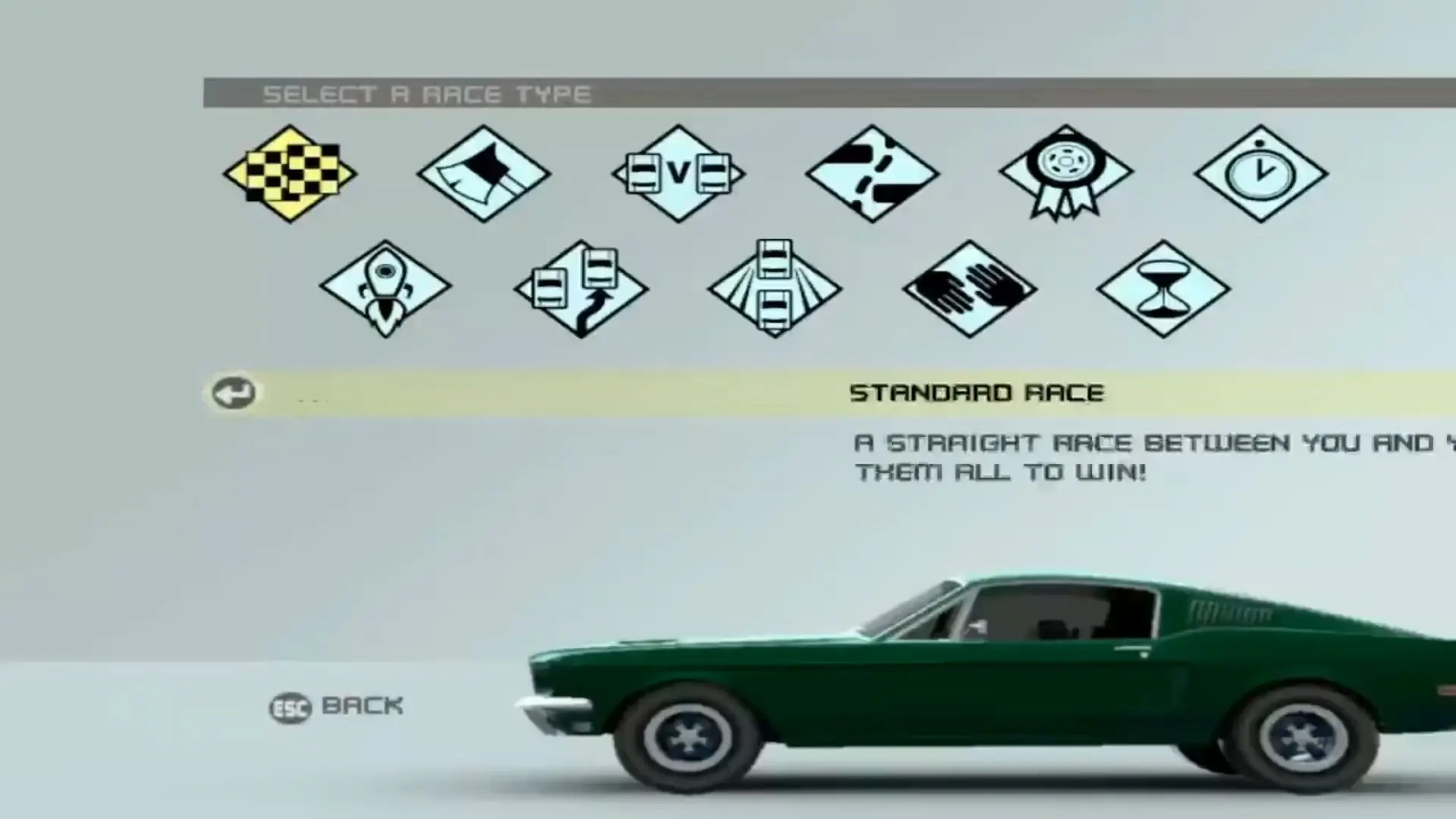
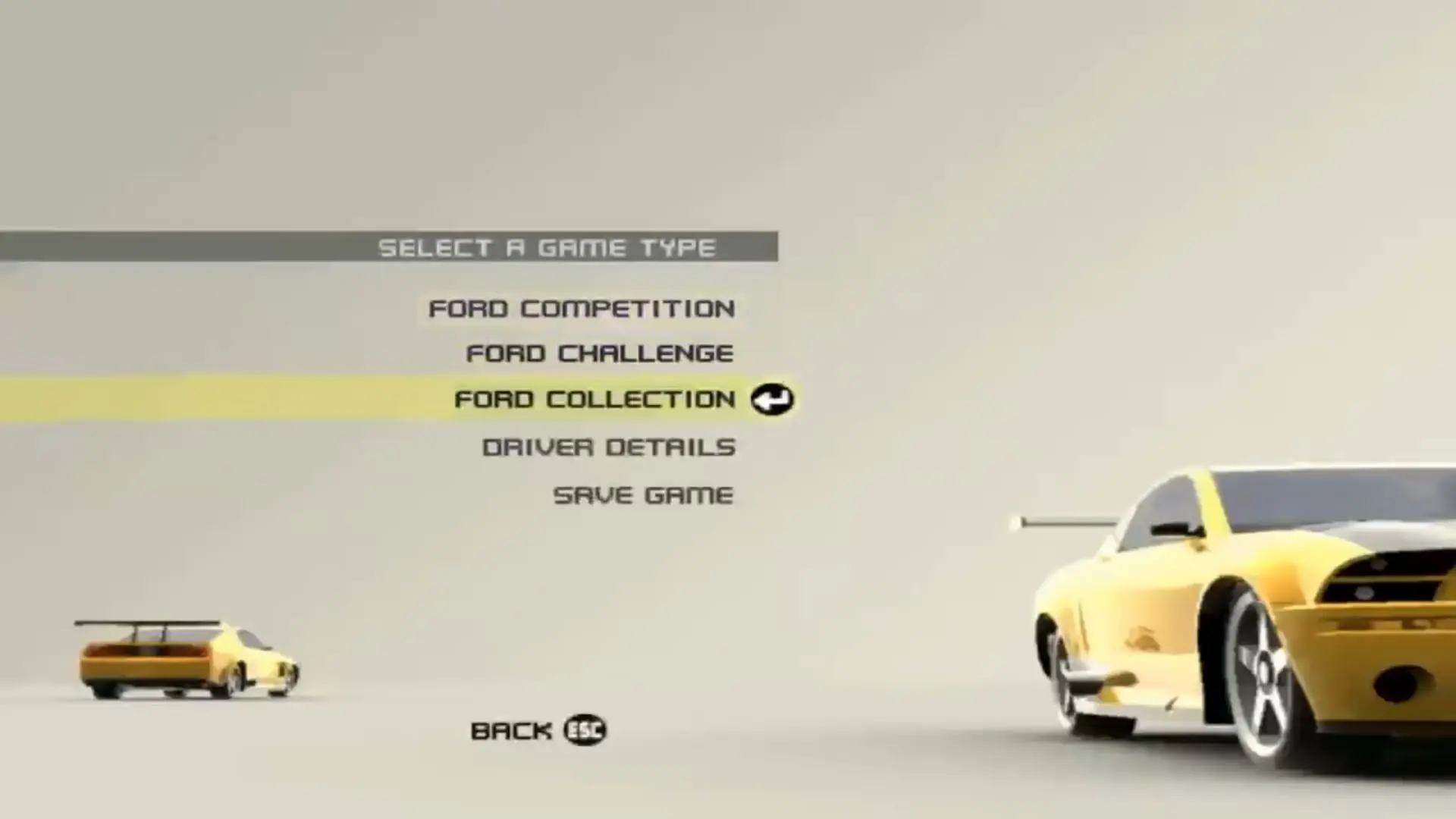
Ford Racing 3 — Windows screenshot 1Ford Racing 3 — Windows screenshot 2Ford Racing 3 — Windows screenshot 3Ford Racing 3 — Windows screenshot 4Ford Racing 3 — Windows screenshot 5Ford Racing 3 — Windows screenshot 6Ford Racing 3 — Windows screenshot 7Ford Racing 3 — Windows screenshot 8Ford Racing 3 — Windows screenshot 9Ford Racing 3 — Windows screenshot 10

Download Ford Racing 3

Ford Racing 3 is abandonware and no longer sold or supported by its publishers. Files are archived here for these platforms:

Windows (2004)

  • Ford_Racing_3_Win_ISO_EN.zipEN347.8 MB
  • Instructions Ford_Racing_3_Win_ISO_EN.zip

    How to play on Windows

    1. Download and Extract
    2. Mount OGD_Ford_Racing_3.iso and run setup.exe as an administrator (Right Click > Run as administrator)
    3. Once installation has completed, copy-paste "fr3.exe" from the "Crack" folder in the mounted file into game installation directory
    4. Play the game

Manuals and readmes

Other resources

Comments

17 thoughts on “Ford Racing 3”

      • 0
        maybe u just need to use DGVOODOO , it some times fix those problems , not just those problems but more like IGI 1 lag problem DGVOODOO fix it , well for ford racing i dont remenber what i did but im sure i used DGVOODOO if not just find an vshader.vso online and try putting it in the game files
        Reply
  1. 0
    I’m pretty confused as to what to do
    I installed the game and extracted the files, I ran the setup as administrator and downloaded the game, past that I am confused as to where I should paste the (fr3.exe) file from “Crack”
    Reply
    • 0
      okay kinda late but i got it, so what youre supposed to do is take the crack, copy it, go to program files, find emperor games and then ford inside it, paste it there
      Reply
  2. 0
    Doesn’t work,i mounted the iso,and all required files (i think) are in 1 folder,the game opens for half a second, it switches to 640×800 and then goes back to 1920×1080
    Reply