Home » Games » Gangsters 2

Gangsters 2

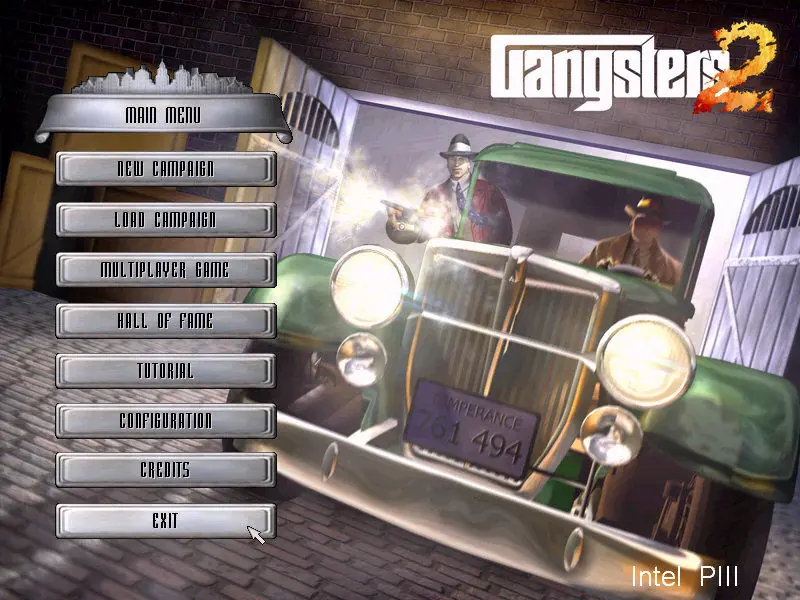
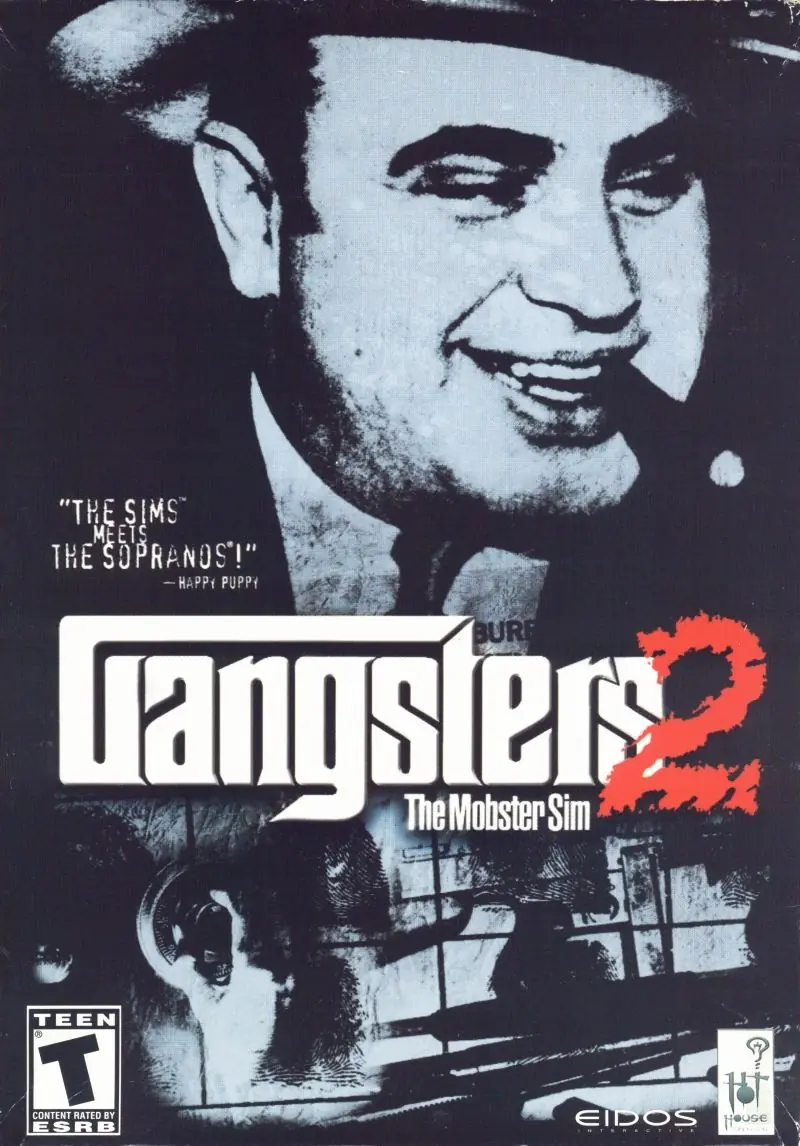
Gangsters 2 Game Cover
4.8/5 - 32 votes

Gangsters 2: Vendetta is a 2001 PC video game developed by Hothouse Creations and published by Eidos Interactive. Peter Moreland and Rob Davies designed the game, which is the sequel to Gangsters: Organized Crime.

Other Titles

Gangsters 2: The Mobster SimGangsters 2: VendettaGangster 2

Genres
Developers
Released
Platforms
Download

About Gangsters 2

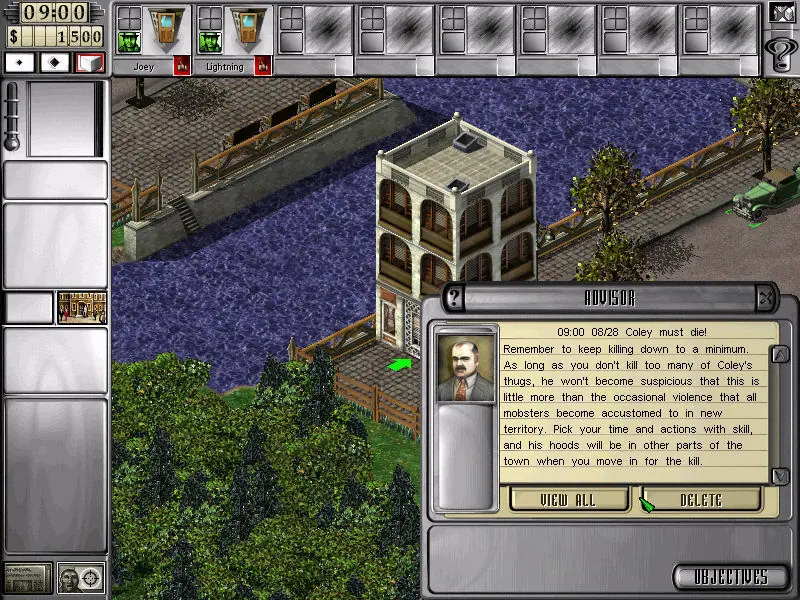
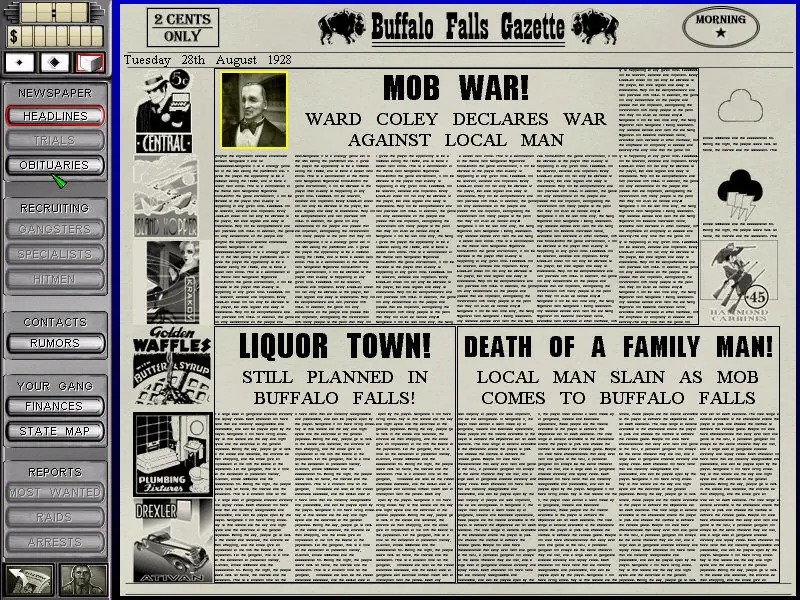
Gangsters 2 takes you to a fantasy Prohibition-era America. To rise from the ranks of fledgling hoodlum to feared and respected made man, you must effectively run legitimate businesses during the day as a front for more creative enterprises at night. The gameplay is narrative driven, and features real-time action and strategy. You will have to use skills and cunning to build a team of mobsters, including specialists such as card sharks, hit men, arsonists, and safecrackers. You will receive in-game advice to assist in your advancement, plus a daily newspaper will keep you updated on the status of your empire, as well as those of your rivals. The campaign mode contains 20 episodes spanning 15 counties; alternately you can battle friends in the multiplayer mode.
Screenshots

Windows

Gangsters 2 — Windows screenshot 1Gangsters 2 — Windows screenshot 2Gangsters 2 — Windows screenshot 3

Download Gangsters 2

Gangsters 2 is abandonware and no longer sold or supported by its publishers. Files are archived here for these platforms:

Windows (2001)

Comments

11 thoughts on “Gangsters 2”

  1. 1
    Just dropping this here in case it helps anyone – not seen this solution posted anywhere else. I was able to mount the BIN file absolutely fine and install the game. The game loading screen would come up OK but then I would get the no CD error like other users when trying to play. I downloaded the patch and ran it. After that, I no longer got the no CD error but the game still wouldn’t run. I did a right click on dXset up and selected “troubleshoot compatibility”. This made it run in Windows XP mode. I then did a right click on the autorun application and “troubleshoot compatibility” again. Once more, it put it into Windows XP compatibility mode. Result! Game runs. (Worth noting I am using an old-style computer monitor because I noticed it makes old games run a bit smoother with reduced lag, this might have made a difference and be why I don’t need to use an emulator)
    Reply
    • 0
      Holy shit, this worked, many thanks. I am still not sure exactly what the issue was or how it was fixed.

      To those asking about the patch: google “gangsters 2 patch 1.07”, I got it from a site called Patches Scrolls DE. Pretty random website but at least VirusTotal said the file was okay. After I installed this patch I no longer got the “CD missing from drive” error but the game (as Smoff said) would still not run.

      When I tried troubeshoot compatbility option, it did nothing, just a blank white window popped up, so I tried manually setting the game file to run in WinXP/SP2 compatibility mode via Properties, after which, when I then opened the game, the compatibility troubleshooter was automatically triggered, which completed and then finally allowed the game to run. I made no changes to directx, just the autorun.exe and gangsters2.exe

      Reply
  2. 0
    Hey everyone,

    Installation asks to insert 2 CD. In the ReadMe file says
    Gangsters 2 requires at least a Quad-Speed CD-ROM drive with 32-bit Windows 98, ME drivers.

    I cant install it
    Can someone help me please?

    Thanks

    Reply
  3. 0
    I can’t find the .ISO to mount anywhere in the files I downloaded. The autorun keeps telling me to insert a CD but I obviously don’t have one. Does anyone know where I can get a good .ISO file to mount so I can install this? Because I swear there isn’t any mountable .ISO files anywhere in the folders. Unless there’s some other file extension I should be looking for?

    Need some help here, what do I do so that the game installs correctly?

    Reply
    • 0
      Hi Anton,
      The zip contains no .ISO file, but has .BIN and .CUE disc images instead. They are functionally the same, just pick either and mount it the same as you would with .ISO. If you don’t have .BIN or .CUE either, your antivirus might’ve stuck them in quarantine.
      Reply
  4. 0
    Does anyone know how to install this game? I’ve mounted the ISO file and when I click on autorun i get system problems error screen back
    Reply
  5. 0
    How do you run this game? I’ve mounted the iso and ive copied the .exe and overwritten the directory but it says “this program will; not run without the cd-rom in the drive. Err. 1001”
    Reply

Similar games