About Three Kingdoms: Fate of the Dragon
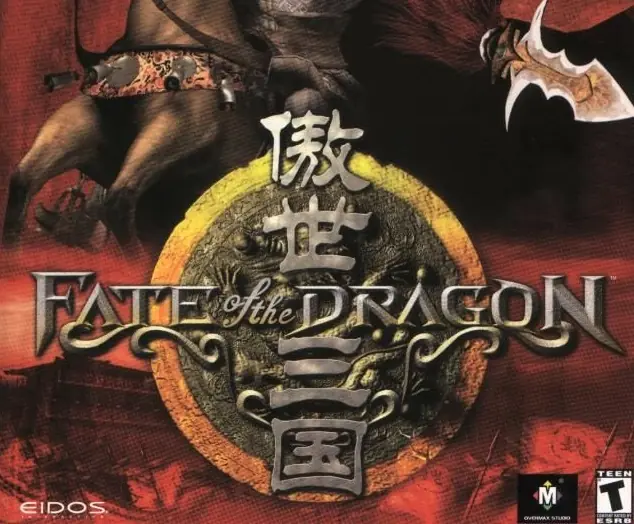
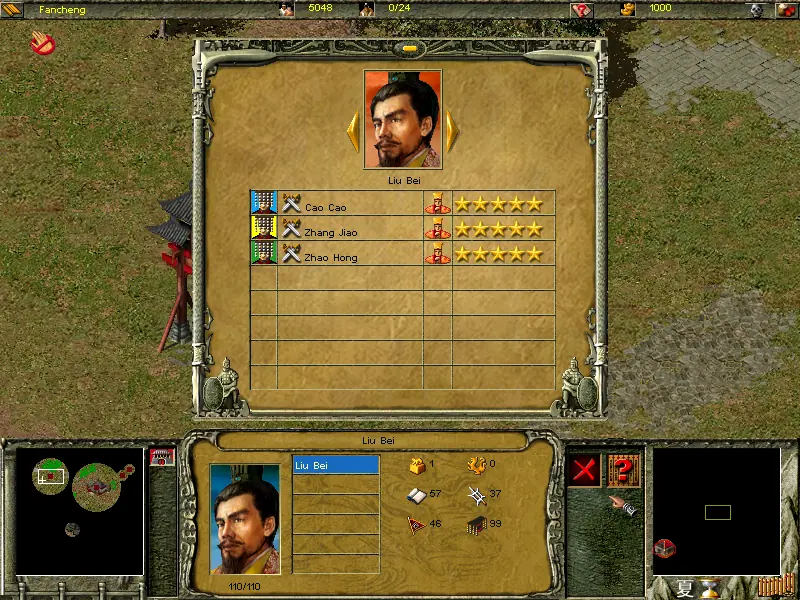
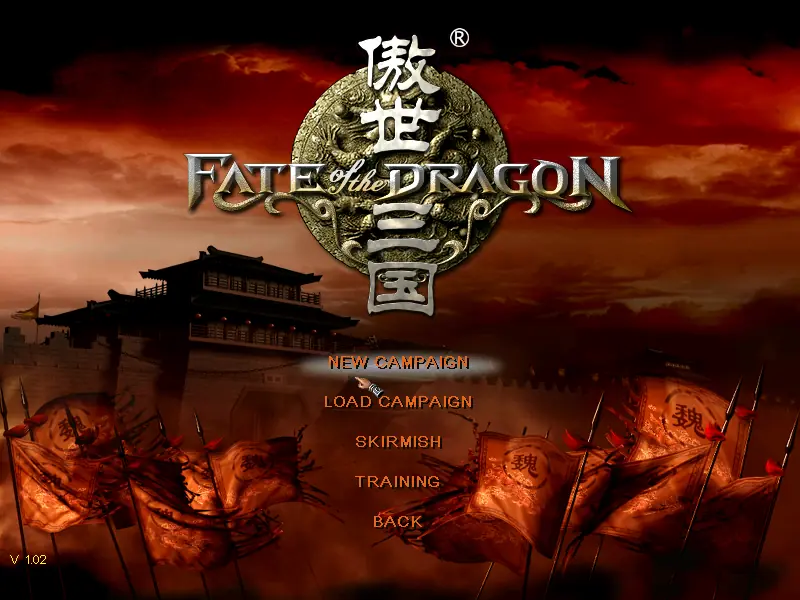
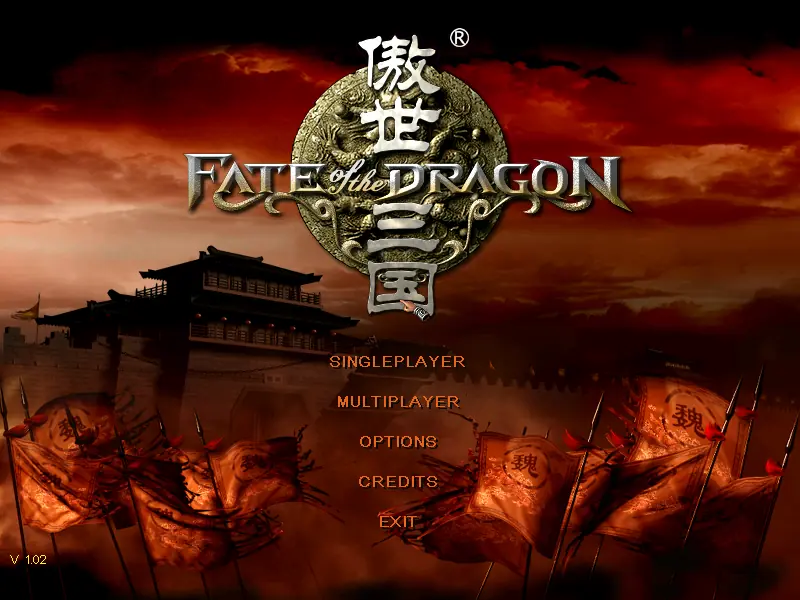
Fate of the Dragon, a real-time strategy game set in late 2nd century China, deals specifically with "The Three Kingdoms Period" spawned by the collapse of the Han Dynasty that left a vacuum in which three rival warlords fought for power. You must step into the role of one of the three warlords and attempt to consolidate power and reunite China.
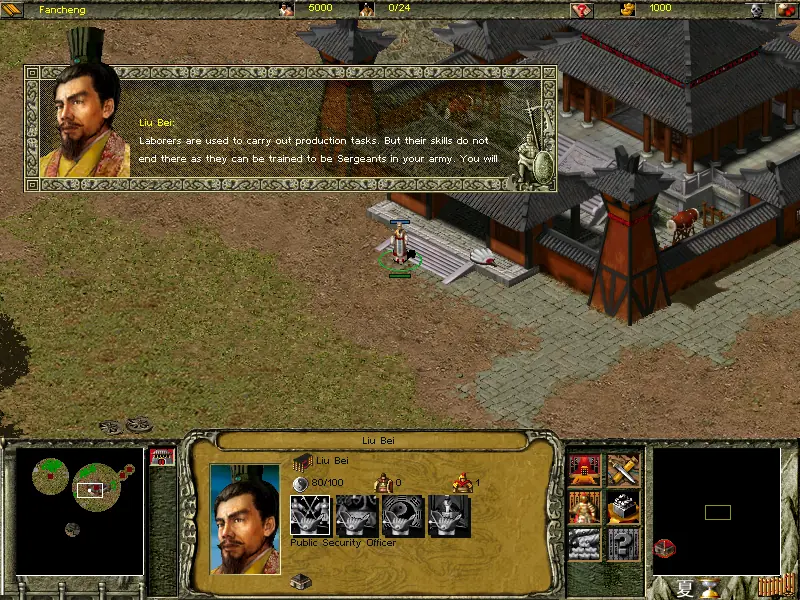
You begin each level with a few laborers, a Ceremonial Arch (the building that produces laborers) and a courthouse with the usual goal to conquer a rival city on the other side of the map. The laborers collect wood and iron, produce corn and raw meat (requires a farm) or make food and wine (after a workshop is built). Through production and city development, science and technological research, trade and well-considered diplomacy, you gradually build your empire in size and strength.
Once the basic necessities are covered, more elaborate structures and units become available, including barracks (military housing), machine workshop (siege engines), stables, inn (hero recruitment), temple (sacrifices to ward off natural disasters), market (buy or sell resources), dock and National Academy for research of numerous scientific advances. Military units include swordsmen, archers, pikemen, stone-throwing machines and scaling ladders.
Five diplomatic choices are available during gameplay: alignment, disalignment, reinforcement, alienation and paying tribute but many disputes can only be decided on the battlefield. Multiplayer games with up to eight players are supported via the Internet or a LAN. Whether through politics or brute force, the winner will be the player who ultimately determines the Fate of the Dragon.







i runned setup.exe
but cant run sanguo.exe
system : the code execution cannot proceed because MFX.DLL was not found
1. Follow this website instruction. You will be able to play the game but with noticable lags whenever it-game notification pop up.
2. Download cnc-ddraw.zip from: https://github.com/FunkyFr3sh/cnc-ddraw/releases/ (I used version 5.7.0.0) and extract it into your game folder.
3. Start the game by “sanguo.exe”.
4. [Alt] + [Enter] = Switch to windowed mode. The game should run smoothly right now. Switch again to fullscreen mode and enjoy.
Note: The game audio is not working ingame. If you can fix it, please let me know.
1. Follow this website instruction. You will be able to play the game but with noticable lags whenever it-game notification pop up.
2. Download cnc-ddraw.zip from: https://github.com/FunkyFr3sh/cnc-ddraw/releases/ (I used version 5.7.0.0) and extract it into your game folder.
3. Start the game by “sanguo.exe”.
4. [Alt] + [Enter] = Switch to windowed mode. The game should run smoothly right now. Switch again to fullscreen mode and enjoy.
Note: The game audio is not working ingame. If you can fix it, please let me know.
1. Download the game files from this website.
2. Download the game from archive.org here: https://archive.org/details/goldgames244
(if you have problems opening the .iso just use Winrar and copy the whole thing to a folder.)
3. install the game.
4. Move over and replace the DATA and the Dialog Folders from the installation downloaded from this here.
(might also need to move over the patch)
5. change compattebility mode for sanguo.exe and run as admin.
Enjoy!
only this is that the bacround music is not working ingame. not sure why, its the BKG.MP3 in inside the Dialog folder.
Windows 10 is it? Heard Windows 10 can’t play, even can play on Win 7 on mordern machine is too fast