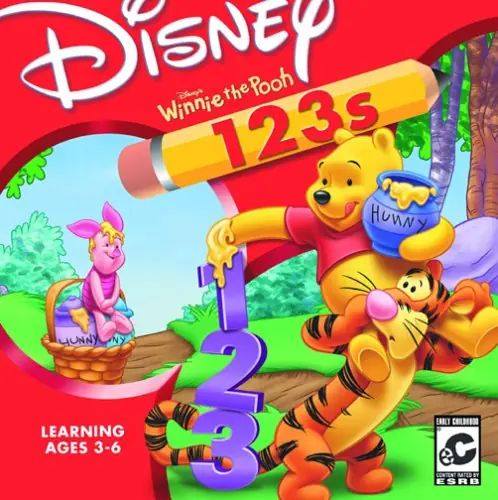
The game crashes before i can get into the game. The intro of the game plays but after the intro to the game, the game crashes to desktop. Can`t get to the main menu. Trying to play it on compatibility mode for windows xp (service pack 2).
Any fix?
After I’ve played for a while (has happened on two saves, both above 50k points) I cannot load the saves anymore. The EventViewer on windows says the crash is due to Access Violation. Windows 10. Anyone have a fix for this?
In the “SAVEGAMES” folder make a new folder named “highscores”. In the “highscores” folder, create a text document(right click->new->text document) and name it “arcade_highscore”.
I just downloaded the game, and is enjoying it a lot! After playing the expedition game, it crashes, but then when i load that safe file, the game crashes again… any ways to fix this? or do I need to start another safe?
▲0▼
Same problem 🙁
▲0▼
I experienced this same issue–the game crashes when loading a save.
After some trial-and-error, two compatibility options got the game working again for me. First, run in compatibility mode for Windows XP (SP2). Secondly, run the application in reduced color mode (16-bit).
To do this, right-click the .exe file, go to the “Compatibility” tab, and try those option there.
▲0▼
When going into any of the Expedition minigame locations, there is a file savegames/highscores/arcade_highscore.txt which is missing causing the game to crash. Game has been running smoothly otherwise with previously mentioned fixes.
:((( every time i try to create a player name to get into a game it freezes and i have an error saying file not found savegames/1/settings.dat . please help
I can’t seem to make it work or find a fix to it online 🙁
Any fix?
But the loading of save games still crashes intermittently. Sometimes the game loaded successfully, yet sometimes it CTD for reasons unknown.
After some trial-and-error, two compatibility options got the game working again for me. First, run in compatibility mode for Windows XP (SP2). Secondly, run the application in reduced color mode (16-bit).
To do this, right-click the .exe file, go to the “Compatibility” tab, and try those option there.
“File not found “savegames/1/settings.dat”
It is running on Windows XP Service Pack 2.