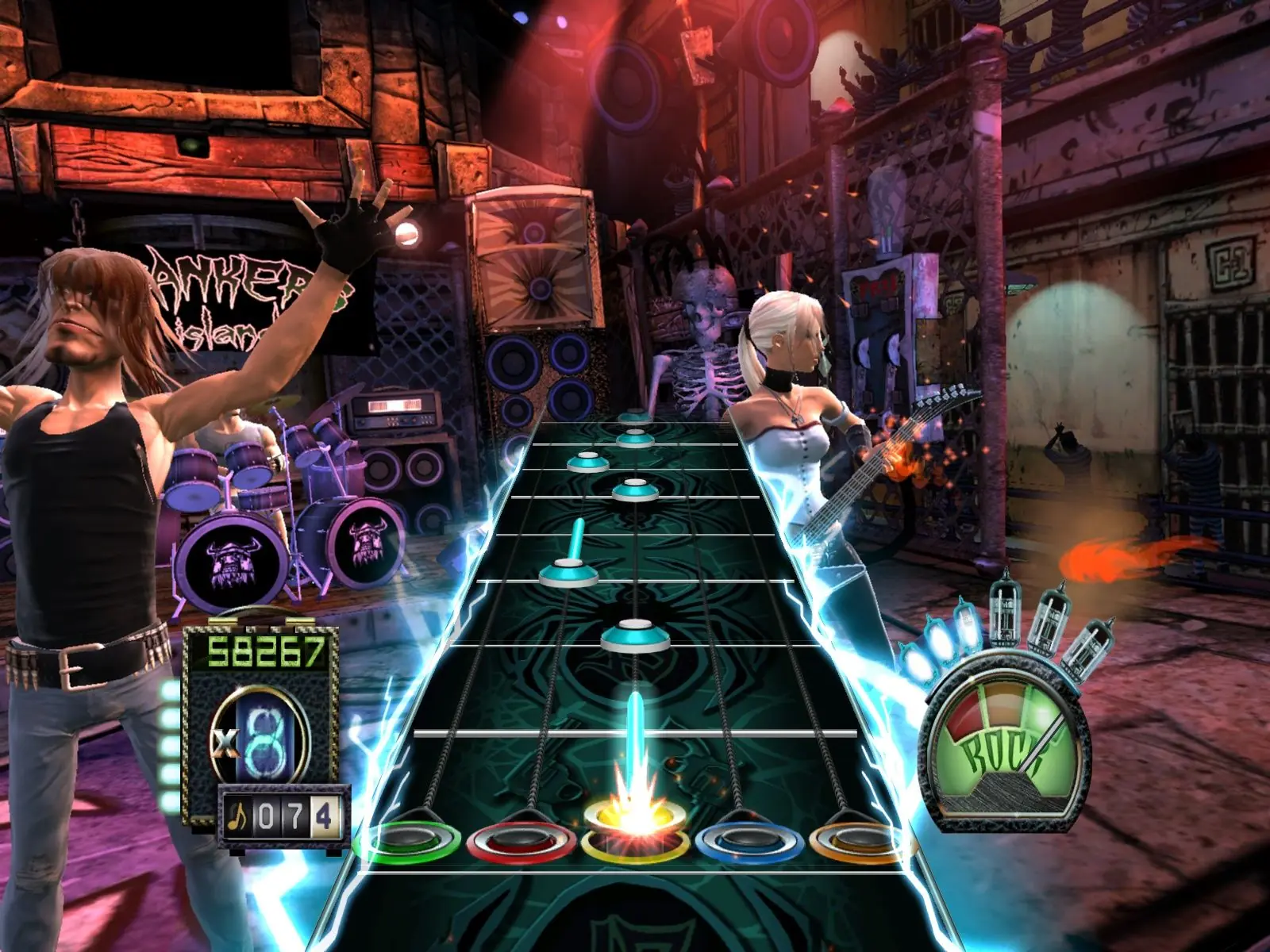
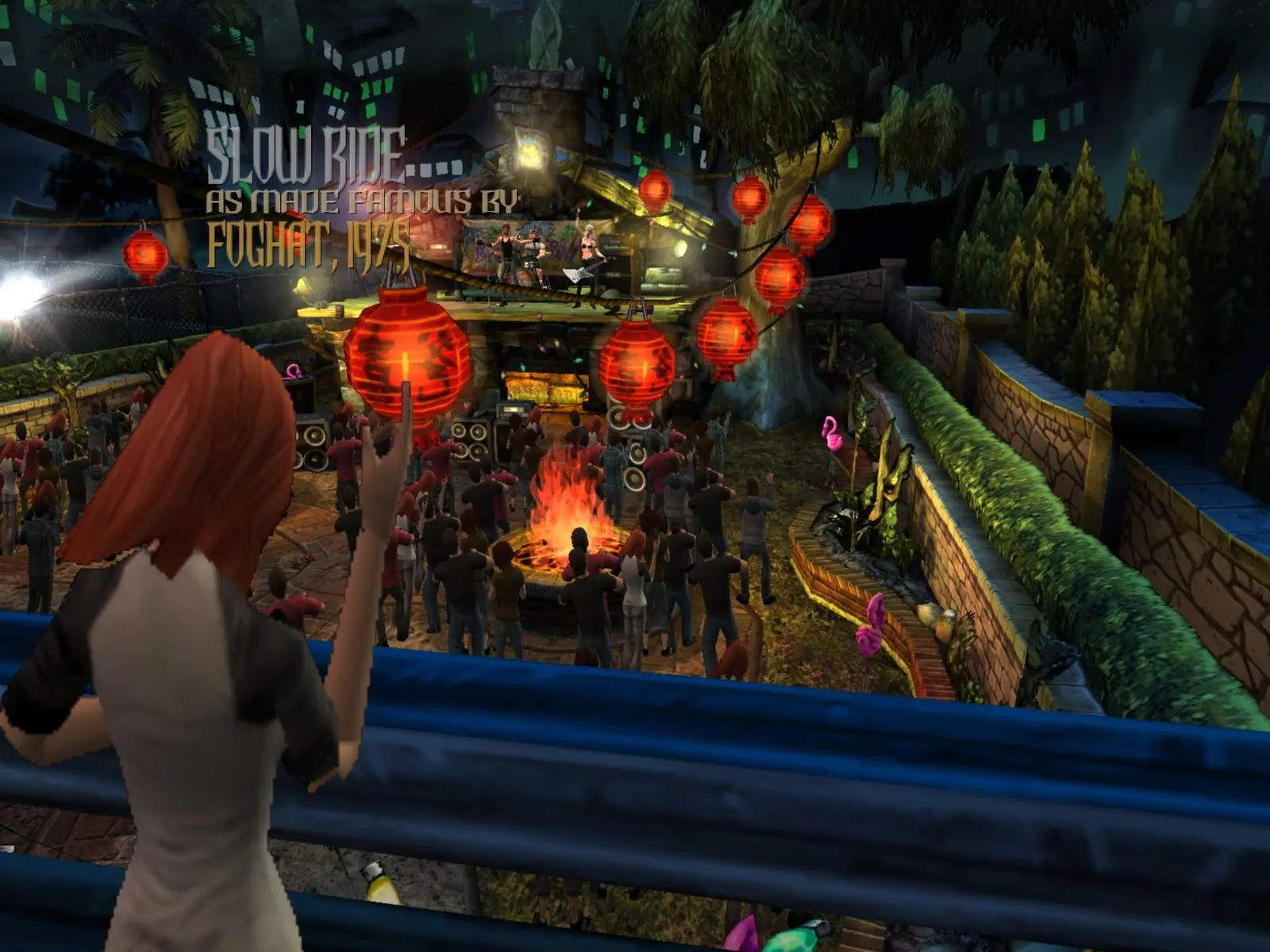
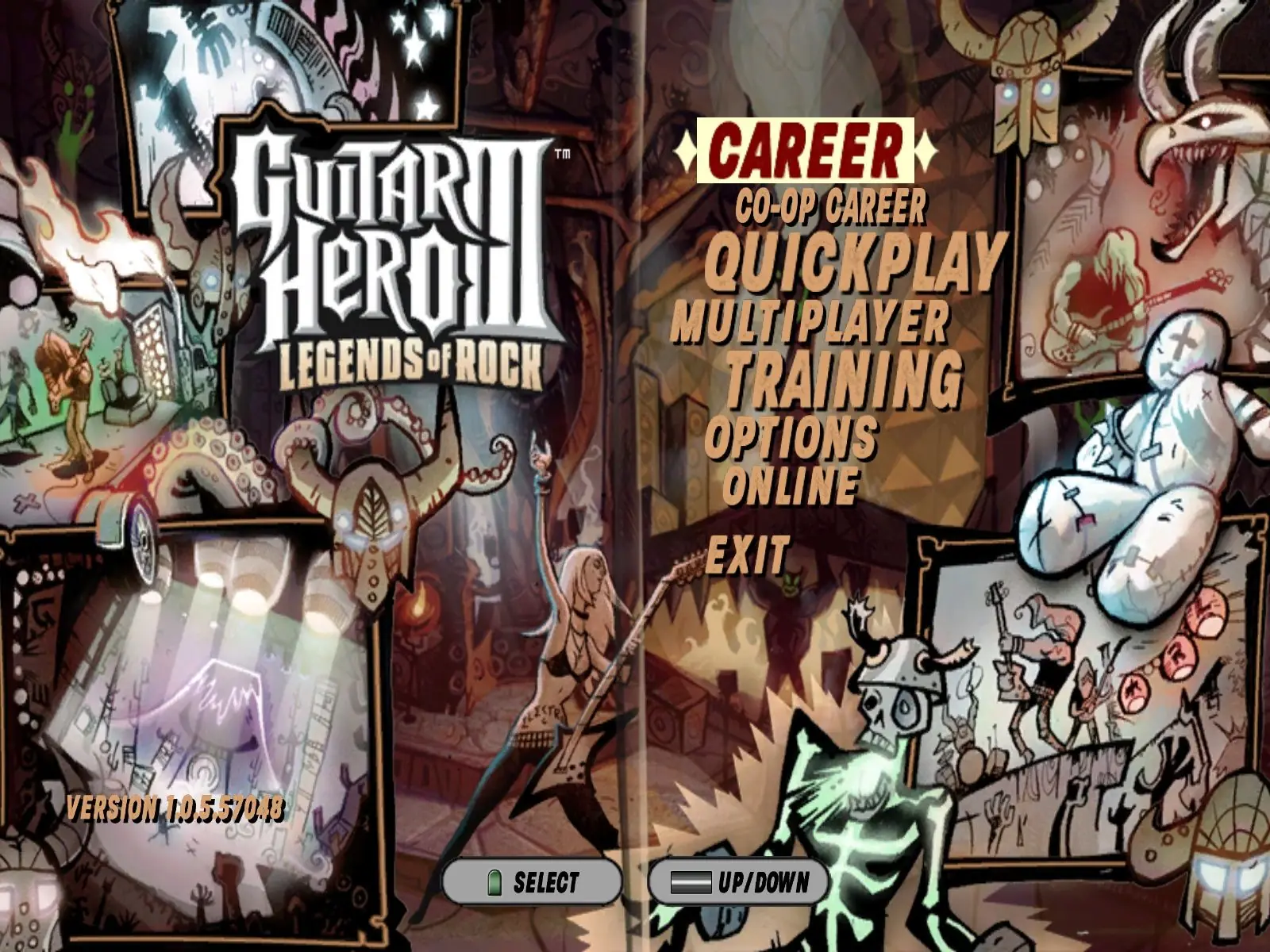
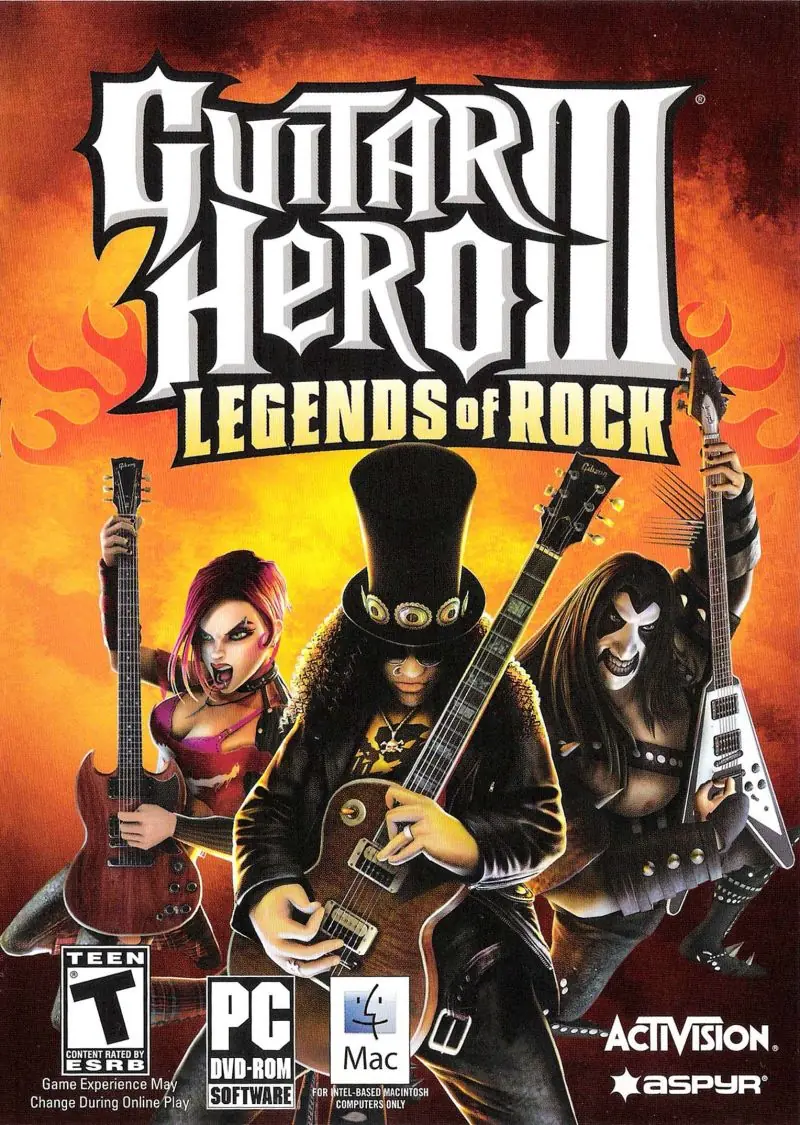
Guitar Hero III: Legends of Rock retains the basic gameplay from previous games in the Guitar Hero series, in which the player uses a guitar-shaped controller to simulate the playing of lead, bass, and rhythm guitar parts in rock songs by playing in time to scrolling notes on screen. The game, in addition to existing single-player Career modes, includes a new Co-Op Career mode and competitive challenges that pit the player against in-game characters and other players. Guitar Hero III: Legends of Rock was the first game in the series to include an online multiplayer feature, which is enabled in the PlayStation 3, Wii and Xbox 360 versions. The game included over 70 songs, most of which are master tracks. The PlayStation 3 and Xbox 360 versions feature the ability to download additional songs. The musicians Tom Morello (of the bands Rage Against the Machine and Audioslave) and Slash (of Guns N' Roses and Velvet Revolver) make appearances both as guitar battle opponents and playable characters in the game. The PlayStation 3, Xbox 360 and Microsoft Windows versions also include Bret Michaels (of Poison) as a non-playable character.
Guitar Hero III: Legends of Rock is abandonware and no longer sold or supported by its publishers. Files are archived here for these platforms:
How to play on Windows






La ejecución de código no puede continuar por que no se encontró
d3dx9_35.dll.
Este problema se puede solucionar reinstalando el programa
Installing took a while because it kept getting error #1723. I fixed it by going to local disk (C:), then program files (x86), then I made a new folder and named it “Aspyr”. Inside the Aspyr folder, make another folder and name it Guitar Hero 3. Inside this folder, you need to insert a file called awl.dll (This file is found in this download! Just copy it to the Guitar Hero 3 folder and it should work).
After I installed the base game, I ran into another problem with installing the .net framework, and then with the GHTCP install. (The .net framework button on this download is meant for Windows 7, which didn’t come with the .net framework installed, and since Windows 10 already has .net framework integrated, you really can just skip this step and move on to GHTCP.)
Installing GHTCP gave me a bit of an issue because it was asking for an update to the .net framework. To fix this, go to windows update and install any .net updates that may be pending. Once they’re installed and the PC has been reset, it should install GHTCP with no issue.
Last issue, the biggest hassle for me: using a rock band guitar controller. FYI Guitar Hero 3 only works with Guitar Hero controllers, but there is a workaround. I used a program called XPadder, which basically allows you to emulate keyboard button presses with whatever controller you have. Long story short, you need to map the controller’s buttons to emulate the keyboard buttons, and trick the game into thinking the guitar controller is just you playing with a keyboard. I was able to map all 5 colored buttons, the strum bar, the D-Pad, and the Start and Select buttons; the only thing missing is getting the whammy bar to work (I’m still working on it).
Thought it would be nice for others to benefit from this in case they run into the same problems as me. If you’re using another Windows OS, or Mac or Linux, then I cannot help you. Still, all I did was google around and see what other people said worked for them, and gave it a shot.
Good luck!