Harry Potter and the Chamber of Secrets

Be Harry Potter in a new adventure with more magic, friends, and danger. In his second year at Hogwarts School of Witchcraft and Wizardry, Harry stumbles upon a dark chapter in the school's past. Learn new spells, undertake new quests, make new friends, and challenge new adversaries as you confront the powers at the heart of the Chamber of Secrets. Do you dare take the chance that you might face the evil Lord Voldemort again?
Publishers
Developers
Released
Platforms
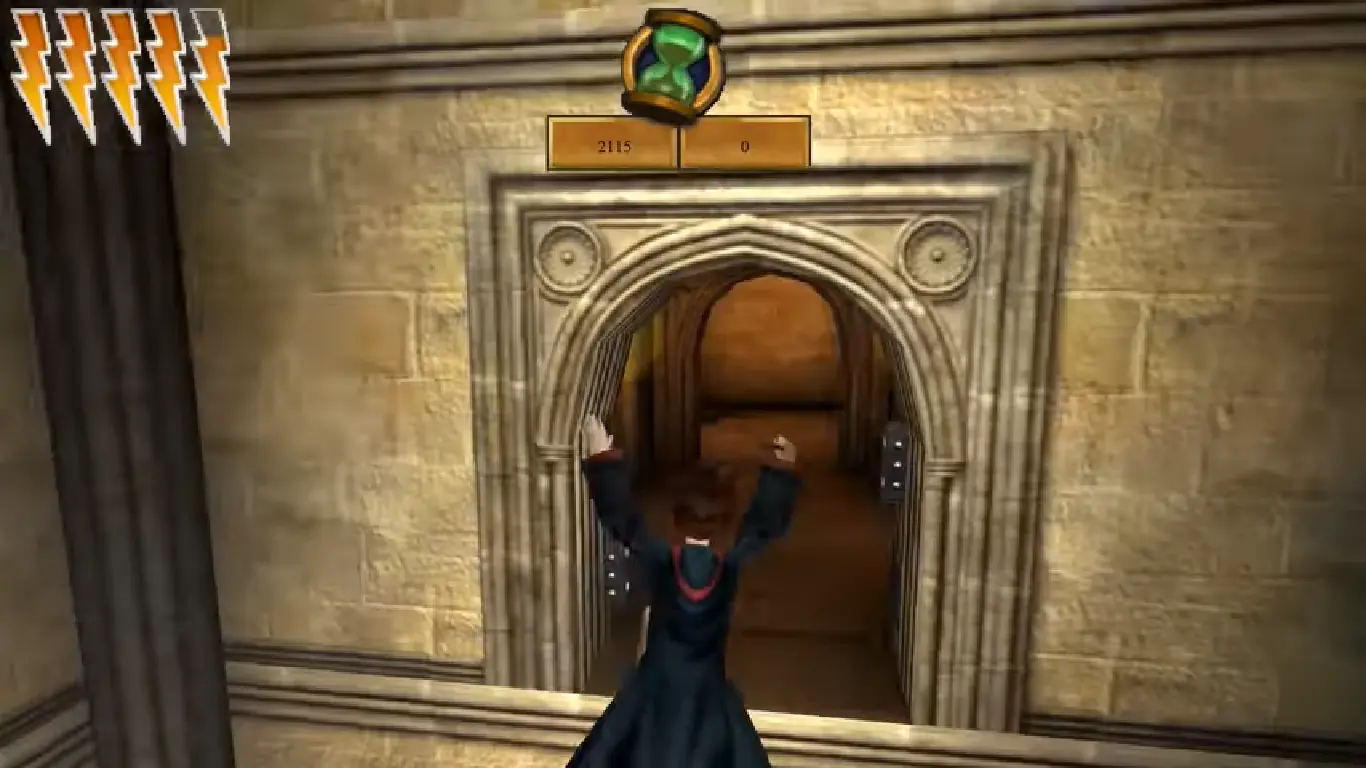
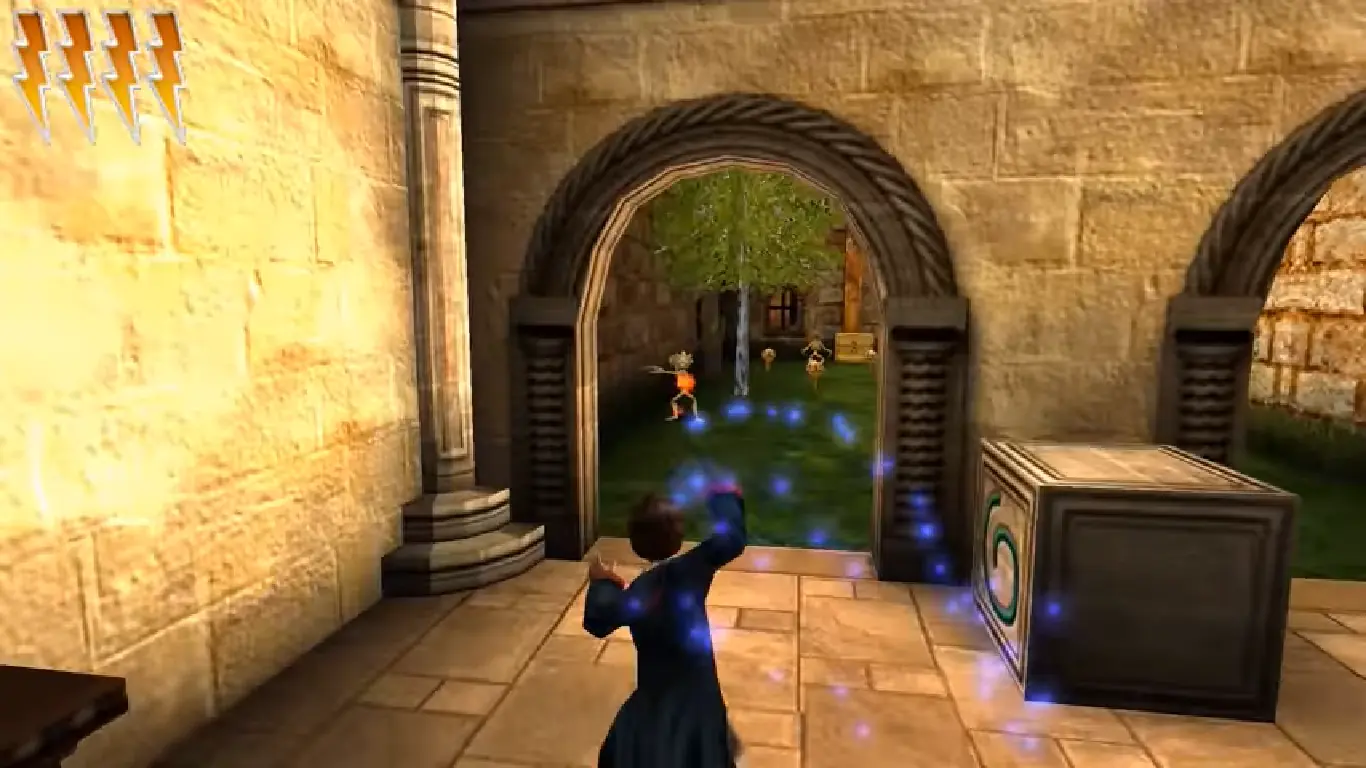
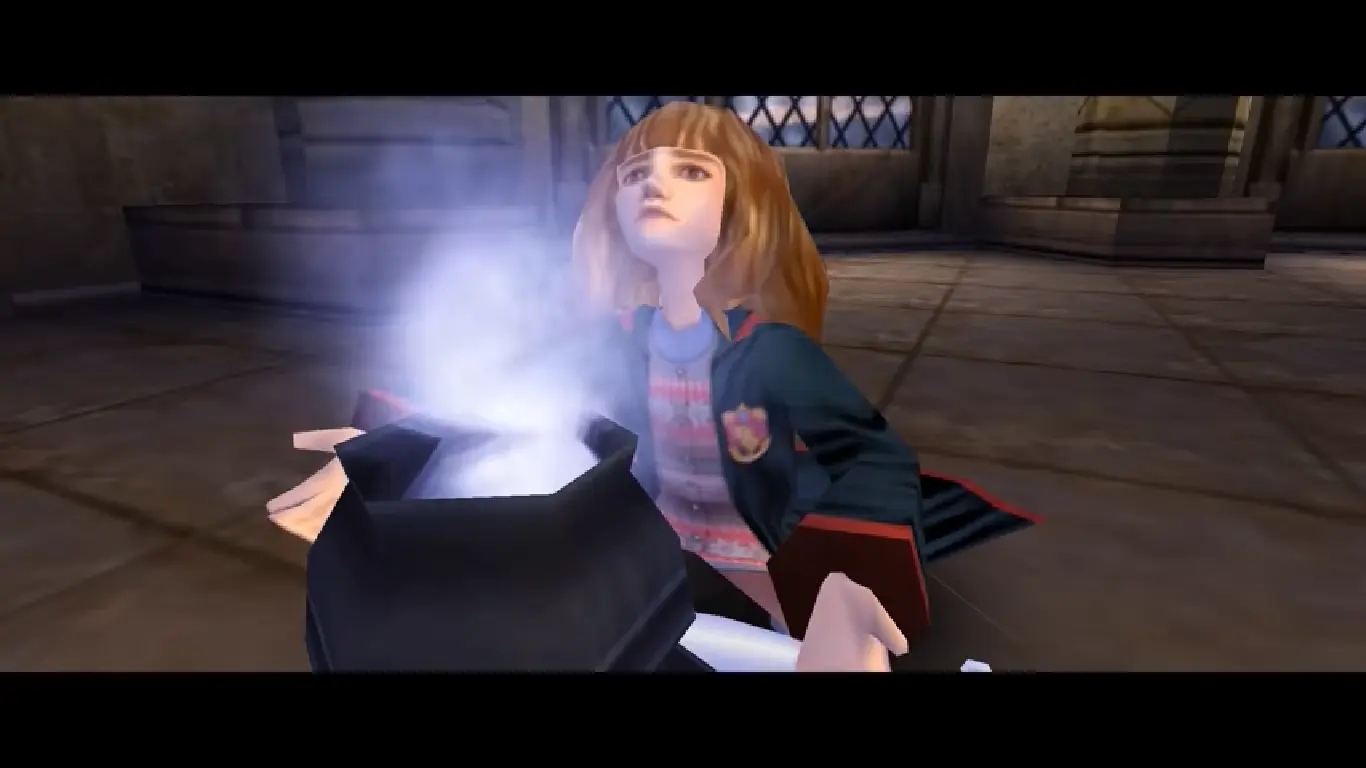
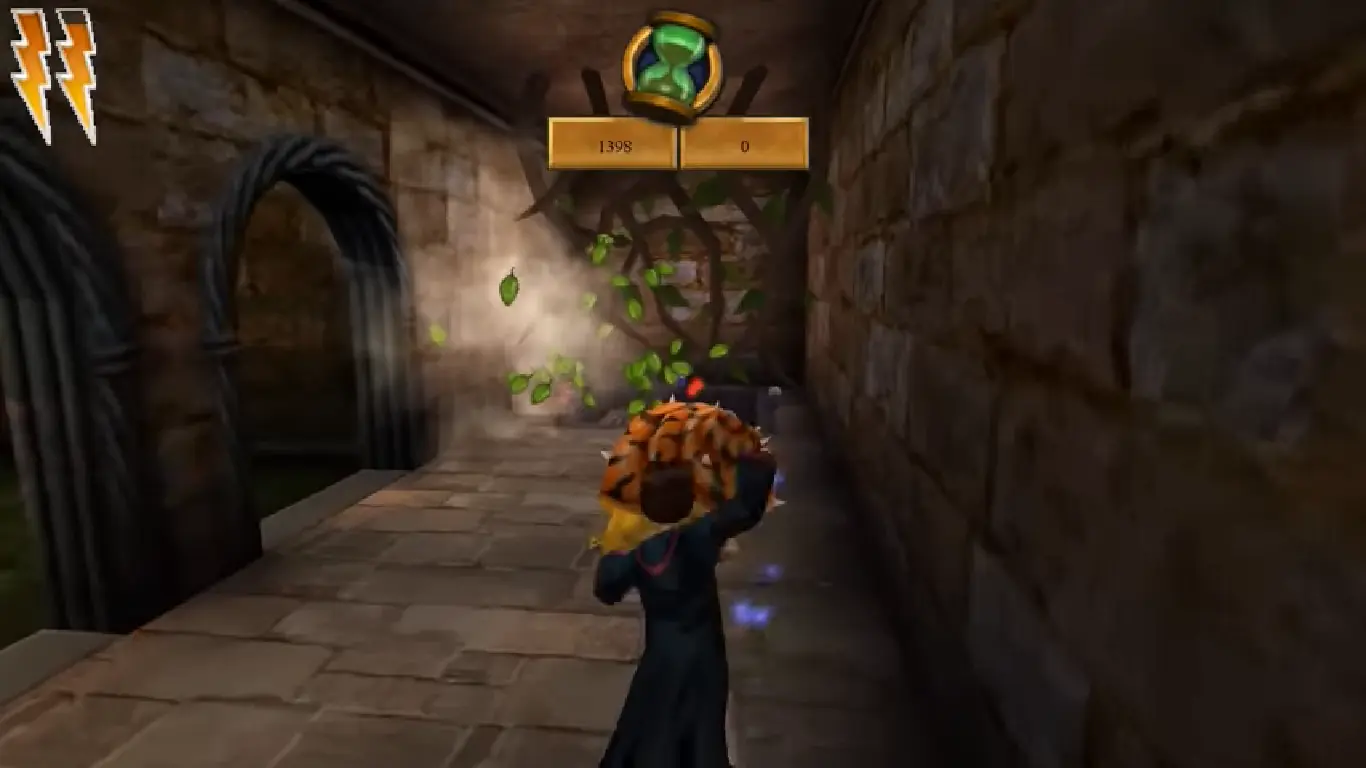
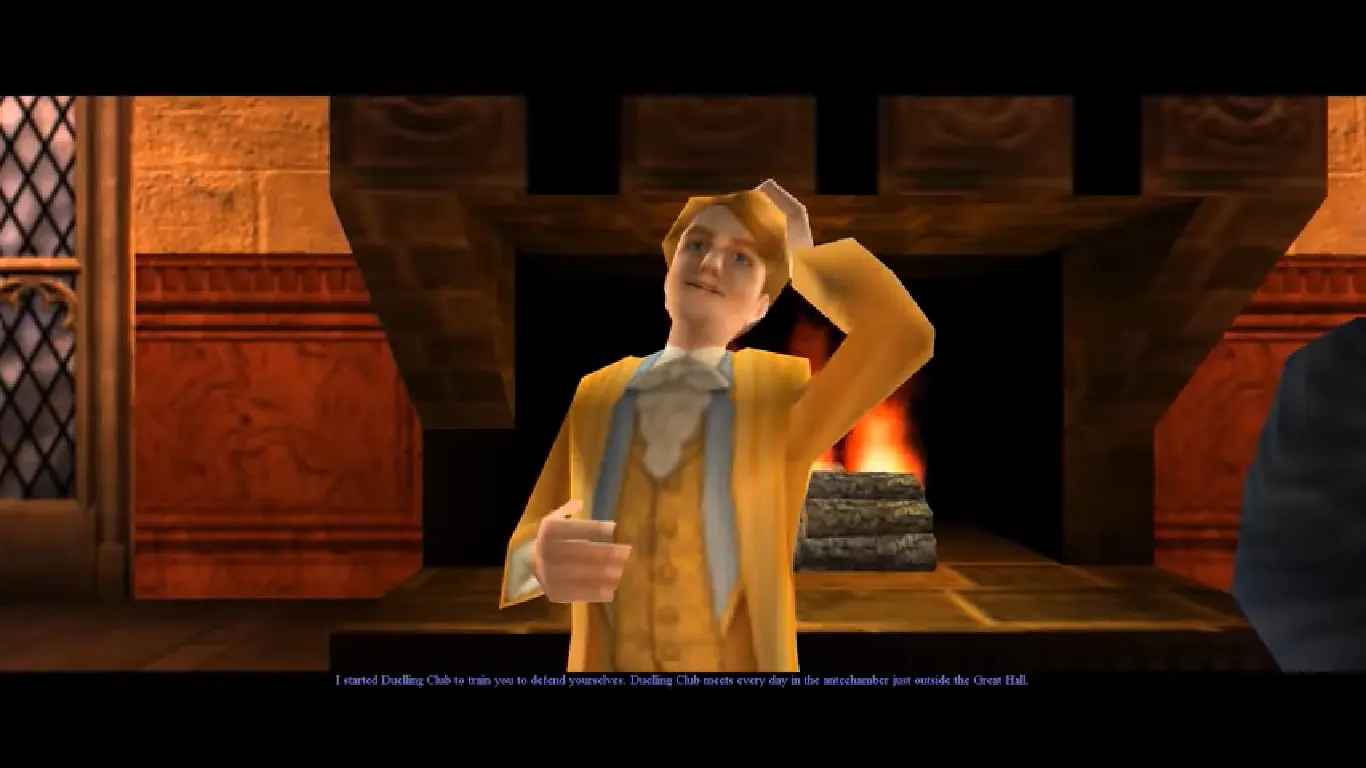
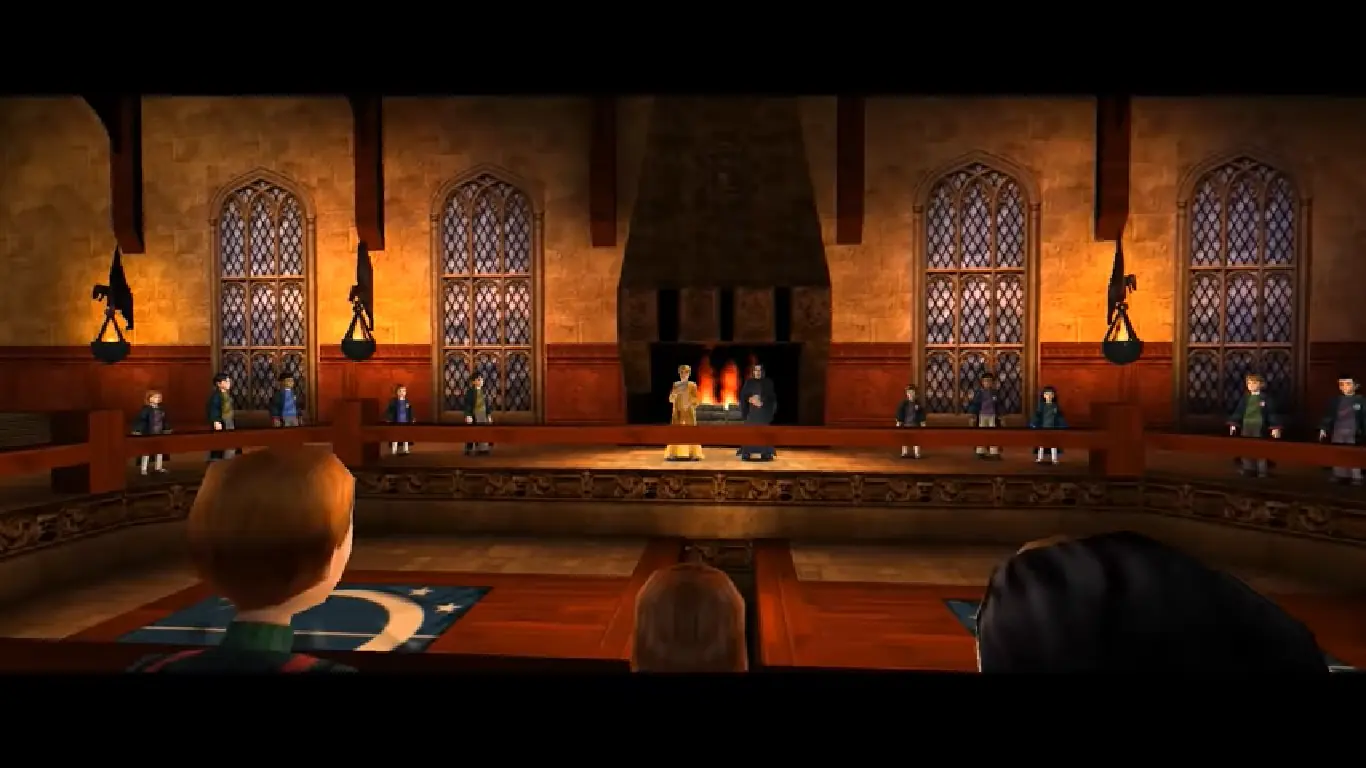
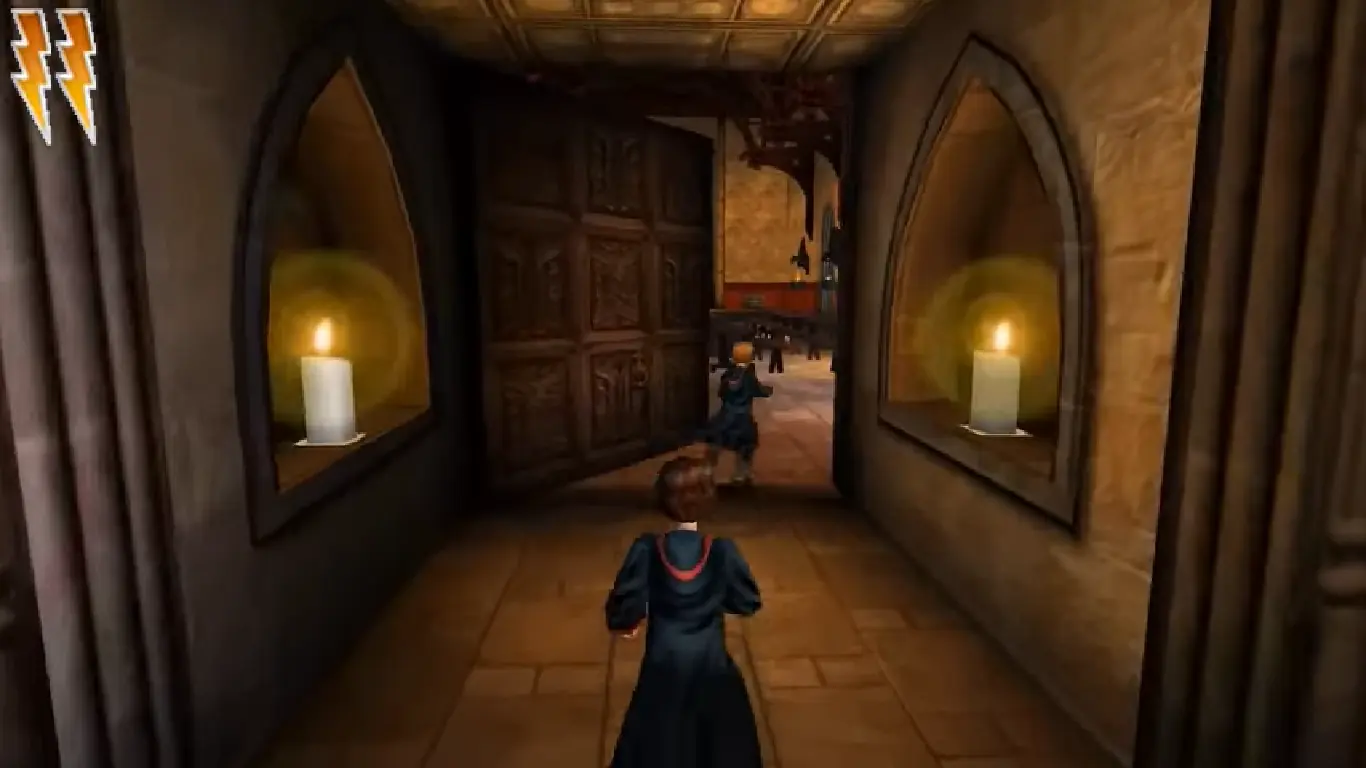
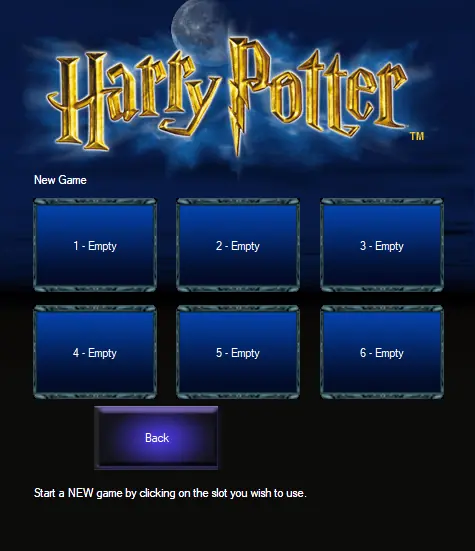
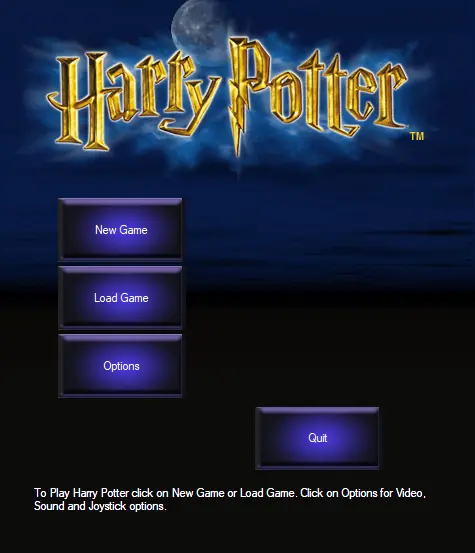







Also, after closing the game and coming back I found out that it didn’t save. Tried a couple more times and keeps happening. Can it be solved?
Thank you so much for providing this game (and the instructions to install), I played it a lot in my childhood and I’m so happy playing it again!
Also, could it be because every time I open it Windows hits me with the “Do you allow this to make changes to your device?” message? I always click yes and I’m running the game as administrator, but I can’t seem to get it to go
someone posted a video below “How To Get Harry Potter Games 1-3 Working on Windows 10 (+ Extra Graphical Improvements and Fixes)”. I didn’t particularly care about changing the resolution or anything, but I followed his instructions about editing the game.ini file’s framerate setting to 60 instead of 30. The game still lagged when I started it up again but then I just opened the menu, went to the sound and video options and changed texture detail to medium and color depth to 32 bit. The window blinked out for a second then came back perfect without all the choppy lag that made it impossible to move. It’s running exactly how I remember now. 🙂
Hope this helps!
I need the game files not the installer can someone reupload it?
Update, so I got the setup file working, turns out, step 4 is very important. that said the preinstall doesnt work
idk how its works im trying for 1 hour but i dont know what im doing wrong. if somoene can help me add me on discord: Lasse#1514
Full path: Control PanelProgramsPrograms and Features
Find Harry Potter then uninstall
Method 2: When Clicked on AutoRun.exe (I’ve already tried change the Compatibility)
https://uploads.disquscdn.com/images/adedc82d3cecc9c35a357eab4b8e8cc28f4f35aa4143bd4d3f31378d4ecc3cfa.png
I can crack the game my self if I wanted to.
Also, when I try to download the file for method one, I get taken to an external page that says ‘Item not available.’ Can anyone help please?