Home » Games » Hot Wheels: World Race
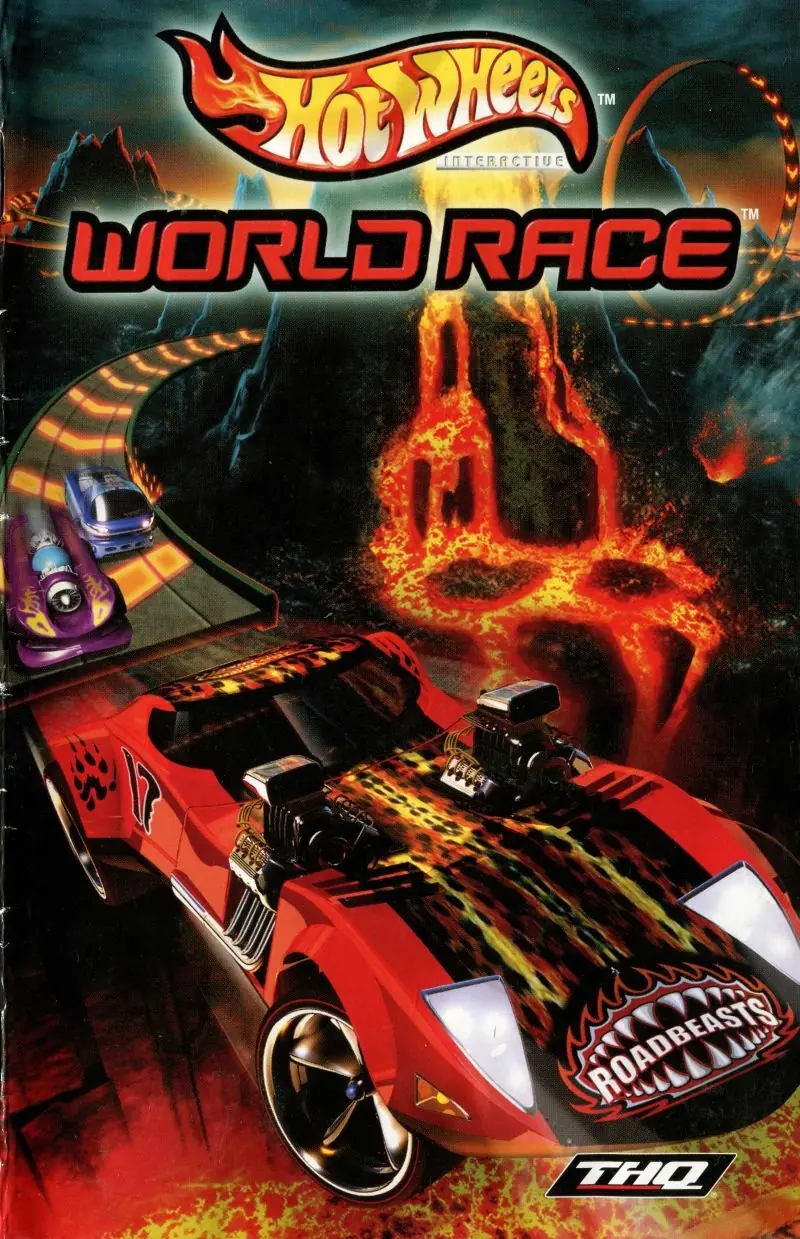
Hot Wheels: World Race

Hot Wheels: World Race Game Cover
4.8/5 - 83 votes

Race against your opponents through a volcano, across ice mountains, and bump them off the huge loops.

Genres
Publishers
Developers
Released
Download

About Hot Wheels: World Race

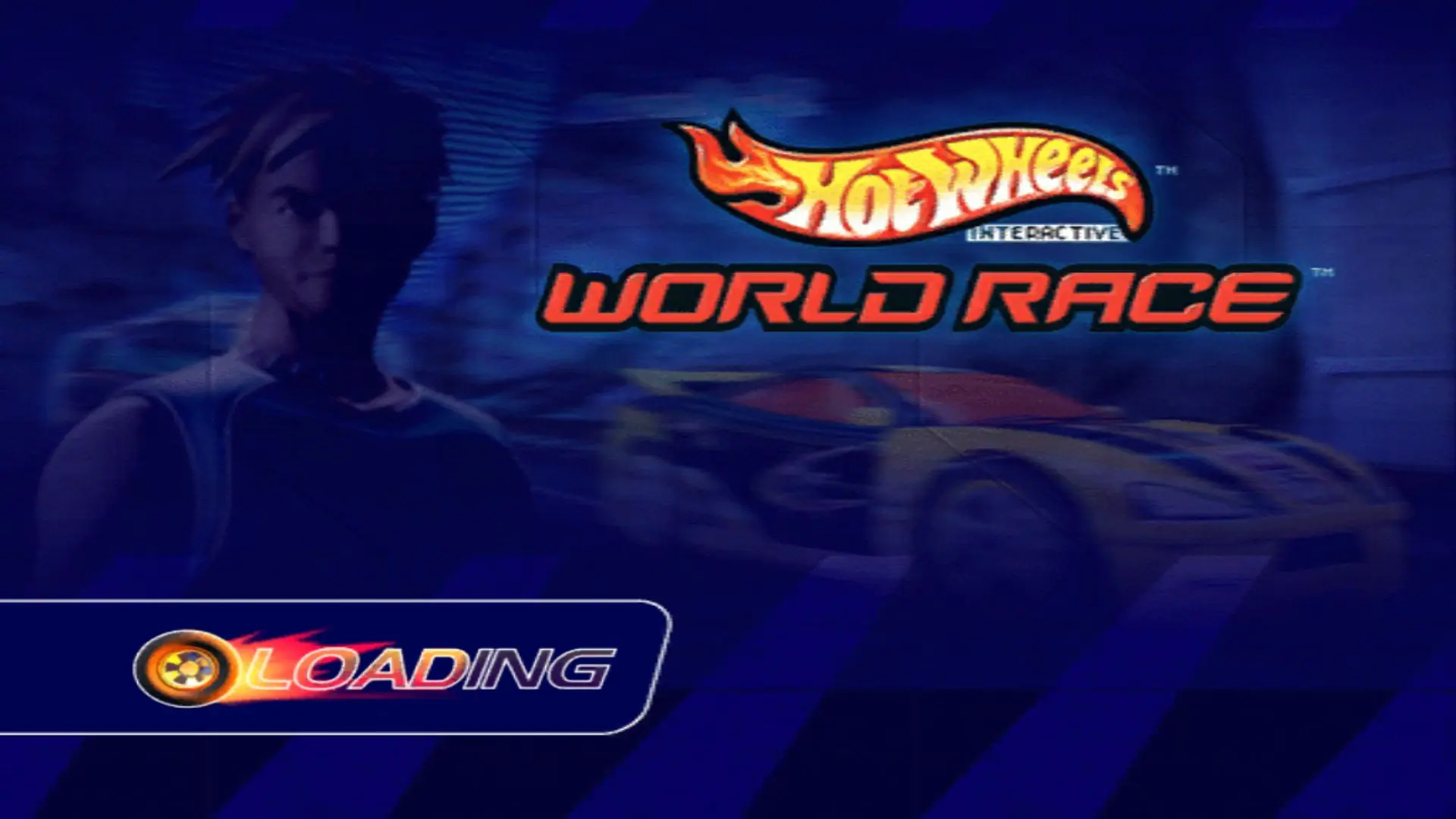
Step into the near future where life is centered around one thing—the Hot Wheels World Race circuit! Features Hot Wheels World Race teams and cars and insane jumps and stunts for intense racing action. Get ready for an-all-new Hot Wheels racing experience on your favorite game system! Set in the distant future where life revolves around the most intense sport ever invented, Hot Wheels Highway 35: World Race takes daring drivers through a series of intense circuit races on extreme tracks featuring split/multi-level courses, obstacles, and speeds unlike anything ever experienced before. Do you have what it takes to make it to the Hot Wheels Highway 35: World Race?
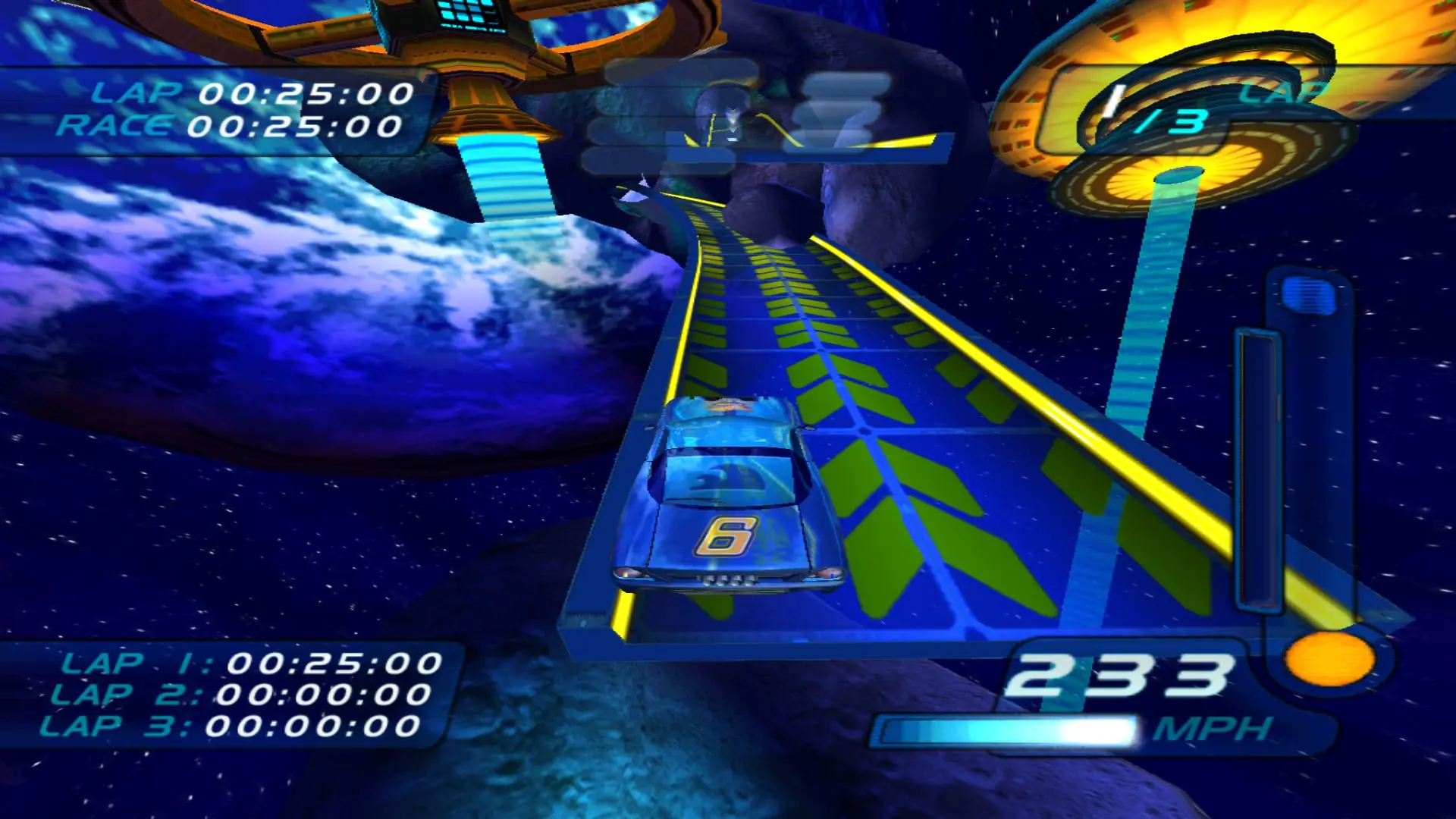
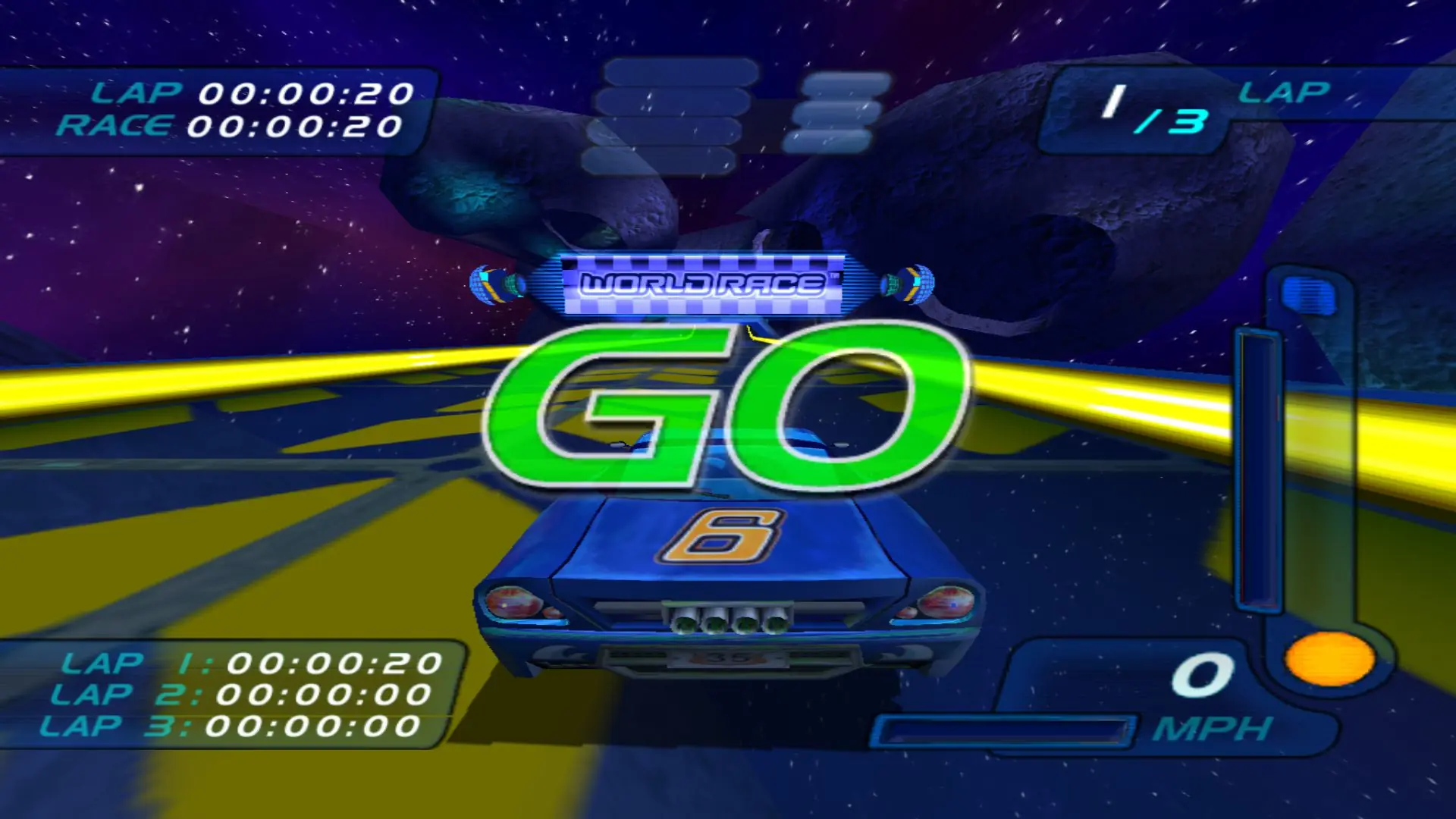
Screenshots

Windows

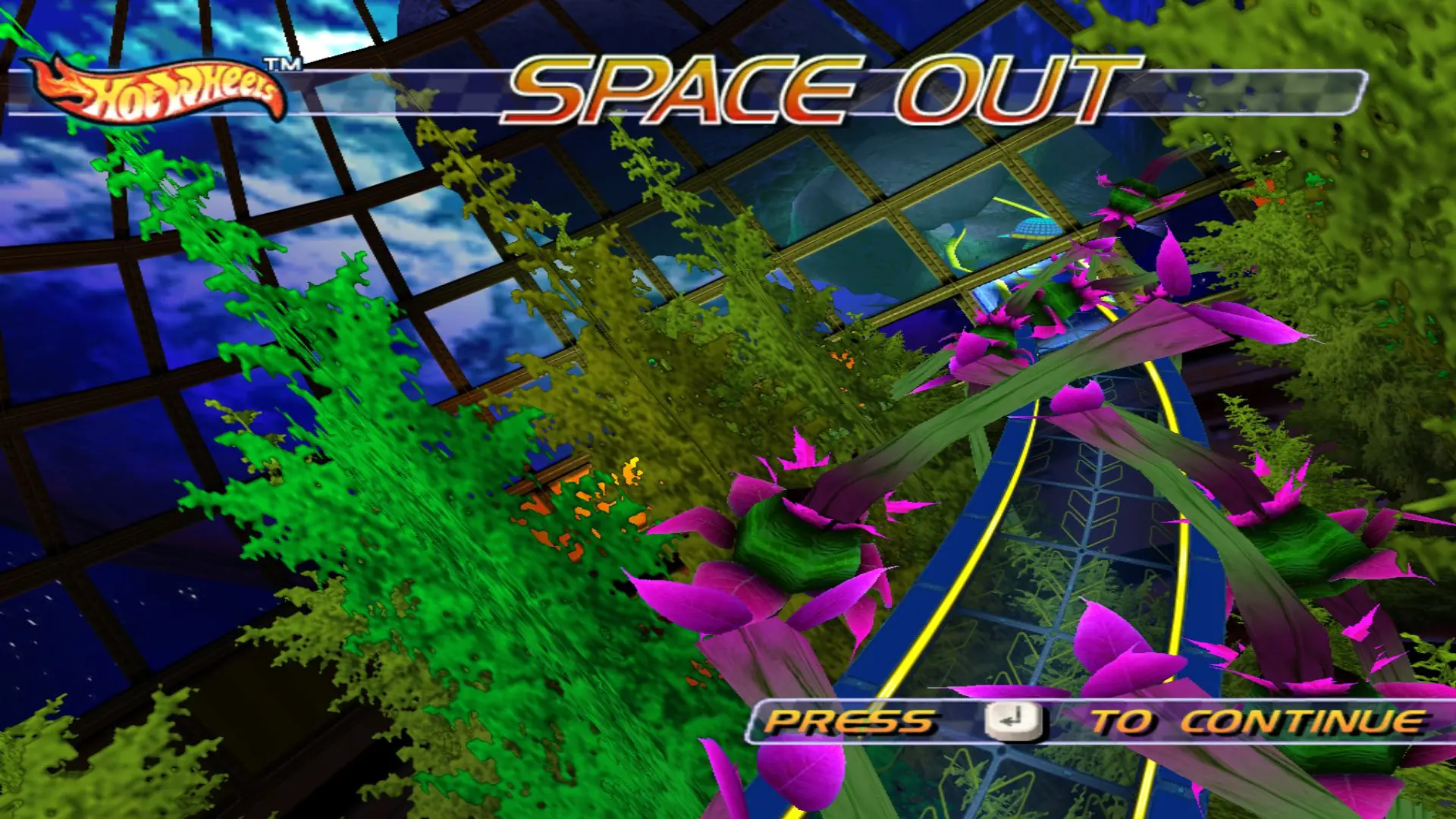
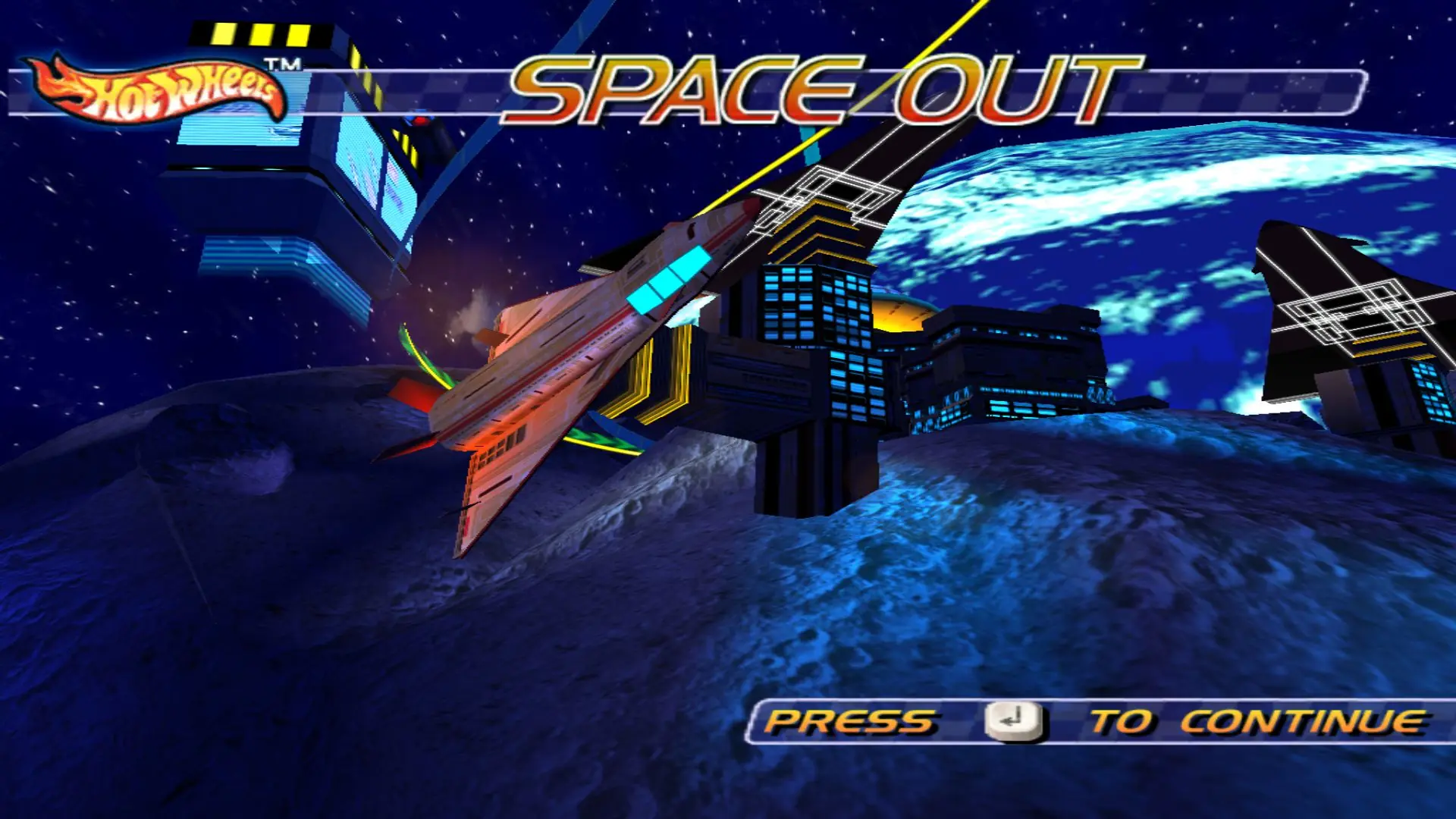
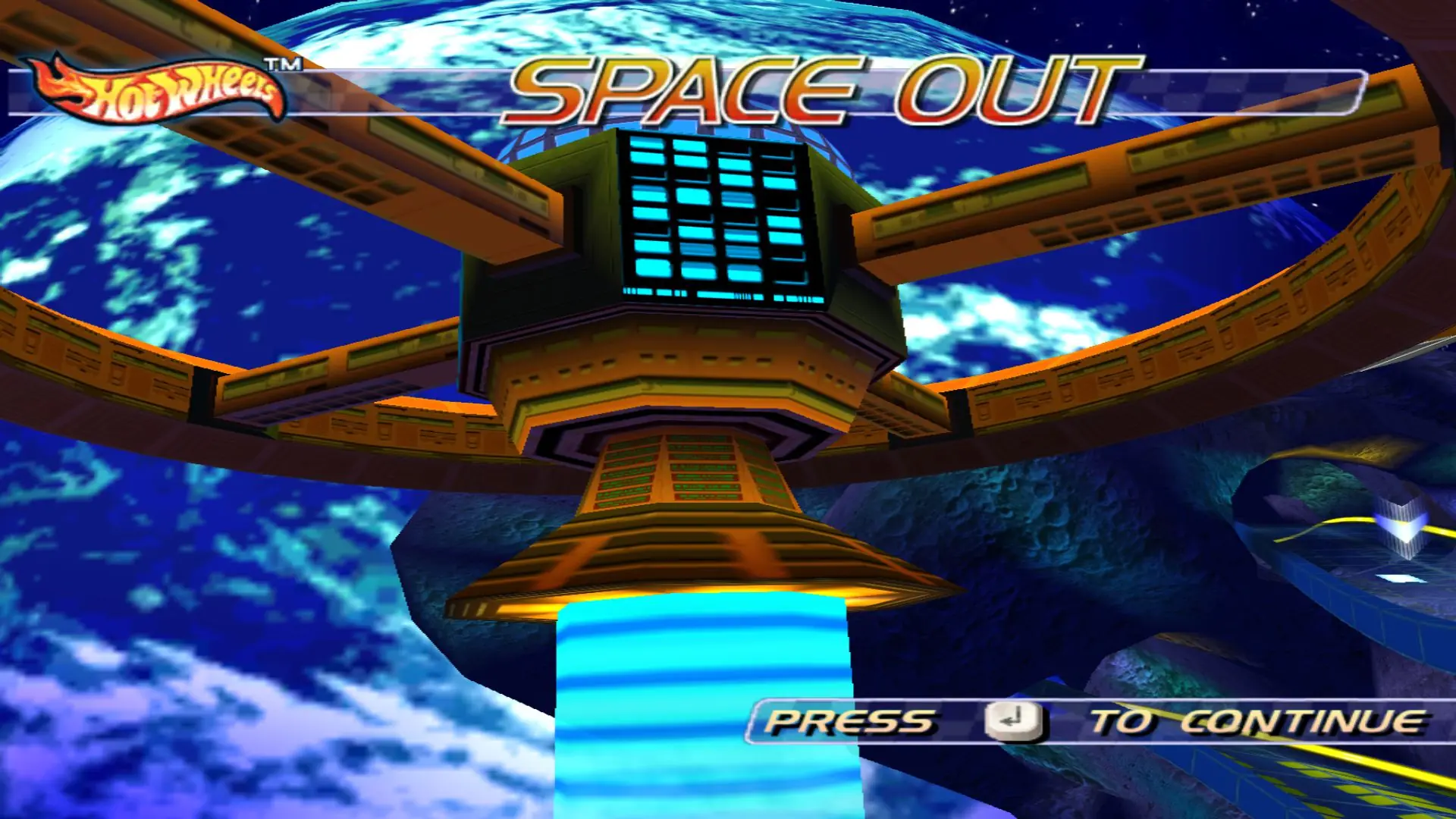
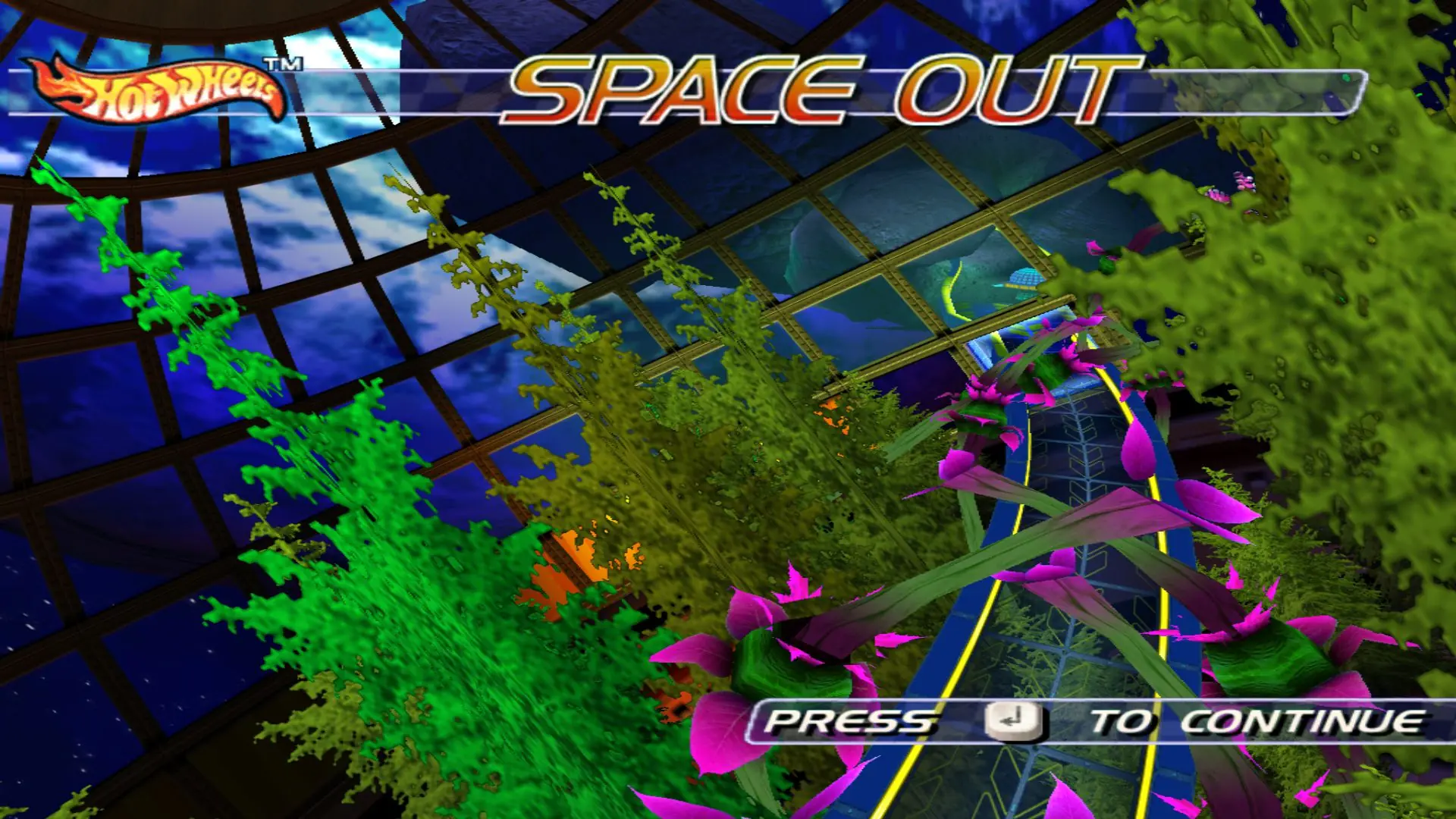
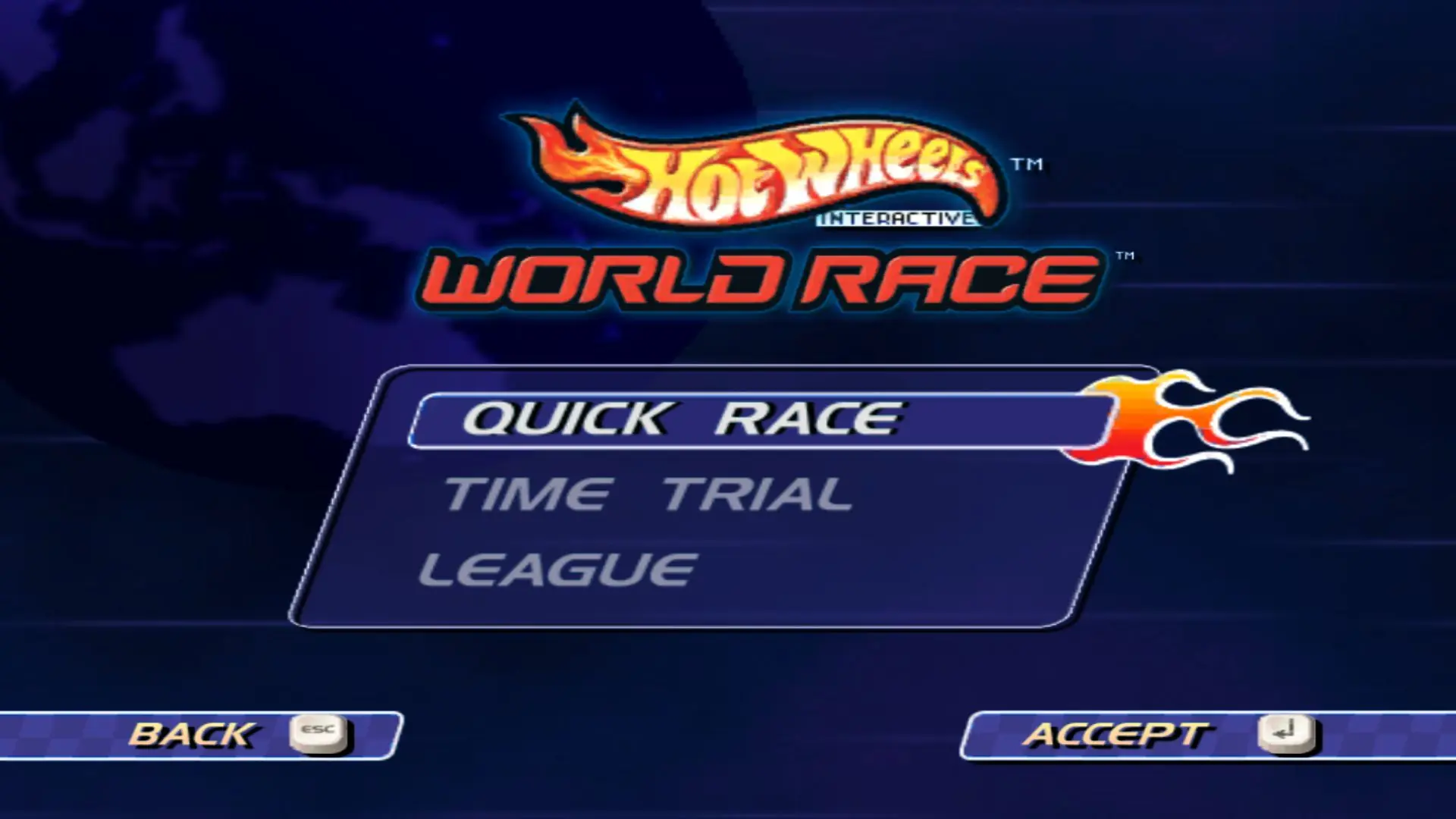
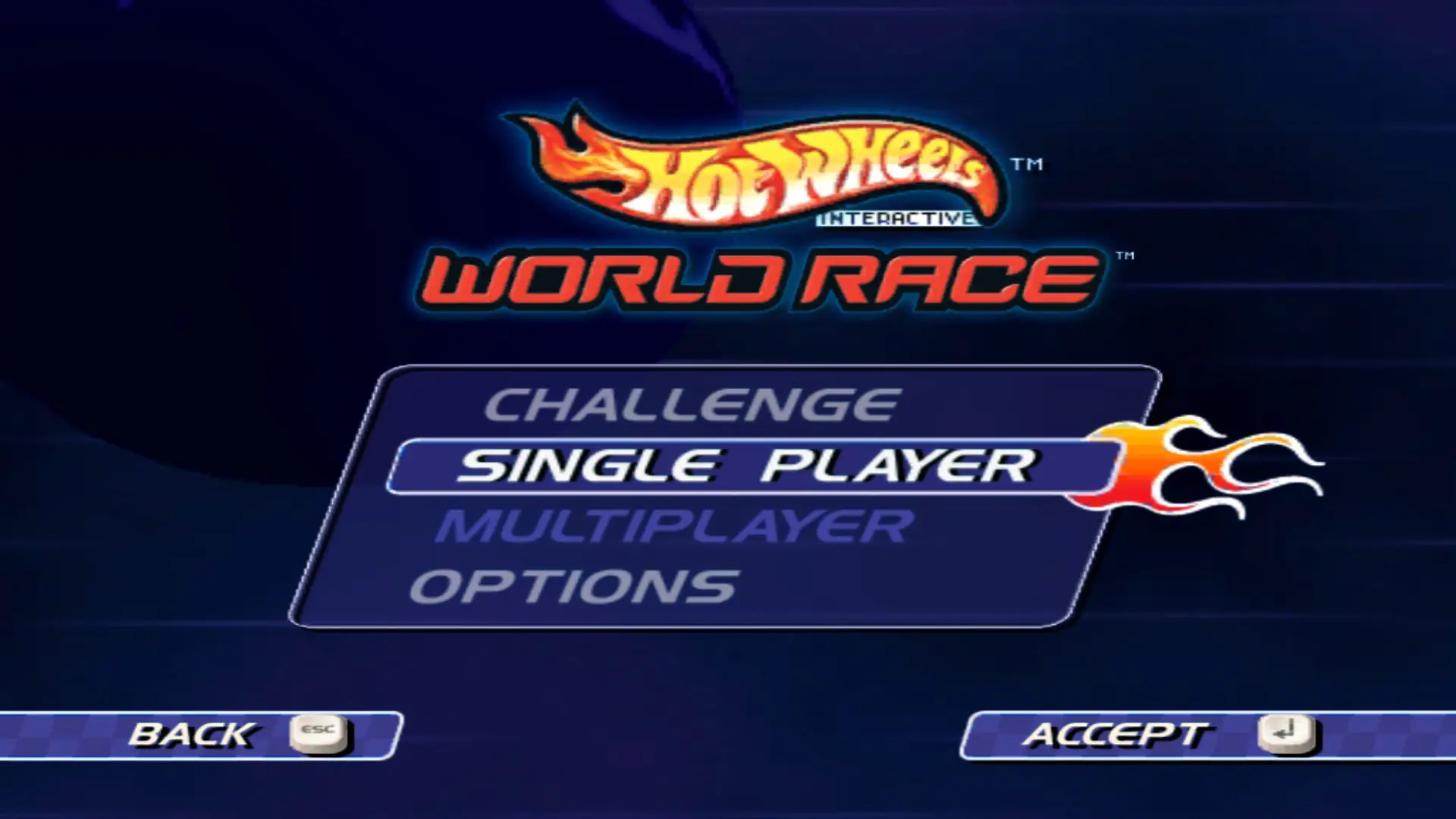
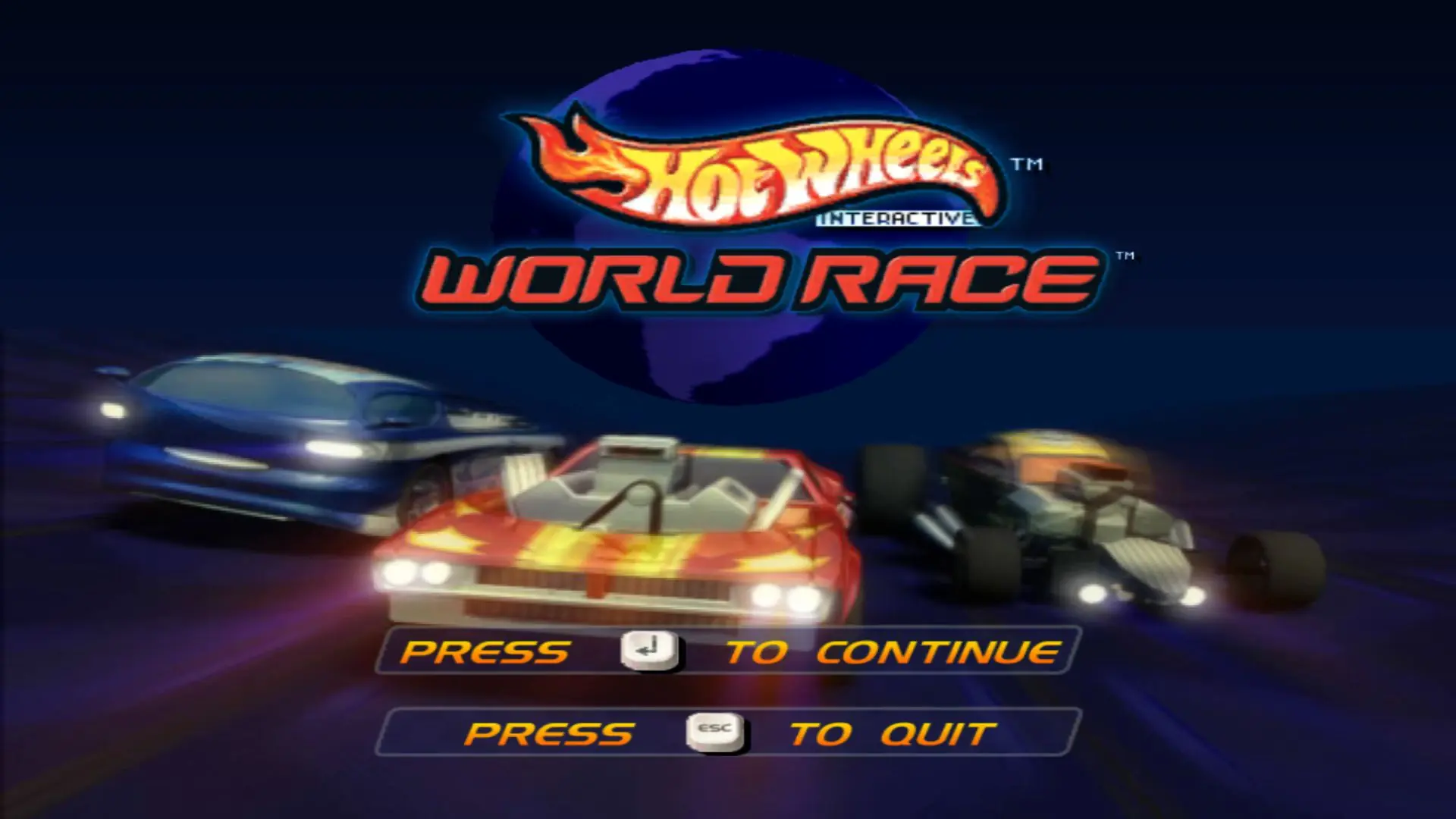
Hot Wheels: World Race — Windows screenshot 1Hot Wheels: World Race — Windows screenshot 2Hot Wheels: World Race — Windows screenshot 3Hot Wheels: World Race — Windows screenshot 4Hot Wheels: World Race — Windows screenshot 5Hot Wheels: World Race — Windows screenshot 6Hot Wheels: World Race — Windows screenshot 7Hot Wheels: World Race — Windows screenshot 8Hot Wheels: World Race — Windows screenshot 9Hot Wheels: World Race — Windows screenshot 10Hot Wheels: World Race — Windows screenshot 11Hot Wheels: World Race — Windows screenshot 12Hot Wheels: World Race — Windows screenshot 13Hot Wheels: World Race — Windows screenshot 14Hot Wheels: World Race — Windows screenshot 15

Download Hot Wheels: World Race

Hot Wheels: World Race is abandonware and no longer sold or supported by its publishers. Files are archived here for these platforms:

PlayStation 2 (2003)

Tutorial: How to play PlayStation 2 games on Windows

Windows (2003)

  • Hot_Wheels_World_Race_Win_ISO_EN.7zEN343.79 MB
  • Instructions Hot_Wheels_World_Race_Win_ISO_EN.7z

    How to play on Windows

    1. Download and Extract Hot_Wheels_World_Race_Win_ISO_EN
    2. Open the "Game Files" folder and run the file called "run this first" to update the registry
    3. Run "HotWheelsWorldRaceLauncher" and go to "Configure Graphics" and increase your resolution, also set your refresh rate to 144hz.  Press "OK" then go to "Configure Controls" and here you can see the game's controls (change it if you want).
    4. Select "Run" when you're ready to play
    5. Enjoy!

Comments

23 thoughts on “Hot Wheels: World Race”

  1. 0
    Thanks so much for the provided Windows copy of HW World Race! I downloaded, extracted, and ran it with very little effort. Thanks for the time you put in making these files available!
    Reply
  2. 0
    I have a registry error when i try to launch the game?

    ive run the run this first file, and then when i go to launch the game, it says HotWheels World Race launcher registry error

    Reply
  3. 0
    Struggling with the reconfiguring the controls. Everything works and looks amazing but in the settings launcher if I try to click the “configure” button in crashes. Any help?
    Reply
    • 0
      Hey, not sure if this is helpful but I was having a similar issue, which I “fixed” by clicking configure controls and then waiting for a really long time without clicking anything. It seems like it just takes a very long time for the configuration window to load
      Reply
  4. 0
    Hi! Every time I change the controle’s and Run the launcher my game crashes.

    “… failed to verify graphic/control device”

    Reply
  5. 0
    When I run the launcher it says: “Hot Wheels (TM) World Race (TM) launcher REGISTRY KEY ERROR”. It comes up every time (even when I ran it after I ran the ‘run this first’ application).
    Reply
  6. 0
    I get the same error as the other guy with
    “Hot Wheels(TM) World Race(TM) failed to verify graphic/controle device”
    Reply
  7. 0
    each time i chance the controle settings to the controle’s how to use it fine for me it give’s a error with the text: Hot Wheels(TM) World Race(TM) failed to verify graphic/controle device.
    and since each time’s i launch the game the controle’s keep chancing what also wierd is
    Reply
    • 0
      Hi can you try to redownload but this time, don’t change the controls but just play with the default controls, and see if they stay stable?. If that doesn’t work then you’ll have to play the PS2 version
      Reply
      • 0
        thats more a reason why i chance the controles since each time i launch the game the default controls chance and keep changing with each new lauch for exemple: if W is for accelerate and K is for left en L for right the next time i lauch you can have that i is for accelerate and A for left and D for right and thats something new since i have the disc version off it and that problem i never have see.
        Reply