I Spy Spooky Mansion
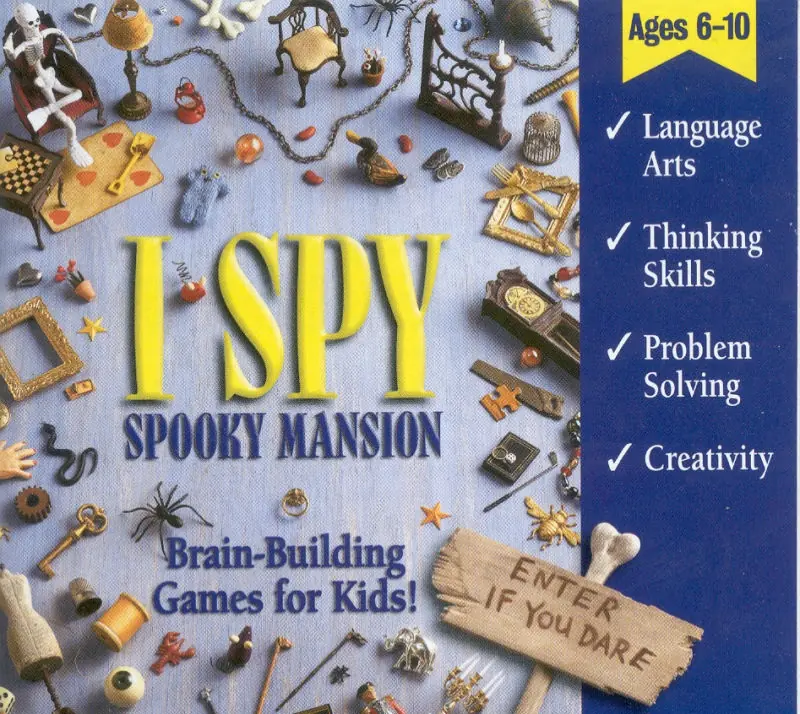
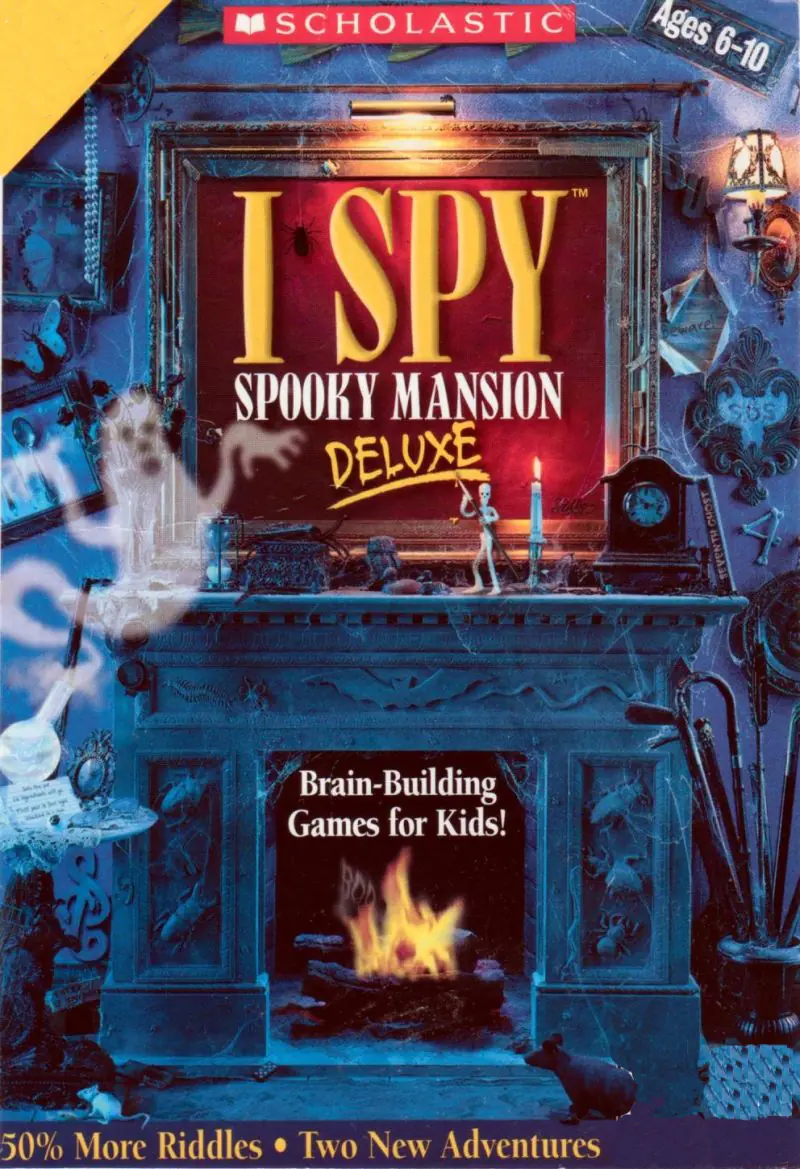
I Spy Spooky Mansion is a 1999 educational game developed by Black Hammer Productions and published by Scholastic.
Genres
Publishers
Developers
Released
I Spy Spooky Mansion is a 1999 educational game developed by Black Hammer Productions and published by Scholastic.
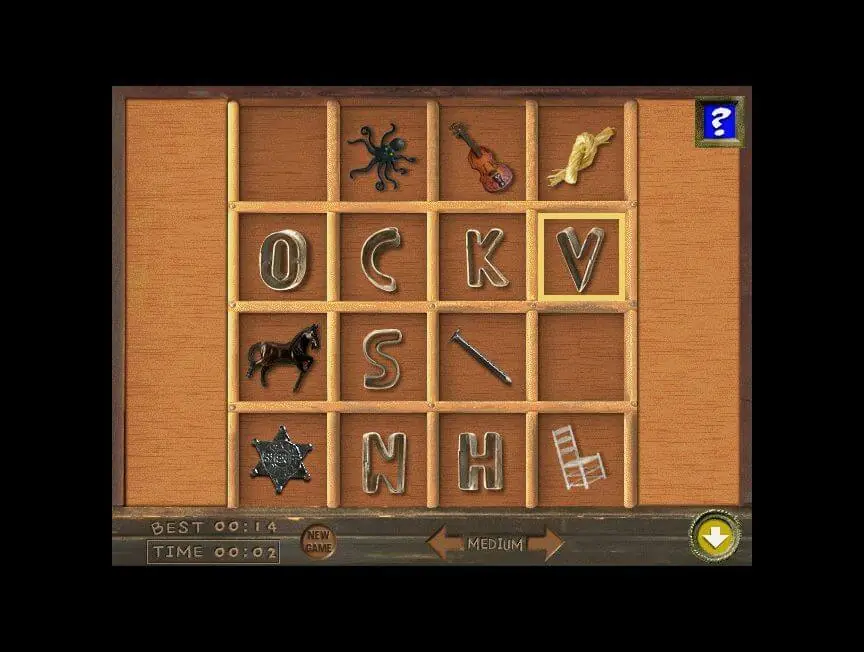
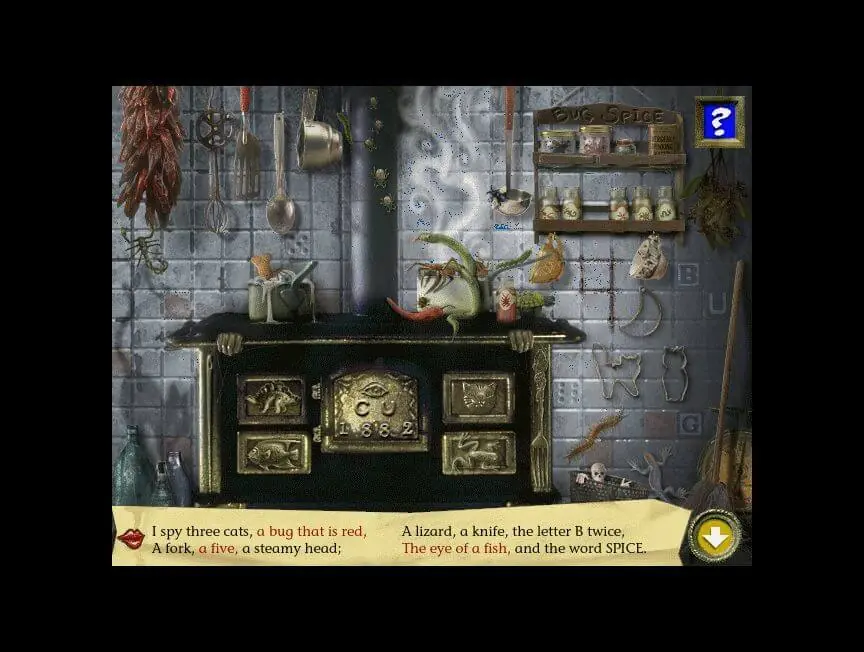
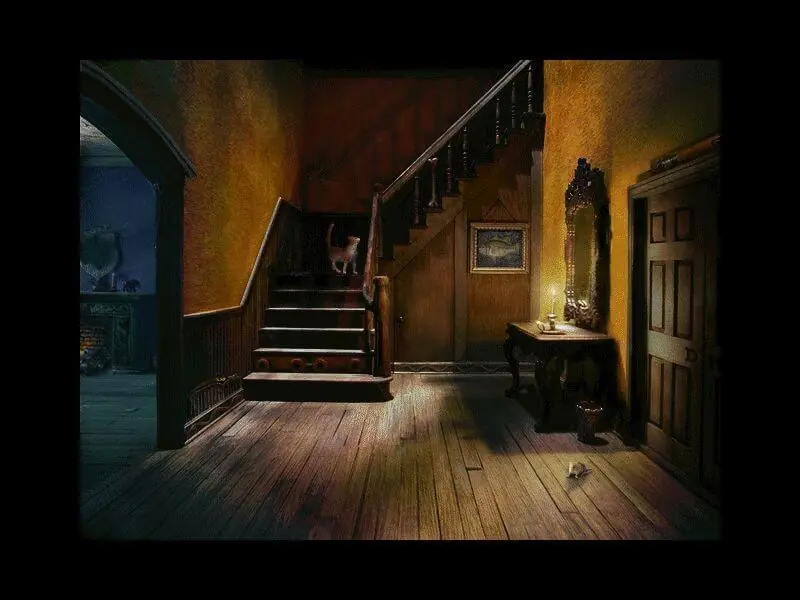
I Spy Spooky Mansion invites you on a journey through a mysterious, old house filled with lots of fun activities. You will discover 10 creepy rooms to explore in search of hidden picture riddles, games, and other thrills. When you find and complete all the riddles and games you're in for a spooky surprise!
I Spy Spooky Mansion is abandonware and no longer sold or supported by its publishers. Files are archived here for these platforms:








youre welcome lol
YOU NEED A VIRTUAL MACHINE TO RUN THIS. NEWER COMPUTERS CANNOT RUN IT.
Don’t worry, you don’t have to spend any money on this, you just need to have some technical knowhow. Mines a little lacking, so it took me three hours, but I’ll save you the time.
I used Oracles VirtualBox. Download that. You need to get the Windows 98se vbi, just look it up, it’ll be on archive. org. Download the ZIP file. When that downloads, you’re going to want to open it so that it’s properly unpacked.
After you’ve installed that, set up the virtual machine. Click new, then hard disk, and find the operating system. Now, you’ll have your machine.
BUT YOU AREN’T OUT OF THE WOODS YET, DON’T START THE MACHINE. You’ll most likely get an error, so in those archive. org reviews, someone has linked a github account, go there and download the .ima file. You’ll need to go into settings<storage<controller:floppy and find that .ima file. ATTACH IT. Run the machine, and go through the default steps to install it. When it says press enter to leave, do that. Turn the machine off. MAKE SURE TO DETTACH THE FLOPPY OR YOU'LL GO BACK TO THAT SCREEN.
NOW WE'RE ALMOST TO SPOOKY TIME. Drag the ISO file somewhere outside of the zip file. Go back into storage on the vm, click controller: IDE and attach it. Run the machine, and go through the file directory to install.
And you're done! Like I said, took me three hours with a lot of trial and error and dozens of forum pages, I just condensed it.