Home » Games » I Spy Spooky Mansion: Deluxe
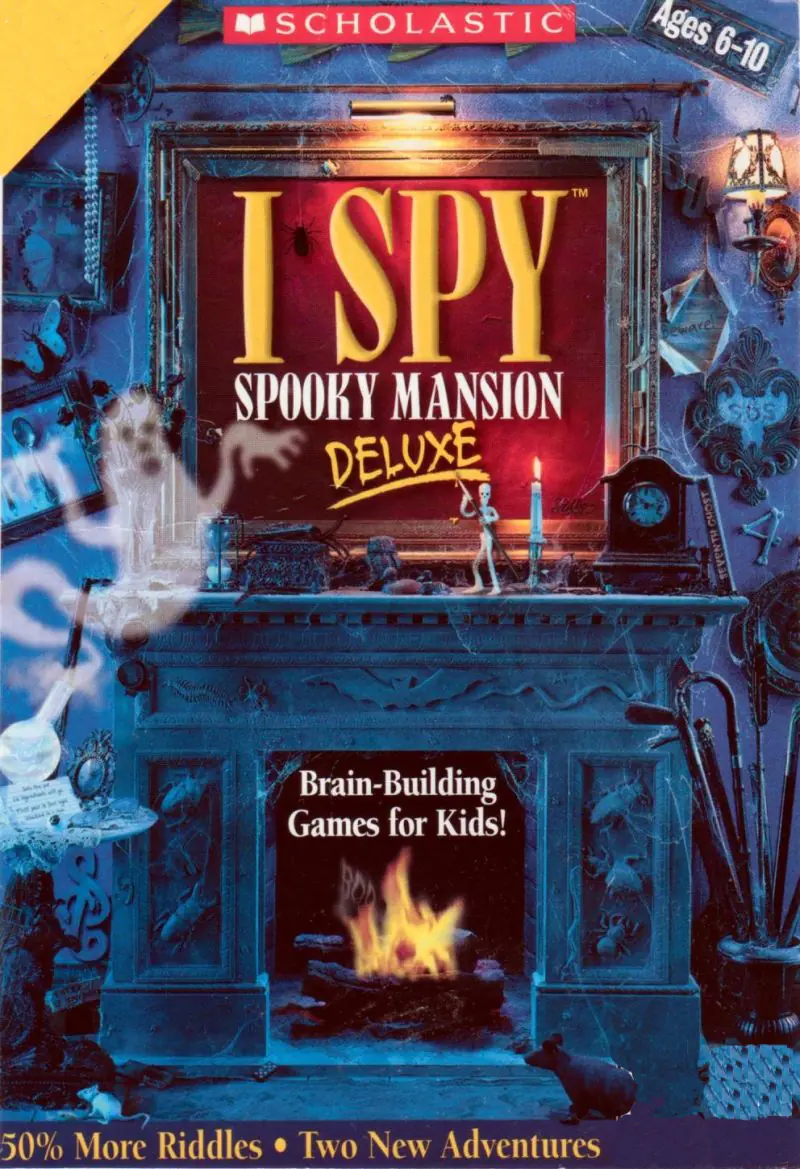
I Spy Spooky Mansion: Deluxe

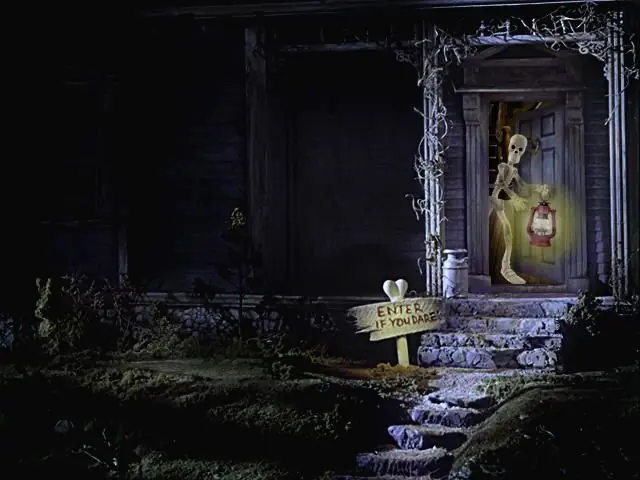
I Spy Spooky Mansion: Deluxe Game Cover
4.5/5 - 73 votes

I Spy Spooky Mansion: Deluxe is a 2005 educational game developed by Black Hammer Productions and published by Scholastic.

Other Titles

I Spy Spooky Mansion Deluxe

Genres
Publishers
Released
Platforms
Download

About I Spy Spooky Mansion: Deluxe

Scholastic re-released a "Deluxe" version on September 12, 2004, re-released another version on the iPhone on September 3, 2009, and re-released it on the Wii in October 2010. The re-releases expand on the original game in many ways, by adding an additional story after the secret message is uncovered, and adding additional rooms. They boast 33 I Spy riddles, however many of these riddles have the player revisiting previous stages multiple times.
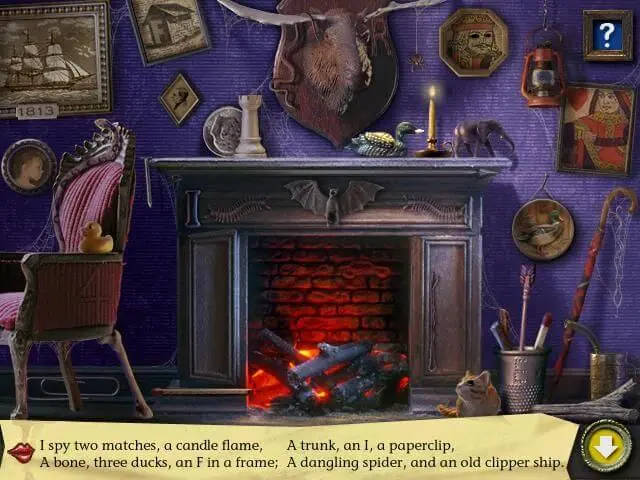
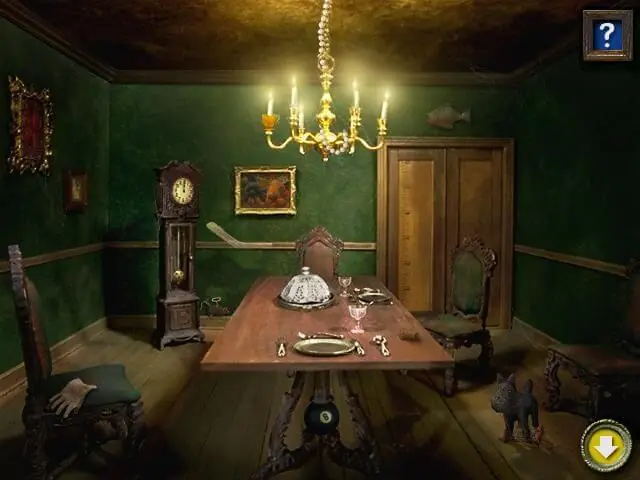
Screenshots

Windows

I Spy Spooky Mansion: Deluxe — Windows screenshot 1I Spy Spooky Mansion: Deluxe — Windows screenshot 2I Spy Spooky Mansion: Deluxe — Windows screenshot 3

Download I Spy Spooky Mansion: Deluxe

I Spy Spooky Mansion: Deluxe is abandonware and no longer sold or supported by its publishers. Files are archived here for these platforms:
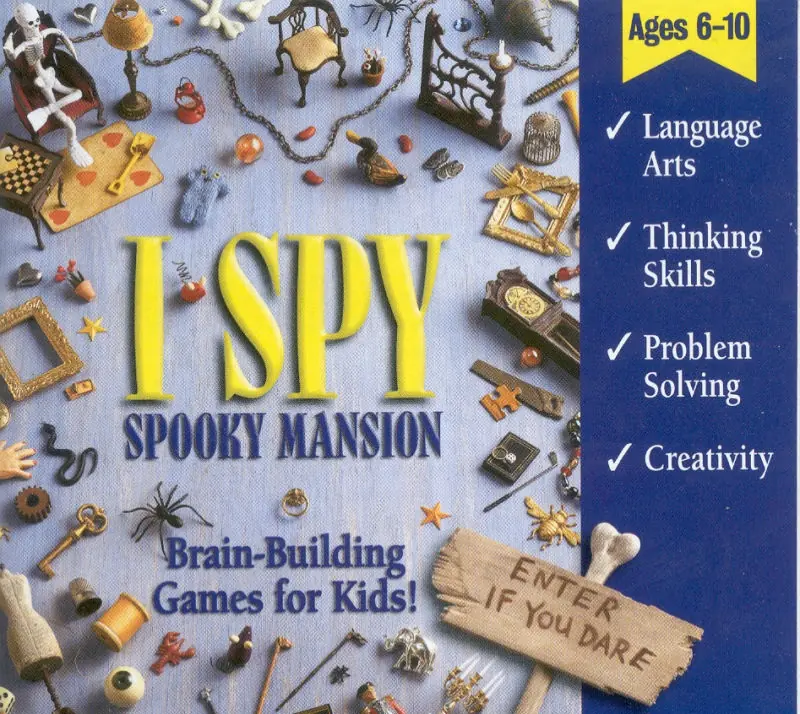
Windows (2005)

Comments

9 thoughts on “I Spy Spooky Mansion: Deluxe”

  1. 0
    I highly recommend this game over the regular version! Even as an adult, I was looking hard for items. There are 3 stories to keep you engaged. I’m definitely keeping this on my computer for future replays. What a walk down memory lane!
    Reply
  2. 0
    I’m not able to make this work. The files don’t seem to have a crack, info on what to do, nor an ISO/ROM file to mount. Any help would be appreciated.
    Reply
    • 0
      Download the zip (archive.org) file, right click the zip and hit “extract all” then click the “game files” folder and open it. Open the file “autorun” and everything should run smoothly then.
      Reply
    • 0
      Extract the file. Then go into the new file that was extracted. Go into game files. Select Spooky Mansion Deluxe Setup.exe and install the game normally. You can choose a location here, etc. The game is now installed. You still have to mount the ISO file. The Game Files folder should include a .iso file. For Windows 10+ you have to open the file with Windows Explorer. It will mount the file, and you will be able to play.
      Reply
      • 0
        I finished playing it and now it won’t let me uninstall it, it say that can’t open INSTALL.LOG but I can manualy open it and read it, what should i do?
        Reply