Home » Games » Ice Age 2: The Meltdown

Ice Age 2: The Meltdown

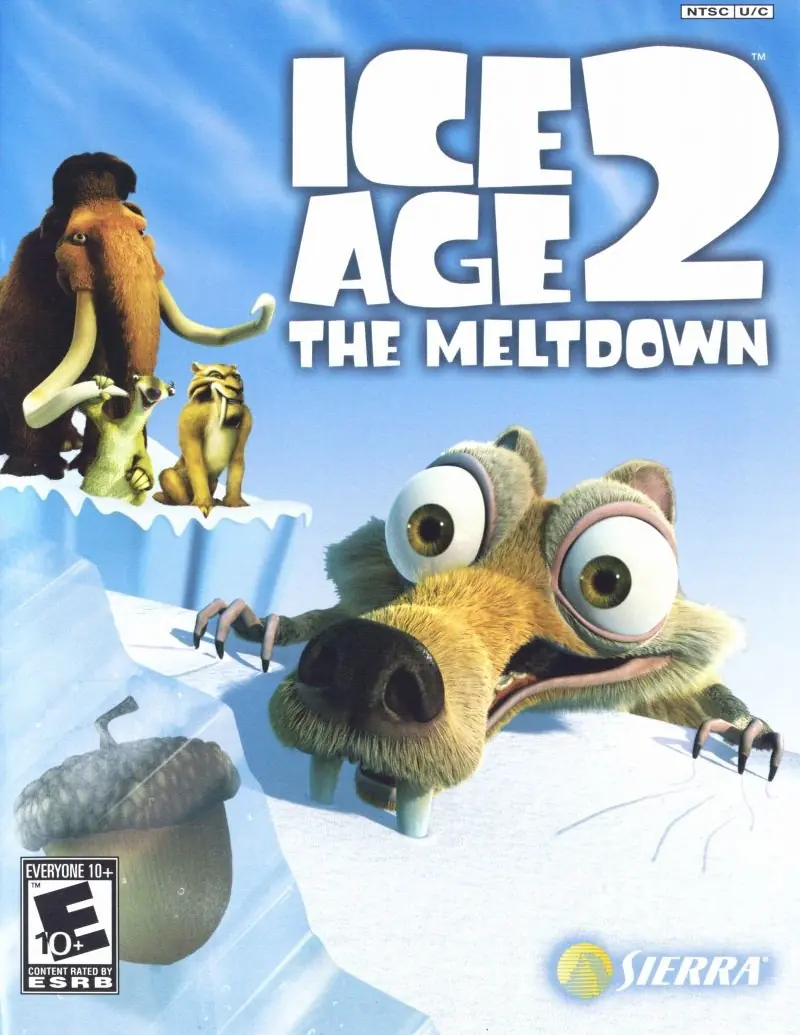
Ice Age 2: The Meltdown Game Cover
4.6/5 - 124 votes

Ice Age 2: The Meltdown is a 2006 video game based on the film of the same name. It was developed by Eurocom and published by Vivendi Universal Games. It was released for PlayStation 2, GameCube, Xbox, Wii, GBA, DS, and Windows. The Wii version was released as a launch title for the console.

Other Titles

Ice Age 2: Jetzt taut'sL'Age De Glace 2L'Era Glaciale 2A Era do Gelo 2Doba ledová 2: OblevaEpoka Lodowcowa 2: OdwilżIce Age 2: Az OlvadásIce Age 2: El DeshieloIce Age 2: Jäätikkö SulaaЛедниковый период 2: Глобальное потеплениеL'Âge de glace 2Ice Age 2L'era glaciale 2 - Il disgeloايس اج 2سەردەمی بەستەڵەک ٢: توانەوەکە

Released
Platforms
Download

About Ice Age 2: The Meltdown

In the console versions, the player takes control of Scrat throughout the game and help guide him through each level, the player must also collect acorns and nuts and get to the end of the levels. Several animals would also help Scrat throughout his adventure, he would occasionally ally himself with some of the main characters throughout the game, the player will also occasionally take control as either Manny, Sid, or Diego in several bonus stages.

In the Game Boy Advance and Nintendo DS versions, the player takes control of Sid, Manny and Diego as they help them try to escape the flood by guiding them through six puzzle levels. The player also has to help Scrat get loads of acorns in the special "Scrat Rush" levels.

Based on the CGI animated film of the same name, the game generally follows the protagonist, a woolly mammoth named Manny, and his friends and family as they seek to survive the upcoming flood of the valley. The game also centers around Scrat, who undergoes a series of misadventures to retrieve his acorn.
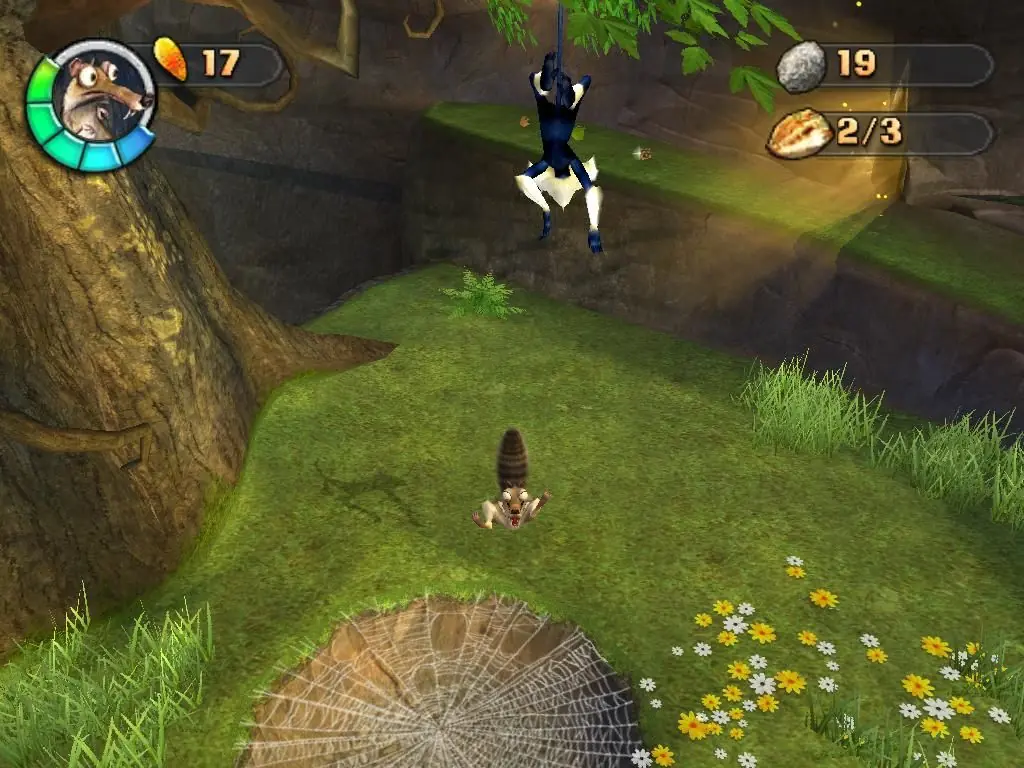
Screenshots

Windows

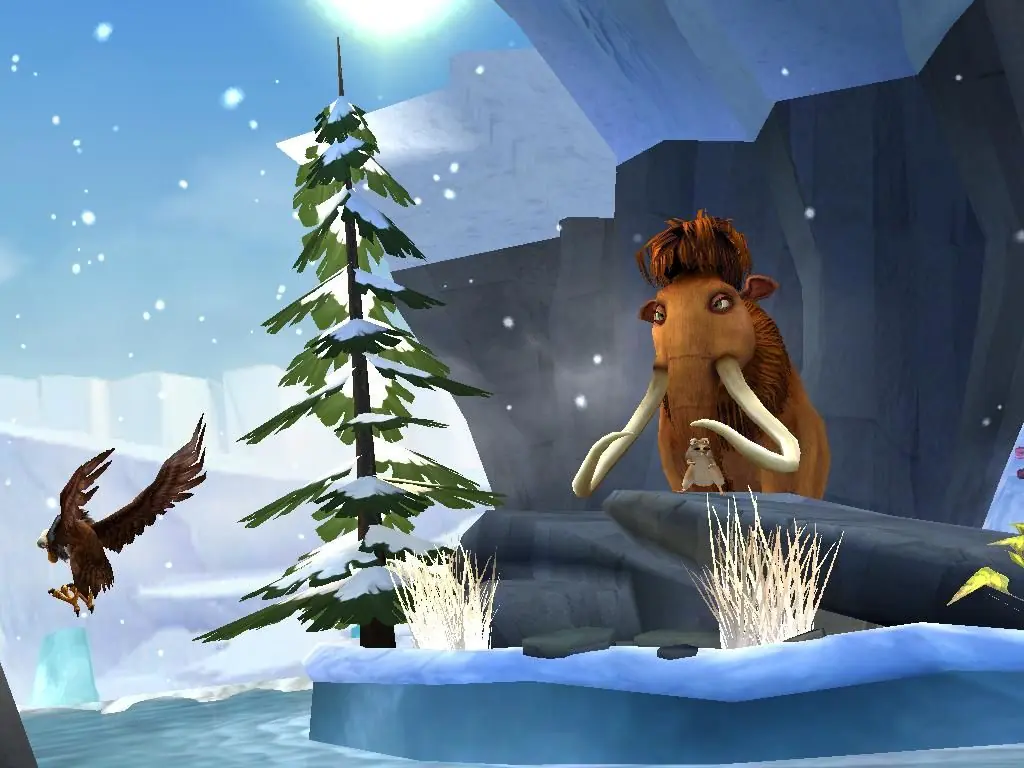
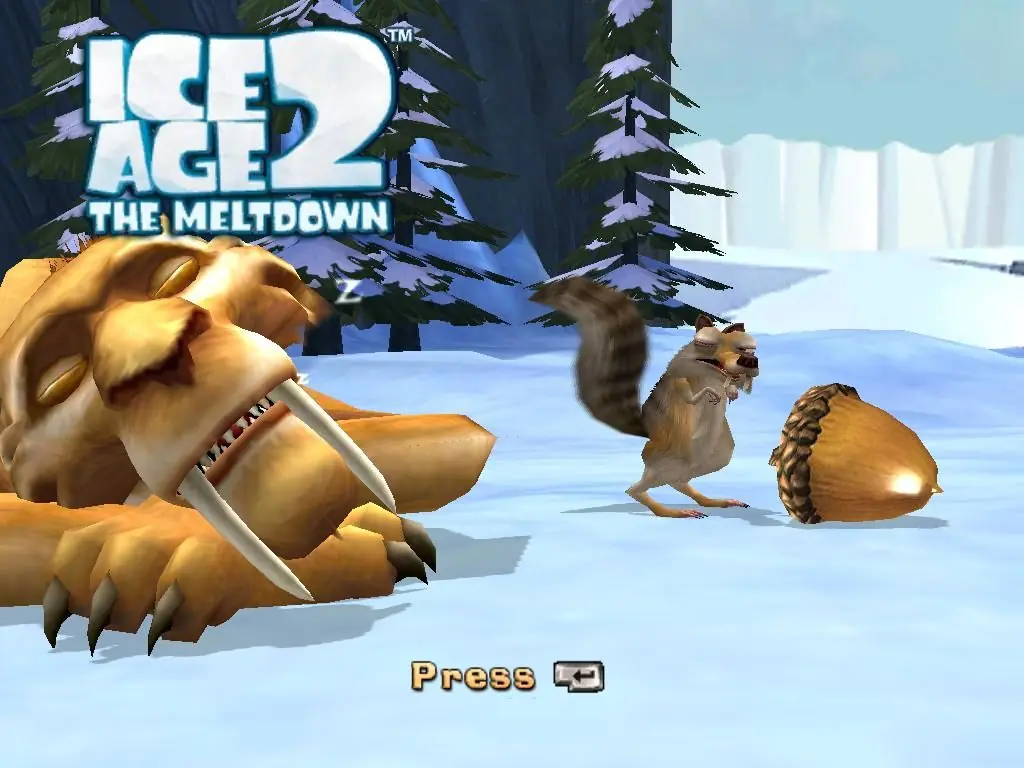
Ice Age 2: The Meltdown — Windows screenshot 1Ice Age 2: The Meltdown — Windows screenshot 2Ice Age 2: The Meltdown — Windows screenshot 3

Download Ice Age 2: The Meltdown

Ice Age 2: The Meltdown is abandonware and no longer sold or supported by its publishers. Files are archived here for these platforms:

Windows (2006)

Comments

34 thoughts on “Ice Age 2: The Meltdown”

  1. 0
    it works perfectly! took some time to turn it on, but it’s working and my childhood memories are back. thank you!
    Reply
    • 0
      I humbly ask that you take the time to explain to everyone else how you got the game running perfectly. As you can see, many are having trouble making it work.
      Reply
  2. 0
    Any new ideas on how to fix the “microsoft visual c++ buffer overrun detected” error? I’m so keen to play this. I have the current version of the visual c++ and even tried running in a Windows Vista support version. Nothing worked. Just the same error
    Reply
    • 0
      yo!
      thankfully I managed to figure it out!
      I had the same glitch but I copied my Ice Age 2 installation [it was on the D drive], into C:Program Files (x86)IceAge2, and that thankfully did the trick!
      Idk if it will work for you but I’m posting it here in case anyone else is struggling with the same problem.
      Peace out and God bless!
      Reply
      • 0
        And then I ran the Setup, then the SetupReg applications, but when I started these programs, I didn’t click to Install, Uninstall, …, just waited, because, the registry created, …, Done! just disappeared automaticly. So I just ran these programs, and didn’t click Close or Install, waited to close the programs themselves, and then run the IceAge2pc app. (in the C:Program Files (x86)IceAge2 (I created a IceAge2 library to C:Program Files (x86)) and the the Setup and SetupReg applications it works!
        Reply
        • 0
          Hey! I don’t know if you’ll see this, but could you please help me through the entire process because I really want to play this game after a long time. Thanks in advance.
  3. 0
    I hope y’all can somehow fix this. I really want to play it again. My childhood nostalgia is bawling right now ;-;
    Reply
  4. 0
    The game doesn’t work for me, the screen either goes black or the game doesn’t even start

    this game was my childhood, really wanted to play it again

    Reply
  5. 0
    So when I tried to start the game after starting the setup registry, It either complains of buffer overrun or takes forever to load. Help?
    Reply