Home » Games » Jones in the Fast Lane

Jones in the Fast Lane

Jones in the Fast Lane Game Cover
4.6/5 - 5 votes

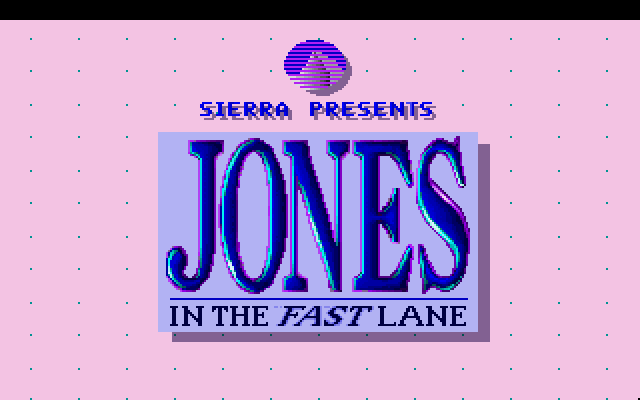
Jones in the Fast Lane is a 1990 simulation game developed and published by Sierra.

Other Titles

Keeping Up with Jones

Genres
Publishers
Developers
Released
,
Platforms
Download

About Jones in the Fast Lane

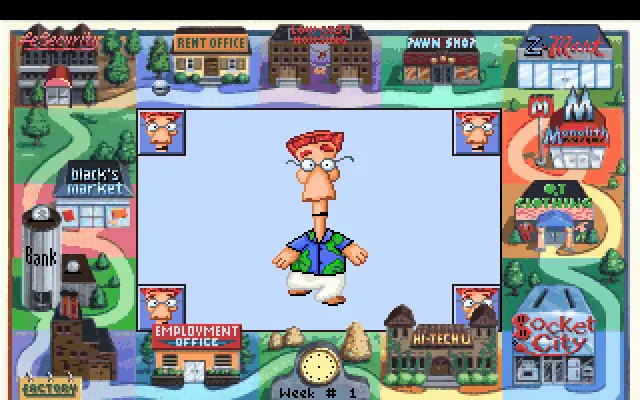
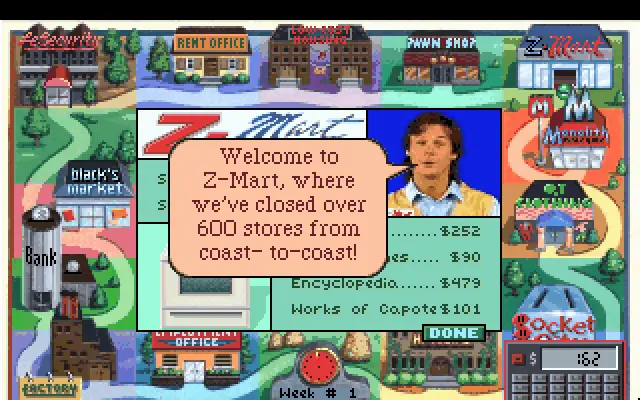
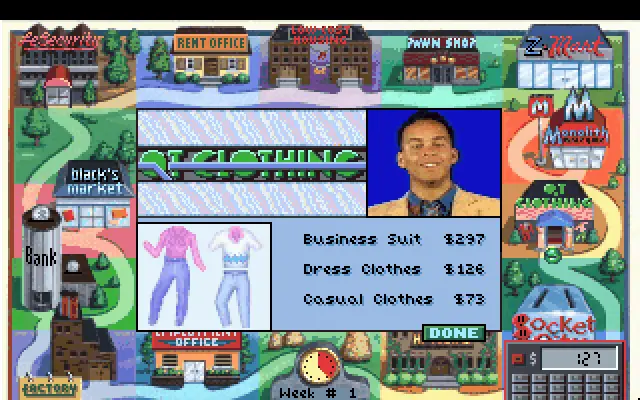
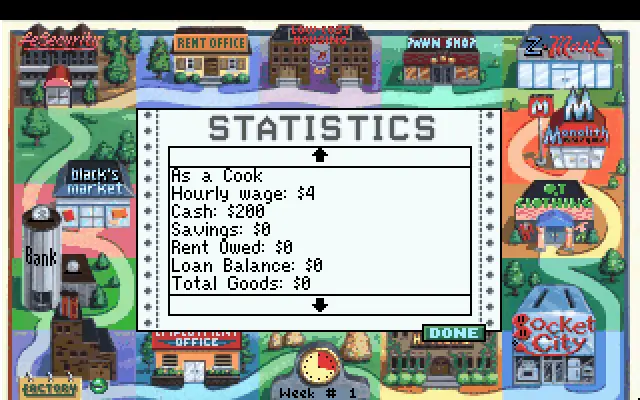
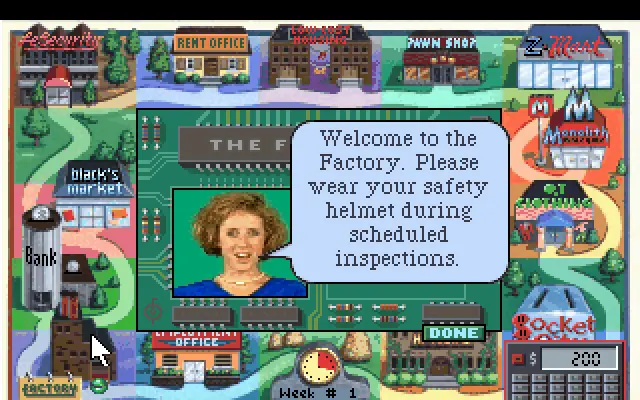
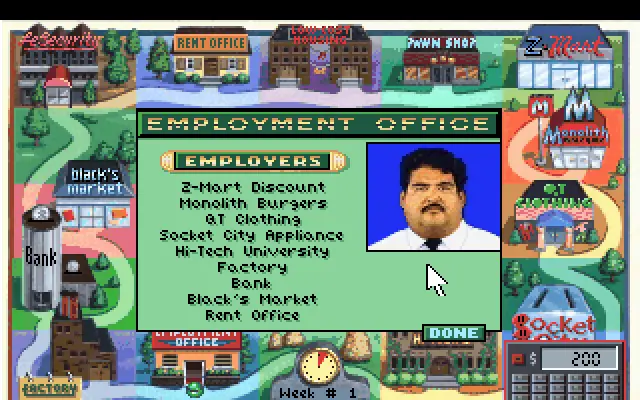
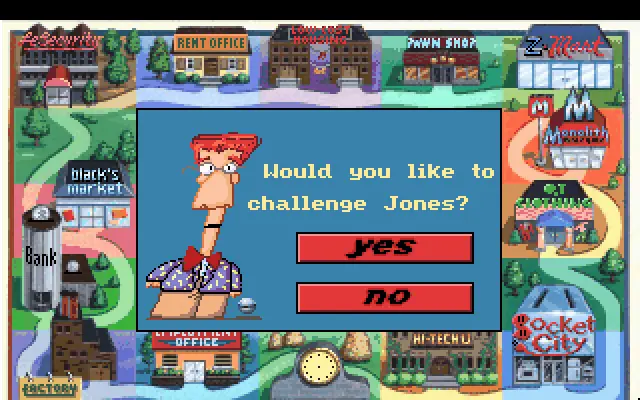
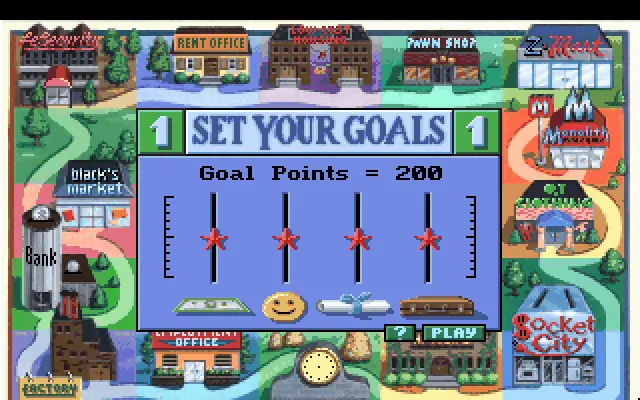
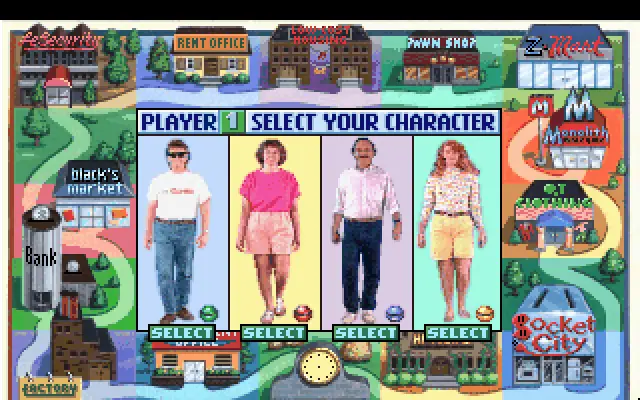
Jones in the Fast Lane is a life simulation game developed and published by Sierra Entertainment in 1990. The objective of the game is to attain certain amounts of money, happiness, status, and education. The exact amounts needed are defined by the player(s) when the game begins. The game's name and goals are a play on the concept of keeping up with the Joneses.
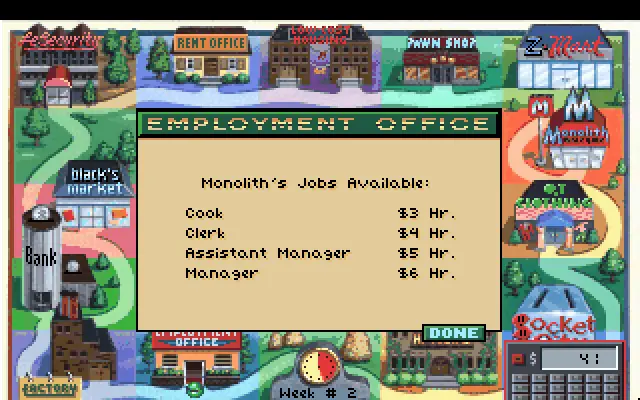
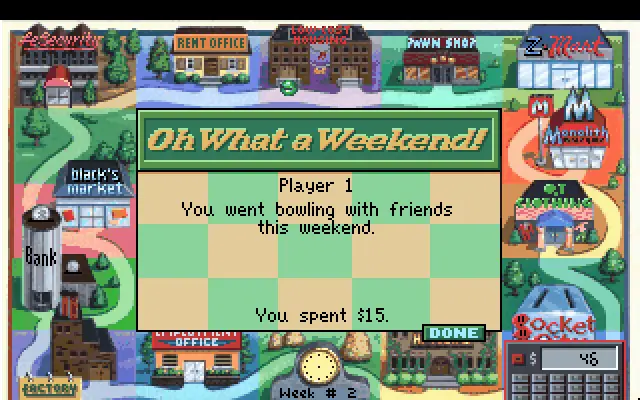
Screenshots

DOS

Jones in the Fast Lane — DOS screenshot 1Jones in the Fast Lane — DOS screenshot 2Jones in the Fast Lane — DOS screenshot 3Jones in the Fast Lane — DOS screenshot 4Jones in the Fast Lane — DOS screenshot 5Jones in the Fast Lane — DOS screenshot 6Jones in the Fast Lane — DOS screenshot 7Jones in the Fast Lane — DOS screenshot 8Jones in the Fast Lane — DOS screenshot 9Jones in the Fast Lane — DOS screenshot 10Jones in the Fast Lane — DOS screenshot 11Jones in the Fast Lane — DOS screenshot 12Jones in the Fast Lane — DOS screenshot 13Jones in the Fast Lane — DOS screenshot 14Jones in the Fast Lane — DOS screenshot 15

Download Jones in the Fast Lane

Jones in the Fast Lane is abandonware and no longer sold or supported by its publishers. Files are archived here for these platforms:

DOS (1991)

  • Jones_in_the_Fast_Lane_DOS_Files_EN.zipEN1.03 MB
  • Instructions Jones_in_the_Fast_Lane_DOS_Files_EN.zip

    How to play on Windows

    1. Download the DOS emulator, DOSBox, and put a shortcut for DOSBox onto your desktop.
    2. Download the "Jones_in_the_Fast_Lane_DOS_Files_EN.zip" file from the link above. Make sure you download the file properly and that your internet does not disconnect while downloading.
    3. Open the downloaded .zip file and extract the "Jones_in_the_Fast_Lane_DOS_Files_EN" folder to your desktop. You will need to use a software such as WinRAR to do this.
    4. Open the extracted "Jones_in_the_Fast_Lane_DOS" folder and then open the "Game Files" folder.
    5. Drag the file called "sciv256.exe" on top of the DOSBox icon and the game should now launch in DOSBox.
    6. Enjoy the game!
Tutorial: How to play DOS games on Windows

Other resources

Comments

Similar games