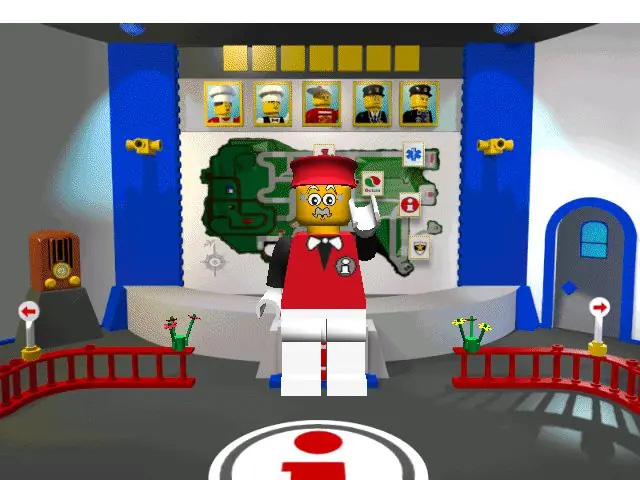
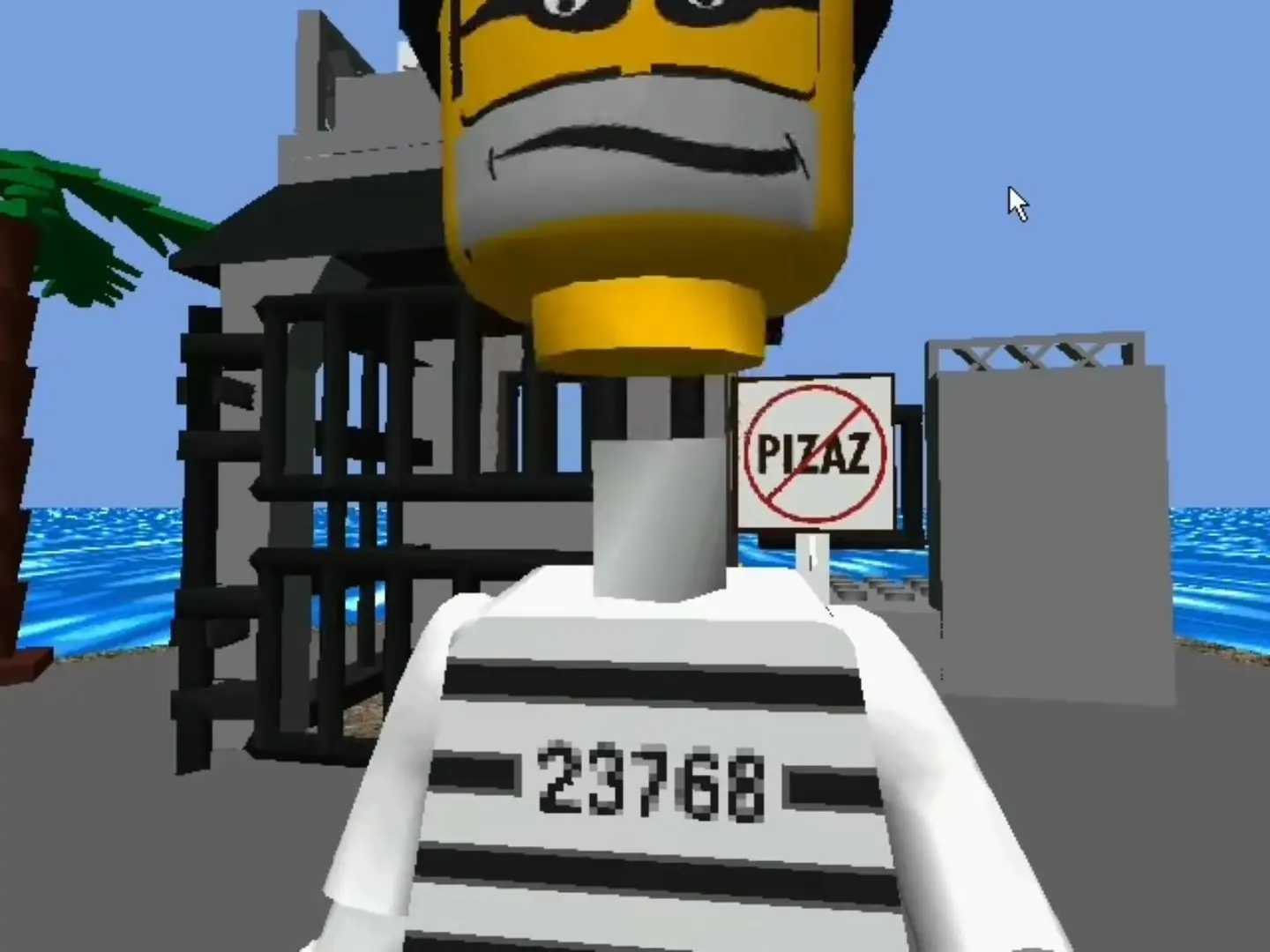
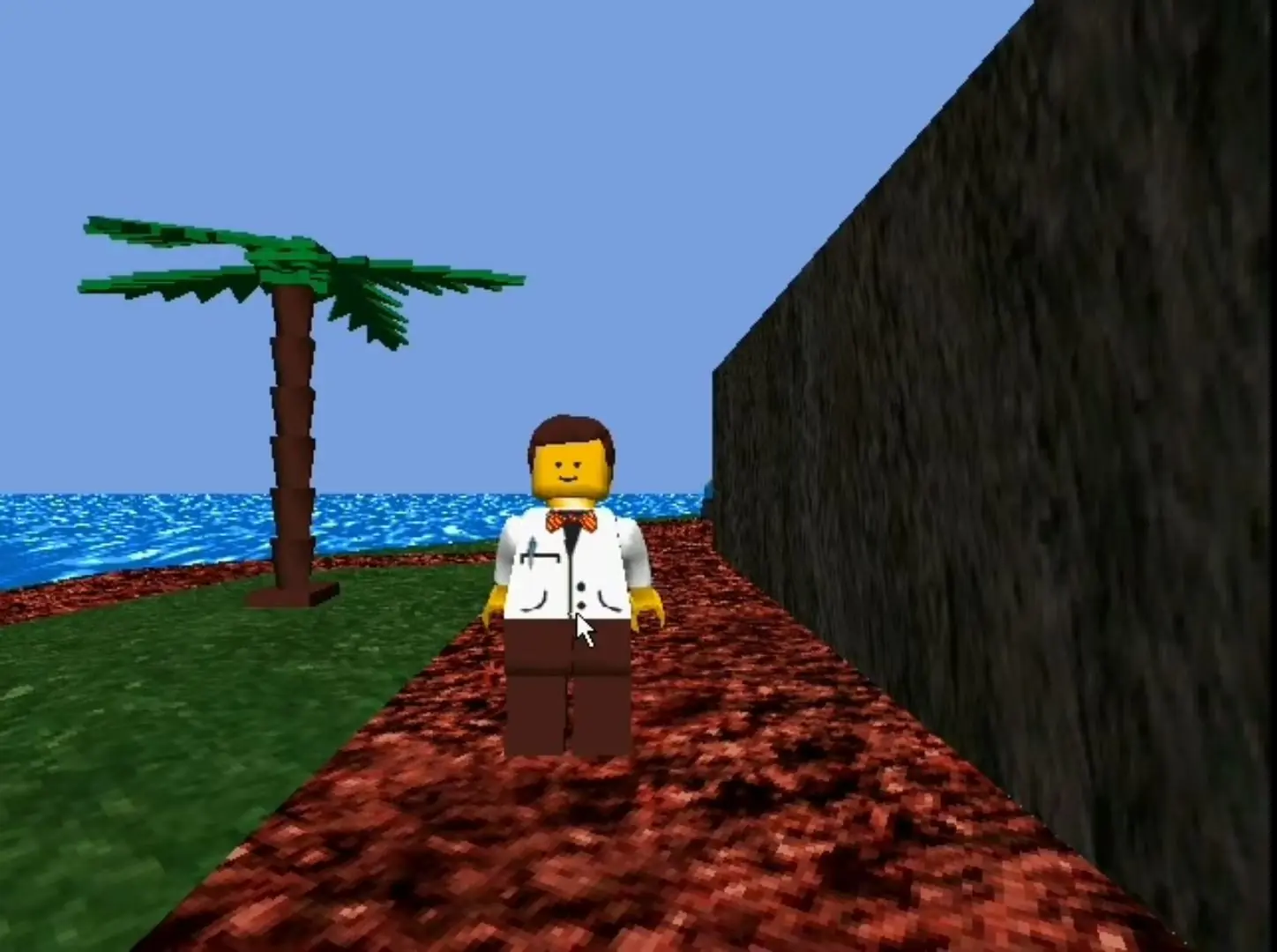
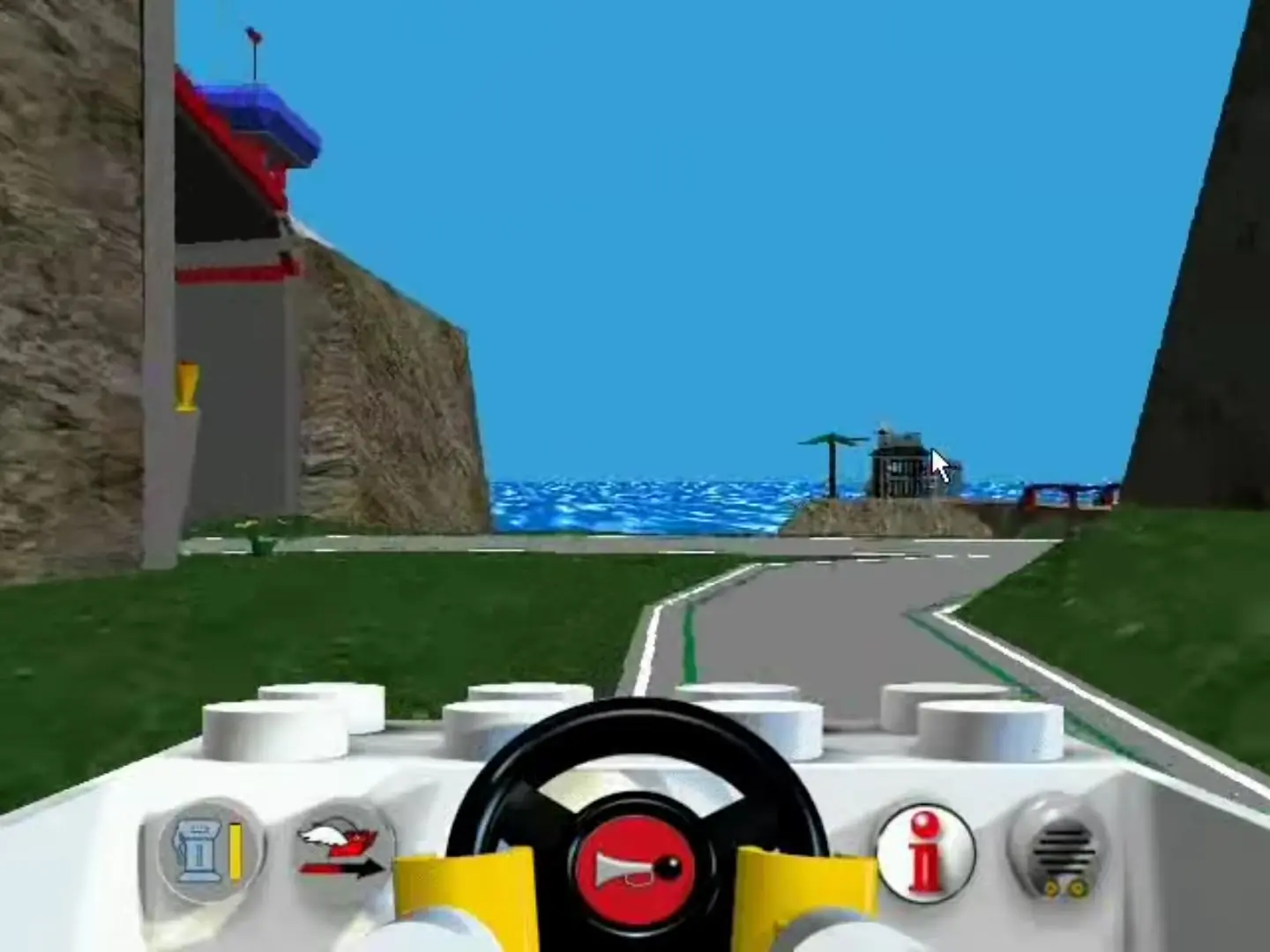
Lego Island is a Lego-themed open world action-adventure game developed and published by Mindscape. It was released for Windows on September 26, 1997, as the second Lego video game overall and the first one outside Japan. In the "proto-open world" game, players explore the eponymous island as one of five unique minifigure characters, and can build vehicles and complete side quests; the game's main story involves Pepper Roni, a pizza delivery boy, and his efforts to stop an escaped prisoner known as the Brickster from destroying the island.
Lego Island was the first video game developed after the Lego Group began efforts to gain a foothold in the video game industry. The game's main characters are each modeled after an intelligence type according to the theory of multiple intelligences. The development team studied how children engaged with Lego bricks to help shape the game's scope and gameplay.
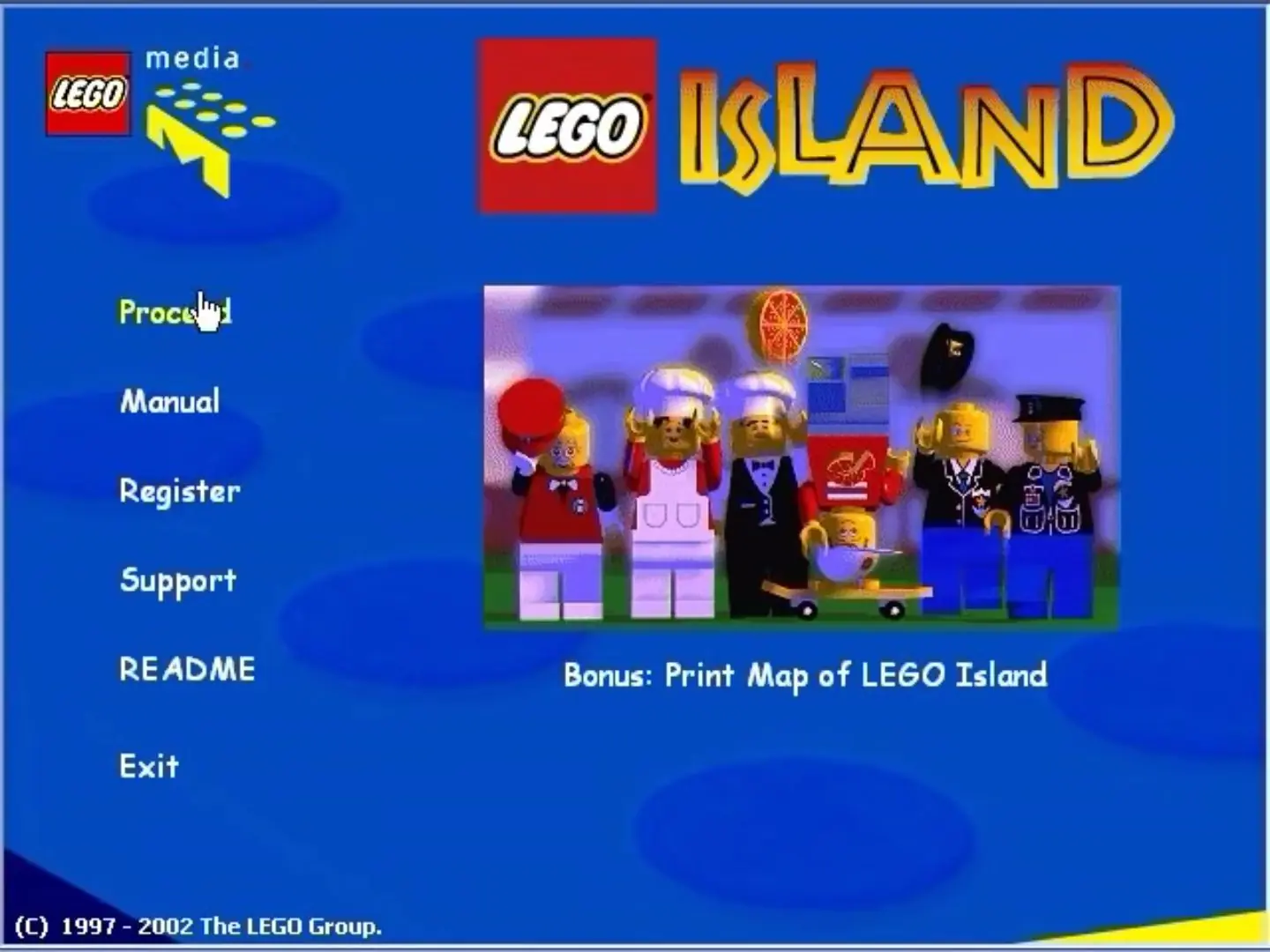
LEGO Island is abandonware and no longer sold or supported by its publishers. Files are archived here for these platforms:
How to play on Windows 10






I assume:
– You are on Windows 10
– You have mounted the ISO using the Windows 10 built-in function (as in, you haven’t used 3rd party software like PowerISO, though this may work, I cannot confirm)
– You have installed the LEGO_Island_Fixed_Installer_Win_EN.exe under Additional files
OK here we go:
1 Open Registry Editor (search for it in your start menu, click to open)
2 Navigate to ComputerHKEY_LOCAL_MACHINESOFTWAREWOW6432NodeMindscapeLEGO Island
3 Right-click in the white space on the right-hand pane and press New – String Value
4 Name the value cdpath
5 Double-click cdpath and enter the drive that your game has mounted to (in my case, D:)
Please leave a comment to let others know if this has worked or not