Home » Games » LEGO Rock Raiders

LEGO Rock Raiders

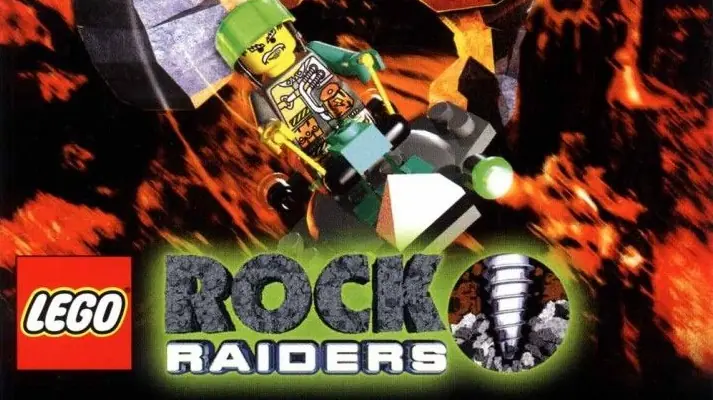
LEGO Rock Raiders Game Cover
4.8/5 - 258 votes

LEGO Rock Raiders is a 1999 action game developed by Data Design Interactive and published by Lego Media.

Genres
,
Publishers
Released
Platforms
Download

About LEGO Rock Raiders

Take Command! Protect and rescue the Rock Raiders team as you mine energy crystals that power the LMS Explorer to take you and your team safely home. High adventure deep underground. Explore, tunnel and excavate in the underground tunnels of an unexplored planet, light years from home. Take command! You and the Rock Raiders team are stranded deep underground. Your mission is to collect precious crystals buried deep beneath the surface. Your actions will ultimately aid your efforts to return home. However, get ready to rock with unstable underground conditions and a looming Rock Monster!
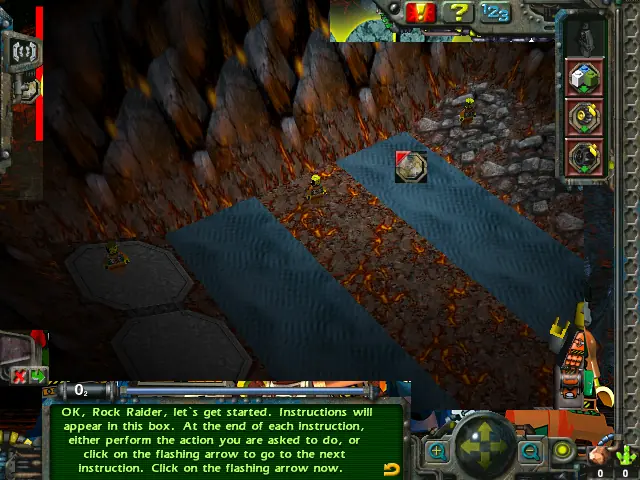
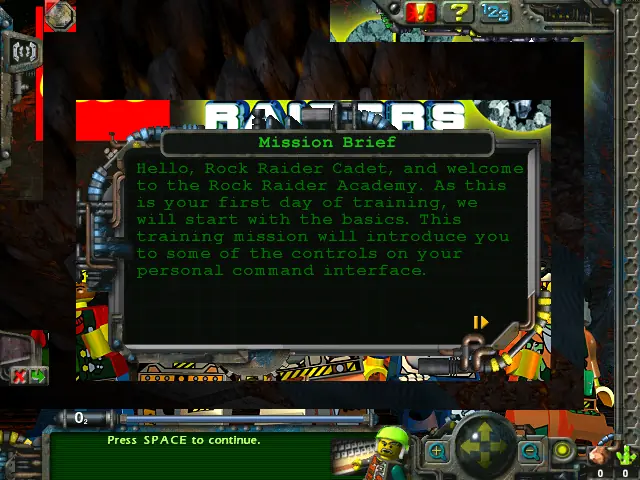
Screenshots

Windows

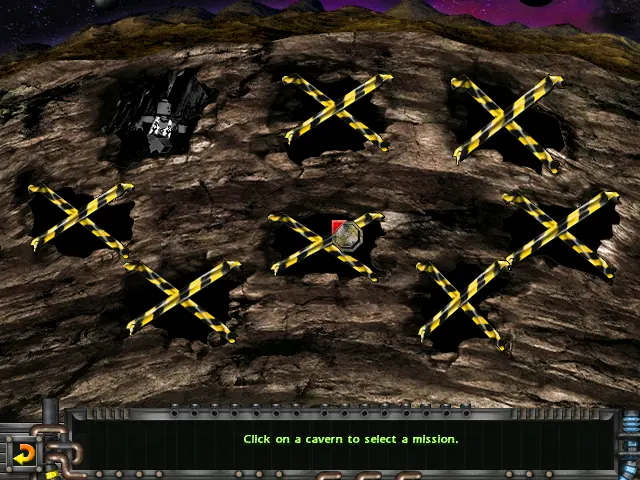
LEGO Rock Raiders — Windows screenshot 1LEGO Rock Raiders — Windows screenshot 2LEGO Rock Raiders — Windows screenshot 3LEGO Rock Raiders — Windows screenshot 4LEGO Rock Raiders — Windows screenshot 5

Download LEGO Rock Raiders

LEGO Rock Raiders is abandonware and no longer sold or supported by its publishers. Files are archived here for these platforms:

Windows (1999)

  • LEGO_Rock_Raiders_Win_Files_EN.7zEN396.74 MB
  • Instructions LEGO_Rock_Raiders_Win_Files_EN.7z

    How to play on Windows - compatible with modern Windows OS

    1. Download and Extract LEGO_Rock_Raiders_Win_Files_EN.7z
    2. Open the game files folder and launch LegoRR.exe as an administrator
    3. Play the game
  • LEGO_Rock_Raiders_Win_ROM_EN.7zEN506.15 MB
  • Instructions LEGO_Rock_Raiders_Win_ROM_EN.7z

    How to play on Windows - compatible with Windows XP and previous Windows
    1. Download and Extract LEGO_Rock_Raiders_Win_ROM_EN.7z
    2. Mount ROCKRAIDERS.bin and run Setup.exe
    3. Follow on-screen instructions to finish installing
    4. Launch the game using the desktop shortcut

Comments

44 thoughts on “LEGO Rock Raiders”

  1. 0
    Unbelievable. I tried like 3 different installs/fixes from around the internet. Eventually said eff it and downloaded this. Runs perfect, with the videos, and no freezes or crashes so far.
    Reply
  2. 0
    Just downloaded this and it seems to run fine, however the game isn’t saving for me. Once I close it out and open it up again I lose all data and have to start from the beginning again. Is this an issue that can be fixed or am I just forgetting how to save the game since I havent played it in 20 years?
    Reply
        • 0
          You can and should manually save after completing a mission. There is a button in the bottom left corner in the post-mission screen (the screen that shows your achieved score in %).

          You can then load your save from the main menu the next time you start the game.

  3. 0
    Encountered a bug during Frozen Frenzy. Each time the rock monsters would appear any and all energy crystals i would have stored up would be drained and dumped next to my Tool Shed. While i would say it could be a challenge, with the rock monsters appearing just about everyone minute or two it is difficult to keep up before the game suddenly crashes to a black screen.
    Reply
  4. 0
    When doing “It’s a Hold up” mission, it crashes when I try to use dynamite and it counts down at 4. Is there a way around this? I have a feeling other missions will cause crashes if I try it there…
    Reply
  5. 0
    It didn’t run on my Windows 10 OS, so I decided to try VirtualBox. I got as far as setting up a VM of WinXP, running the file like a CD, and installing it. But once I try to run it, I get the ol’ “LegoRR.exe has encountered a problem and needs to close” fatality.

    On the upside, I am currently watching the 3D Pipes screensaver as a consolation prize.

    Am I way off base? Should I be focusing on making it work on Win10? How have y’all been running it?

    Reply
  6. 0
    I found a small bug while screwing around with this awhile back. Basically, after a random amount of time, the game seems to try to force itself into windowed mode, for no reason, but, because there is no windowed mode for this version of the game, I just get a black screen inside a window. The game is still running in the background, so it didn’t flat out freeze, but the only work around I had was to quit out of the game entirely and restart. On longer missions, this can kill an entire mission (this happened to me consistently in the Frozen Frenzy mission). I’m at a loss for a fix, including doing everything I possibly could to prevent windowed mode from activating (i.e. disable notifications, close out nearly every program, etc.). Anything I can do?
    Reply
  7. 0
    Same issue as Mirna van Steenbergen. It runs well enough for around 10-15 minutes, then out of nowhere will freeze and be unfixable without closing down and restarting.
    Reply
  8. 0
    unfortunately the game freezes after a while on my windows 10 laptop 🙁 restarted it a couple of times but it did not fix it. It’s weird though, it doesn’t freeze at or around the same moment all the time.
    Such a shame, I was so happy and exited when it ran the first few levels!
    Reply