Lilo & Stitch: Trouble in Paradise

Lilo & Stitch: Trouble in Paradise is a 2002 action game developed by Blitz Games and published by Disney Interactive.
Genres
Publishers
Developers
Released
Platforms
Lilo & Stitch: Trouble in Paradise is a 2002 action game developed by Blitz Games and published by Disney Interactive.
Based on the animated film, Lilo & Stitch: Trouble in Paradise continues the adventures of Lilo and Stitch as they embark on a quest around the island. You must help Stitch avoid bounty hunters and help Lilo work her voodoo magic while scaring enemies. While up against a wide variety of enemies, ranging from a humble turtle to alien bounty hunters, Lilo and Stitch must cross various challenging landscapes and test their wits against moving platforms.
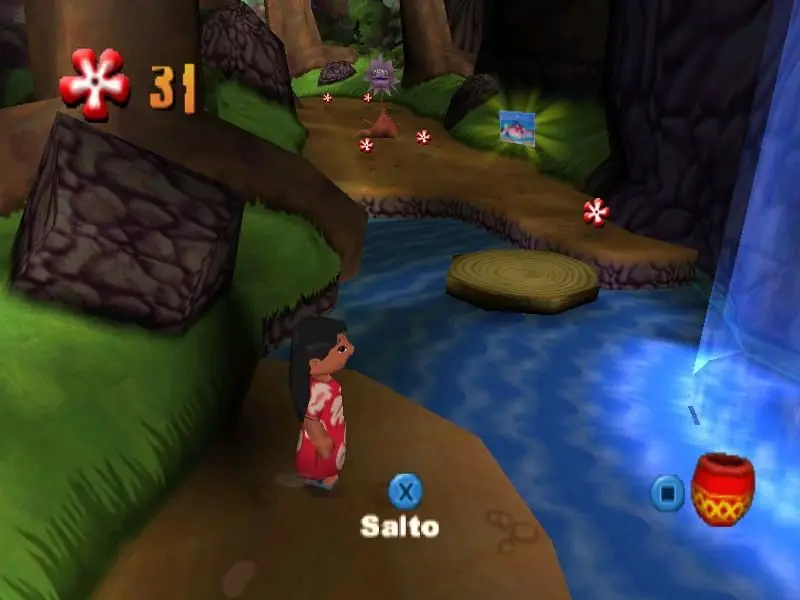
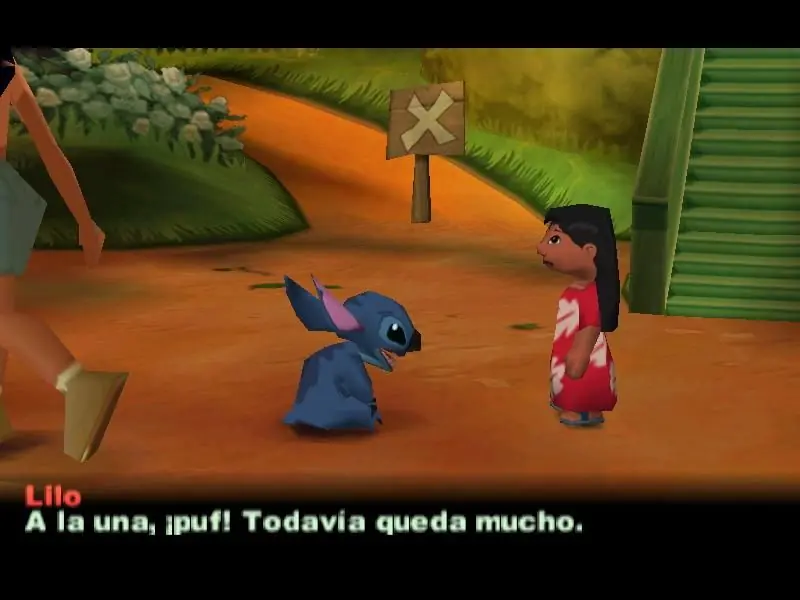
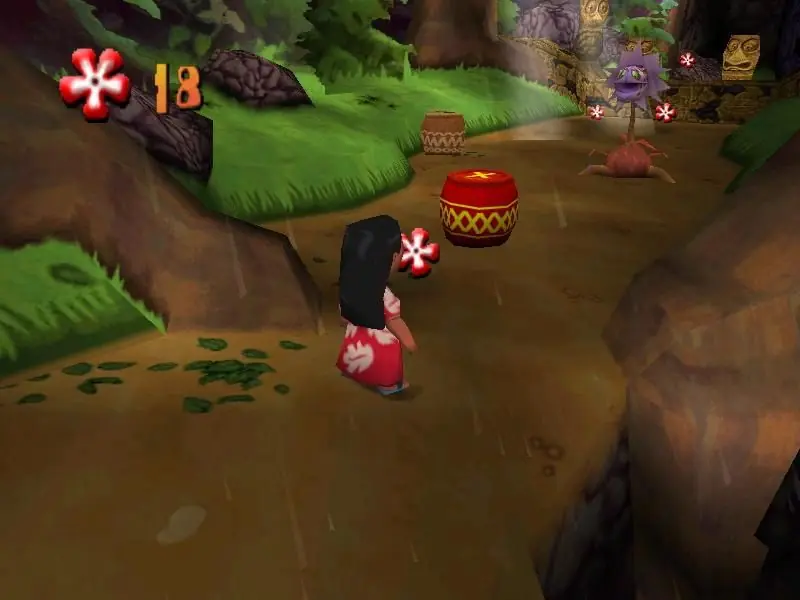
Lilo & Stitch: Trouble in Paradise is abandonware and no longer sold or supported by its publishers. Files are archived here for these platforms:










I followed the steps 2 people left in previous comments about following the guide instructions with the LSConfig.ini notepad file, setting the 3 apps to run as an administrator, and then launching config.exe but it doesn’t work. config.exe doesn’t even launch and when I try to launch “lilopc.exe” it says the “Game is not installed.”, even while the ISO is mounted, so I can never run this game.
Hopefully some new solution or a proper visual guide we can follow comes out.
Follow it exactly and you should be able to get the game to work without too much of a problem. It’s an old game; you’re gonna go through a little bit of a struggle to get it to work on modern systems.
The trick is that all graphics adapters deprecated the functionality needed by this graphics system. The last PCI graphics card I found that supports this game is an NVIDIA GeForce4 MX4000. Nothing above that worked. I could never find 64-bit drivers or any newer drivers than WinXP. So I couldn’t have the MX4000 installed in anything newer than XP. And the game won’t run on anything newer. It’s a shame.
Yes, you can install an MX4000 video adapter in Windows 10, but the only driver that will work is the standard Microsoft VGA driver. This will work for your desktop, albeit very slowly, but it does not support the direct graphics access this game needs.
So I have XP installed in a multi-boot system that has Win10, WinXP, and Ubuntu. Whenever you want to play the game, you have to boot XP.
The ancient motherboard (AM2+) in her computer literally blew up a few weeks ago (10/2022), and I spent the last few days moving this system to a new computer (socket LGA1155). That’s why I’m here. I was hoping someone figured out something better. Looks like this is still the only thing that works for me.
Sorry for the long post and good luck!
work! Went to remount and file wouldn’t show! click play but nothing
works. HELP
Game came up, install game or exit game
Clicked install game, nothing happens.
No info on how to do, move around files etc. How u do it?