Madeline European Adventures
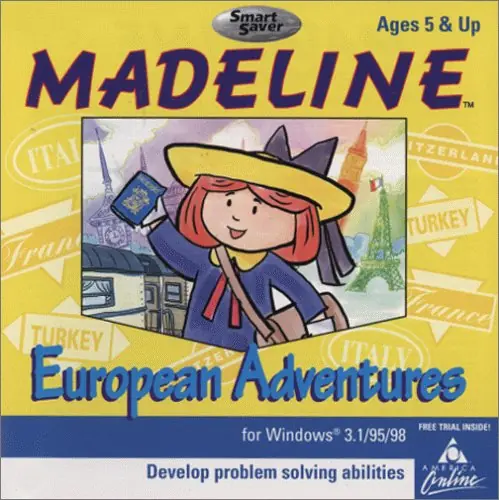
Madeline European Adventures is a 1996 educational game developed by Vortex Media Arts and published by Creative Wonders.
Genres
Publishers
Developers
Released
Platforms
Madeline European Adventures is a 1996 educational game developed by Vortex Media Arts and published by Creative Wonders.
Join Madeline on an incredible train trip through Europe. the fun begins in Paris where a mysterious stranger has stolen a magic lamp. Help Madeline track him down as you travel through Europe. In Madeline European Adventures solve the mystery of the magic lamp. Use your problem-solving skills to travel. Obtain a passport, earn money and find clues. Madeline European Adventures takes you to France, Italy, Switzerland, and Turkey to emphasize critical thinking skills while having fun.
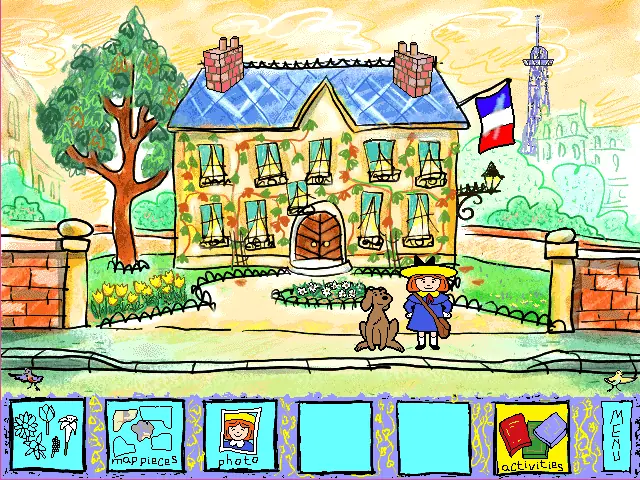
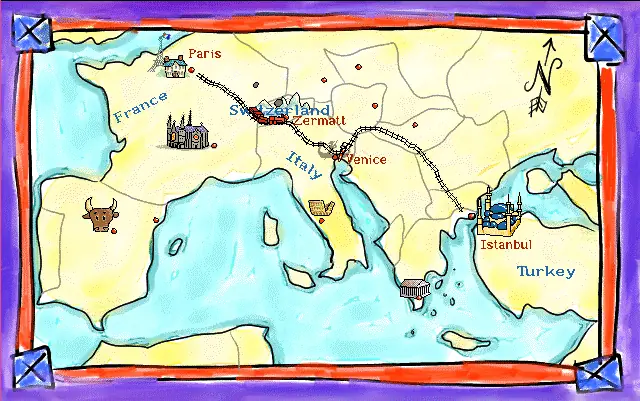
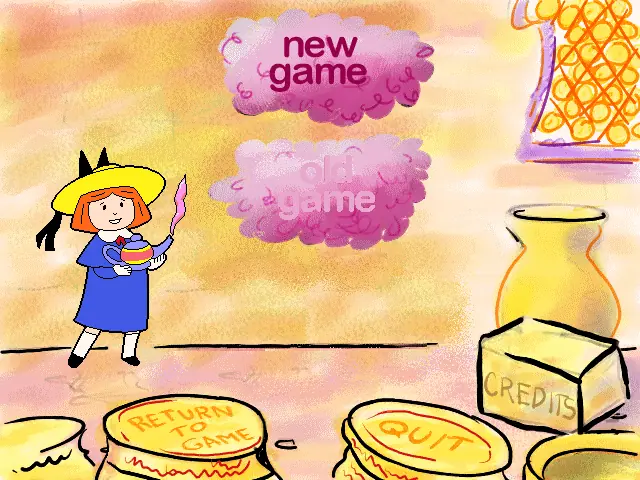
Madeline European Adventures is abandonware and no longer sold or supported by its publishers. Files are archived here for these platforms:








I used Oracle VirtualBox and installed Windows 95 on a VM following this video: https://www.youtube.com/watch?v=FoJESSDvEEU
I also installed the 256 colors driver (as needed for this game).
I then installed Madeline, but it got audio stutters.
I solved the audio stutters by getting ahold of the AC97 audio driver by following this guidance: https://forums.virtualbox.org/viewtopic.php?t=86773 and getting the AC97 driver EXE from here: https://www.userdrivers.com/Sound-Card/Realtek-AC97-Audio-Codec-Driver-4-06-for-Windows-95/download/
(Involves some 7zip unzipping of the EXE and creating an ISO of the extracted files).
Once I had the driver ISO, I then changed the VM sound card from a Sound Blaster 16 to AC97, and then inserted the disc before booting the machine and installing the driver when Windows detected the new sound card.
Once that was done, the game ran smooth with no audio stuttering.
Or even windows computer
https://drive.google.com/file/d/1dvPs2iyyx3qXJpakBwHO9akudRzJB2Zn/view?usp=sharing
[email protected]
1. Download the Madeline zip file (on this web page). Once it downloads, double-click it and “extract” the resulting .iso file to your Desktop.
2. Download DosBoxPortable and install it directly to your Desktop, too.
https://portableapps.com/apps/games/dosbox_portable
It should make a folder on your Desktop called “DOSBoxPortable”.
3. Drag the Madeline .iso file into that Desktop “DOSBoxPortable” folder
4. Download Win31. I found a copy here in the “Windows 3.x” section:
https://www.manmrk.net/tutorials/DOS/G/GAMESIDX.HTM
5. The Win31.rar file you just downloaded now needs to be extracted. You use 7-zip to extract it to your Desktop (choose “Extract to “Win31”):
https://www.7-zip.org/
6. The extracted folder should be called “Win31”
7. Drag the Win31 folder into your Desktop “DOSBoxPortable” folder
8. Inside the DOSBoxPortable folder, browse down to this file and double-click to open it (choose “open with notepad.exe”):
DOSBoxPortable–>App–>DefaultData–>settings–>dosbox.conf
9. A text file will open. Scroll down to the section labeled “[autoexec]” and paste this code below it:
cputype=486_slow
IMGMOUNT d “Madeline European Adventures.iso” -t cdrom
mount C Win31 -freesize 5000
C:
C:windowssmartdrv.exe
SET PATH=%PATH%;C:WINDOWS;
SET TEMP=C:WINDOWSTEMP
lh devlod C:SB16DRVCSP.SYS /UNIT=0 /BLASTER=A:220
lh devlod C:SB16DRVCTMMSYS.SYS
SET SOUND=C:SB16
SET BLASTER=A220 I7 D1 H5 P330 T6
SET MIDI=SYNTH:1 MAP:E
C:SB16MIXERSET /P /Q
win D:SETUP
exit
10. Finally, double-click on DOSBoxPortable.exe
11. The Madeline installer will open (and the theme will play!). Click on “Install”, and let it finish installing.
12. When it asks you, choose “Register Later”
13. Once it finishes, click on Play.
**Something to note is Madeline will save your game data each time you play, but per the game’s manual in order to load your previous saved game you have to type in your name EXACTLY how you typed it in before.
All the other games I’ve tried have worked except for this one.