Mall Tycoon 3
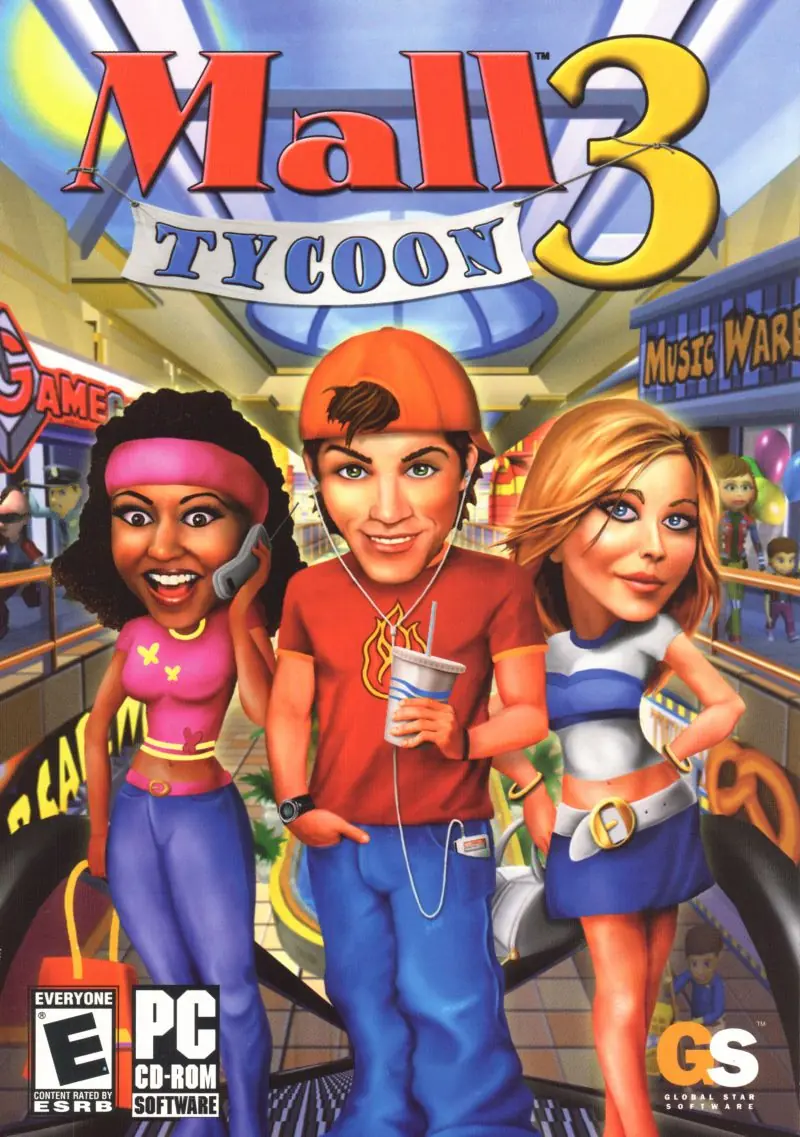
Mall Tycoon 3 is a 2005 simulation game developed by Cat Daddy Games and published by Global Star Software.
Genres
Publishers
Developers
Released
Platforms
Mall Tycoon 3 is a 2005 simulation game developed by Cat Daddy Games and published by Global Star Software.
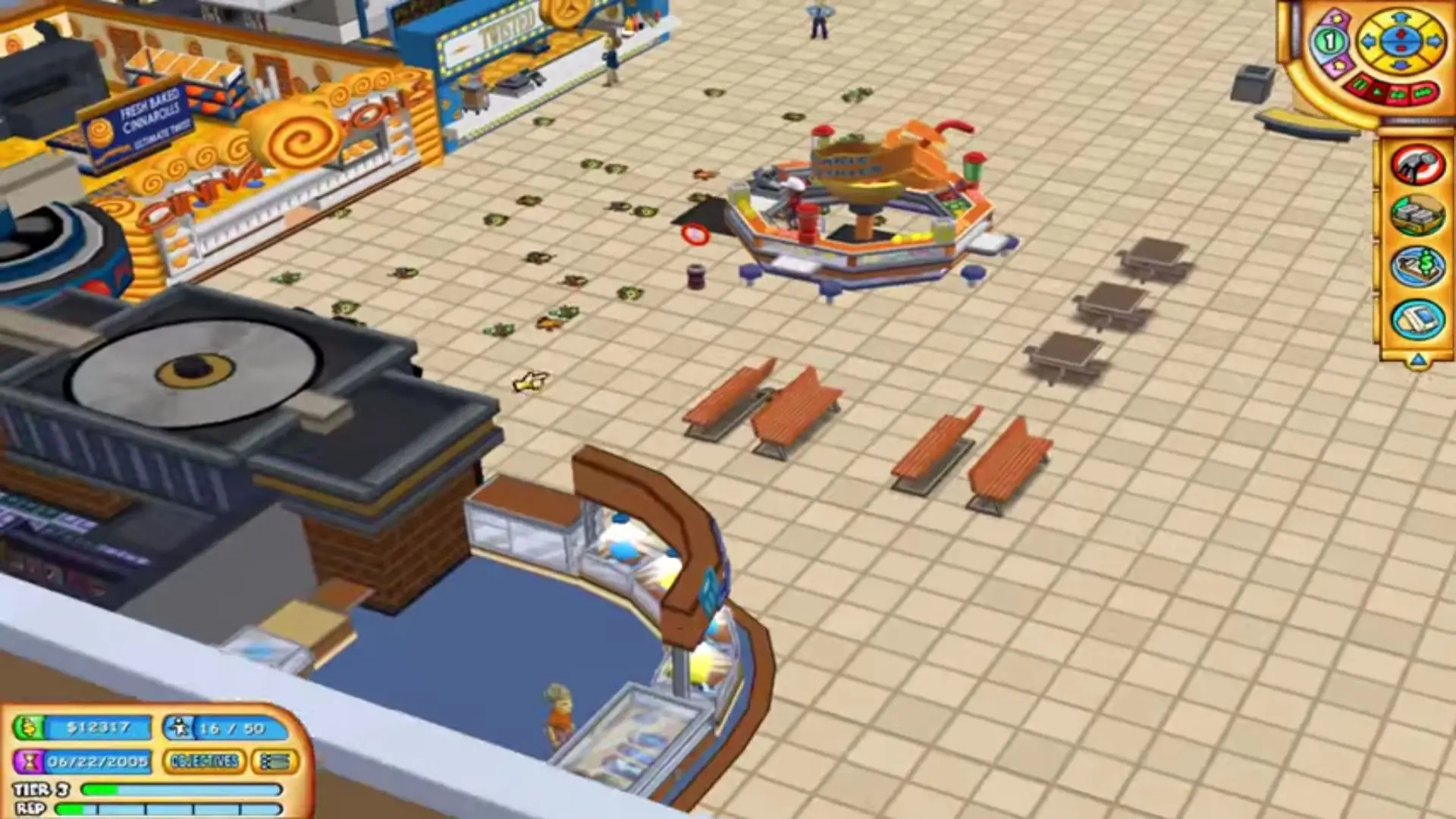
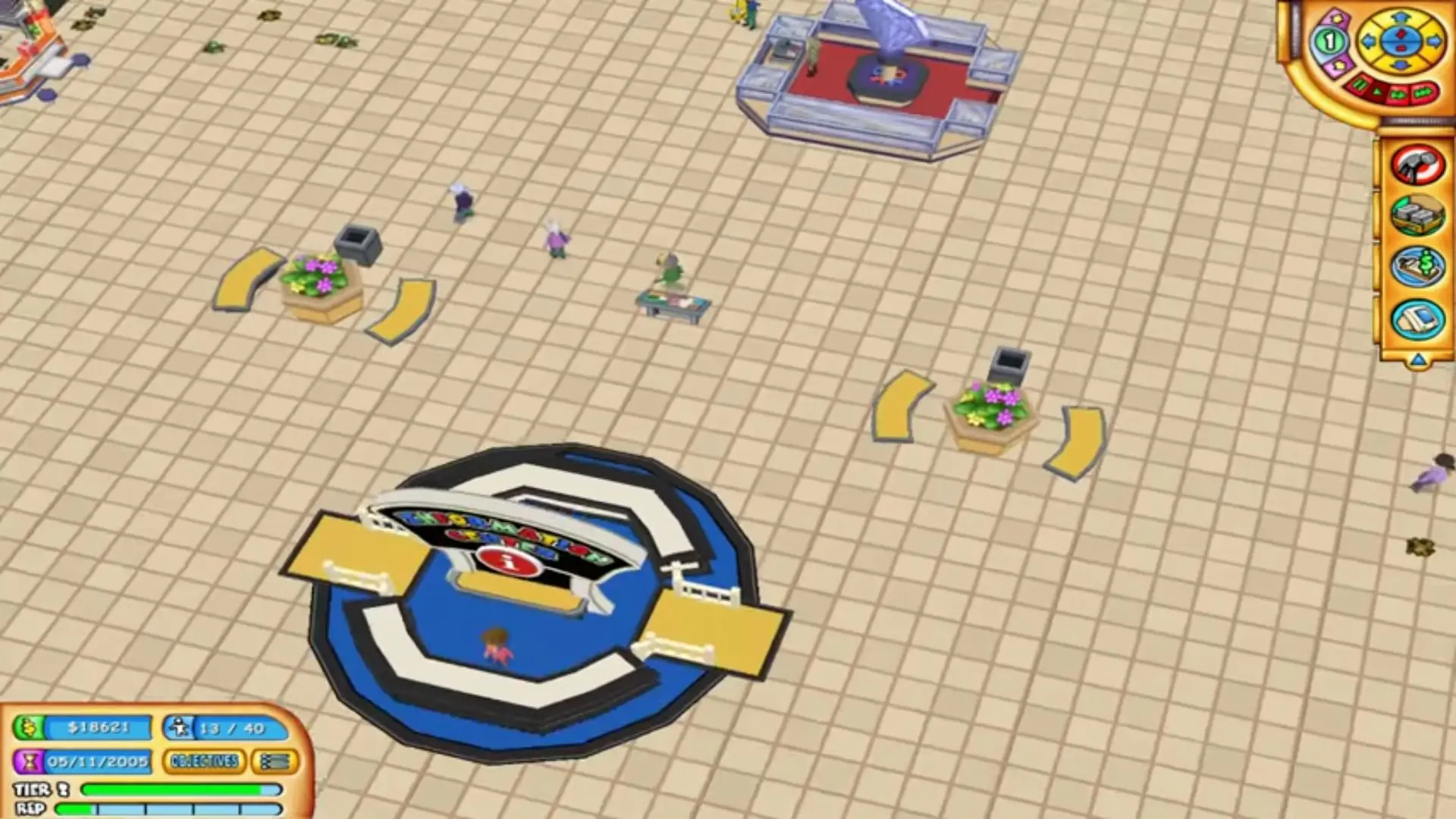
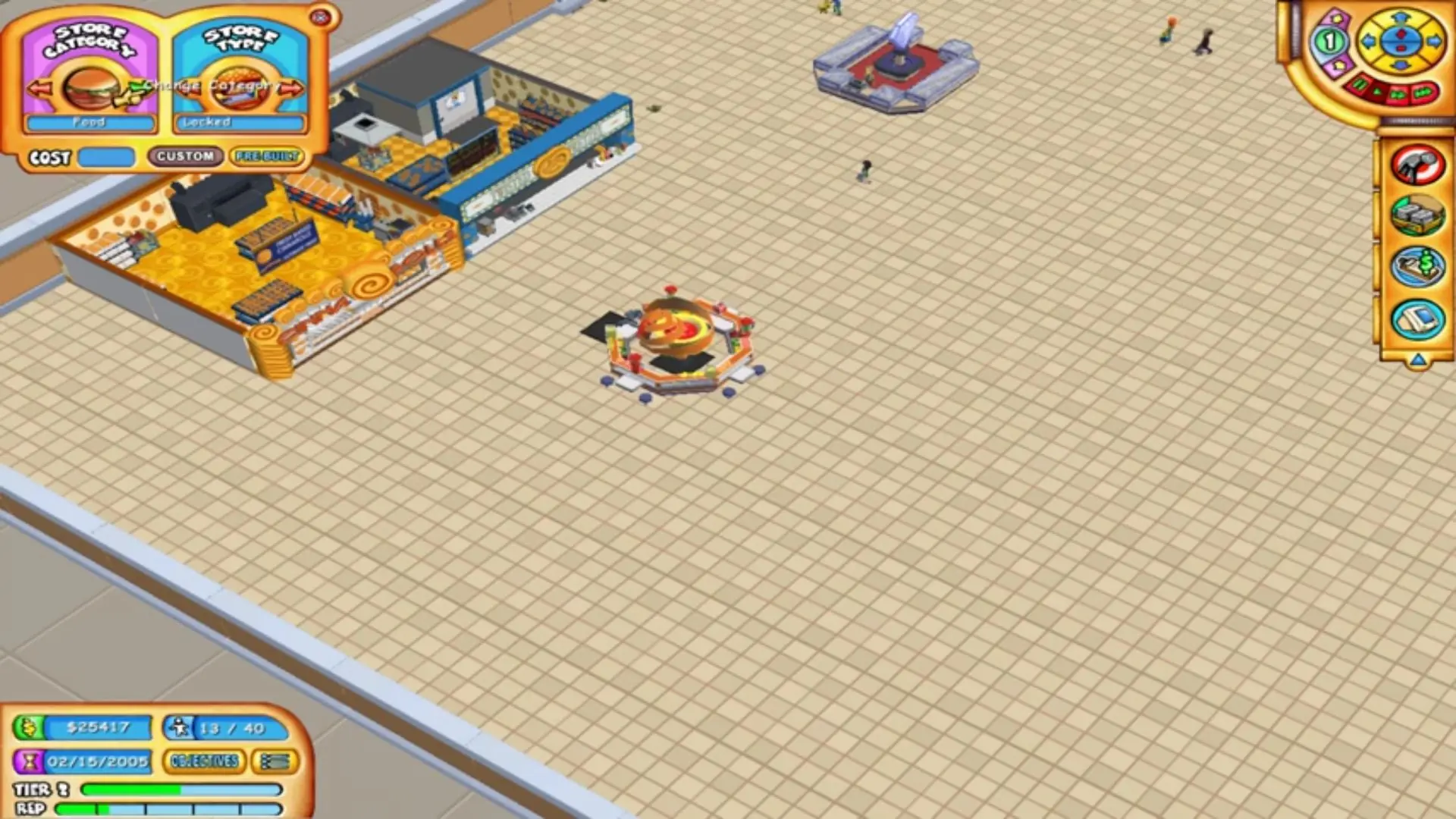
Aspiring real estate moguls can test their business savvy by building a commercially viable shopping center and then supervising its management and growth. Mall Tycoon 3 offers players more than 40 stores to create their dream mall, from restaurants to multiplexes, before they are put to the test by throngs of 3D shoppers. The main game includes a series of progressively challenging scenarios, over 20 in total, which players must complete within the time allotted. New shops are unlocked after expanding the mall, and like other games in the sales-oriented series, profits can be spent on advertising, upgrades like bigger parking lots or escalators, and improving staff through training. The end-result is to keep existing customers happy while attracting as many new ones as possible. Unlike previous titles in the Mall Tycoon franchise, players can now zoom in on their mall to customize each shop's décor or to click on animated patrons and view their needs and happiness levels. Once the scenarios are complete, players can create a mall without any restrictions in the sandbox mode.
Mall Tycoon 3 is abandonware and no longer sold or supported by its publishers. Files are archived here for these platforms:






1. Open a .cue file with text editor. You will see that the wrong filename is written for .bin file. “mir.mt3.bin” must be written there instead.
2. Select this .cue file with some disk image (like .iso) in app (In my case I used added this file as an optical drive in VirtualBox)
3. Install the game from this virtual drive.
–You might encounter one more problem while trying to run the game–
4.* In auto-сreated shortcut change target from Mall3.exe to Mall3Game.exe to run the game without the launcher. (Details: In my case the auto-created shortcut runs launcher. The game started with “Play” button there crashes with “unexpected error”.)