Home » Games » Microsoft Flight Simulator 1.0

Microsoft Flight Simulator 1.0

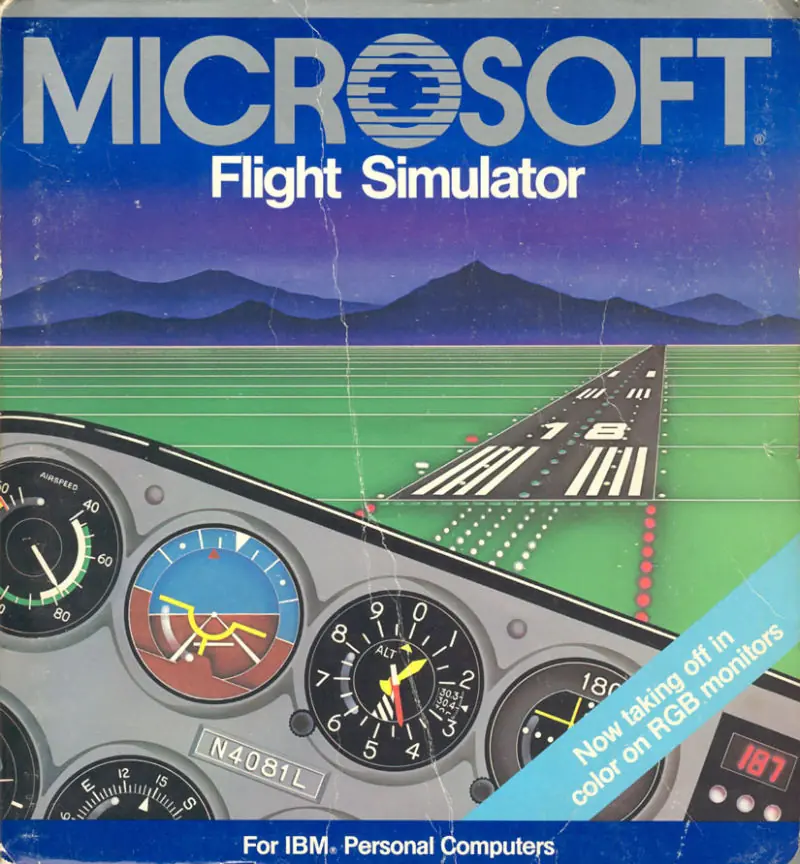
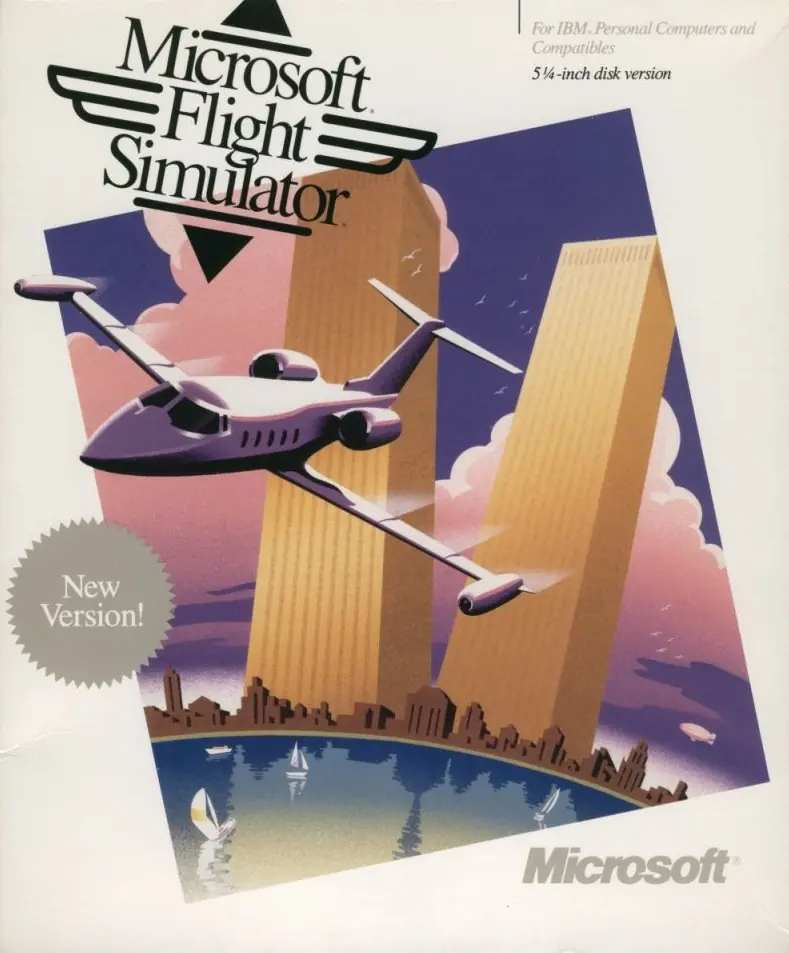
Microsoft Flight Simulator 1.0 Game Cover
4.1/5 - 14 votes

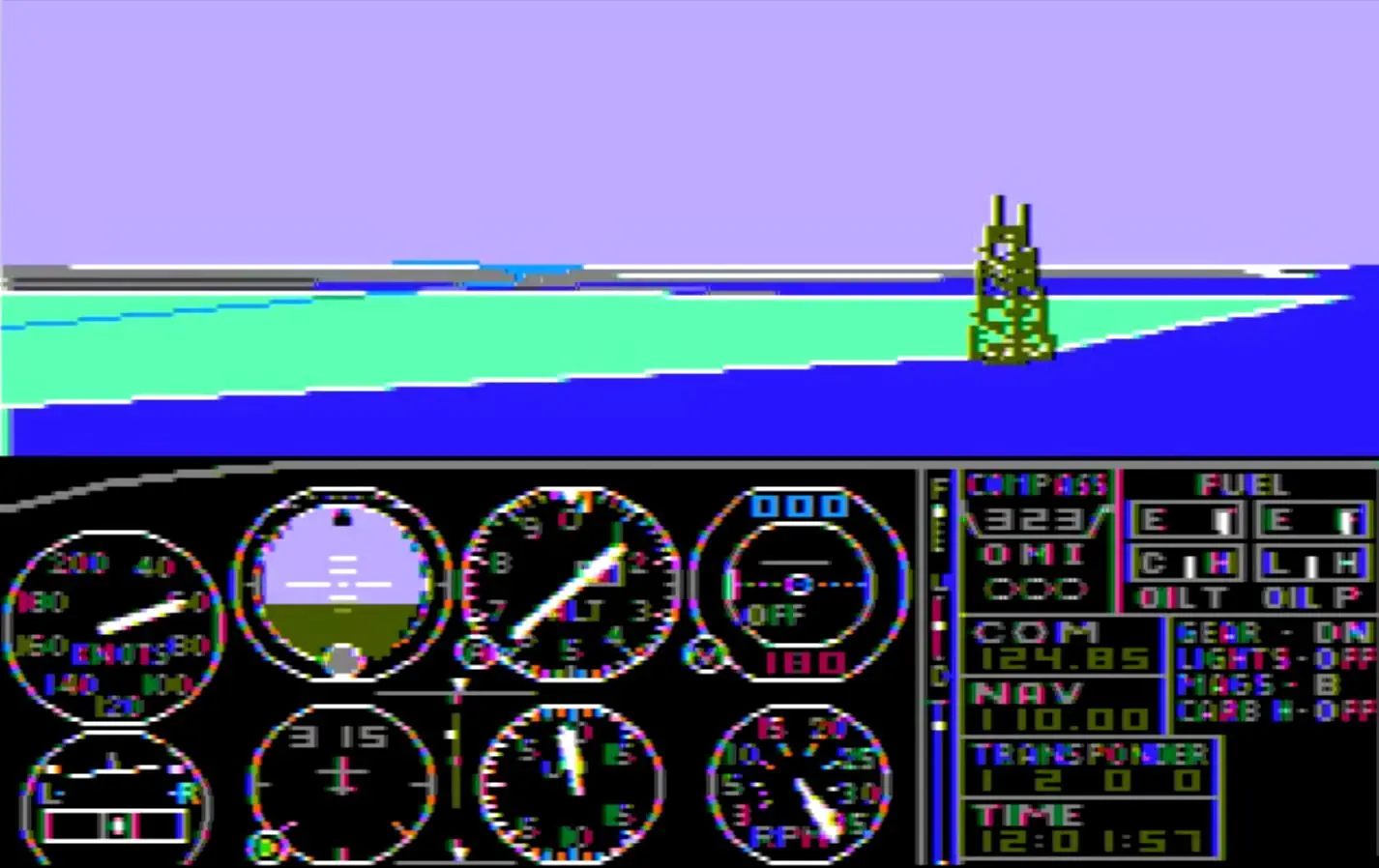
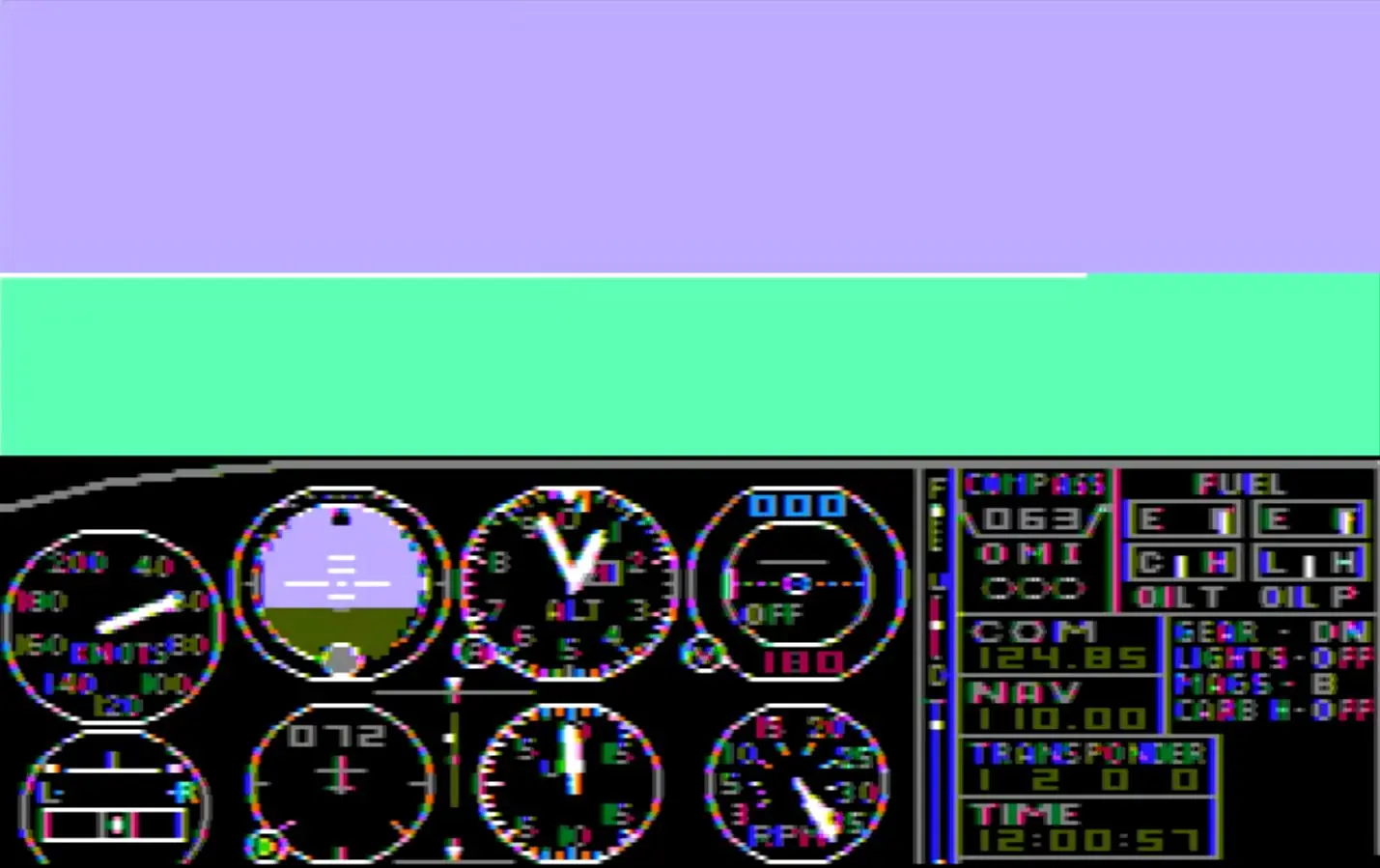
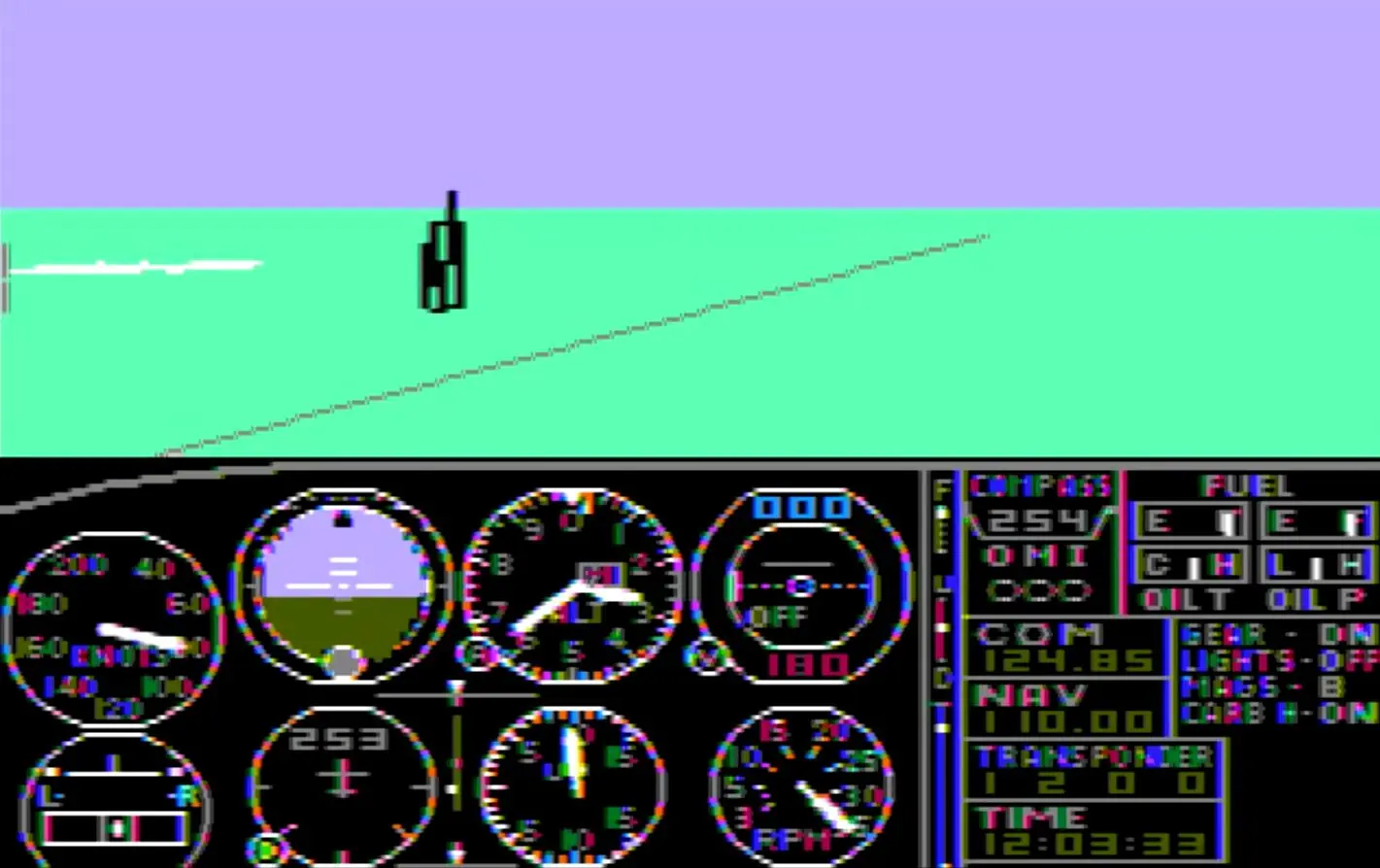
Microsoft Flight Simulator was released in November 1982 to the IBM PC platform. The game was published by Microsoft and developed by subLOGIC. It featured an improved graphics engine, variable weather and time of day, and a new coordinate system (used by all subsequent versions up to version 5).

Other Titles

Microsoft Flight SimulatorMicrosoft Flight Simulator (v1.0)

Genres
Publishers
Developers
Released
Platforms
Download

About Microsoft Flight Simulator 1.0

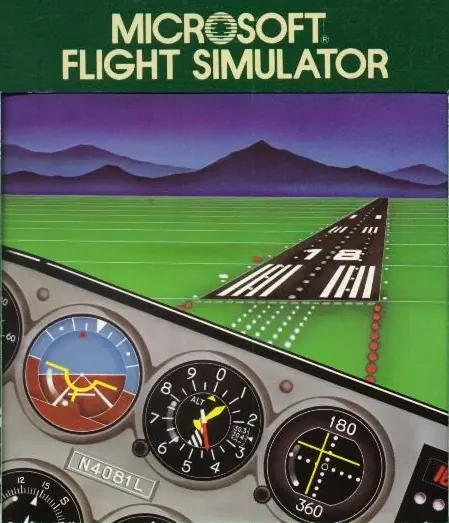
In Microsoft Flight Simulator, the player flies a Cessna 182 Skylane in one of four US regions: Chicago, Los Angeles, New York City, or Seattle. The starting airport is Meigs Field in Chicago, with a view of the city skyline to the left and Lake Michigan to the right. It would remain the default airport in future versions of Microsoft Flight Simulator, until the real airport was closed in 2003.

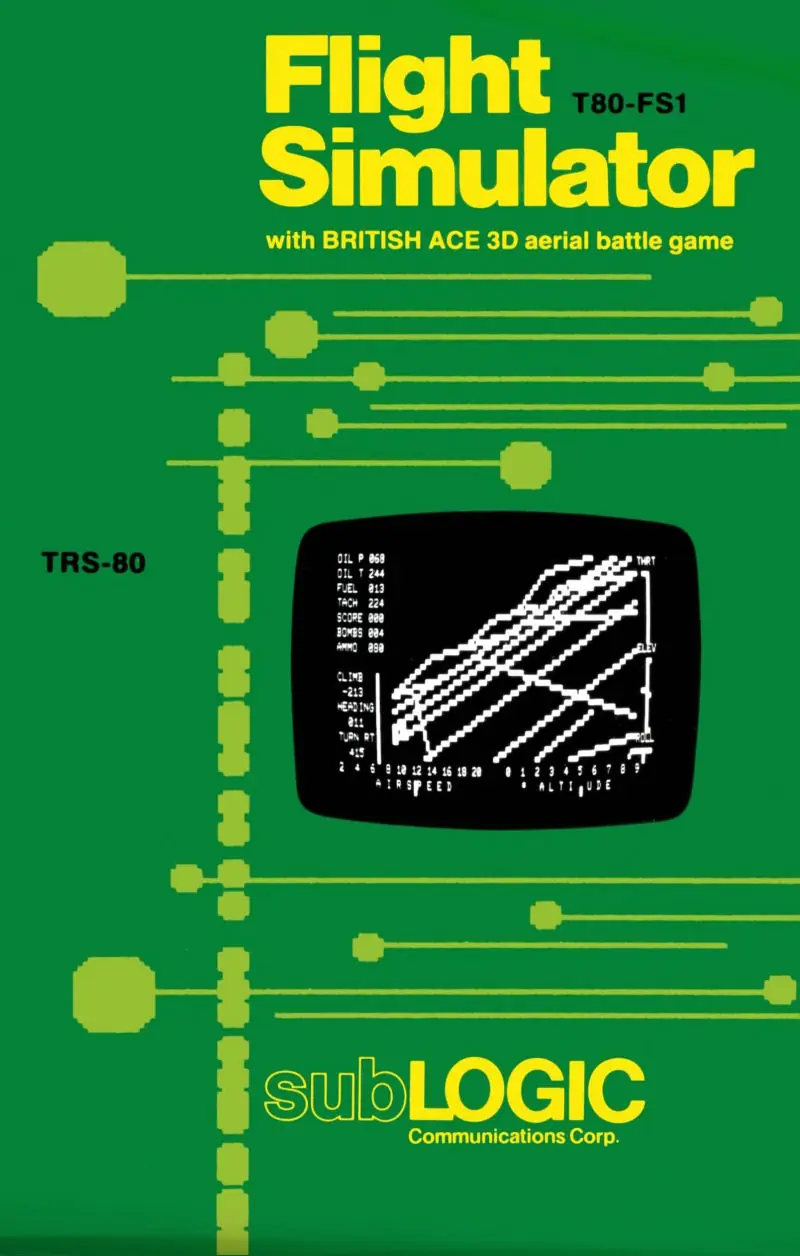
There is also a "Europe 1917" mode which is similar to the "British Ace" mode of FS1 Flight Simulator. This mode has the player flying a Sopwith Camel in a grid-divided area with mountains on two sides. They can declare war and fire at enemy aircraft.
Screenshots

IBM PC

Microsoft Flight Simulator 1.0 — IBM PC screenshot 1Microsoft Flight Simulator 1.0 — IBM PC screenshot 2Microsoft Flight Simulator 1.0 — IBM PC screenshot 3

Download Microsoft Flight Simulator 1.0

Microsoft Flight Simulator 1.0 is abandonware and no longer sold or supported by its publishers. Files are archived here for these platforms:

IBM PC (1982)

  • Flight_Simulator_in_DOSBox.zipEN67.74 MB
  • Instructions Flight_Simulator_in_DOSBox.zip

    How to play on Windows

    1. Download and Extract Flight_Simulator_in_DOSBox.zip
    2. Open the "Game Files" folder and run "DFend.exe"
    3. Choose Microsoft Flight Simulator 1.0 or Microsoft Flight Simulator 1.05 in the menu shows
    4. Play the game
    5. Credit goes to https://josef.havlik.sweb.cz/fshistoryenglish.htm for putting together this useful package.

    How to play on Windows

    1. Download and Extract Flight_Simulator_in_DOSBox.zip
    2. Open the "Game Files" folder and run "DFend.exe"
    3. Choose Microsoft Flight Simulator 2.0 in the menu which shows up
    4. Play the game
    5. Credit goes to https://josef.havlik.sweb.cz/fshistoryenglish.htm for putting together this useful package.
  • Microsoft_Flight_Simulator_1.0_IBM-PC_ROM_EN.zipEN55.53 KB

Comments

2 thoughts on “Microsoft Flight Simulator 1.0”

  1. 1
    @Roland, actually, instructions above work. You unpack the archive and run DFend.exe and you will see a list of game versions.

    I have another question: is anybody fixed the color artifacts on flight instruments panel? I have either colorful view and artifacted instruments, or clean captions, lines, but everything is black&white.

    Reply
  2. 1
    How do i start it? i went into the DOSbox did the intro help and help /all now i dont how to start it from there on How do i do it?
    Reply