Home » Games » Microsoft Flight Simulator 2002

Microsoft Flight Simulator 2002

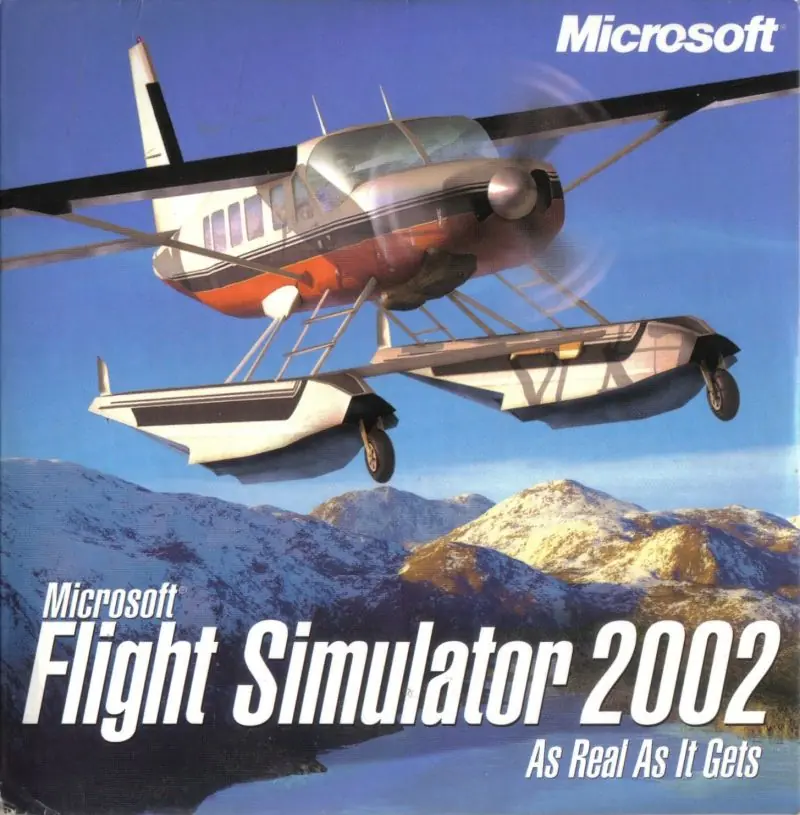
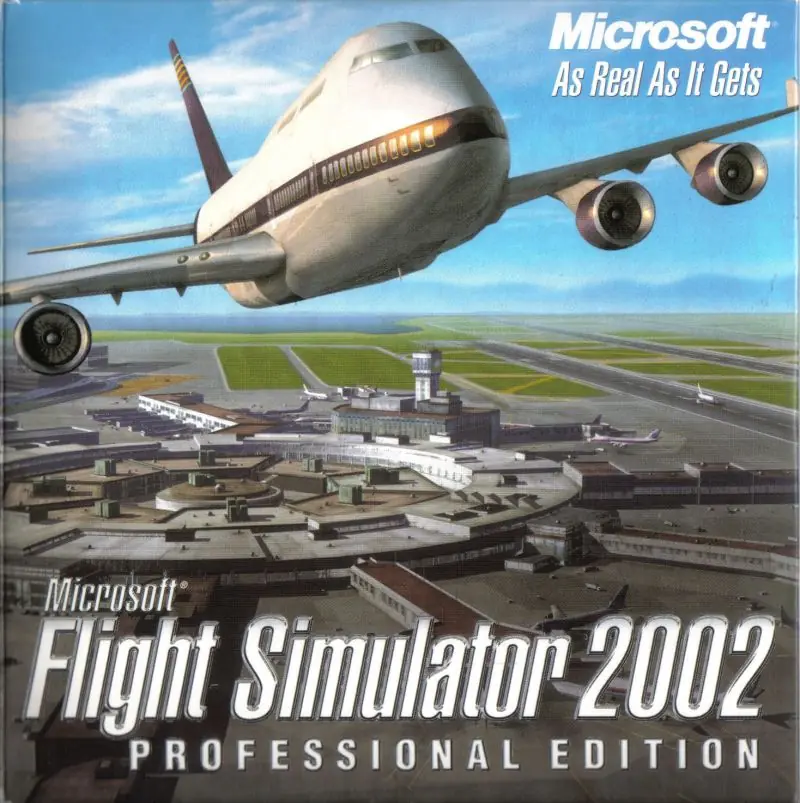
Microsoft Flight Simulator 2002 Game Cover
4.3/5 - 15 votes

Microsoft Flight Simulator 2002 is a 2001 simulation game developed and published by Microsoft.

Other Titles

模拟飞行2002模擬飛行 2002Microsoft Flight Simulator 2002: As Real As It GetsMicrosoft Flight Simulator 2002: Ein realistisches FlugerlebnisMicrosoft Flight Simulator 2002: La référence de la simulation de vol

Genres
Publishers
Developers
Released
Platforms
Download

About Microsoft Flight Simulator 2002

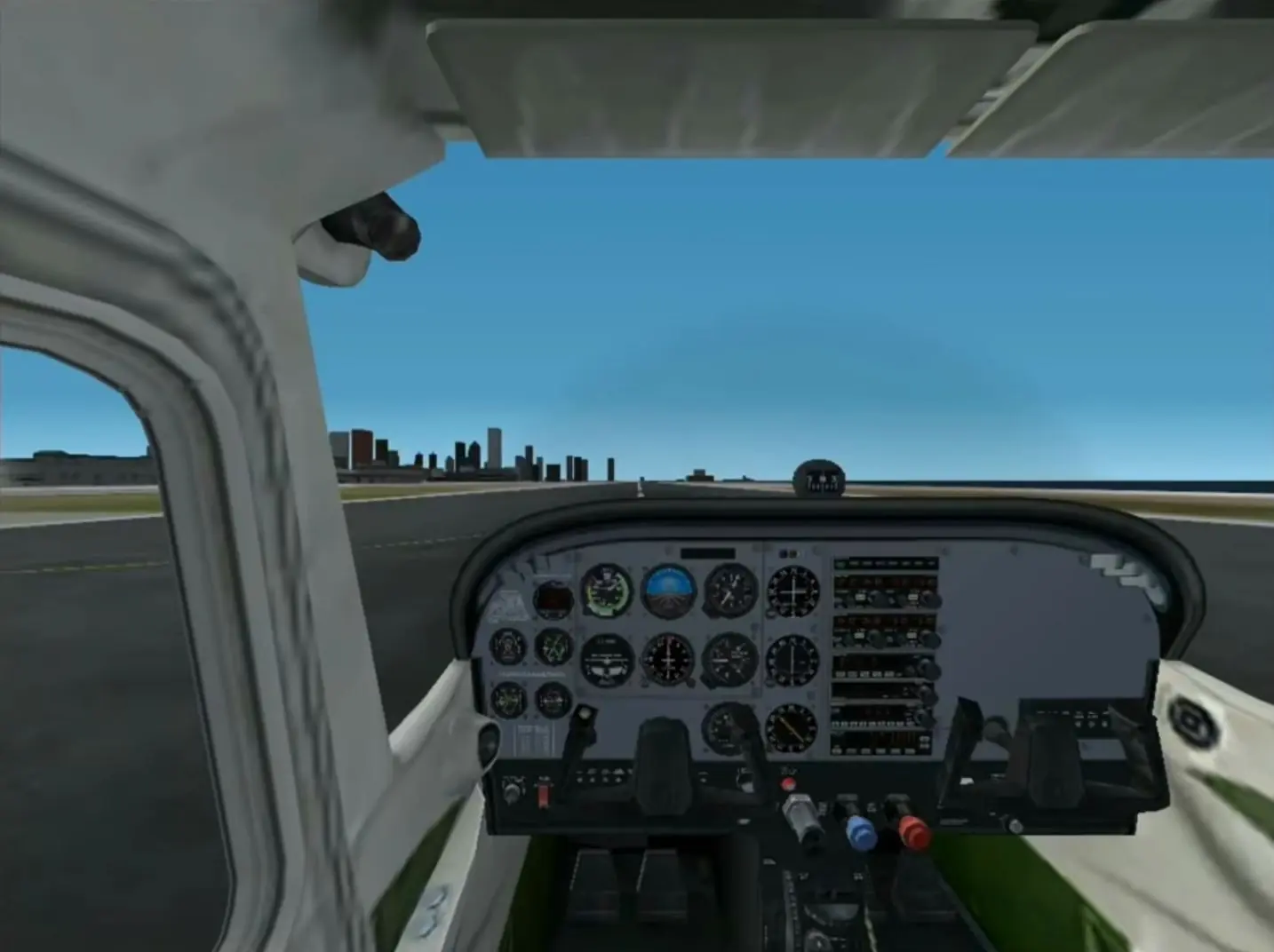
FS2002 (8.0) improved vastly over previous versions. In addition to improved graphics, FS2002 introduced air traffic control (ATC) and artificial intelligence (AI) aircraft enabling users to fly alongside computer controlled aircraft and communicate with airports. An option for a target frame rate was added, enabling a cap on the framerate to reduce stutter while performing texture loading and other maintenance tasks. In addition, aircraft feature a 3D virtual cockpit, creating in effect a view of the cockpit from the viewpoint of a real pilot. The external view also featured an inertia effect, inducing an illusion of movement in a realistic physical environment.
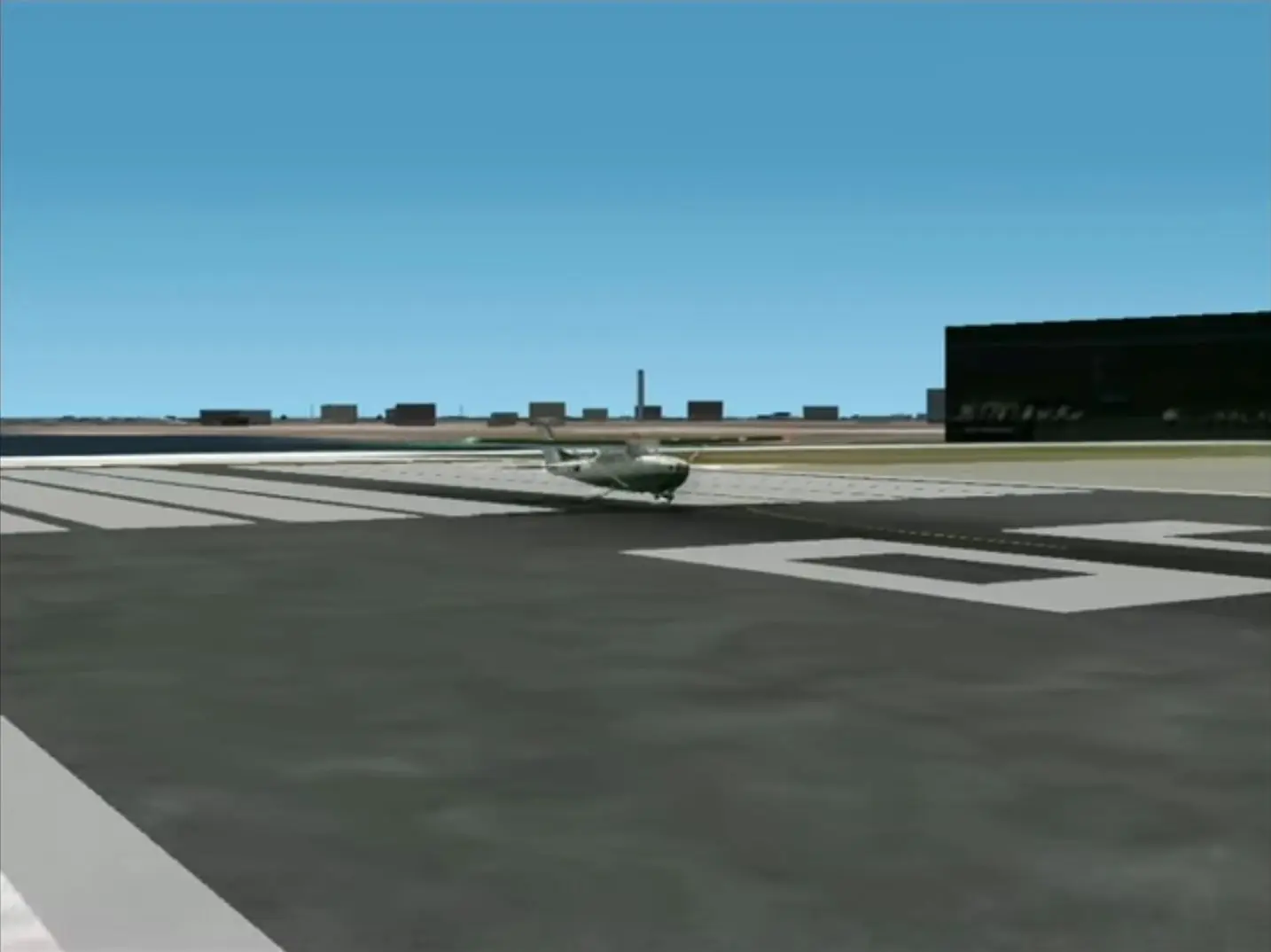
Screenshots

Windows

Microsoft Flight Simulator 2002 — Windows screenshot 1Microsoft Flight Simulator 2002 — Windows screenshot 2

Download Microsoft Flight Simulator 2002

Microsoft Flight Simulator 2002 is abandonware and no longer sold or supported by its publishers. Files are archived here for these platforms:

Windows (2001)

  • Microsoft_Flight_Simulator_2002_Win_Files_EN.7zEN1.33 GB
  • Instructions Microsoft_Flight_Simulator_2002_Win_Files_EN.7z

    How to play on Windows

    1. Download and Extract Microsoft_Flight_Simulator_2002_Win_Files_EN.7z
    2. Open the “Game Files” folder and run SETUP.exe
    3. Follow on screen instructions and finish installing
    4. Play the game

Comments

3 thoughts on “Microsoft Flight Simulator 2002”

  1. 0
    Been trying to get this working for a while now – can’t find/recognise the setup resource dll file. I’ve tried moving the files around, reinstalling with no antivirus, removing temp files, etc, to no avail. I do have a dll file (SETUPENU.dll) with it… If that’s the one it’s looking for, it can’t recognise it. Any advice?
    Reply