Home » Games » Microsoft Flight Simulator 2004: A Century of Flight

Microsoft Flight Simulator 2004: A Century of Flight

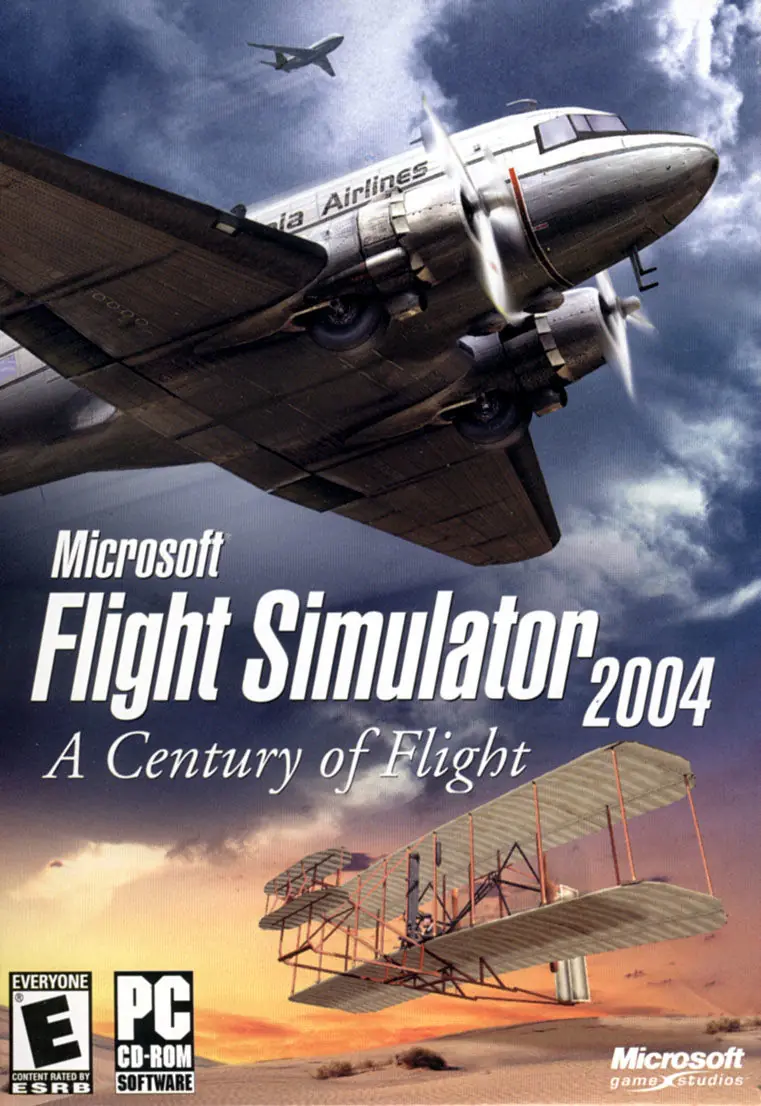
Microsoft Flight Simulator 2004: A Century of Flight Game Cover
4.6/5 - 84 votes

Microsoft Flight Simulator 2004: A Century of Flight is a 2003 simulation game developed and published by Microsoft.

Other Titles

模拟飞行2004:飞行世纪模擬飛行 2004:百年飛行史Flight Simulator 9Microsoft Flight Simulator 2004: Cien Años de AviaciónMicrosoft Flight Simulator 2004: Das Jahrhundert der LuftfahrtMicrosoft Flight Simulator 2004: Un secolo di AviazioneMicrosoft Flight Simulator 2004: Un siècle d'aviationFlight Simulator 2004: A Century Of FlightMicrosoft Flight Simulator 2004Flight Simulator 2004 : Un siècle d'aviation

Genres
Publishers
Developers
Released
Platforms
Download

About Microsoft Flight Simulator 2004: A Century of Flight

Microsoft Flight Simulator 2004: A Century of Flight is the 20th anniversary release in the Microsoft Flight Simulator Series. Released in a hinged tin box, A Century of Flight includes an additional 2,000 functioning airports and nine new aircraft, including Charles Lindbergh's Ryan NYP Spirit of St. Louis, the Douglas DC-3, and the Wright Flyer (the first successful airplane). A collection of articles provides information on the history of flight, the Microsoft Flight Simulator, and the featured airplanes. New features include enhanced scenery and 3D interactive cockpits.

As with previous versions, Microsoft Flight Simulator 2004 contains sections on creating or selecting flights, expanding the experience by downloading add-on packs of scenery and aircraft, and a detailed on-CD manual. Additional aircraft featured in the 2004 edition include the Curtiss JN-4D (Jenny), Vickers F.B.27A (Vimy), Ford 4-AT Tri-Motor, Model 5B and 5C Vega, de Haviland DH-88 "Comet," Piper J-3 Cub, Robinson R22 Beta II, Schweizer SGS 2-32, Extra 300S, Cessna Skyhawk SP Model 172, Cessna Skylane Model 182S, Cessna Grand Caravan C208B, Cessna Caravan C208 Amphibian, Mooney M20M "Bravo," Beechcraft Baron 58, Beechcraft King Air 350, Bell 206B JefRanger III, Bombardier Learjet 45, Boeing 737-400, 747-400, and 777-300.
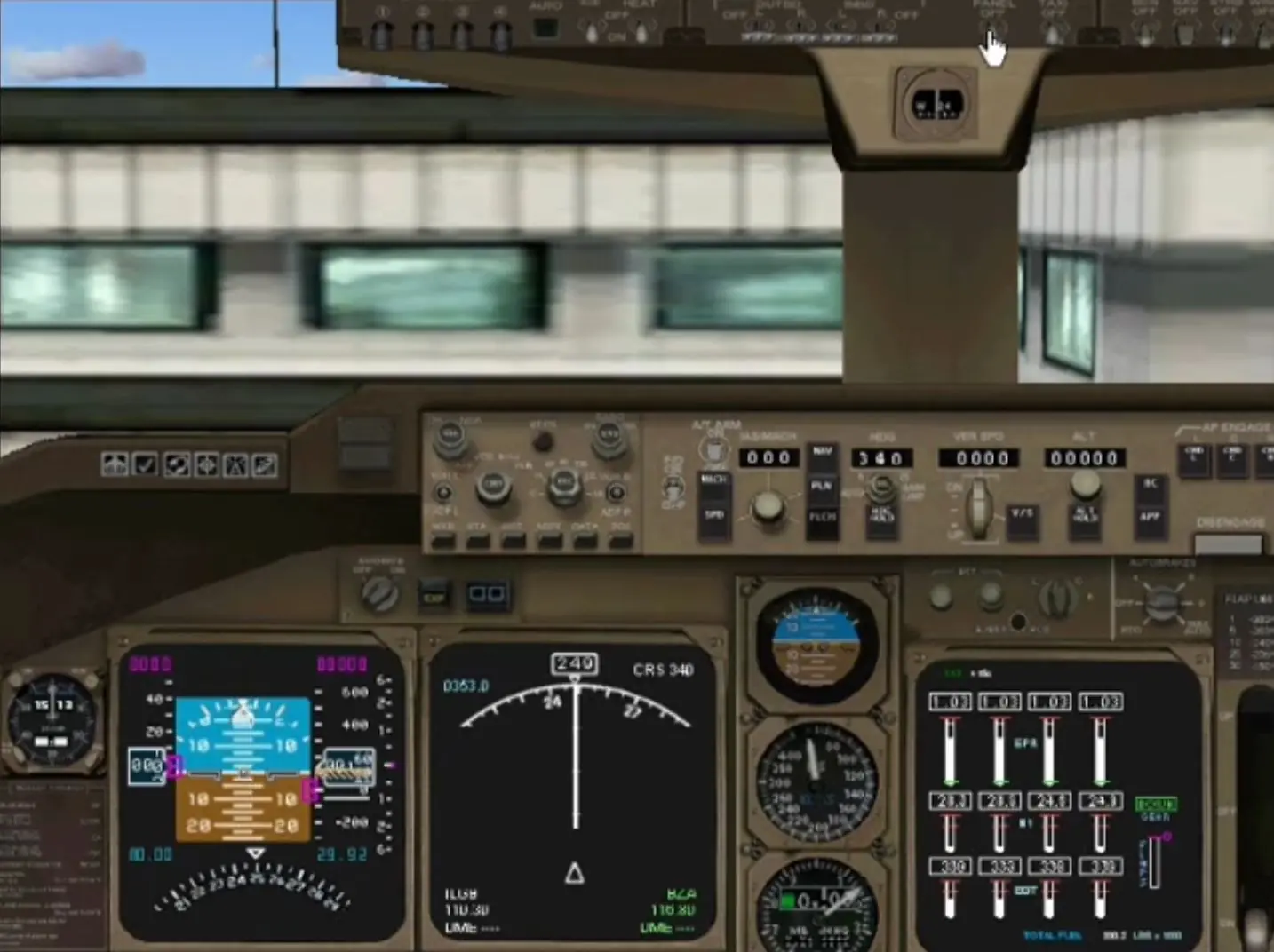
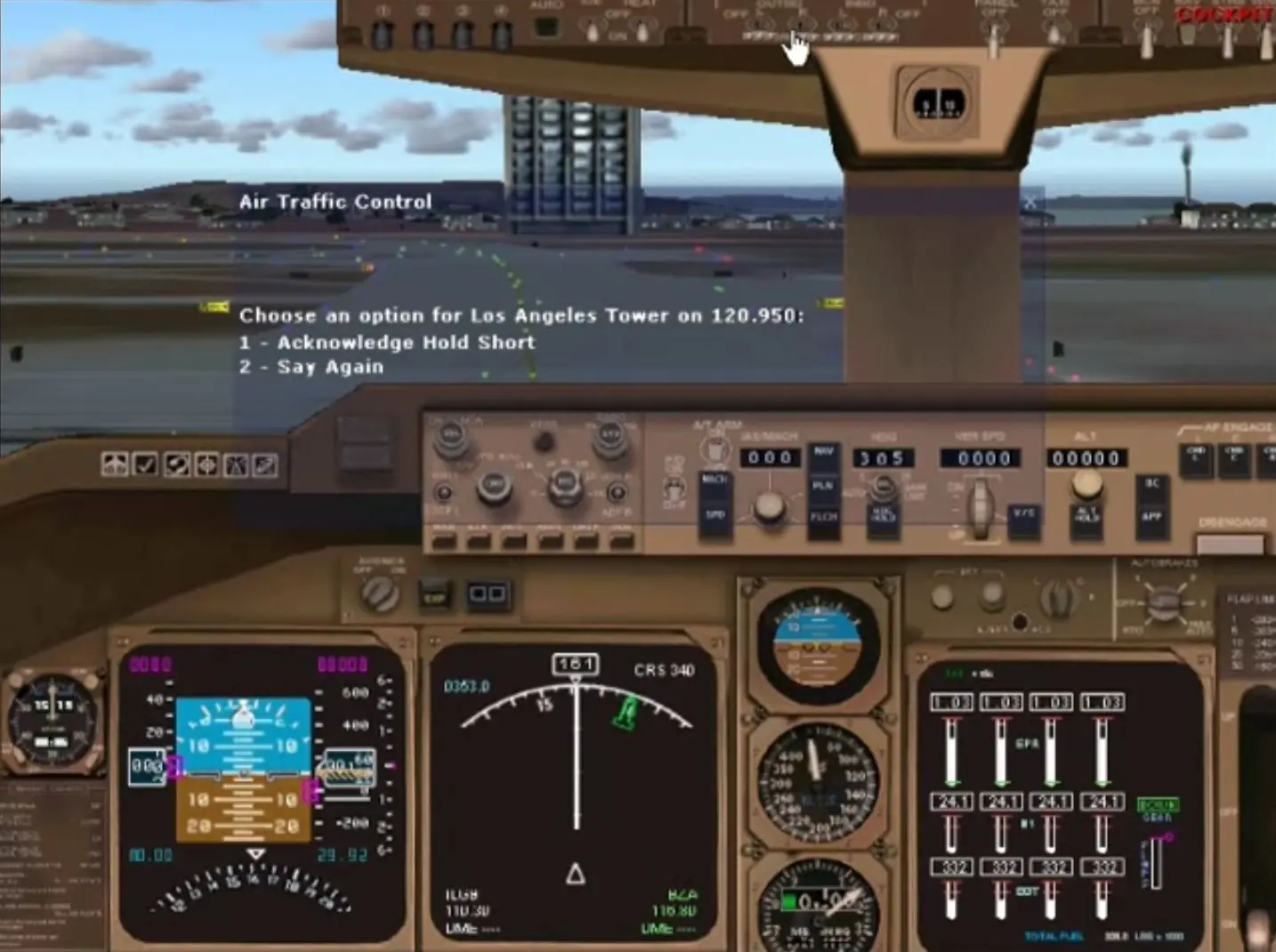
Screenshots

Windows

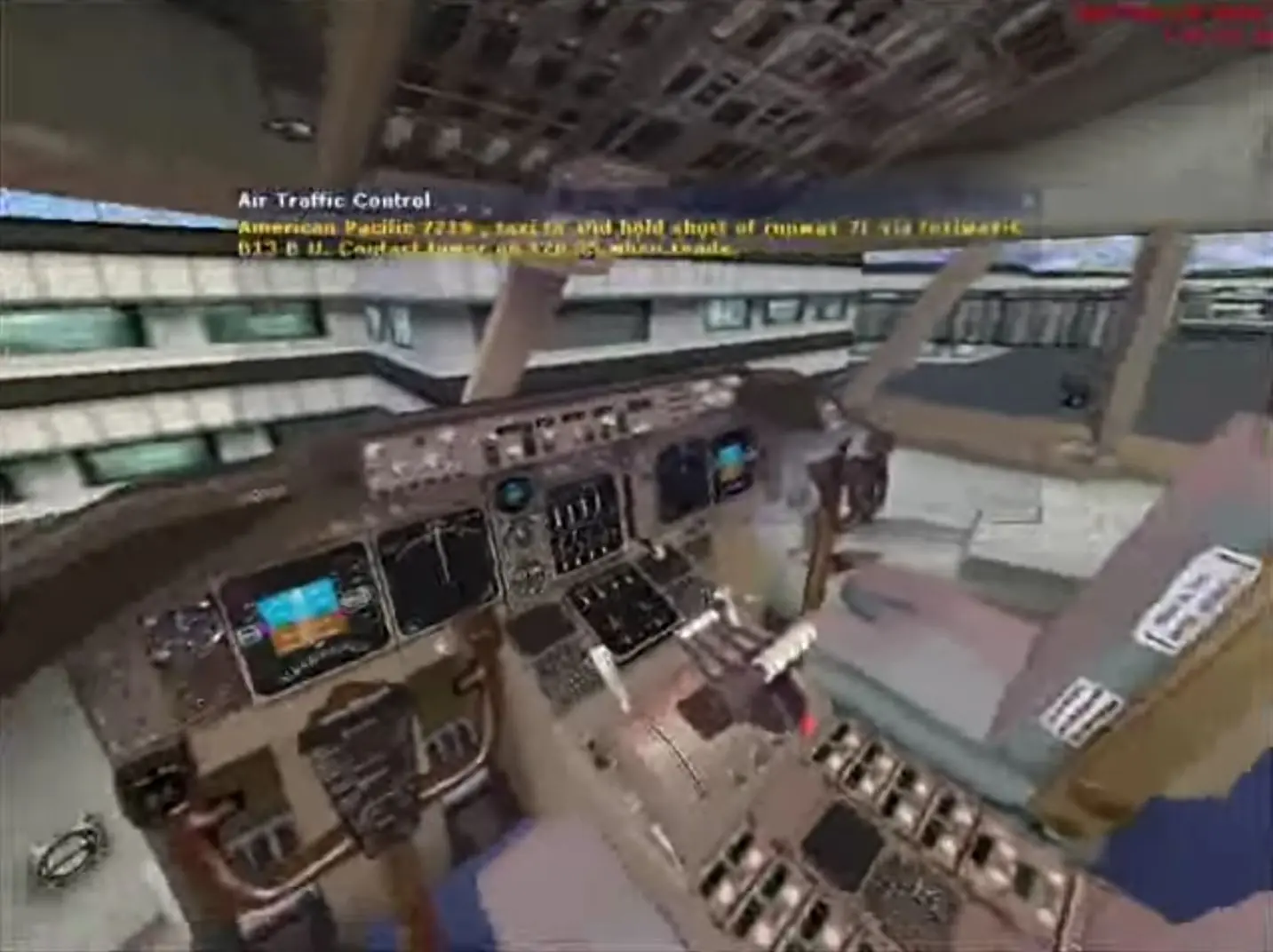
Microsoft Flight Simulator 2004: A Century of Flight — Windows screenshot 1Microsoft Flight Simulator 2004: A Century of Flight — Windows screenshot 2Microsoft Flight Simulator 2004: A Century of Flight — Windows screenshot 3

Download Microsoft Flight Simulator 2004: A Century of Flight

Microsoft Flight Simulator 2004: A Century of Flight is abandonware and no longer sold or supported by its publishers. Files are archived here for these platforms:

Windows (2003)

  • Microsoft_Flight_Simulator_2004_A_Century_of_Flight_Win_ISO_EN.zipEN1.81 GB
  • Instructions Microsoft_Flight_Simulator_2004_A_Century_of_Flight_Win_ISO_EN.zip

    How to play on Windows 10

    1. Download and extract Microsoft_Flight_Simulator_2004_A_Century_of_Flight_Win_ISO_EN.zip
    2. In the Game Files folder, mount the OGD.Flight.Simulator.2004 file and run game setup.
    3. Follow on-screen instructions to install the game.
    4. Move fs9.exe from the "Crack" folder to the game installation directory.
    5. Play the game

Comments

14 thoughts on “Microsoft Flight Simulator 2004: A Century of Flight”

  1. -2
    I can’t get fs2004 to run on win 11, I don’t know what it means when it says, “game installation directory” Is this the latest version of fs you have?
    Reply
    • 0
      Olá. Eu tenho o FS2004 funcionando bem no Win11. Nesse caso é o FS9.1. Procure adquirir a versão 9.1 que vai funcionar!
      Reply
  2. 0
    Hello, there was a set of two third-party add-ons that were released in 2004 and 2006, titled Wings of Power. Is there anyway to play these/add them to this release please?
    Reply
  3. 0
    hi the game works well but can you update the menu bar and when i right click for the other bar it pauses the game can you fix these problems plus the game isn’t letting me install world of ai traffic it’s the full version like where you right click you can chose to look at the traffic or select different camera on the aircraft plus when i press space bar and try to move camera around with the mouse it doesn’t let me
    Reply