Need for Speed: ProStreet
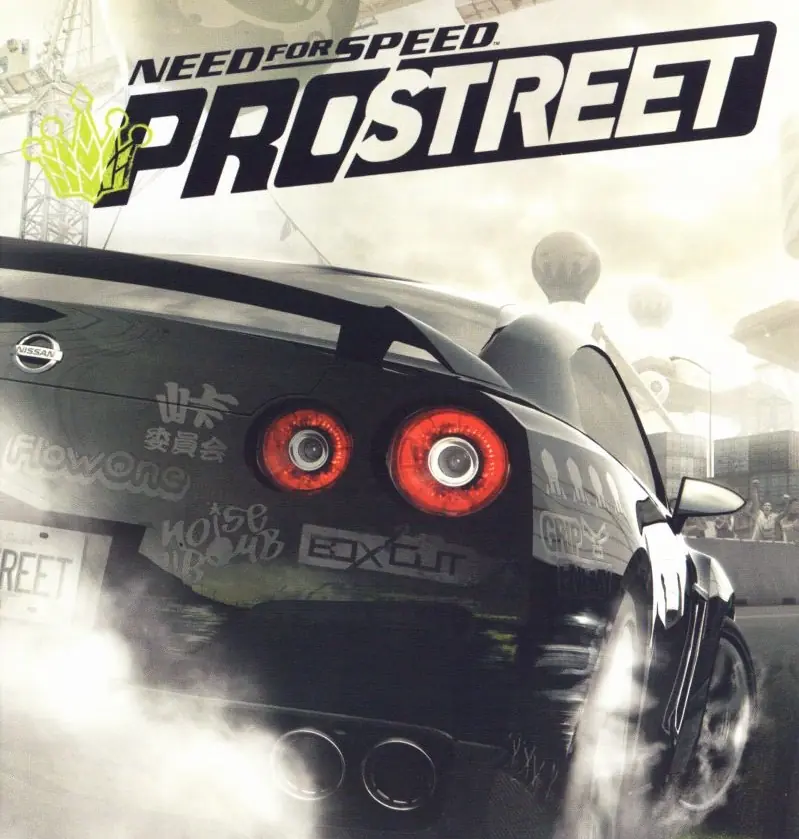
Need for Speed: ProStreet is a 2007 racing game developed by EA Black Box and published by EA Mobile.
Genres
Publishers
Developers
Released
Platforms
Need for Speed: ProStreet is a 2007 racing game developed by EA Black Box and published by EA Mobile.
Need for Speed: ProStreet is a 2007 racing video game developed by EA Black Box and published by Electronic Arts. It is the eleventh installment in the Need for Speed series and a follow-up to Need for Speed: Carbon (2006). Unlike its immediate predecessors, which focused on the contemporary illegal street racing scene, ProStreet focuses on legal circuit races that take place on closed tracks. The game blends elements of both sim and arcade racing games, requiring players to customize and tune cars for various race modes. Most races take place in real-world locations such as the Portland International Raceway, Mondello Park, and Autopolis.
Developed over the course of almost two years, ProStreet was conceived by the same team who led the production of Need for Speed: Most Wanted. It is the first Need for Speed game that was primarily developed for high-definition consoles such as the Xbox 360 and PlayStation 3, although versions for Microsoft Windows, PlayStation 2, and Wii were also released. The game features a new physics engine, which allows cars to handle in a more realistic way and take damage in accidents, and introduced a wind tunnel feature where players can see how their car's aerodynamics work. Musician Junkie XL was hired to compose the score of the game. Several downloadable content packs were released for the game, expanding its content with more cars, tracks, and races.
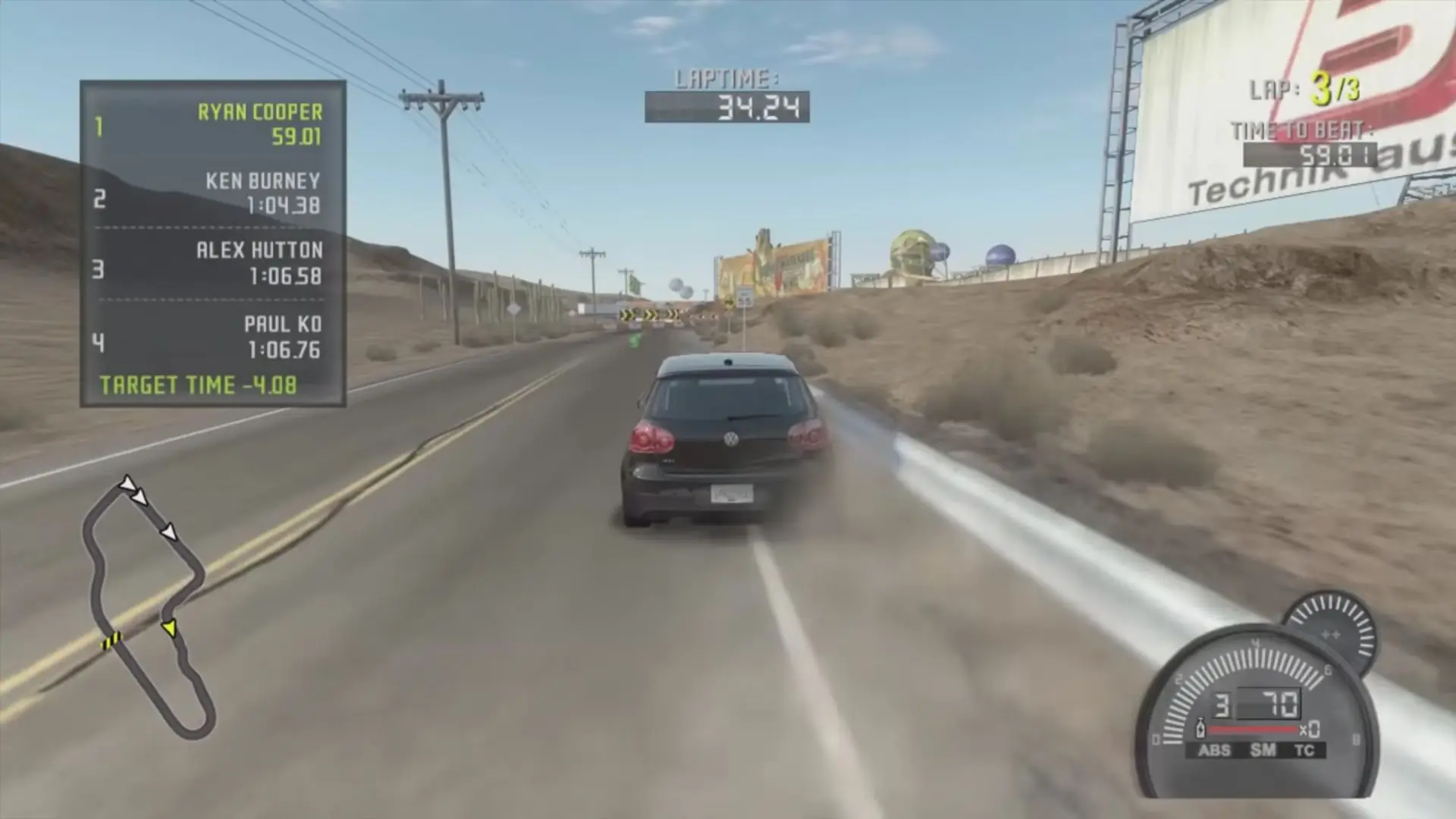
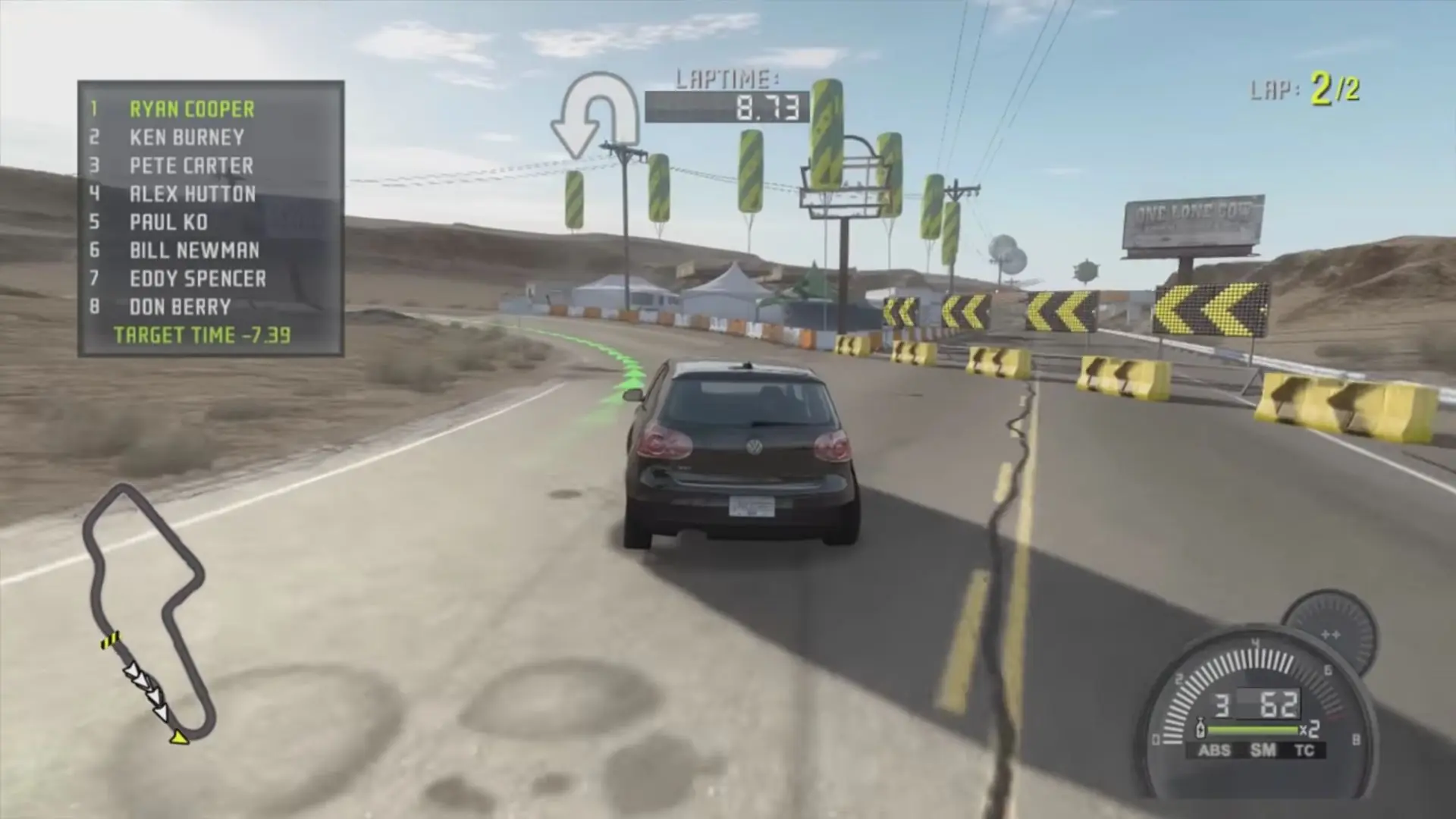
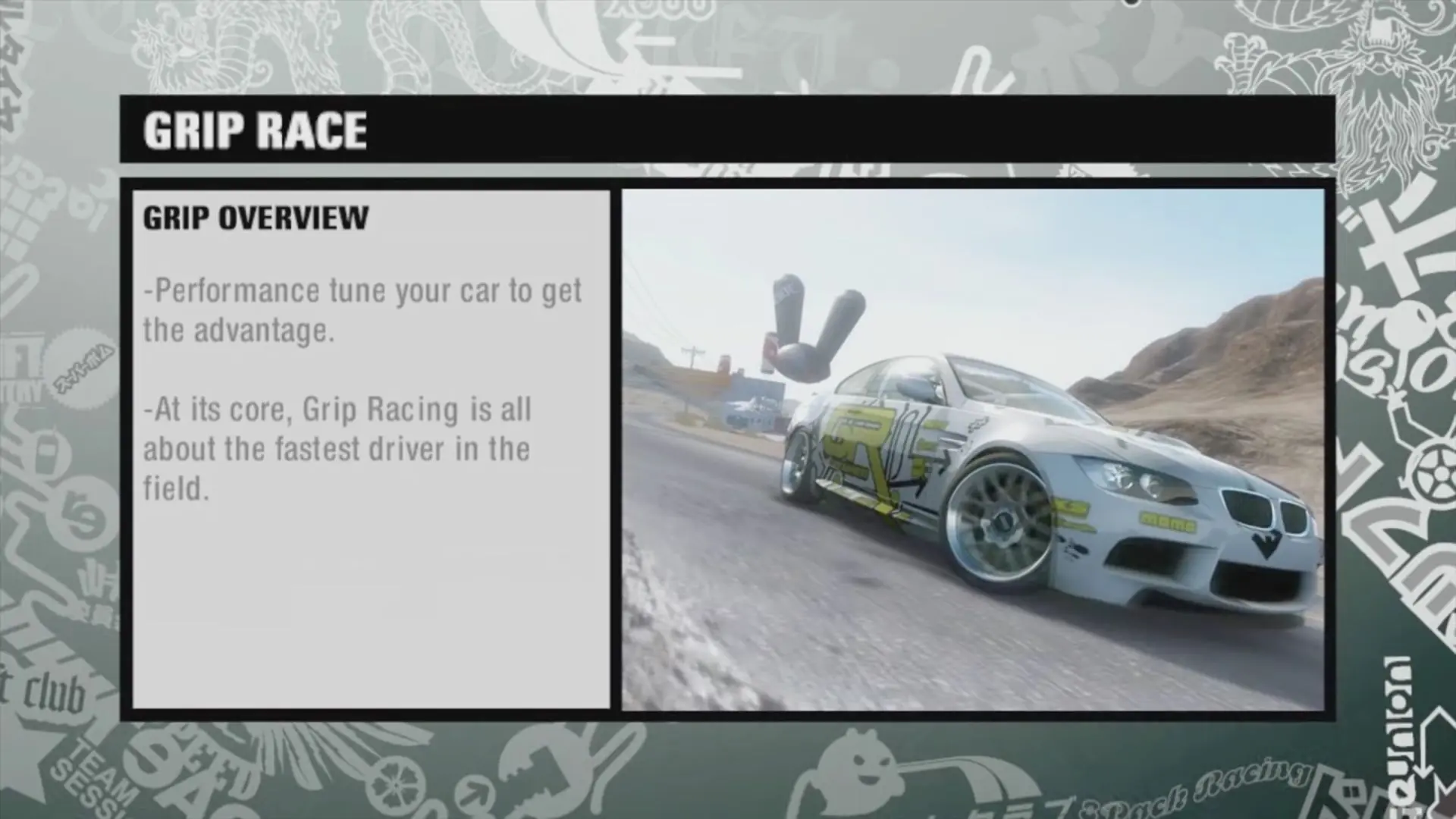
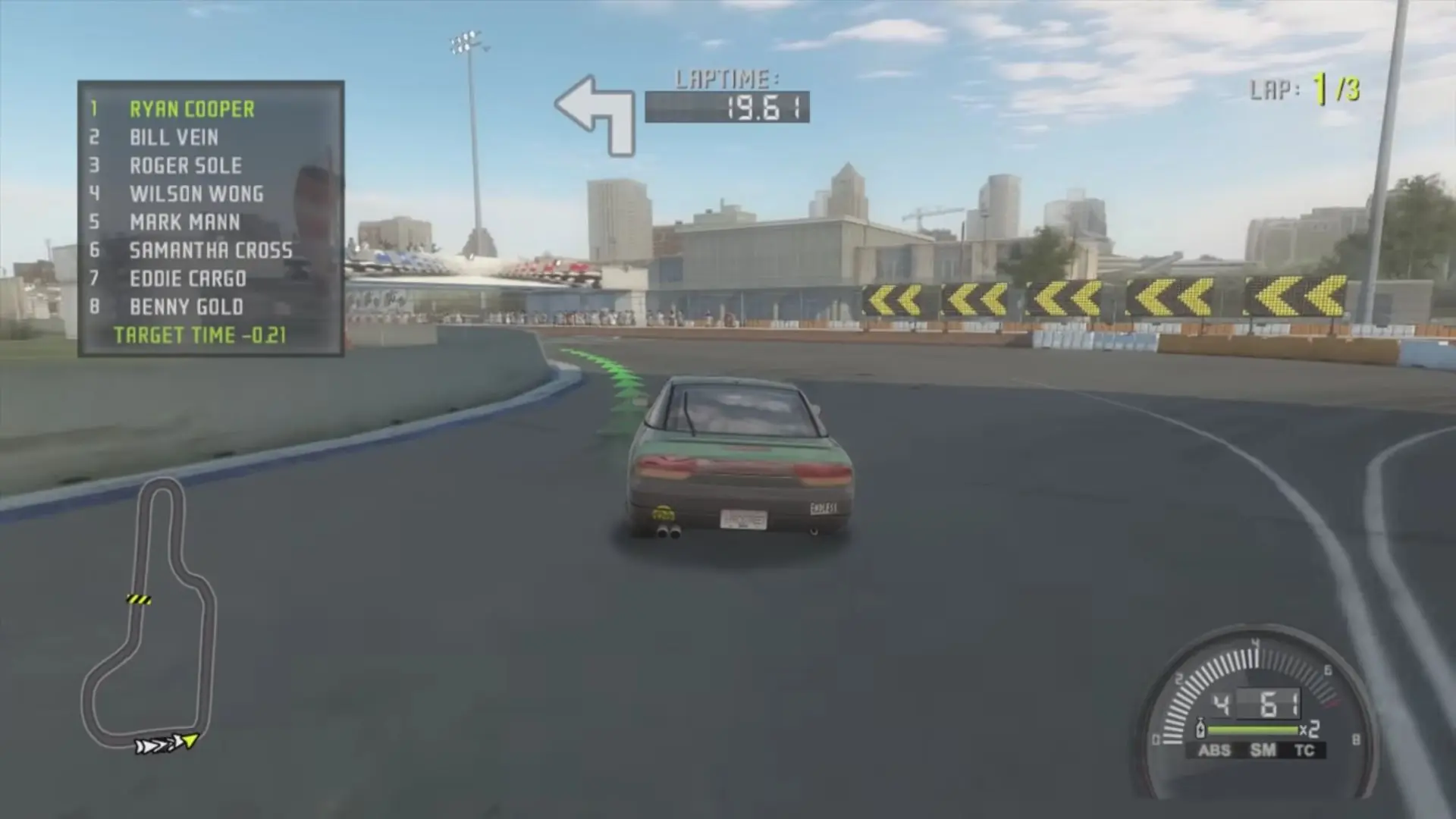



Need for Speed: ProStreet is abandonware and no longer sold or supported by its publishers. Files are archived here for these platforms:
How to play on Windows 10









but the installation was inserted successfully. the game wont play
but the installation was inserted successfully. the game wont play
Mount and open the ISO file. Scroll down and look for the EASetup.exe or the AutoRun.exe. Right click on either one of them and select Run as Administrator.