Home » Games » Need for Speed: ProStreet
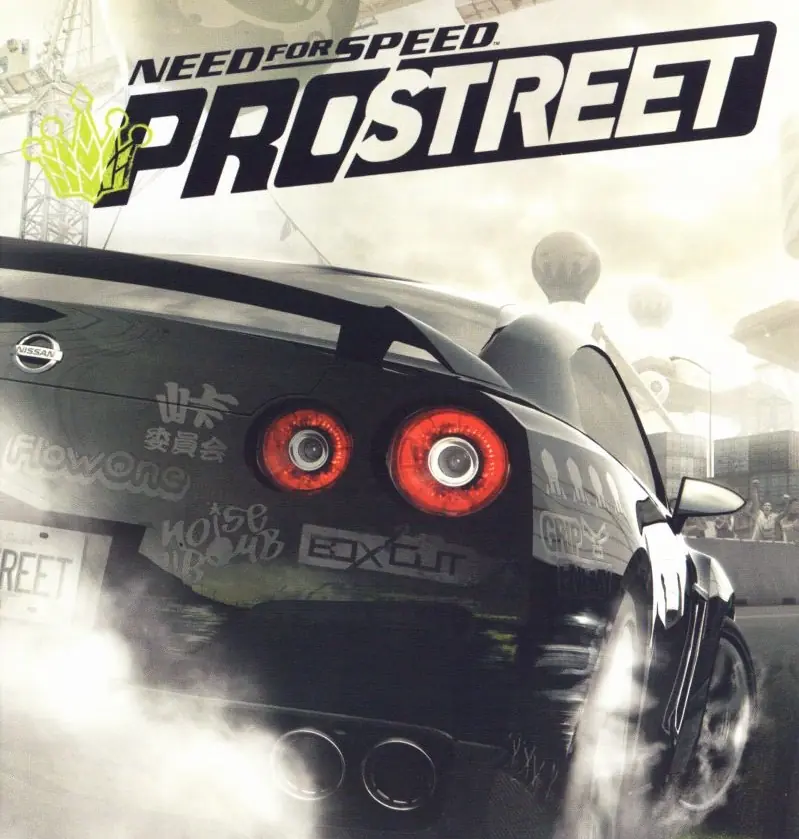
Need for Speed: ProStreet

Need for Speed: ProStreet Game Cover
4.6/5 - 550 votes

Need for Speed: ProStreet is a 2007 racing game developed by EA Black Box and published by EA Mobile.

Other Titles

NFS: ProStreetNFSPS니드 포 스피드: 프로스트리트Need for Speed: Pro StreetТизлеккә сусау: ПроУрамجنون سرعت: پرواستریتنيد فور سبيد: برو ستريتنيد فور سپيد: پروستريتนีดฟอร์สปีด: โปรสตรีทニード・フォー・スピード プロストリート極速快感:職業街頭

Genres
Developers
Released
Platforms
Download

About Need for Speed: ProStreet

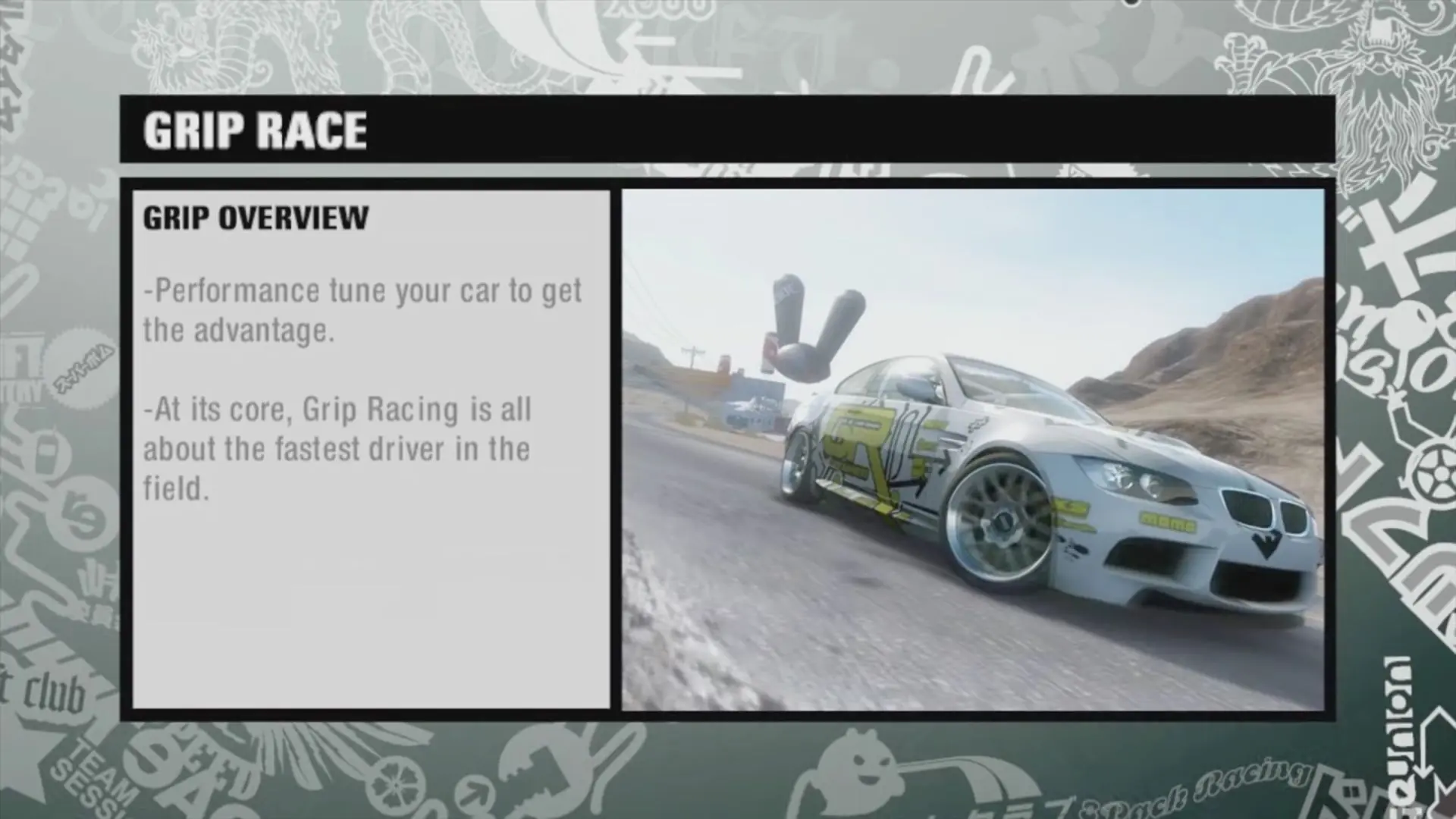
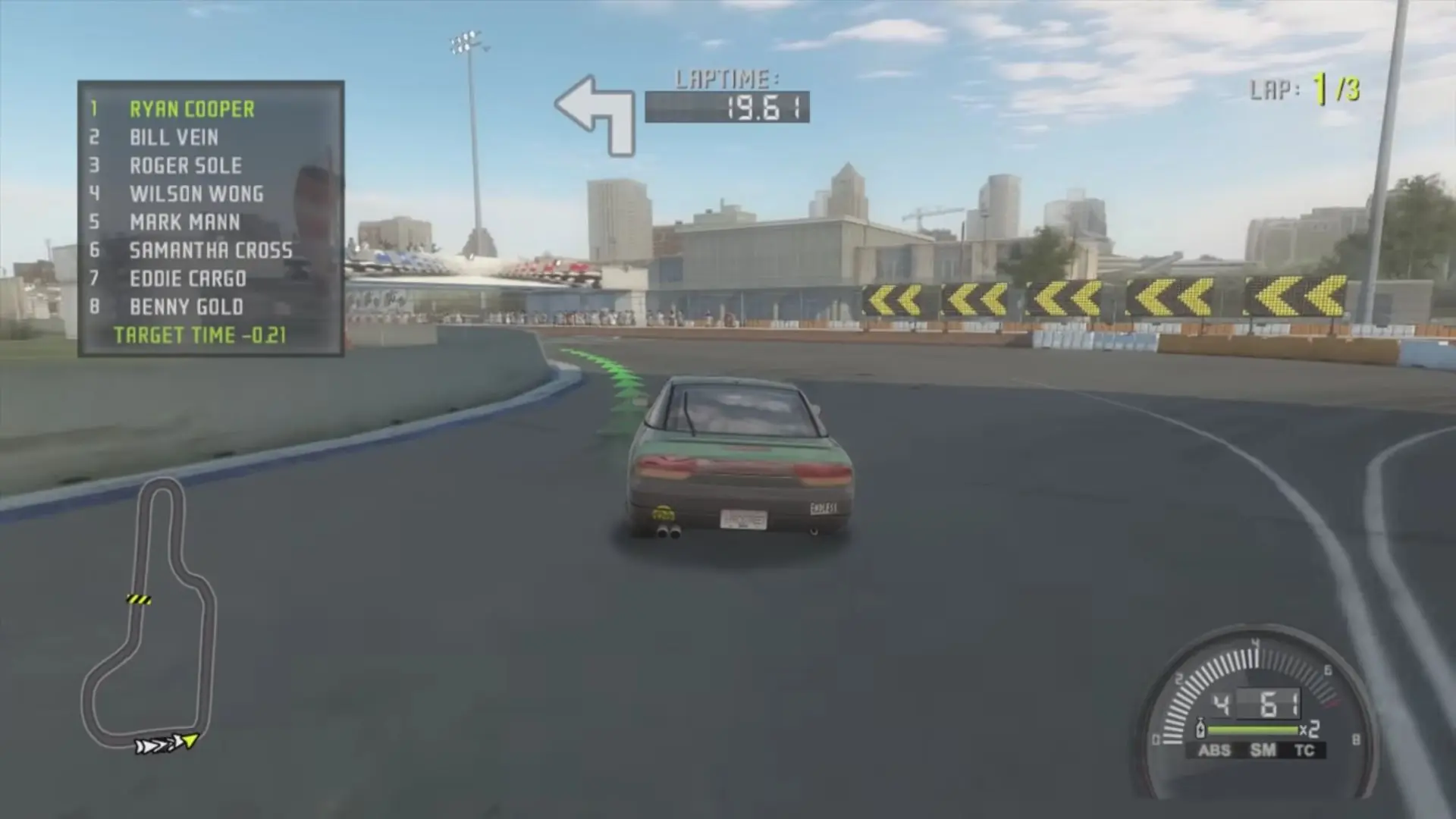
Need for Speed: ProStreet is a 2007 racing video game developed by EA Black Box and published by Electronic Arts. It is the eleventh installment in the Need for Speed series and a follow-up to Need for Speed: Carbon (2006). Unlike its immediate predecessors, which focused on the contemporary illegal street racing scene, ProStreet focuses on legal circuit races that take place on closed tracks. The game blends elements of both sim and arcade racing games, requiring players to customize and tune cars for various race modes. Most races take place in real-world locations such as the Portland International Raceway, Mondello Park, and Autopolis.

Developed over the course of almost two years, ProStreet was conceived by the same team who led the production of Need for Speed: Most Wanted. It is the first Need for Speed game that was primarily developed for high-definition consoles such as the Xbox 360 and PlayStation 3, although versions for Microsoft Windows, PlayStation 2, and Wii were also released. The game features a new physics engine, which allows cars to handle in a more realistic way and take damage in accidents, and introduced a wind tunnel feature where players can see how their car's aerodynamics work. Musician Junkie XL was hired to compose the score of the game. Several downloadable content packs were released for the game, expanding its content with more cars, tracks, and races.
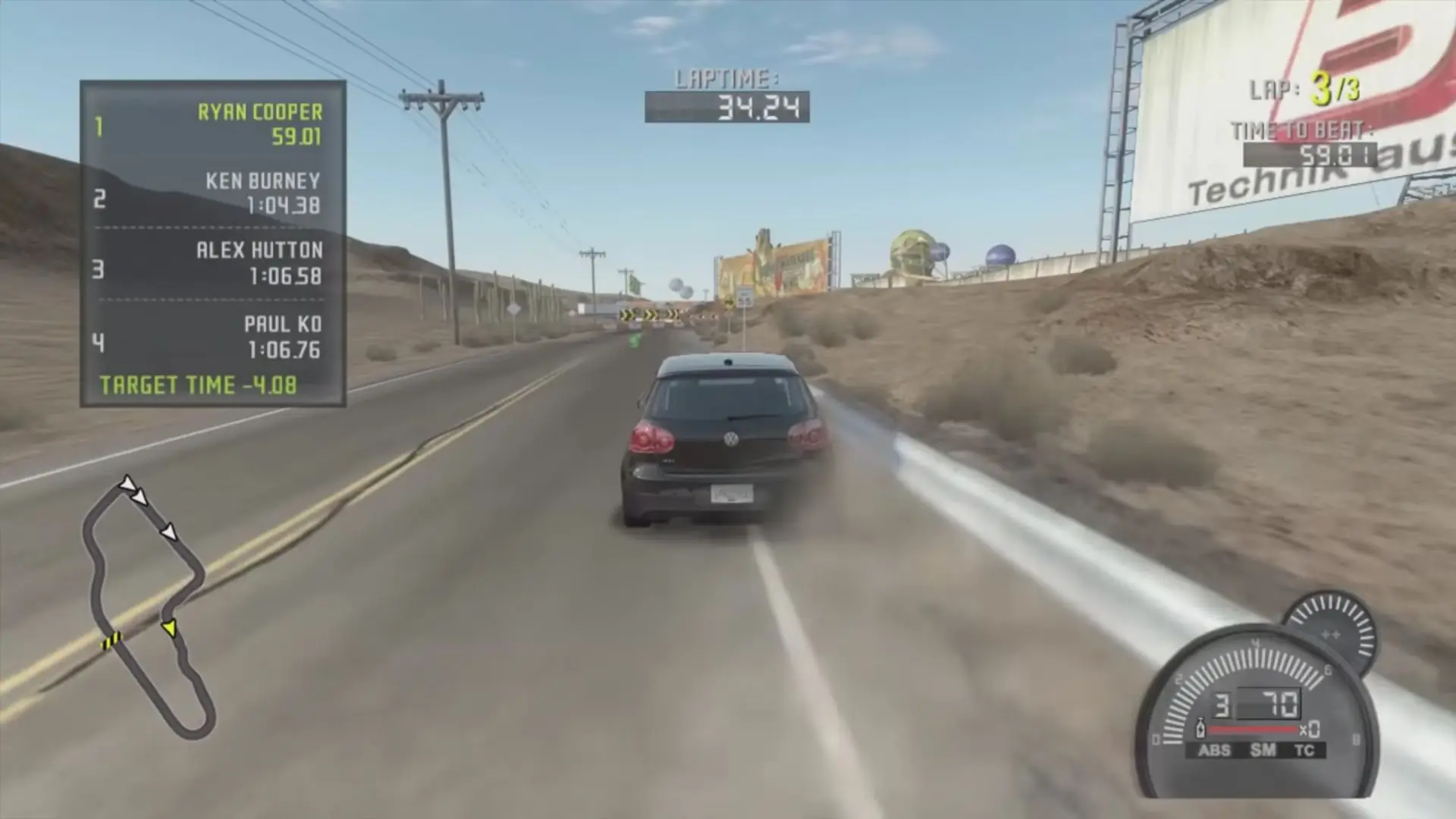
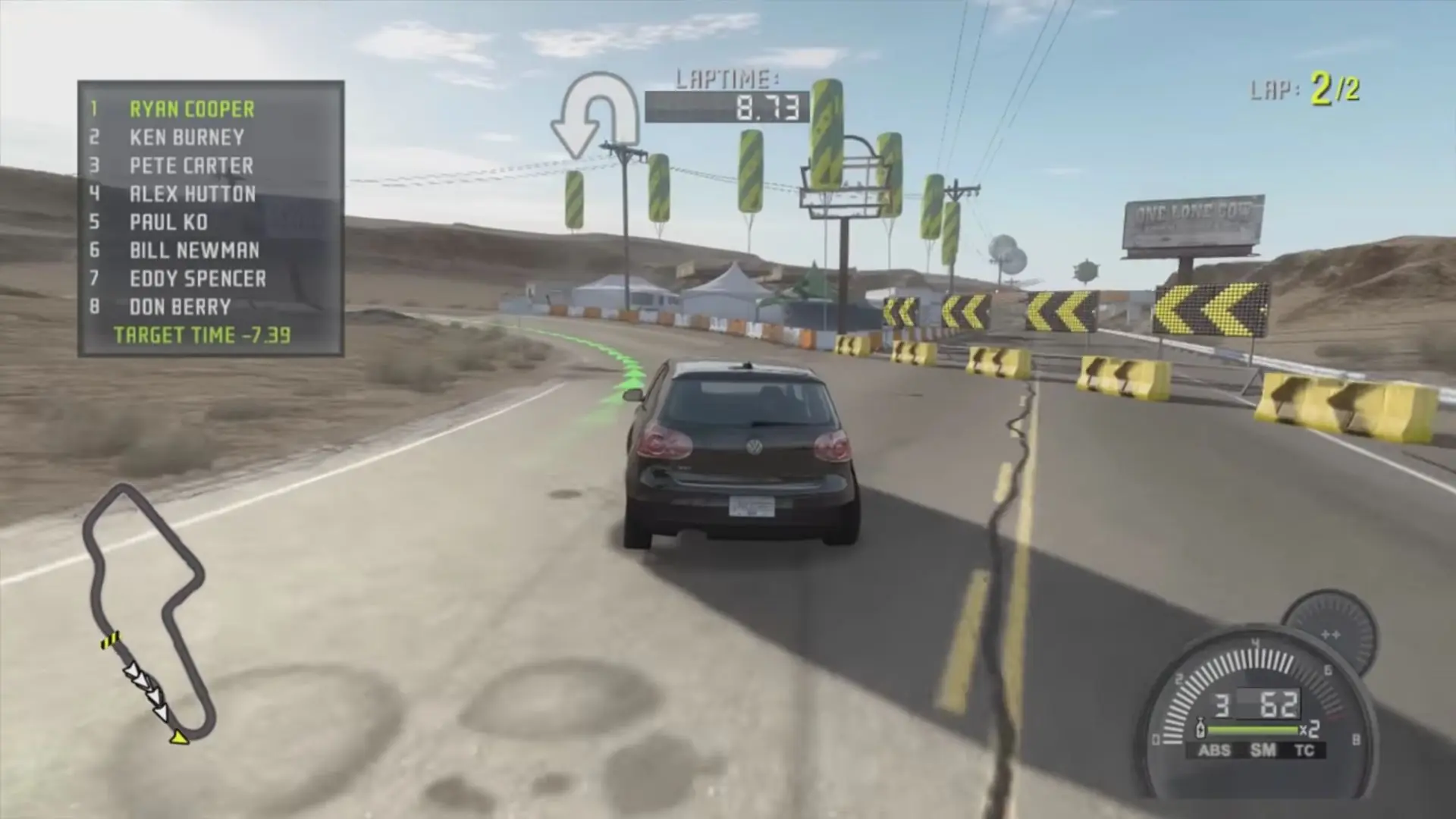
Screenshots

Windows

Need for Speed: ProStreet — Windows screenshot 1Need for Speed: ProStreet — Windows screenshot 2Need for Speed: ProStreet — Windows screenshot 3Need for Speed: ProStreet — Windows screenshot 4Need for Speed: ProStreet — Windows screenshot 5Need for Speed: ProStreet — Windows screenshot 6Need for Speed: ProStreet — Windows screenshot 7

Download Need for Speed: ProStreet

Need for Speed: ProStreet is abandonware and no longer sold or supported by its publishers. Files are archived here for these platforms:

Windows (2007)

  • Need_for_Speed_ProStreet_Win_ISO_EN.zipEN4.63 GB
  • Instructions Need_for_Speed_ProStreet_Win_ISO_EN.zip

    How to play on Windows 10

    1. Download and Extract Need_for_Speed_ProStreet_Win_ISO_EN.7z
    2. Open the "Game Files" folder and then mount NFS ProStreet.iso
    3. Run the game setup and follow on-screen instructions. When asked a serial key, go into the Serial folder and copy-paste one of those keys. Finish the game installation.
    4. Copy-paste the files inside the crack folder into the game installation directory and replace the files in the destination.
    5. Play the game

Other resources

Comments

123 thoughts on “Need for Speed: ProStreet”

  1. 0
    I can’t run the game at all since it always prompts me to insert disc. I’ve installed the game as the instructions tell me but nothing. Please help
    Reply
  2. 0
    where can I find the folder where the Need for Speed ​​Pro Street save data is located, could you send me the full path so I can delete my save, thanks in advance for your help
    Reply
  3. 0
    where can I find the folder where the Need for Speed ​​Pro Street save data is located, could you send me the full path so I can delete my save, thanks in advance for your help
    Reply
  4. 0
    My game is giving me an error that I’m unable to save, and it disable the autosave, and I also can not create an Alias because of this same issue, how can I fix this issue?
    Reply
  5. 0
    Tried to copy over the crack file to the game file, doesn’t work, cannot modify any of the files in the newly made “dvd drive” volume that was made let alone copy and paste anything. The hell do I do now?
    Reply
  6. 0
    and there is a folder with the noCD
    i click it, opens but pitch black, and then suts down
    my childhood game so i would love to play it again
    Reply
  7. 0
    hi there the need for speed pro street after installation it says insert correct disk,
    can you please assist me with this
    Kind regards
    Michael
    Reply
    • 0
      You have to run the EA_Setup file from ISO mount. It will then install the game and ask for a code. The code is in the serial folder you downloaded. Enter a code. The install will finish.

      Once finished, go to the cracked folder you downloaded, and copy NFS.exe to the installed folder, and the game will run!!

      Happy gaming.

      Reply
        • 0
          Mark are you still trying to solve the problem? I think you don’t recognize that the file “NFS ProStreet” with a disk image file is accessible. Go and try the manual he posted. It works.

Similar games