Home » Games » Need for Speed: ProStreet
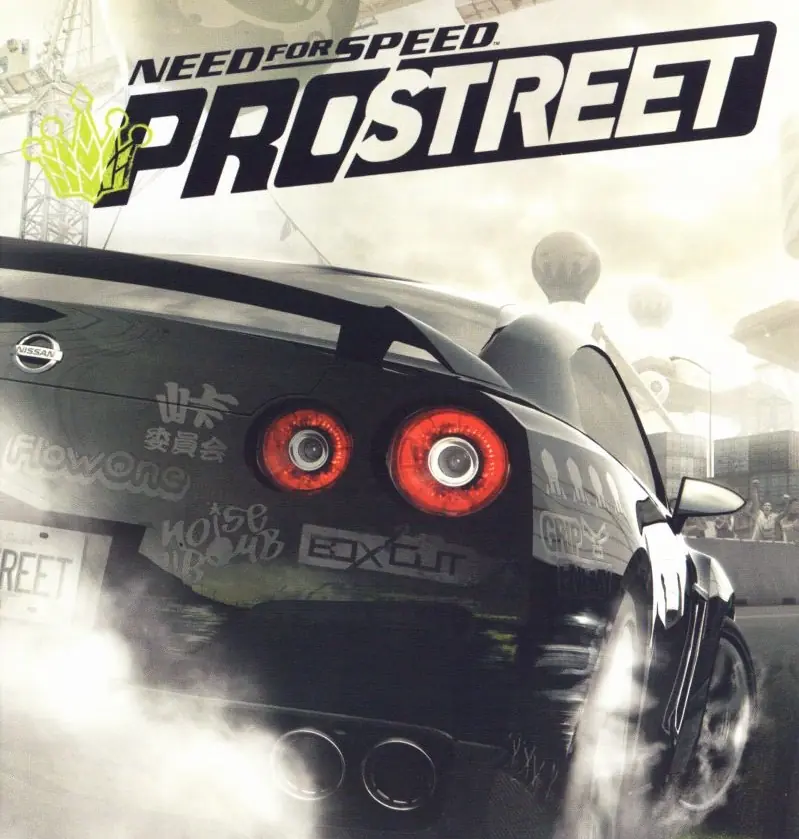
Need for Speed: ProStreet

Need for Speed: ProStreet Game Cover
4.6/5 - 550 votes

Need for Speed: ProStreet is a 2007 racing game developed by EA Black Box and published by EA Mobile.

Other Titles

NFS: ProStreetNFSPS니드 포 스피드: 프로스트리트Need for Speed: Pro StreetТизлеккә сусау: ПроУрамجنون سرعت: پرواستریتنيد فور سبيد: برو ستريتنيد فور سپيد: پروستريتนีดฟอร์สปีด: โปรสตรีทニード・フォー・スピード プロストリート極速快感:職業街頭

Genres
Developers
Released
Platforms
Download

About Need for Speed: ProStreet

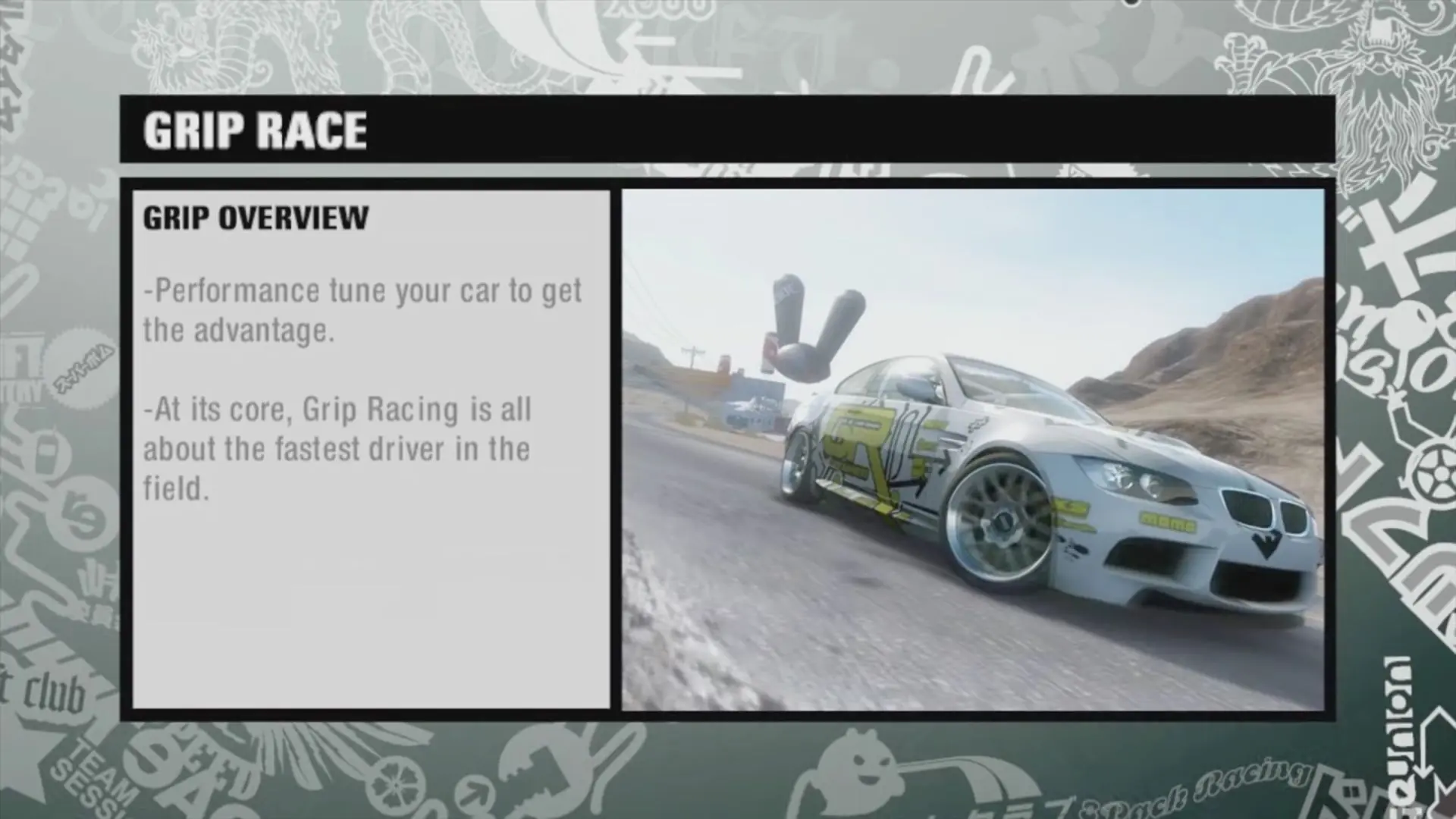
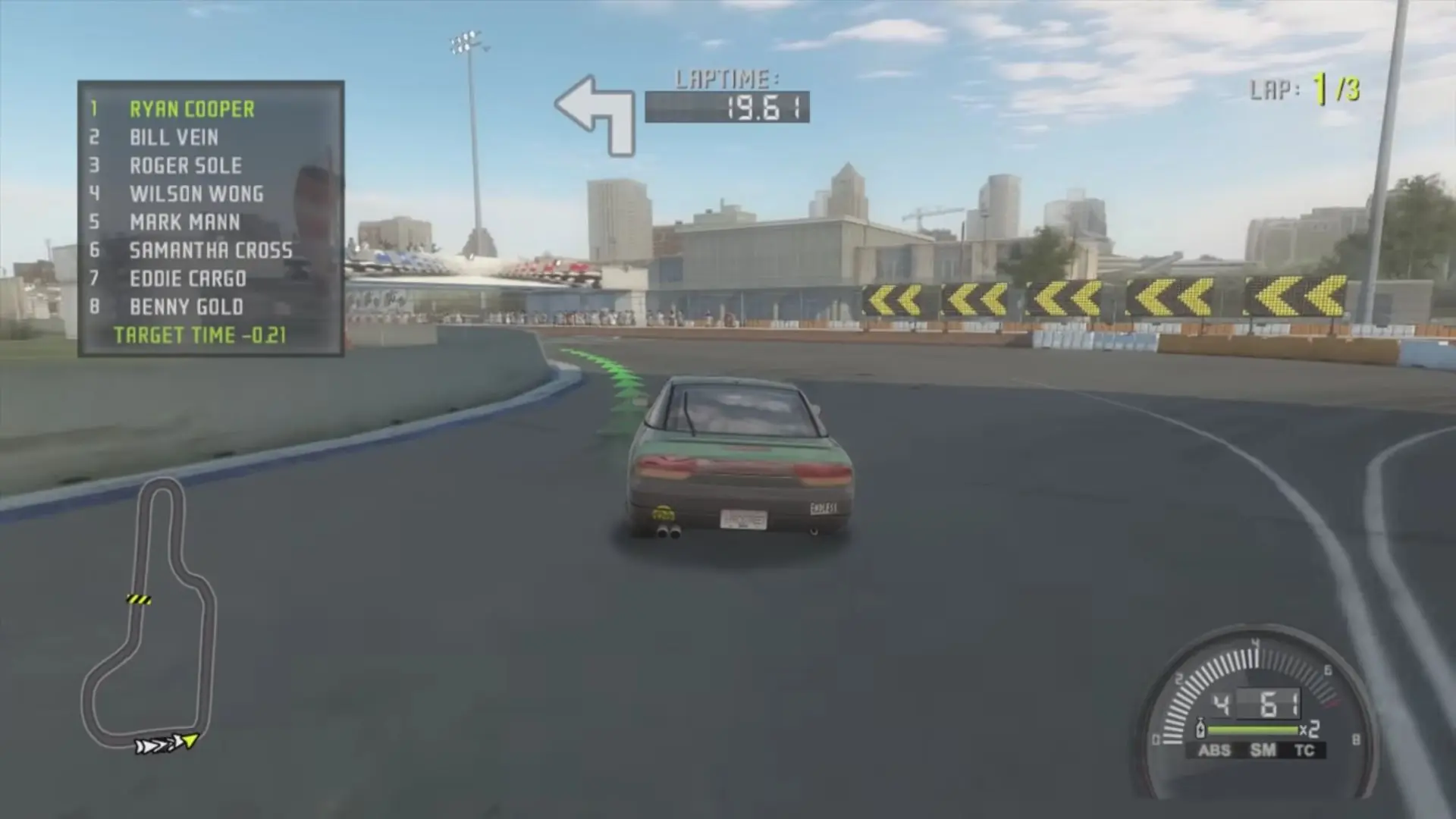
Need for Speed: ProStreet is a 2007 racing video game developed by EA Black Box and published by Electronic Arts. It is the eleventh installment in the Need for Speed series and a follow-up to Need for Speed: Carbon (2006). Unlike its immediate predecessors, which focused on the contemporary illegal street racing scene, ProStreet focuses on legal circuit races that take place on closed tracks. The game blends elements of both sim and arcade racing games, requiring players to customize and tune cars for various race modes. Most races take place in real-world locations such as the Portland International Raceway, Mondello Park, and Autopolis.

Developed over the course of almost two years, ProStreet was conceived by the same team who led the production of Need for Speed: Most Wanted. It is the first Need for Speed game that was primarily developed for high-definition consoles such as the Xbox 360 and PlayStation 3, although versions for Microsoft Windows, PlayStation 2, and Wii were also released. The game features a new physics engine, which allows cars to handle in a more realistic way and take damage in accidents, and introduced a wind tunnel feature where players can see how their car's aerodynamics work. Musician Junkie XL was hired to compose the score of the game. Several downloadable content packs were released for the game, expanding its content with more cars, tracks, and races.
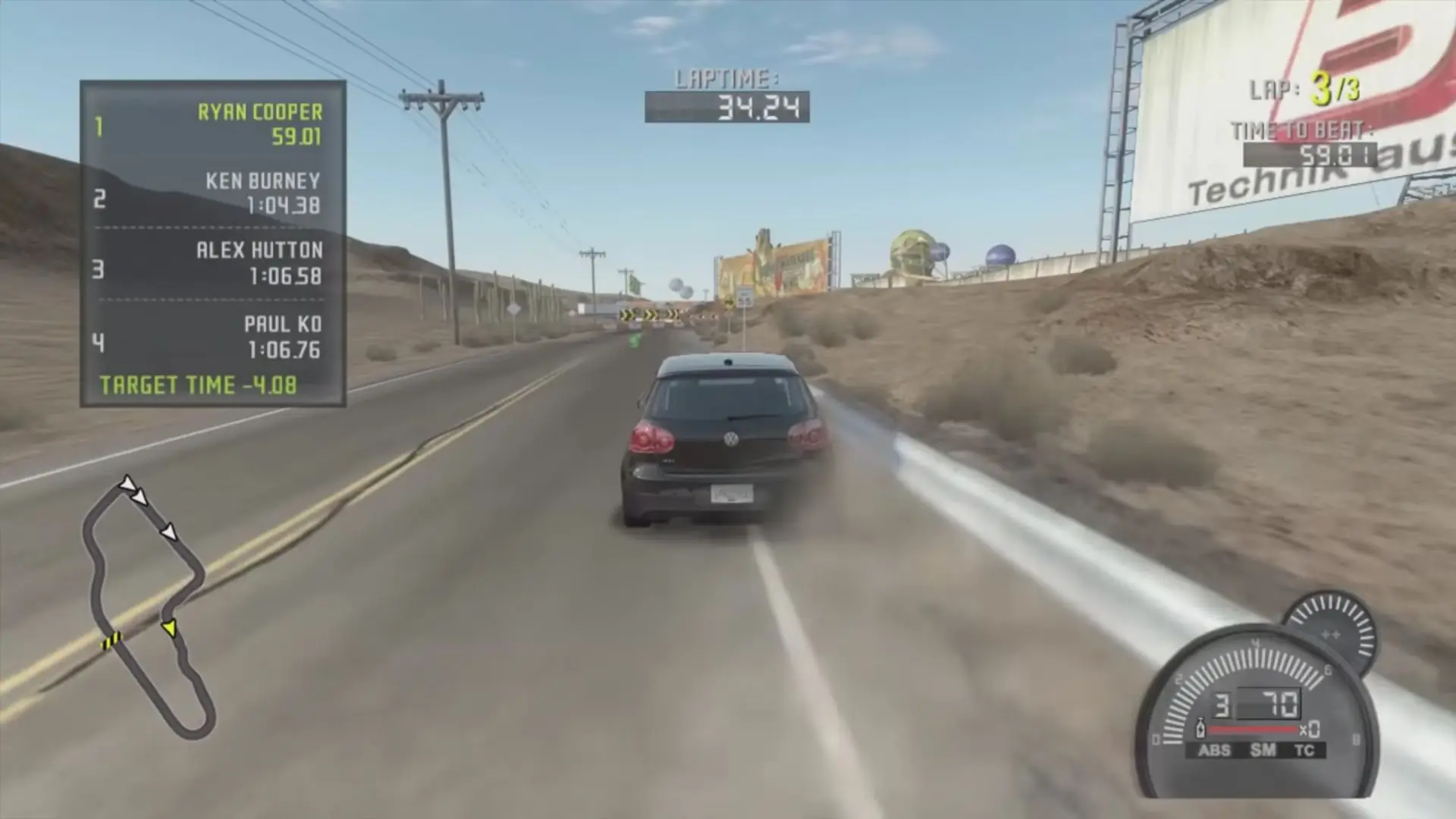
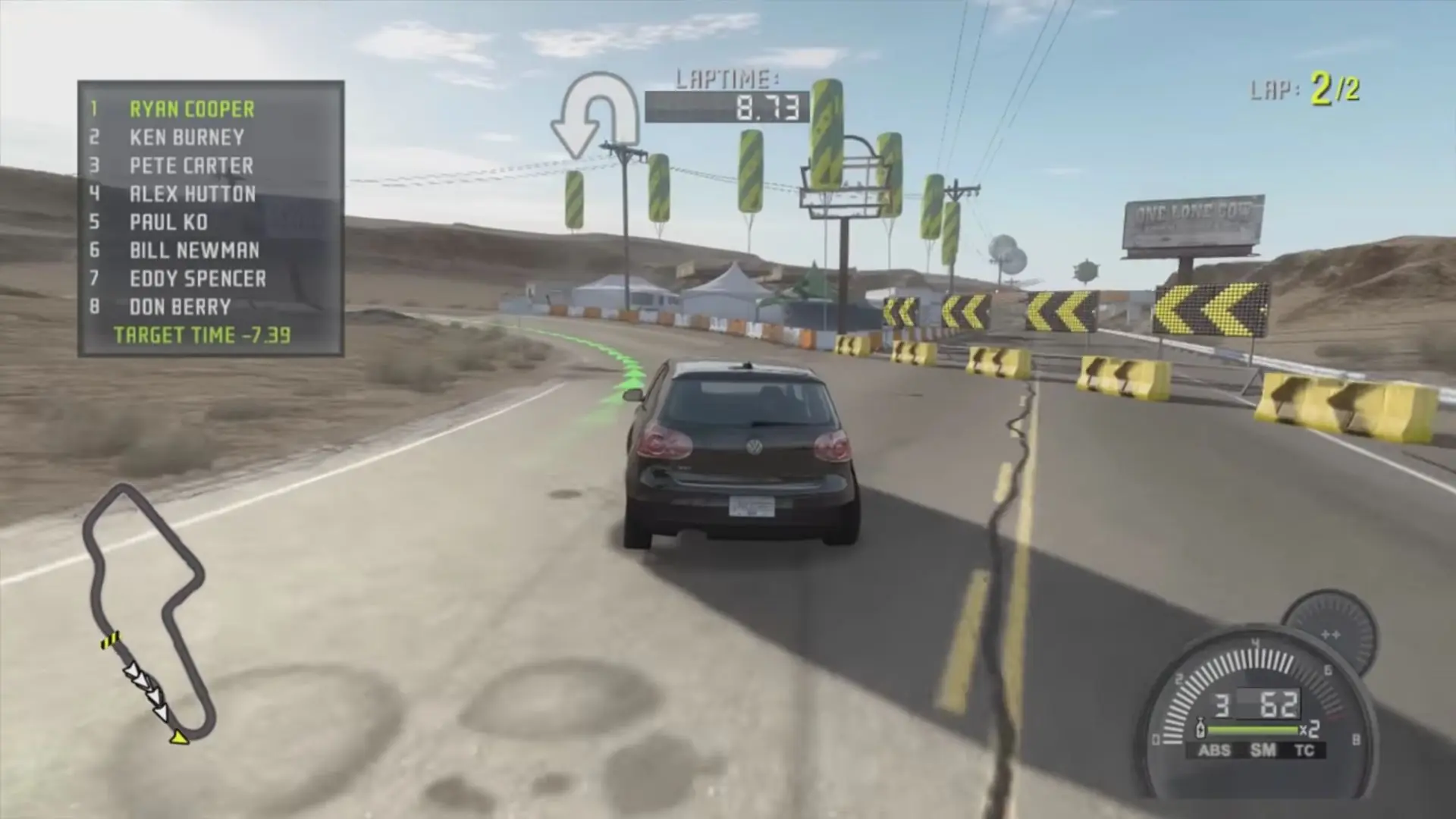
Screenshots

Windows

Need for Speed: ProStreet — Windows screenshot 1Need for Speed: ProStreet — Windows screenshot 2Need for Speed: ProStreet — Windows screenshot 3Need for Speed: ProStreet — Windows screenshot 4Need for Speed: ProStreet — Windows screenshot 5Need for Speed: ProStreet — Windows screenshot 6Need for Speed: ProStreet — Windows screenshot 7

Download Need for Speed: ProStreet

Need for Speed: ProStreet is abandonware and no longer sold or supported by its publishers. Files are archived here for these platforms:

Windows (2007)

  • Need_for_Speed_ProStreet_Win_ISO_EN.zipEN4.63 GB
  • Instructions Need_for_Speed_ProStreet_Win_ISO_EN.zip

    How to play on Windows 10

    1. Download and Extract Need_for_Speed_ProStreet_Win_ISO_EN.7z
    2. Open the "Game Files" folder and then mount NFS ProStreet.iso
    3. Run the game setup and follow on-screen instructions. When asked a serial key, go into the Serial folder and copy-paste one of those keys. Finish the game installation.
    4. Copy-paste the files inside the crack folder into the game installation directory and replace the files in the destination.
    5. Play the game

Other resources

Comments

123 thoughts on “Need for Speed: ProStreet”

  1. 0
    The way to fix the game is the Install it using the second serial and then going to program files (x86) and replace the nfs.exe with the one in the Crack folder with the name NoCD
    Reply
  2. 0
    Hello, I downloaded NFS Prostreet and followed the instructions. I entered the Nocd and tried to launch the application. The window would open up but then close.

    Thank you for your work!

    Reply
  3. 0
    Unfortunately its not working, im doing everything with the instructions but after running “nfs.exe” nothing happends and the “nfs.exe” dissapears from the game folder. I tried like 4 times reinstalling everything and using different serial numbers but still not working. IM waiting for some tips. Love this site anyways, thanks to you i can play NFS U2 and NFS MW with nor problem. One love.
    Reply
  4. 0
    Guys after installing copy the exe in nocd folder in game files to the directory where the game is installed and replace it
    Reply
  5. 0
    No disc inserted.

    Please insert the original “Need for Speed™ ProStreet” CD/DVD.
    it cant be opened this is what it brings

    Reply
  6. 0
    ich hab irgendewie alles versucht, aber dann meldet er Die operation wird für diesen ordner nicht unterstützt. kp was ich machen soll
    Reply
  7. 0
    So I’ve followed all the steps of the installation, but when I try to move the files inside the “crack” folder to the game directory an error happens that says: “There is not enough space on NFS ProStreet. You need an additional 41.0 MB to copy these files.” Has anyone else had this problem? Does anyone know hot to fix it?
    Reply
  8. 0
    How do i paste the files inside the crack folder into the game installation directory and replace the files in the destination?
    Reply
  9. 0
    hello i have problem with launche game when i launch game, blackscreen show but crash after. i got windows 11
    Reply
  10. 0
    So I just completed the campaign and noticed in blacklist #3 that even before I completed my challenges it said Blacklist defeated. Fast forward to beating Razor and escaping I did not receive the BMW?

    I haven’t messed with the game files? Can someone help???

    Reply

Similar games