Need for Speed: Underground 2

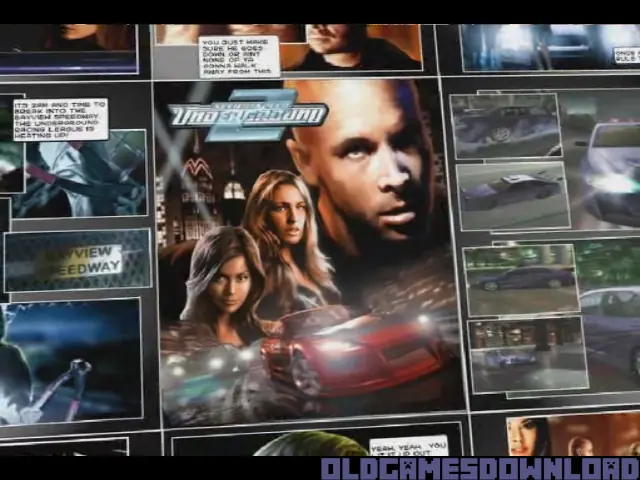
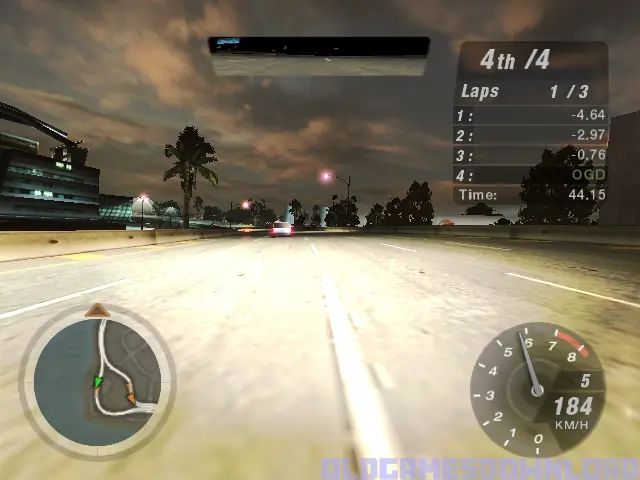
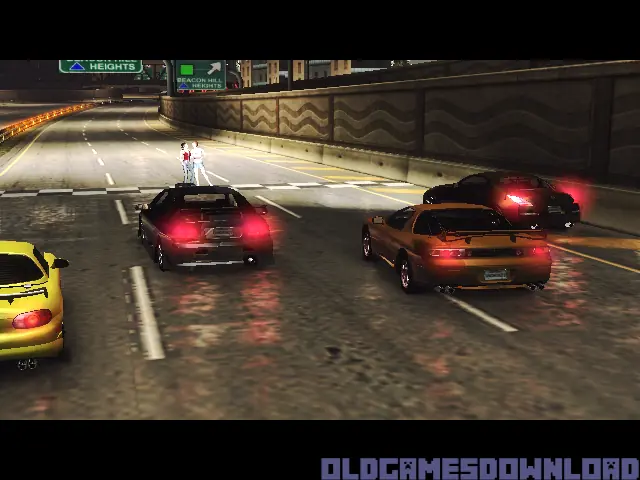
Need for Speed: Underground 2 is a 2004 racing game developed by EA Black Box and published by EA Games.
Genres
Publishers
Developers
Released
Platforms
Need for Speed: Underground 2 is a 2004 racing game developed by EA Black Box and published by EA Games.
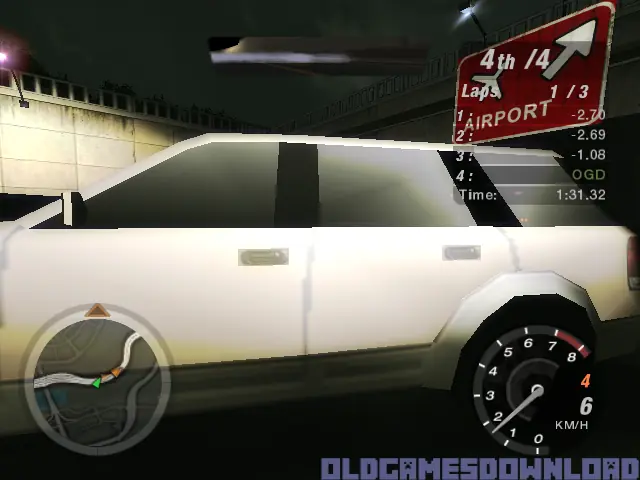
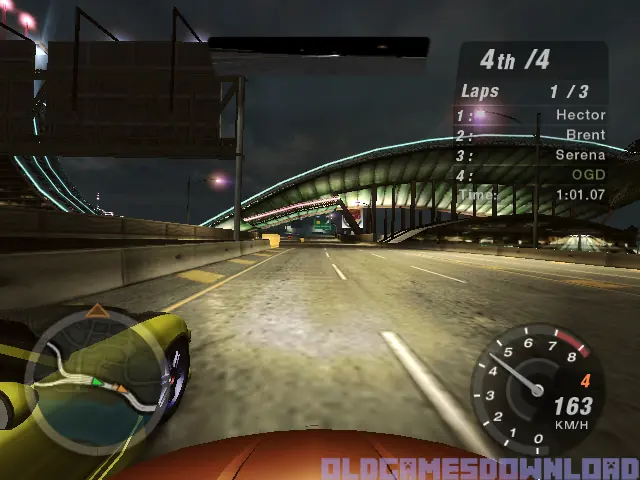
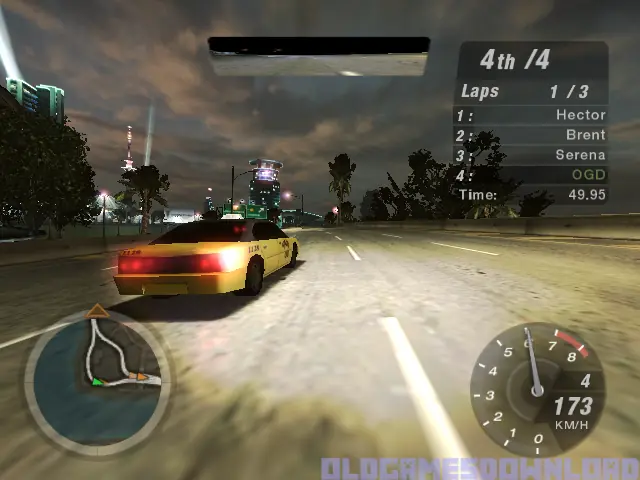
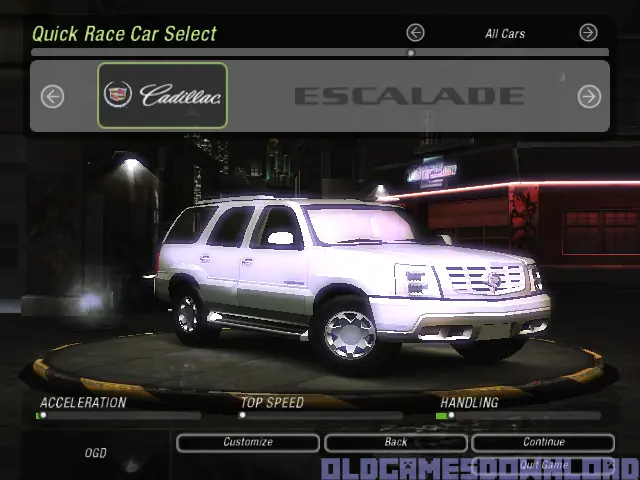
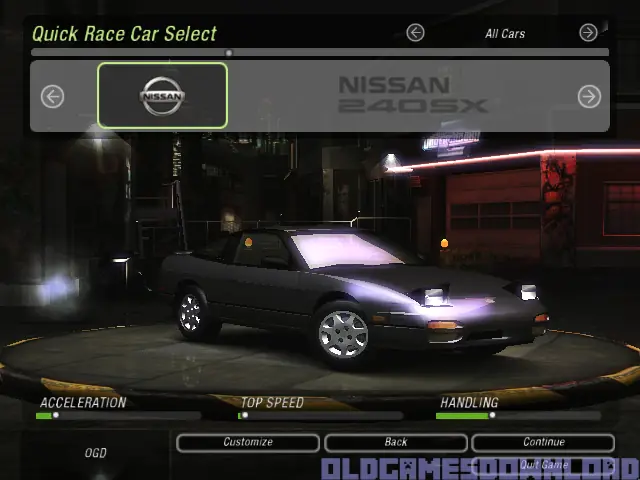
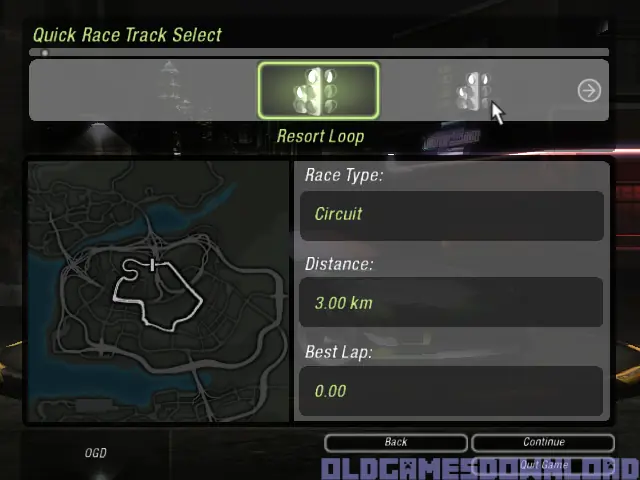
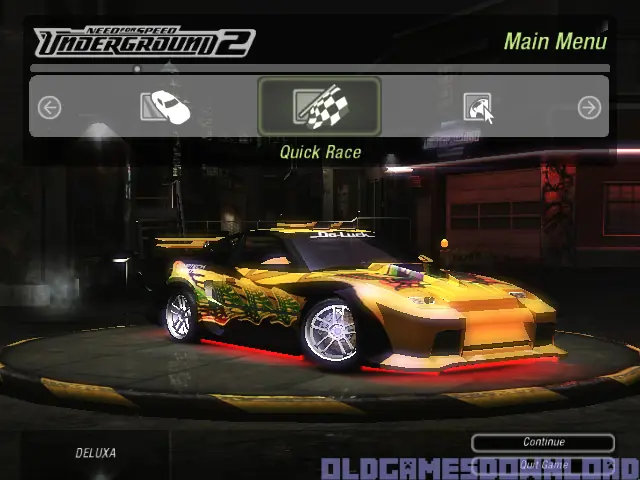
Discover the living, breathing world of Need for Speed Underground 2. Taking place in a massive, free-roaming city featuring five distinct interconnected neighborhoods, Need for Speed Underground 2 delivers an immersive game world where reputation is everything. As you explore the city, you’ll encounter rival racers who will school you in the ways of the underground and tip you off to the hottest racing spots in town. With the most comprehensive tuning options, all-new game modes, and the industry’s most sought-after cars, Need for Speed Underground 2 delivers the most authentic tuner experience ever.
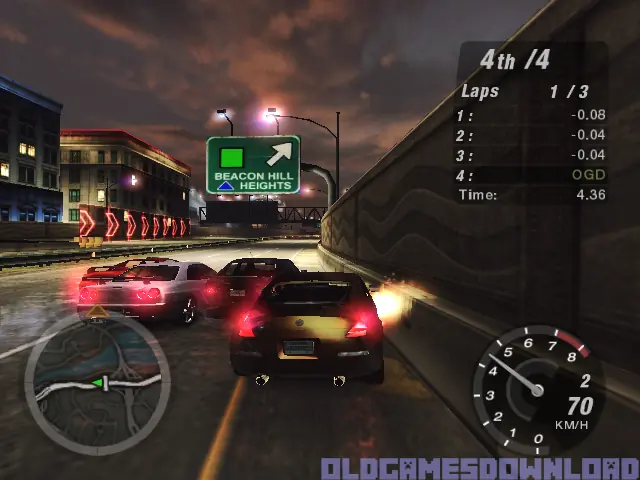
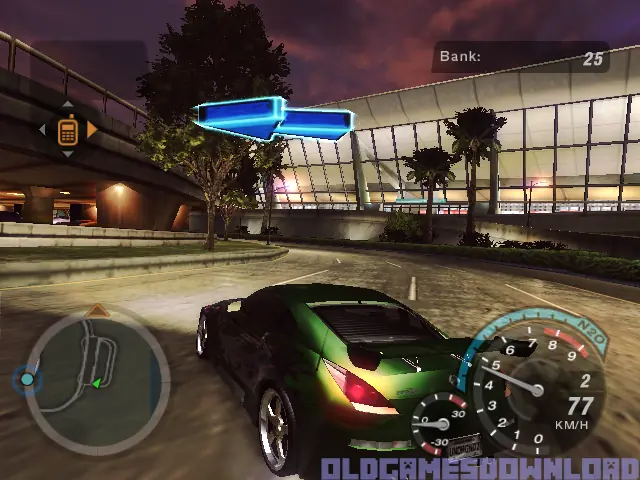
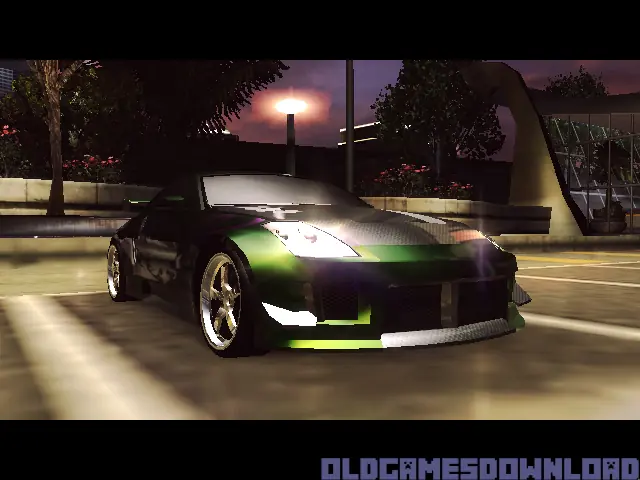
Need for Speed: Underground 2 is abandonware and no longer sold or supported by its publishers. Files are archived here for these platforms:
How to play on Windows (NFS_Underground_2_v102_Win_Setup_EN.rar







Create only a file named FOOBAR without extension and place into game folder.
1) Open notepad in administrator mode (because you’re saving in the program files directory)
2) Immediately save the new file as “FOOBAR” in the NFSU2 installation directory (default C:\Program Files (x86)\NFS Underground 2)
3) Make sure it has NO file extension! (Notepad by default saves it as .txt. Change the save option to “All files (*.*)”.
Please help 🙁 I really wanna play this game