Home » Games » Need for Speed: Underground 2

Need for Speed: Underground 2

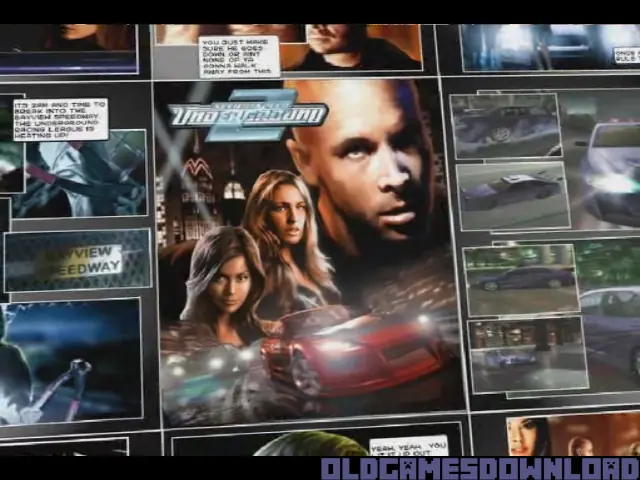
Need for Speed: Underground 2 Game Cover
4.6/5 - 2,724 votes

Need for Speed: Underground 2 is a 2004 racing game developed by EA Black Box and published by EA Games.

Other Titles

NFSU2极品飞车: 地下狂飙2极品飞车:地下车会2NFS Underground 2NFSUG2니드 포 스피드: 언더그라운드 2Тизлеккә сусау: Баз 2جنون سرعت: مسابقات زیرزمینی ۲نيد فور سبيد: أندرجراوند 2نيد فور سبيد: اندرجراوند 2ニード・フォー・スピード アンダーグラウンド2极品飞车:地下狂飙2極速快感:飆風再起2

Genres
Publishers
Released
Platforms
Download

About Need for Speed: Underground 2

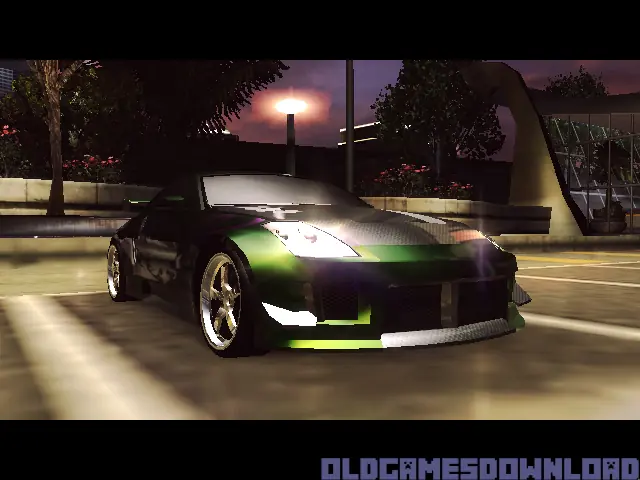
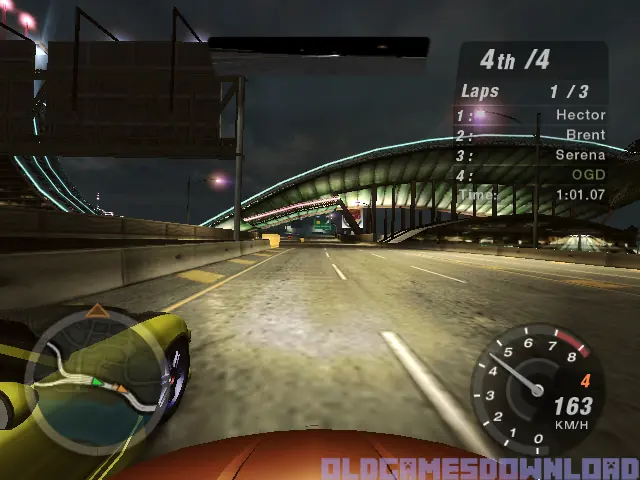
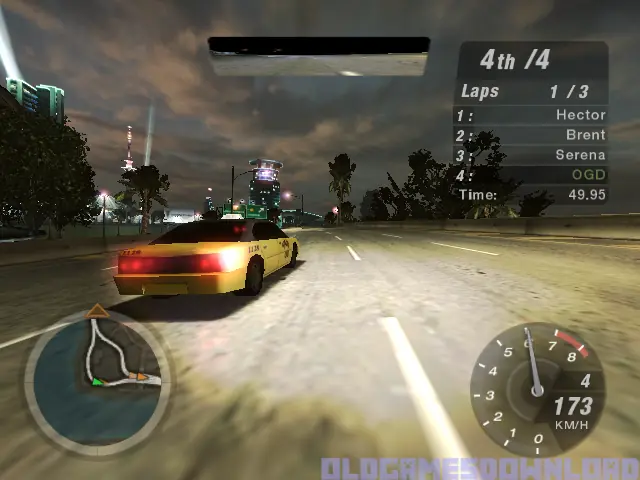
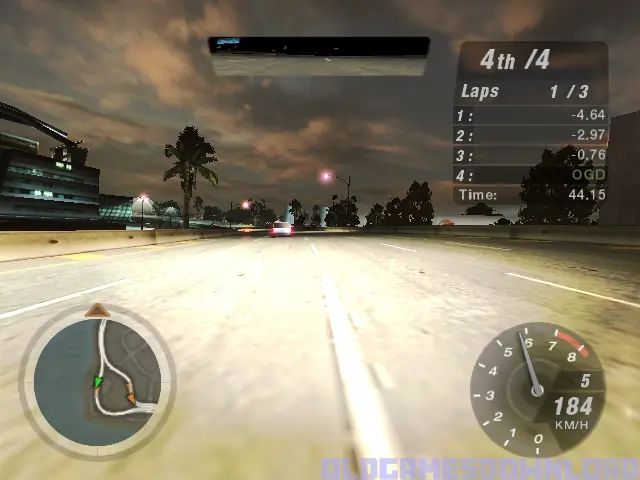
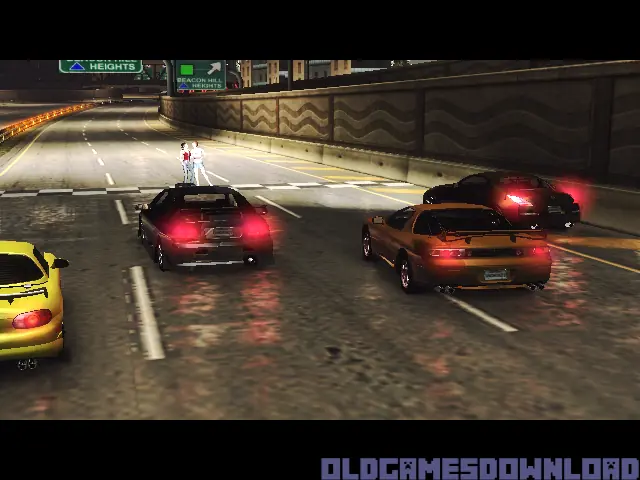
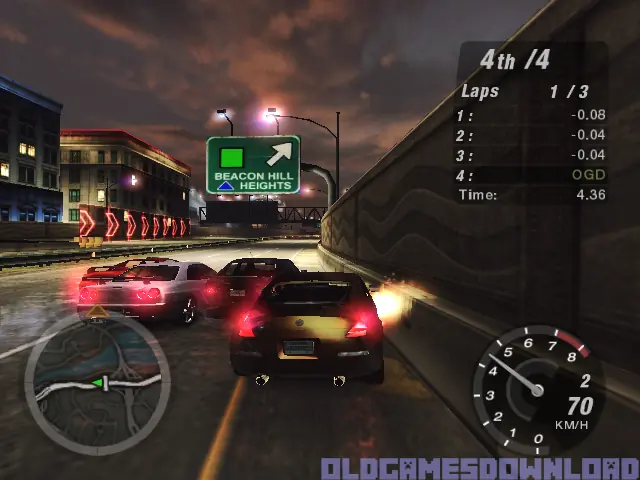
Discover the living, breathing world of Need for Speed Underground 2. Taking place in a massive, free-roaming city featuring five distinct interconnected neighborhoods, Need for Speed Underground 2 delivers an immersive game world where reputation is everything. As you explore the city, you’ll encounter rival racers who will school you in the ways of the underground and tip you off to the hottest racing spots in town. With the most comprehensive tuning options, all-new game modes, and the industry’s most sought-after cars, Need for Speed Underground 2 delivers the most authentic tuner experience ever.
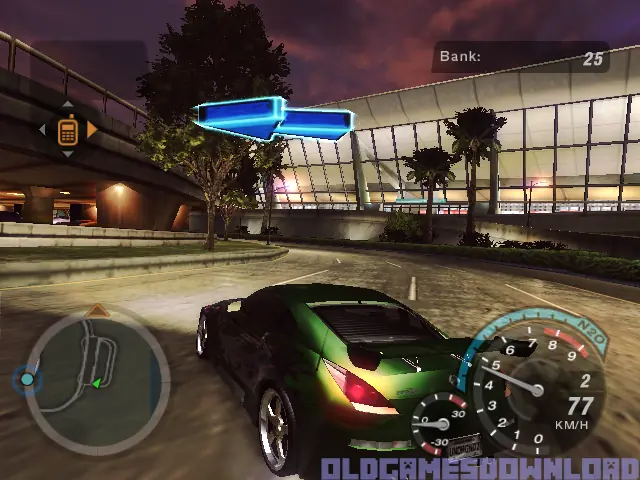
Screenshots

Windows

Need for Speed: Underground 2 — Windows screenshot 1Need for Speed: Underground 2 — Windows screenshot 2Need for Speed: Underground 2 — Windows screenshot 3Need for Speed: Underground 2 — Windows screenshot 4Need for Speed: Underground 2 — Windows screenshot 5Need for Speed: Underground 2 — Windows screenshot 6Need for Speed: Underground 2 — Windows screenshot 7Need for Speed: Underground 2 — Windows screenshot 8Need for Speed: Underground 2 — Windows screenshot 9Need for Speed: Underground 2 — Windows screenshot 10Need for Speed: Underground 2 — Windows screenshot 11Need for Speed: Underground 2 — Windows screenshot 12Need for Speed: Underground 2 — Windows screenshot 13Need for Speed: Underground 2 — Windows screenshot 14Need for Speed: Underground 2 — Windows screenshot 15

Download Need for Speed: Underground 2

Need for Speed: Underground 2 is abandonware and no longer sold or supported by its publishers. Files are archived here for these platforms:

Windows (2004)

  • Need_for_Speed_Underground_2_Win_Setup_EN.zipEN1.06 GB
  • Instructions Need_for_Speed_Underground_2_Win_Setup_EN.zip

    How to play on Windows (NFS_Underground_2_v102_Win_Setup_EN.rar
    1. Download and extract Need_for_Speed_Underground_2_Win_Setup_EN.zip
    2. Inside the extracted folder, open the folder called “Game Files” and in there, you want to double click on the file called “NFSUnderground2_1.2_setup.exe”. The game setup should launch. You can leave all options at default
    3. To launch the game, go into the installation directory of the game. By default, this is “C:\Program Files (x86)\NFS Underground 2″ and then double click on the file called “SPEED2.exe”. The game should now launch.
    4. Enjoy the game!

Other resources

Comments

743 thoughts on “Need for Speed: Underground 2”

  1. 0
    انا تجاوزت المرحله الثانيه مش راضي تيجي المرحله الثالثه وطورت السياره يلي معي شو الحل
    Reply
  2. 0
    The game runs perfect but when the game starts its like the UP button is always pushed, i cannot scoll down the options. i tried to check my keyboard but works fine, any ideas and solution?
    Reply
    • 0
      Bob, in the main menu go options and search something like audio and EAtrack… there u need to switch each music u want from disable to all.
      Reply
  3. 0
    Hey, the install runs perfect but the game has only the Riders of the Storm song. Is there any way to unlock the rest of the music? Or is it some issue with the way the game was cracked?
    Reply
    • 0
      in the main menu go options and search something like audio and EAtrack… there u need to switch each music u want from disable to all.
      Reply
    • 0
      right click on your mouse and create .txt in your file instalation and then click save as and rename “foobar”
      Reply
  4. 0
    I fixed the inatalation thing AND the nsert 2 pop-up but the game won’t even start. I can see that it tries to open but immediatly closes, not even a screen change. Nothing. It just appears in the task bar and dissapears a couple of seconds later.
    Reply

Similar games