Need for Speed: Underground 2

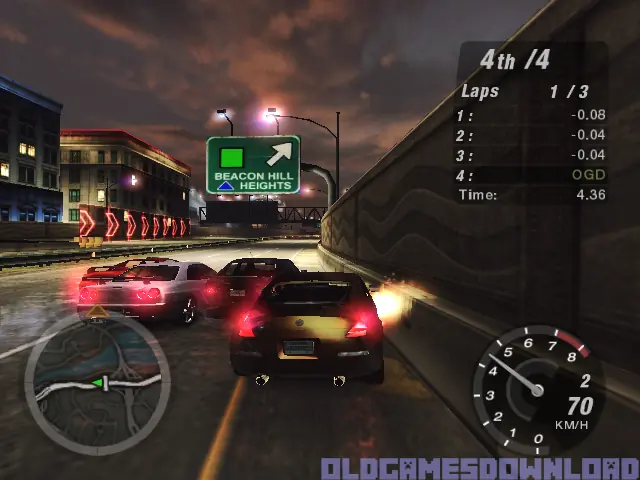
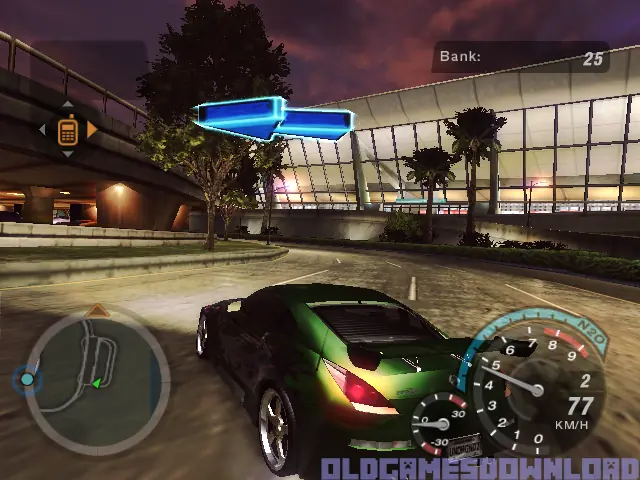
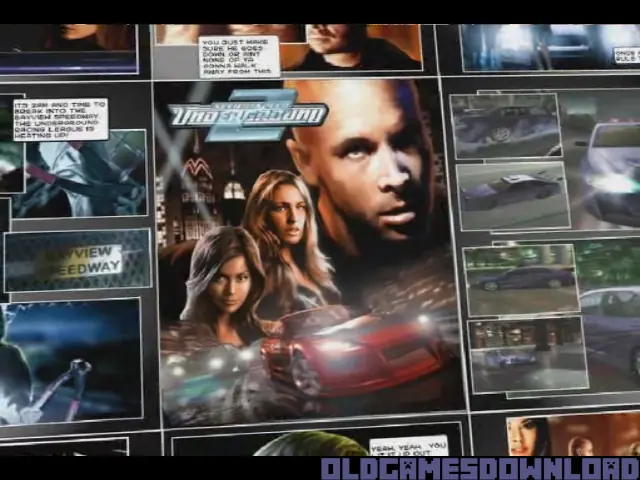
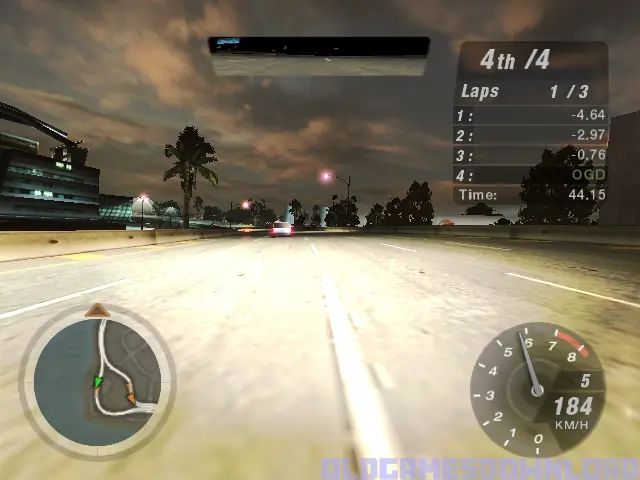
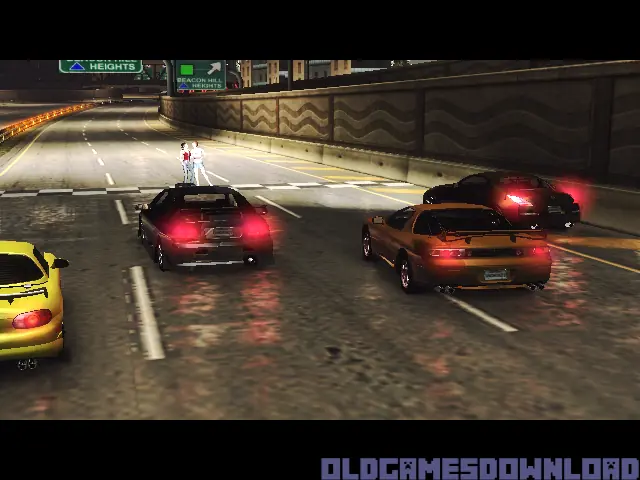
Need for Speed: Underground 2 is a 2004 racing game developed by EA Black Box and published by EA Games.
Genres
Publishers
Developers
Released
Platforms
Need for Speed: Underground 2 is a 2004 racing game developed by EA Black Box and published by EA Games.
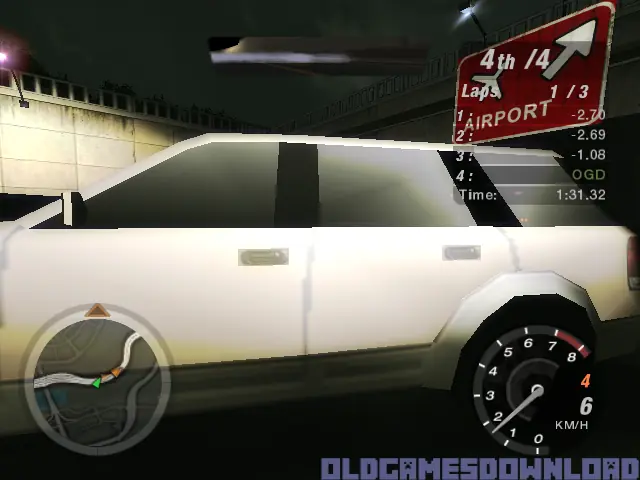
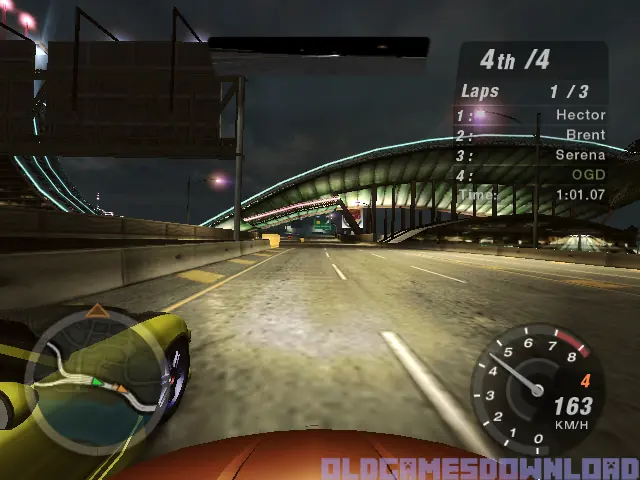
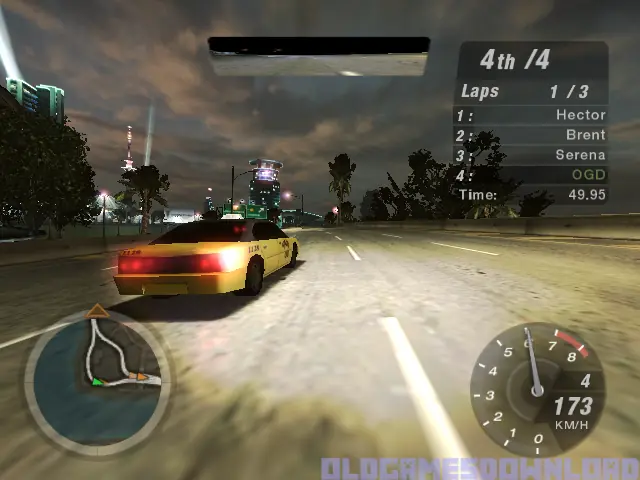
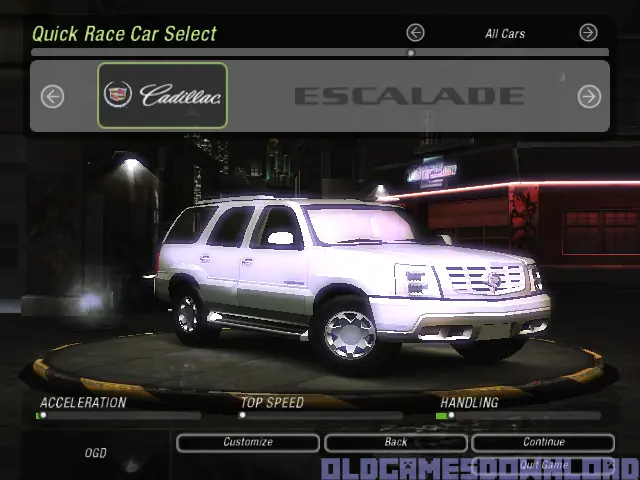
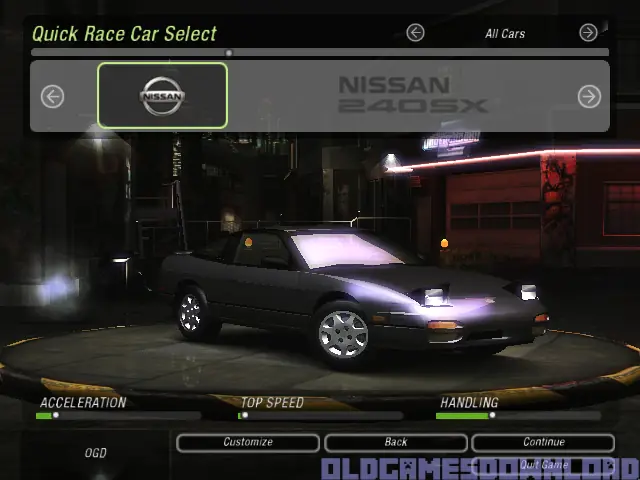
Discover the living, breathing world of Need for Speed Underground 2. Taking place in a massive, free-roaming city featuring five distinct interconnected neighborhoods, Need for Speed Underground 2 delivers an immersive game world where reputation is everything. As you explore the city, you’ll encounter rival racers who will school you in the ways of the underground and tip you off to the hottest racing spots in town. With the most comprehensive tuning options, all-new game modes, and the industry’s most sought-after cars, Need for Speed Underground 2 delivers the most authentic tuner experience ever.
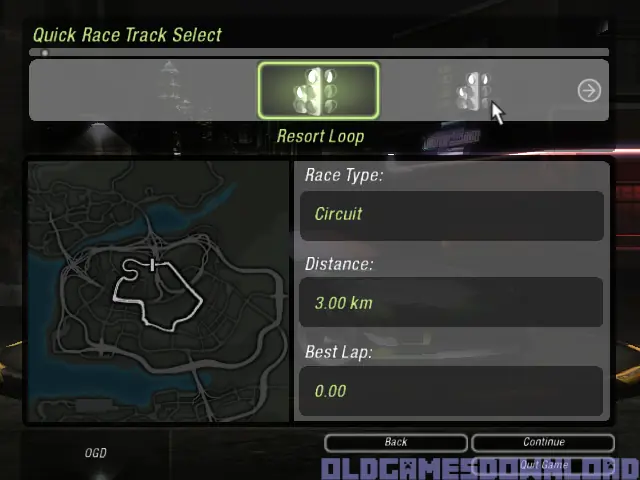
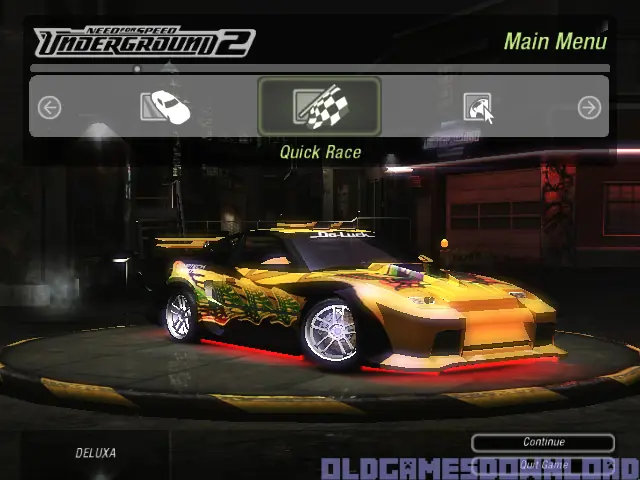
Need for Speed: Underground 2 is abandonware and no longer sold or supported by its publishers. Files are archived here for these platforms:
How to play on Windows (NFS_Underground_2_v102_Win_Setup_EN.rar







1.Right click on desktop>New> Text Document
2. Name it foobar
3. Open Program files(x86) > NFS Underground 2
4. Drag the Text document into NFS Underground 2
5. At the TOP Click VIEW…Then go to SHOW… Make sure FILE NAME EXTENTIONS is CHECKED……
6. RENAME foobar.txt to foobar
foobar.txt [from a folder outside NFS installation] > place inside NFS folder > delete the .txt to make the file just foobar. > play with SPEED2.EXE . Enjoy!!!
nao funcionou
The document is created using NOTEPAD.
Go to the game folder.
If you don’t know where it is, press the Windows key, type SPEED2, right-click it, and select Open file location.
Once you’re there, right-click, select New, and then Text Document.
Go to File > Save As.
Delete everything, including the .txt extension, and type FOOBAR.
To confirm that it was created correctly, the file type should change from Text Document to File.
If, for some reason, Windows won’t let you create or modify the document, follow the same steps on your Windows desktop. Then, copy the file and paste it into the SPEED2 folder.
If Windows won’t let you create the file without the .txt extension, type “FOOBAR” in the file name field, select All Files under Save as type, and click Save. This will force Windows to save the file without the .txt extension.
If you can’t see the FOOBAR file, make sure you have File name extensions enabled in File Explorer’s View options.
That’s it. I’ll be reading your feedback, and I hope you enjoy!
The document is created using NOTEPAD.
Go to the game folder.
If you don’t know where it is, press the Windows key, type SPEED2, right-click it, and select Open file location.
Once you’re there, right-click, select New, and then Text Document.
Go to File > Save As.
Delete everything, including the .txt extension, and type FOOBAR.
To confirm that it was created correctly, the file type should change from Text Document to File.
If, for some reason, Windows won’t let you create or modify the document, follow the same steps on your Windows desktop. Then, copy the file and paste it into the SPEED2 folder.
If Windows won’t let you create the file without the .txt extension, type “FOOBAR” in the file name field, select All Files under Save as type, and click Save. This will force Windows to save the file without the .txt extension.
If you can’t see the FOOBAR file, make sure you have File name extensions enabled in File Explorer’s View options.
That’s it. I’ll be reading your feedback, and I hope you enjoy!
I says “Insert Disc 2” when I try to start the game…
El documento se crea en BLOC DE NOTAS
Entran a la carpeta del juego
-si no saben dónde está, le pican a la tecla de Windows escriben SPEED2, clic derecho y abrir ubicación del archivo.
Ya estando ahí dan clic derecho y seleccionan NUEVO y luego DOCUMENTO DE TEXTO
se van a archivo guardar como
(borran todo incluyendo la extensión .txt) y escriben FOOBAR
Para confirmar que quedo bien creado debería cambiar a tipo ARCHIVO en lugar de DOCUMENTO DE TEXTO
– En caso de que por alguna razón no los deje crear o modificar el documento realizan los mismos pasos en el escritorio de Windows copean el archivo y lo pegan dentro de la carpeta del archivo SPEED2 ( si no los deja crear el archivo sin el .txt en la casilla nombre escriben “FOOBAR” para forzar a Windows a guardar el archivo sin extensión .txt) en la opción tipo seleccionan todos los archivos y dan clic en guardar
en caso de que no los deje ver el archivo FOOBAR asegúrense de tener la opción activada para ver extensiones de los nombres de archivo esto en las opciones de vista del explorador de archivos
cualquier cosa los leo y disfruten
2. the file manager click view and show hidden items
3. in the laucher folder create a new text doc and name it foobar not foobar.txt not FOOBAR, just foobar
it wiil aks you if want to continue anyway, click yes and done.
run Speed.exe