Home » Games » Over The Hedge

Over The Hedge

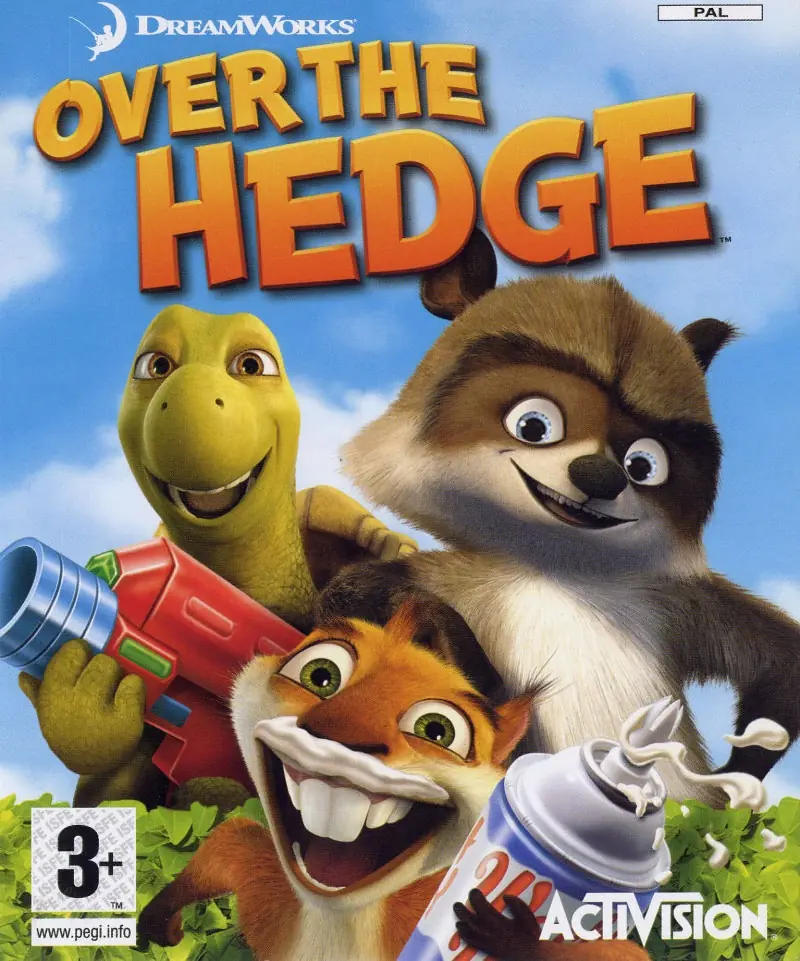
Over The Hedge Game Cover
4.6/5 - 152 votes

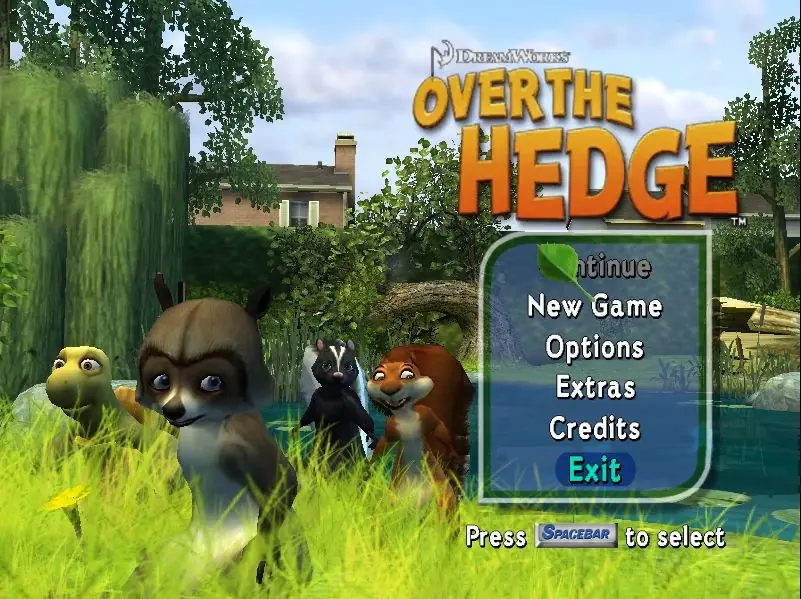
Over The Hedge is a 2006 action game developed by Beenox and published by Activision.

Other Titles

La Gang del BoscoOver the Hedge: Beesten bij de BurenAb durch die HeckeNos voisins, les hommesOs Sem-FlorestaOver HekkenPå andra sidan häckenVecinos InvasoresYli AidanOver HækkenSkok przez płot

Genres
Publishers
Released
Platforms
Download

About Over The Hedge

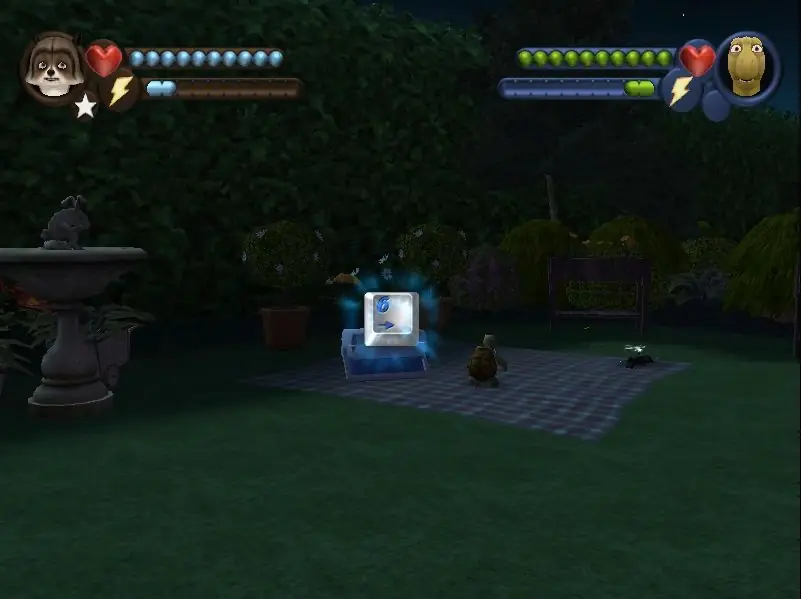
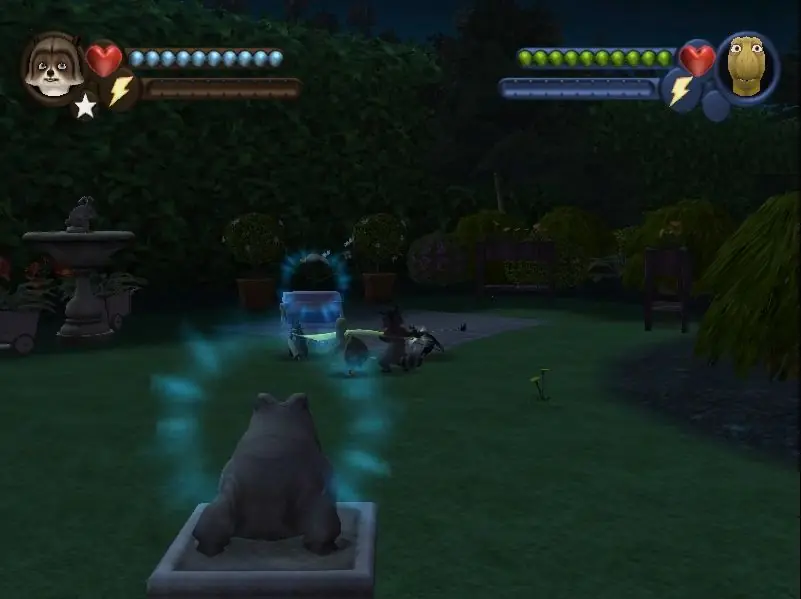
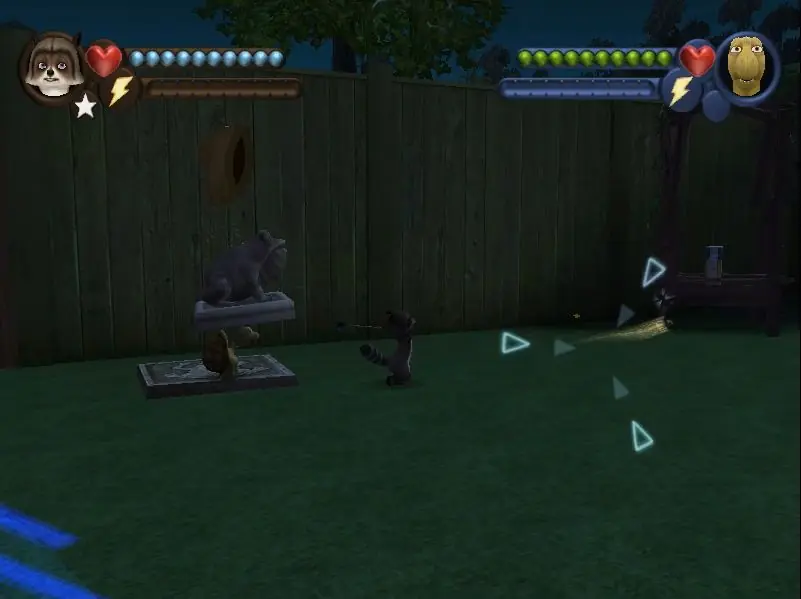
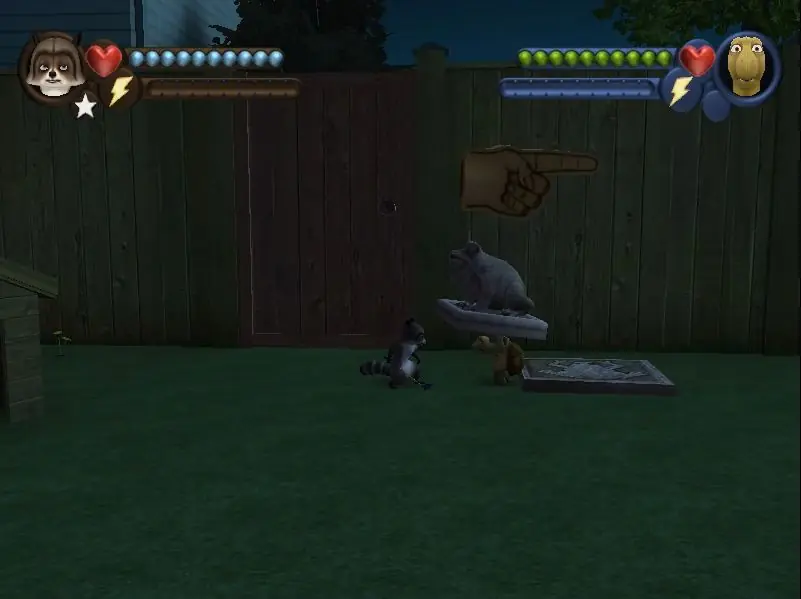
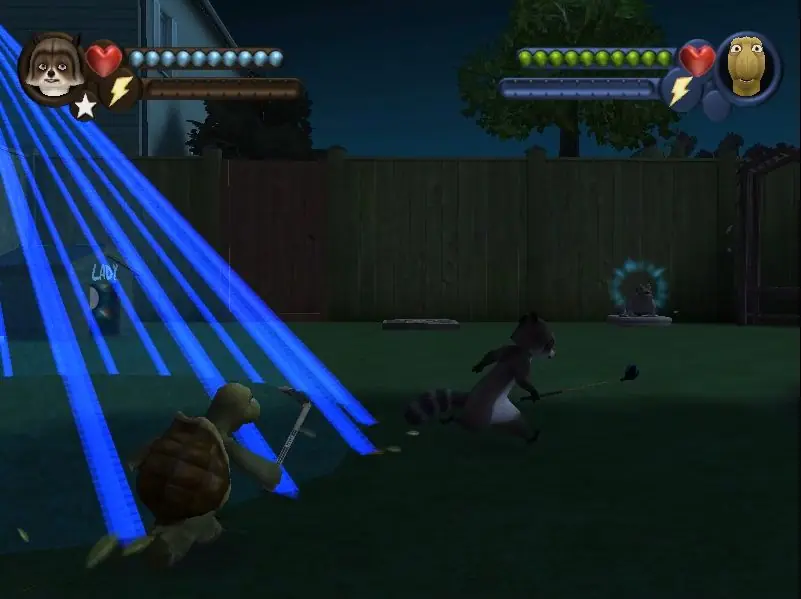
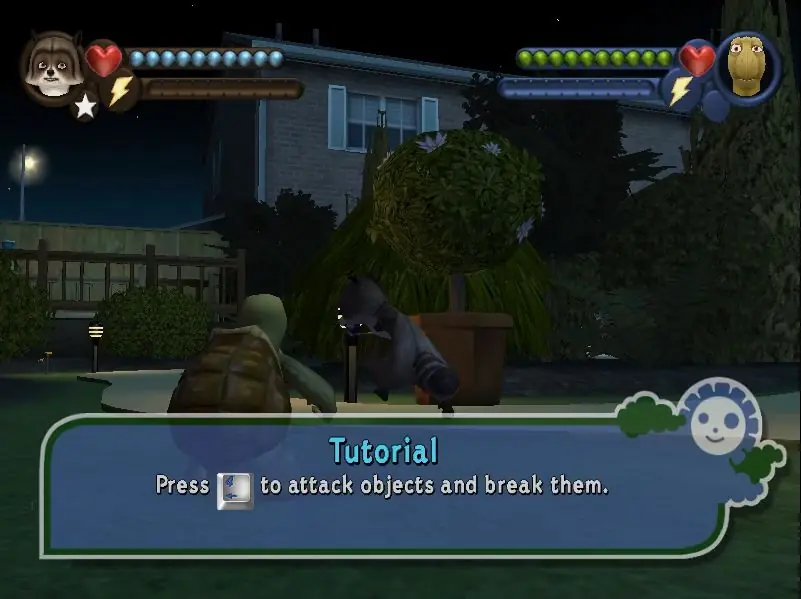
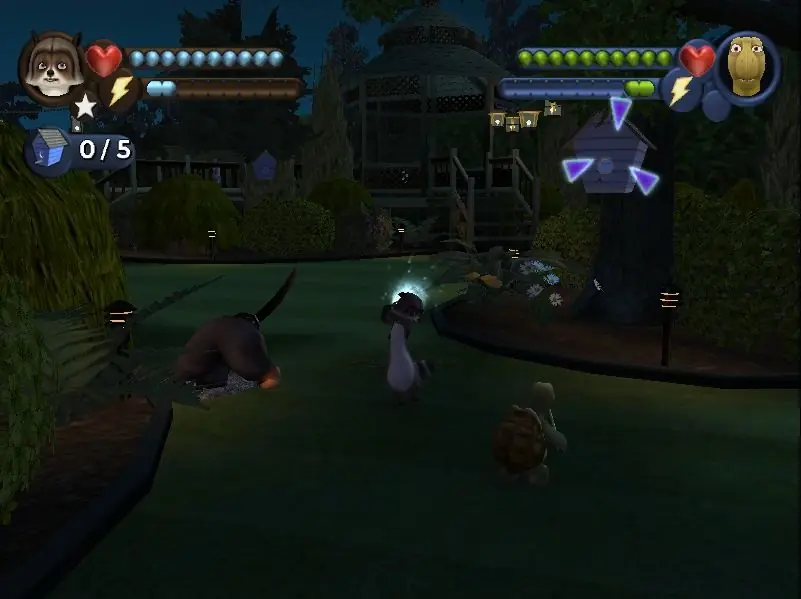
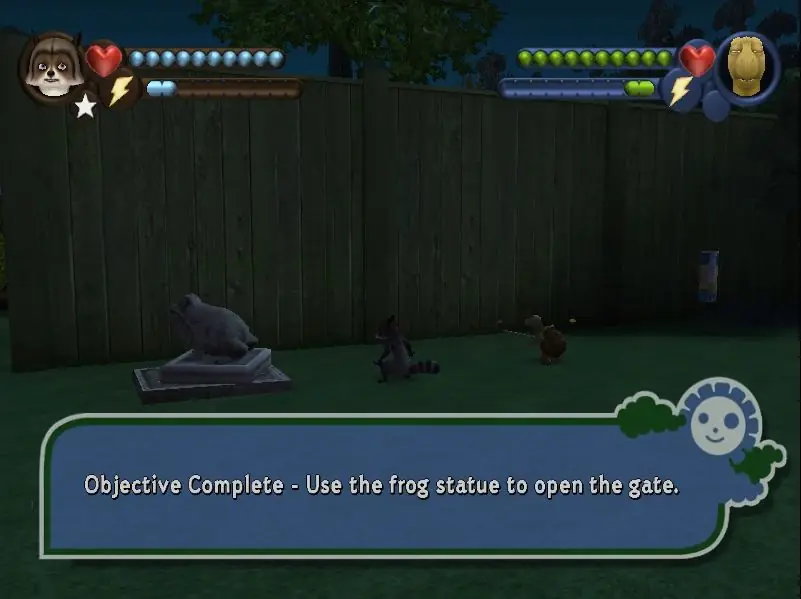
Based loosely on the DreamWorks computer-animated film, Over the Hedge blends movie moments with new adventures, offering fans the chance to play as RJ the Raccoon, Verne the Turtle, Hammy the Squirrel, or Stella the Skunk. A suburban neighborhood sets the scene, wherein single and co-op mode players will guide the furry foursome through more than 30 mission-filled levels, including locations not seen in the film such as the Exterminator's Lab, the Sewers, and the Wild Western Theme Park.

During play, gamers can instantly switch between characters to utilize their special skills -- RJ's "Golf Ball Barrage," Verne's "Spinning Shell Attack," Hammy's "Hammy Time," and Stella's (what else) "Stink Attack" -- as they attempt to free "captured" animals and steal food from humans. By unlocking and completing puzzles and mini-games such as "Golf Cart Derby," "RC Car Racing," and "Suburban Mini Golf," players earn energy-filled snacks or powered-up weapons, sure to have the virtual residents saying, "there goes the neighborhood."
Screenshots

Windows

Over The Hedge — Windows screenshot 1Over The Hedge — Windows screenshot 2Over The Hedge — Windows screenshot 3Over The Hedge — Windows screenshot 4Over The Hedge — Windows screenshot 5Over The Hedge — Windows screenshot 6Over The Hedge — Windows screenshot 7Over The Hedge — Windows screenshot 8Over The Hedge — Windows screenshot 9Over The Hedge — Windows screenshot 10Over The Hedge — Windows screenshot 11

Download Over The Hedge

Over The Hedge is abandonware and no longer sold or supported by its publishers. Files are archived here for these platforms:

Windows (2006)

  • Over_The_Hedge_Win_Files_EN.7zEN409.08 MB
  • Over_The_Hedge_Win_ROM_EN.7zEN670.28 MB
  • Instructions Over_The_Hedge_Win_ROM_EN.7z

    How to play on Windows

    1. Download and Extract Over_The_Hedge_Win_ROM_EN.7z
    2. Open the "Game Files" folder and mount Over the Hedge.nrg
    3. Run setup.exe and follow on-screen instructions to install the game (if you want the game in English, make sure you select "English Version" where prompted)
    4. Play the game

Other resources

Comments

25 thoughts on “Over The Hedge”

  1. 0
    I have a problem with a game being too fast… So basically the characters are moving wayyyy too fast and also jumping and landing way faster than I remeber (I even checked the gameplay on yt and it was way slower). Can anyone help me with the problem?
    Reply
    • 0
      Game is running too fast (Windows 10)
      Use dgVoodoo 2

      Download the latest version of dgVoodoo 2 and extract the archive.
      To to MS\x86 folder and copy the D3D9.dll file.
      Paste the file into the game installation folder where the game executable is.
      Also copy the dgVoodoo.conf and open it in a text editor of choice.
      Find FPSLimit and change it from 0 to 60.
      Find dgVoodooWatermark and change it from true to false

      This is what the site pcgamingwiki says to do. My game still runs to fast in fullscreen.. if this also happens you can try what I did – Download “FSR Magpie”, keep the game in windowed mode and let Magpie upscale the game to fullscreen; worked for me. Also, you might not need dgvoodoo2 if you use Magpie (though vooddoo does make the game look clearer)

      Reply
  2. 0
    I have a problem in a second mission i cannot finish it, game wont let me toss the food and time keeps running out can anyone help?
    Reply
  3. 0
    Works great! Make sure to follow Tony’s tutorial because thats what I did. If you have trouble with the directX thing try to find the file instead of doing that and open the setup icon
    Reply
  4. 0
    pleas help i’ve tried installing with the daemon tools method bit i’m stuck with the option to download direct x to run the game but installing it wont run the game
    Reply
  5. 0
    Works perfectly! No Cutscenes but thanks to Dragonian Beast’s dropbox link I got the Cutscenes now, I love this game! I have the port they released on Xbox but the disc stopped working, so happy to play it again!!
    Reply
  6. 0
    So I download the files and follow what the instructions say, I open the ‘Over The Hedge.nrg’ file and it does not show a ‘setup.exe’, could anyone please help me with this?
    Reply
  7. 0
    Everything works like a charm, except for the cutscenes. Is there anything I can do to get those to work?
    Reply
    • 0
      I know you asked years ago, but just in case you are still wondering, if you have an nvidia graphics card you can adjust the max framerate in the nvidia control panel (go to nvidia control panel > manage 3d settings > program settings > click add (if it doesn’t come up on the drop list) and find the over the hedge application in your files > find “max frame rate” (its close to the top) > adjust it to 60fps (that’s its native framerate) > apply). now when you boot it up it should be good to go. this is the only way i could find to make it stop running so fast and i’m not sure about an amd version as i’m not familiar with it
      Reply

Similar games