Pippa Funnell: Take the Reins
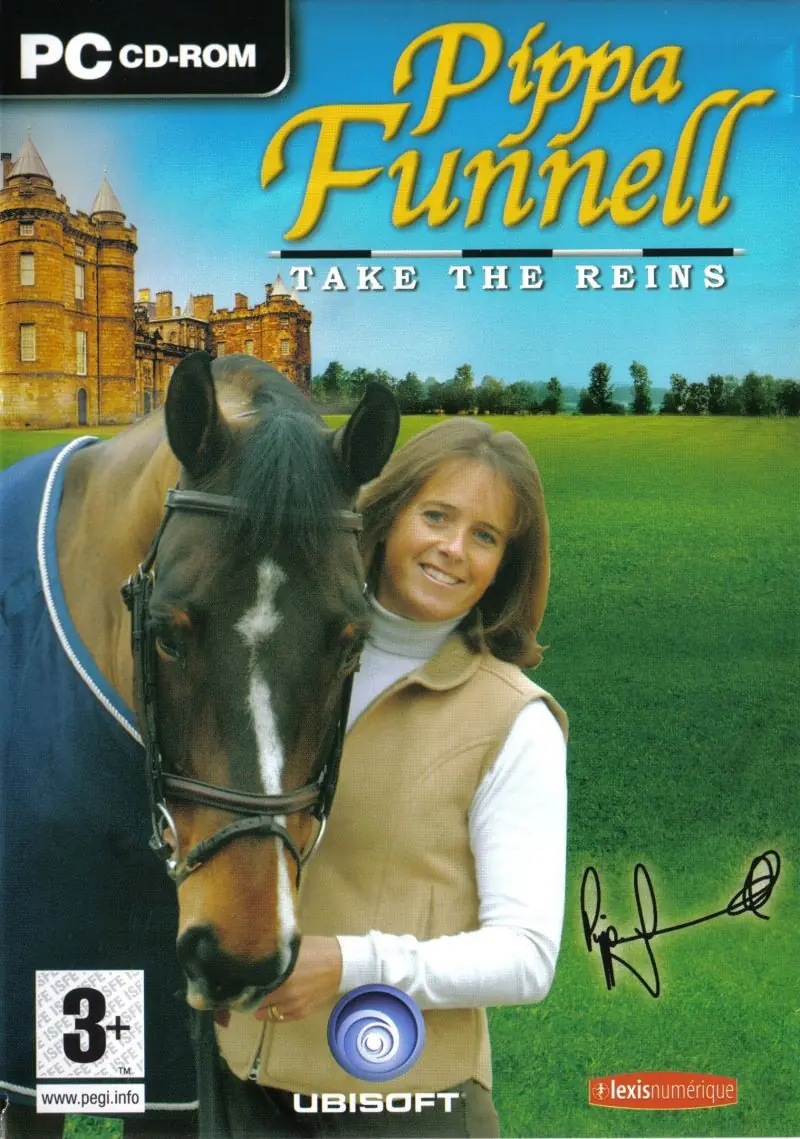
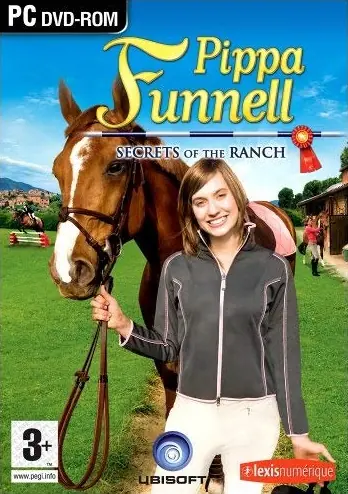
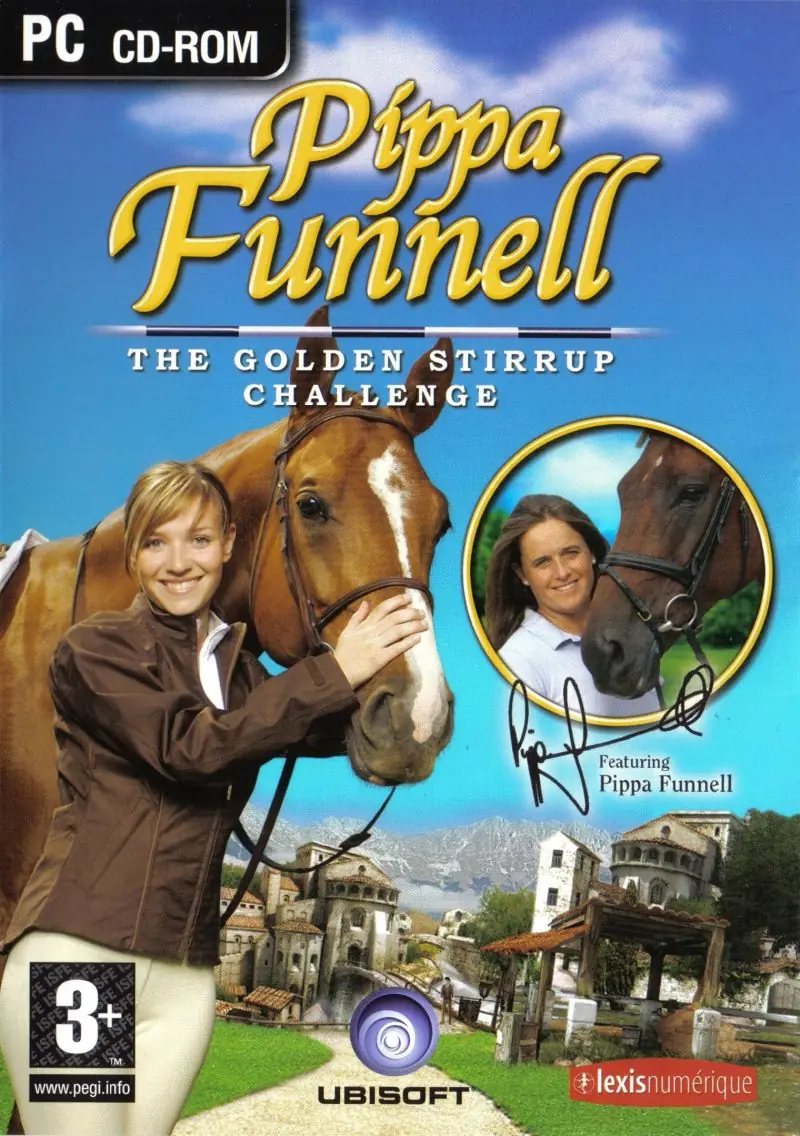
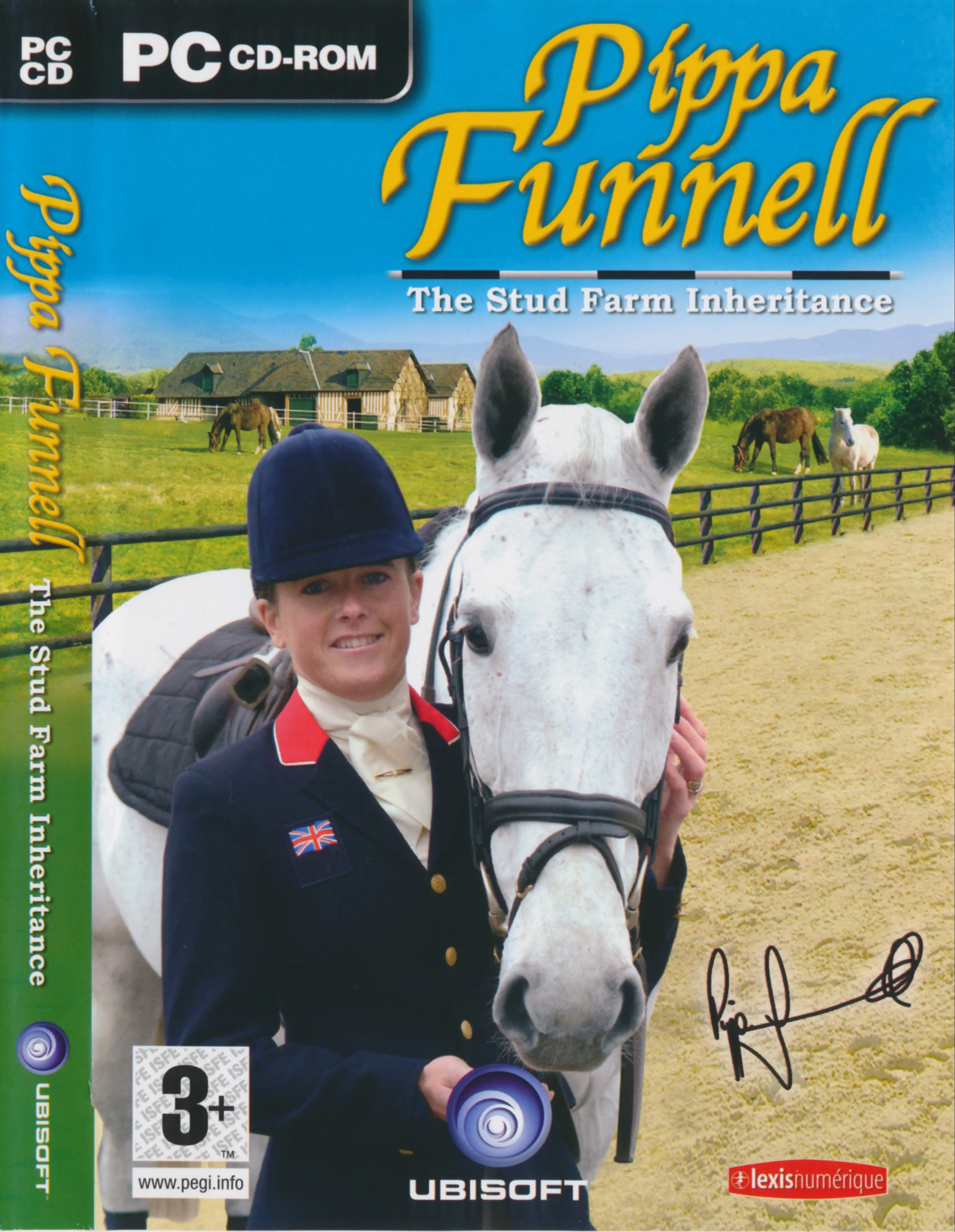
Pippa Funnell: Take the Reins is a 2006 simulation game developed by Lexis Numérique and published by Ubisoft.
Genres
Publishers
Developers
Released
Platforms
Pippa Funnell: Take the Reins is a 2006 simulation game developed by Lexis Numérique and published by Ubisoft.
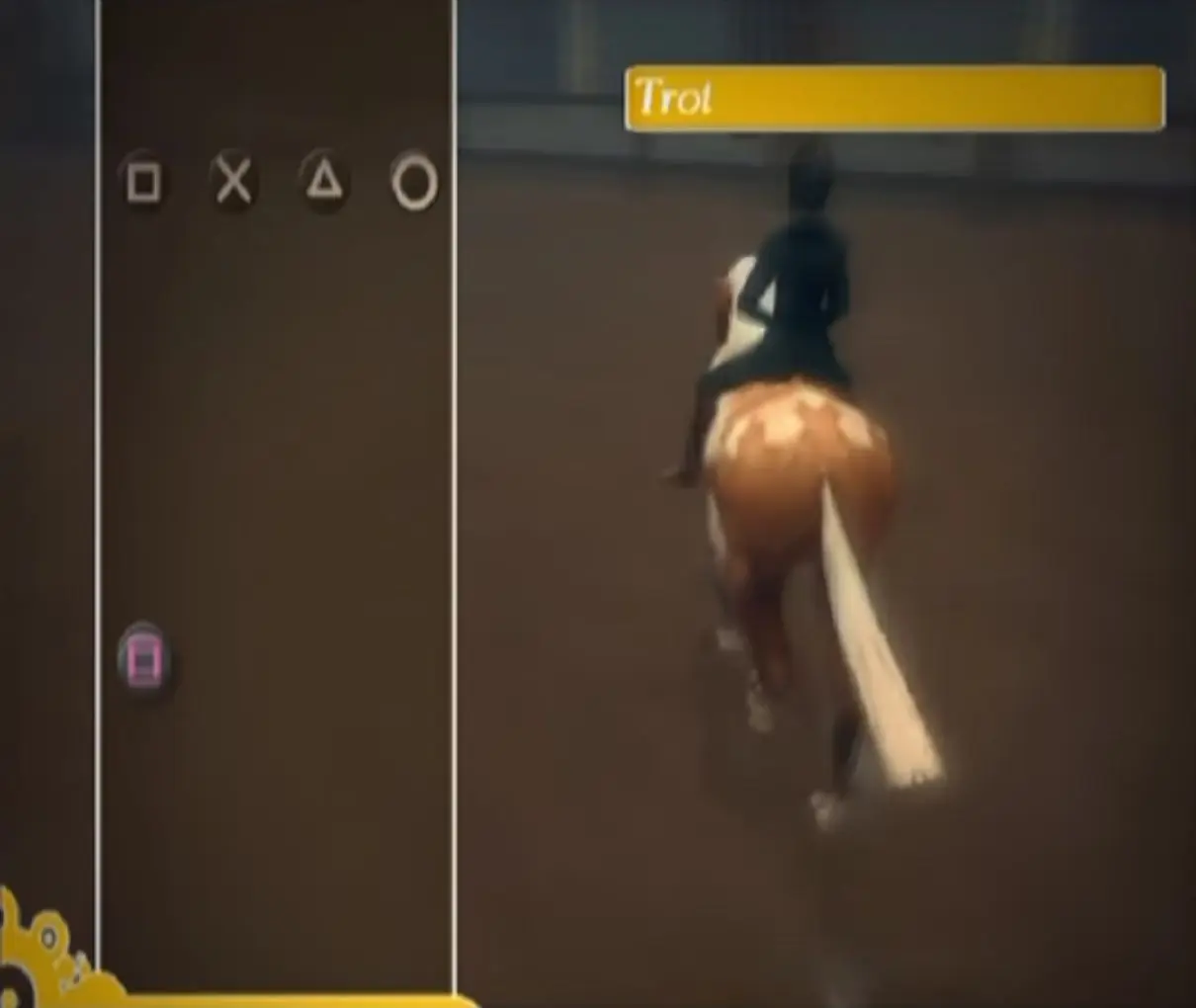
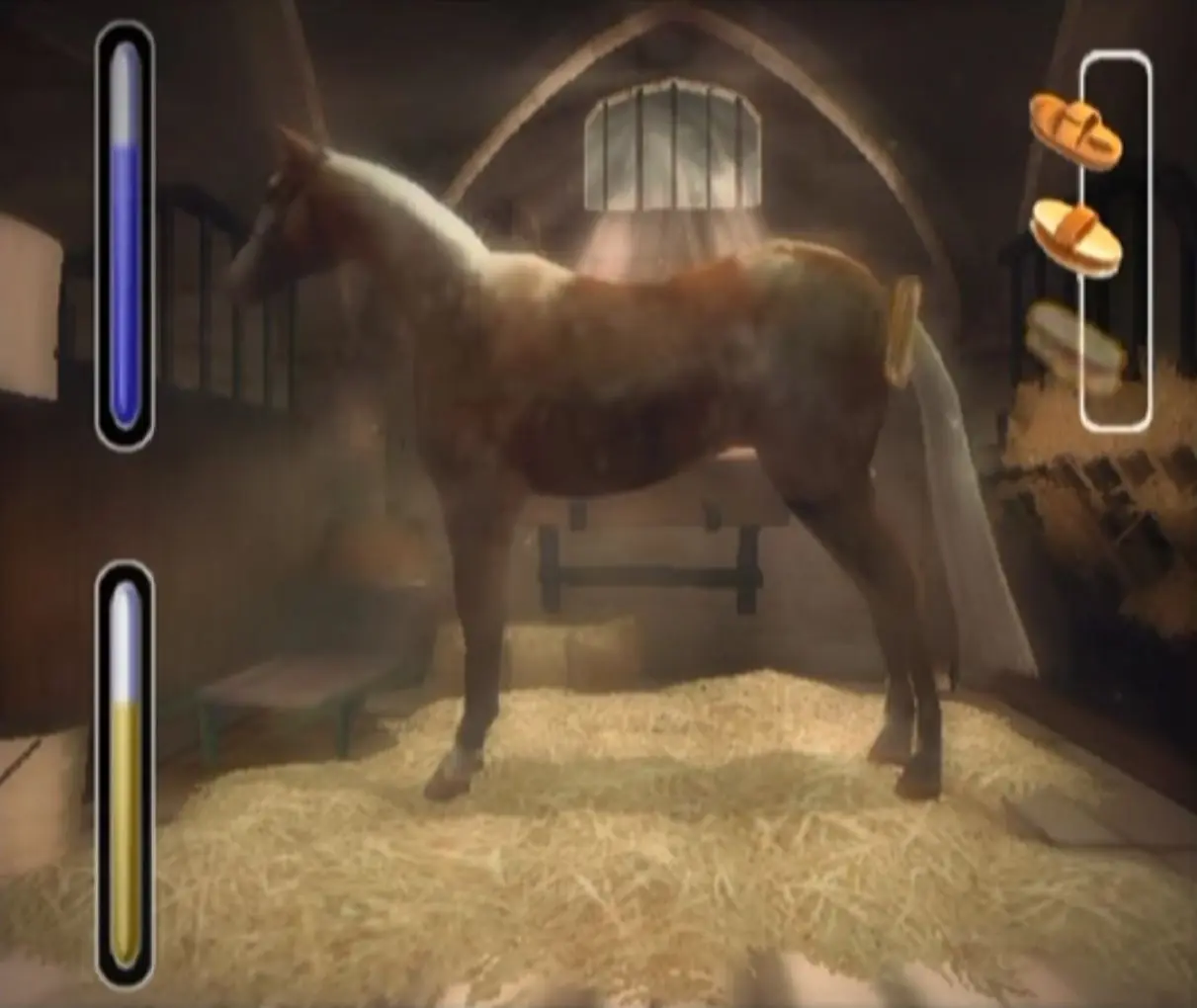
Pippa Funnell 2: Take the Reins (released as Alexandra Ledermann: L'Ecole des Champions in France, and Champion Dreams: First to Ride in North America) is a horse riding simulation game developed by French studio Lexis Numerique and released by Ubisoft on October 27, 2006 for the PlayStation 2 and Windows. The player takes the role of Jade as she attends the Sycamore Riding School in Scotland. Throughout the game, the player is able to train, care for, and compete with their horse while interacting with the other students in the Academy, and solving a mystery.
The game is named after famous horse riders in Europe: Pippa Funnell (Great Britain) and Alexandra Ledermann (France), and is part of a series of games.
Jade: The main character that the player controls. She has short red hair, grey eyes, and freckles. She has a strong personality, but is overall friendly and kind.
Spike: Male with spikey blonde hair. He has a bit of a dangerous background, and is only at the Academy because of his parents. A bit of a rebel, he doesn't hold back what he wants to say.
Ginger: Female with long blonde hair and fair skin. She is fun-loving but strong enough to deal with the others.
Pippa Funnell: Take the Reins is abandonware and no longer sold or supported by its publishers. This game was preserved thanks to a community donation - see our missing games page for credits and titles we're still looking for.






I can’t see all the text but I got this:
SPM ERROR (PopPAram)
Located: in CLoad_FilterLoadedObjectsByCl
in Load
in UI_MAIN
Called:
in UI_LOAD
in INITIALIZE
in Level_Main
Called:
in Level_initialize
in GaReg_Initialize
Anyone knows what is this and how to fix it? I would love to play this game again! Thanks!
-This may be a donated game issue, but when riding in the first (Scotland) dressage/showjumping arena, there is random white spaces on the ceiling that droop down and cover your vision for a couple seconds in certain parts of the arena. not a huge gameplay issue, just an annoying pest. no way to fix it as far as I can find and tell, I have tried to turn graphics down, restart game, redownload game, but it might be a missing file. I’m very sure that it’s not a Ubisoft/Lexis Numerique problem because a lot of gameplay videos I have watched, there is no white ‘cloud’ in their games. *UPDATE* I have figured out it is a missing file, but I am not sure what the name of said file is. the “mystery white cloud” is supposed to be sun glare.
-“Alert for Debug” is a common pop-up window (not just this game, it’s in ALL of these Ubisoft/Lexis Numerique **PC** games. such as, Pippa Funnell, Alexandra Ledermann, Petz Horsez, Champion Dreams, and Imagine games.) that forces the game to close if you try to close the little window. (save your game EVERY TIME you are at the timetable.) it is normal (unfortunately) but nothing will break/corrupt. **This message was talked about in Petz Horsez 2 Steam forums, and they claimed it was a Steam download problem. the ugly truth is, it shows up NO MATTER where you get the game from, it appears on disc as well**
-Sometimes. the competition announcers speak in French. Overall, there is missing/improperly dubbed dialogue through out every cut scene and every time you talk to someone
– When doing the quest where you bring Harry a sandwich, instead of the gear icon showing up to indicate you can “use” the sandwich (give it to Harrry), the “no talk” icon appears
*IN-GAME websites (you can browse shops on your laptop in your bedroom)*
horse tack: www(dot)poneyshop(dot)com
riding gear: www(dot)horsegirl-store(dot)com
collector shop (good for boosting pop. points): www(dot)horse-club-collective(dot)com
Freeroam (?) clothes and hair dyes: www(dot)elsys-fashion-store(dot)com
Horse tips from Kiew: www(dot)horse-tips-boutique(dot)com
Once you have downloaded the file, find the “Champion Dreams.exe” Application right click “Run As Administrator” and install it – it might come up with an error screen, exit that – then right click “troubleshoot compaitability” use recommended settings, Test the Program, if it works then click next and “save settings” now when you want to play right click “Champion Dreams.exe” run as admin and should be all good! Thank you!