Home » Games » Prince of Persia 3D

Prince of Persia 3D

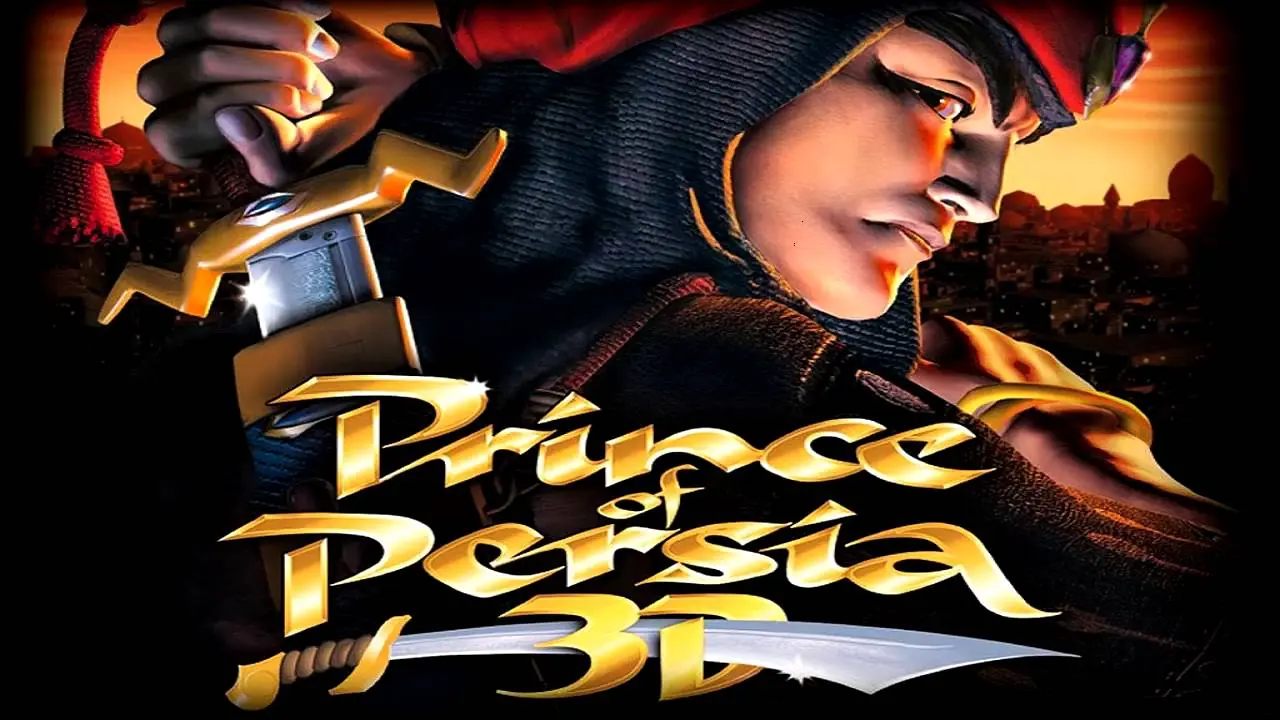
Prince of Persia 3D Game Cover
4.4/5 - 180 votes

Prince of Persia 3D is an action-adventure video game developed and published by Red Orb Entertainment for Microsoft Windows. It is the third game in the Prince of Persia series.

Other Titles

PoP 3DPrince of Persia 3Prince of Persia: Arabian Nightsأمير بلاد فارس 3Dامير بلاد فارس 3Dشاهزاده ایران سه‌بعدیプリンス・オブ・ペルシャ3D波斯王子3D페르시아의 왕자 3D

Genres
,
Released
Platforms
Download

About Prince of Persia 3D

Finally, peace and quiet in the realm. But, just when things are really looking up, you and your new bride, the Sultan's beautiful daughter, are required to accompany him on a trip of diplomacy to visit his younger brother, King Assan. Relations between the Sultan's kingdom and that of his brother have been a bit rocky lately and the trip is seen as an opportunity to smooth out the differences.

Having won your freedom, as well as the right to marry the Princess by earlier defeating her father's many enemies, life has never seemed so wonderful, especially for one who has overcome his humble beginnings as a common beggar boy. You want nothing more than to retire for the evening with your bride but after-dinner social demands require you to attend a special entertainment deemed unsuitable for married women.

Lulled by the after-dinner entertainment and unable to clear your thoughts of your bride, you are completely caught off guard by the vicious attack! It appears as if Rugnor, King Assan's son and your wife's cousin, has designs on becoming her husband. To achieve his goal, she has been taken hostage while you've been thrown into a dank and rat-infested dungeon cell, stripped of your weapons and fine clothes. And what has become of the Sultan?

That and many other questions will be answered as you take the role of the Prince of Persia in this 3D fighting adventure. From a third-person perspective, you'll need to escape from the cell, evade traps, break enchantments, gain weapons (both sword and bow) and battle your way through a maze of enemies, diabolical puzzles and deadly situations to regain your rightful place next to your bride.

Prince of Persia 3D contains options for changing default keyboard controls and requires a 3Dfx acceleration card. The game has a dozen levels played out in seven diverse environments and features magic usage in your quest as well as physical combat. The game design and storyline were developed in conjunction with series creator Jordan Mechner.
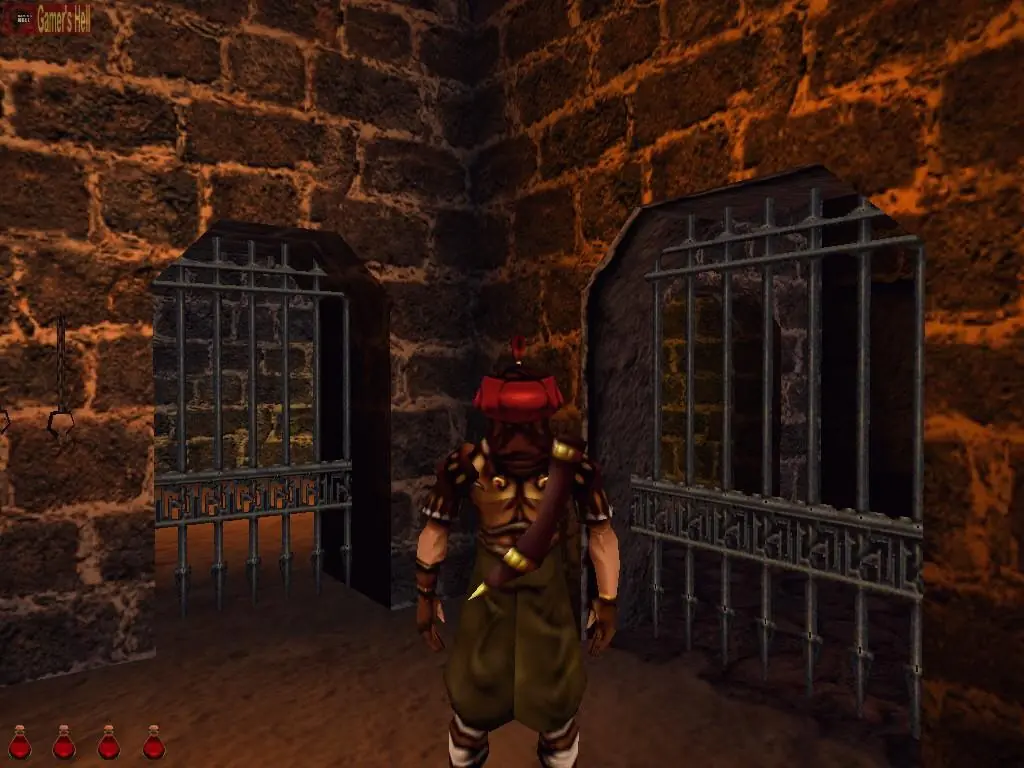
Screenshots

Windows

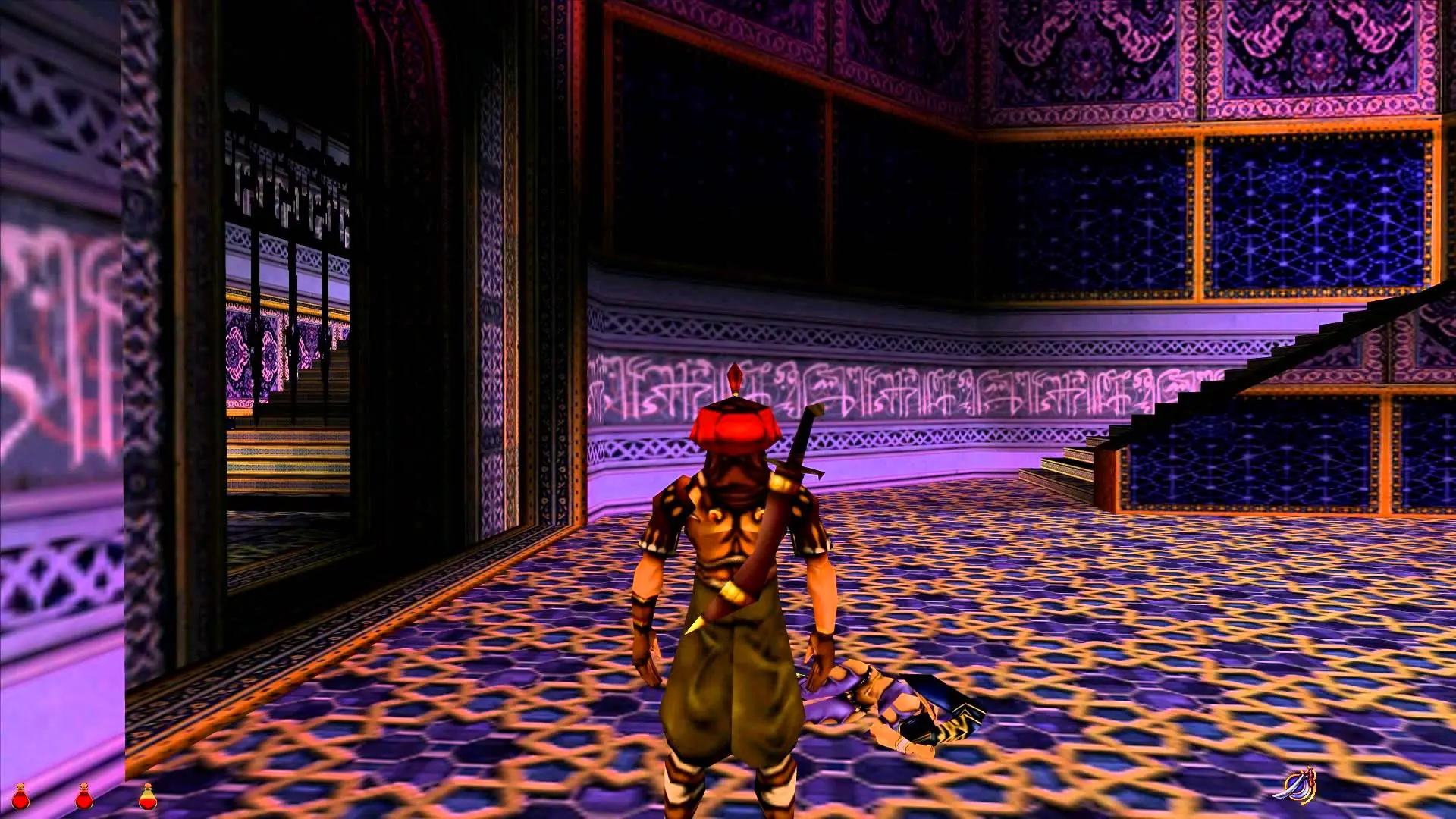
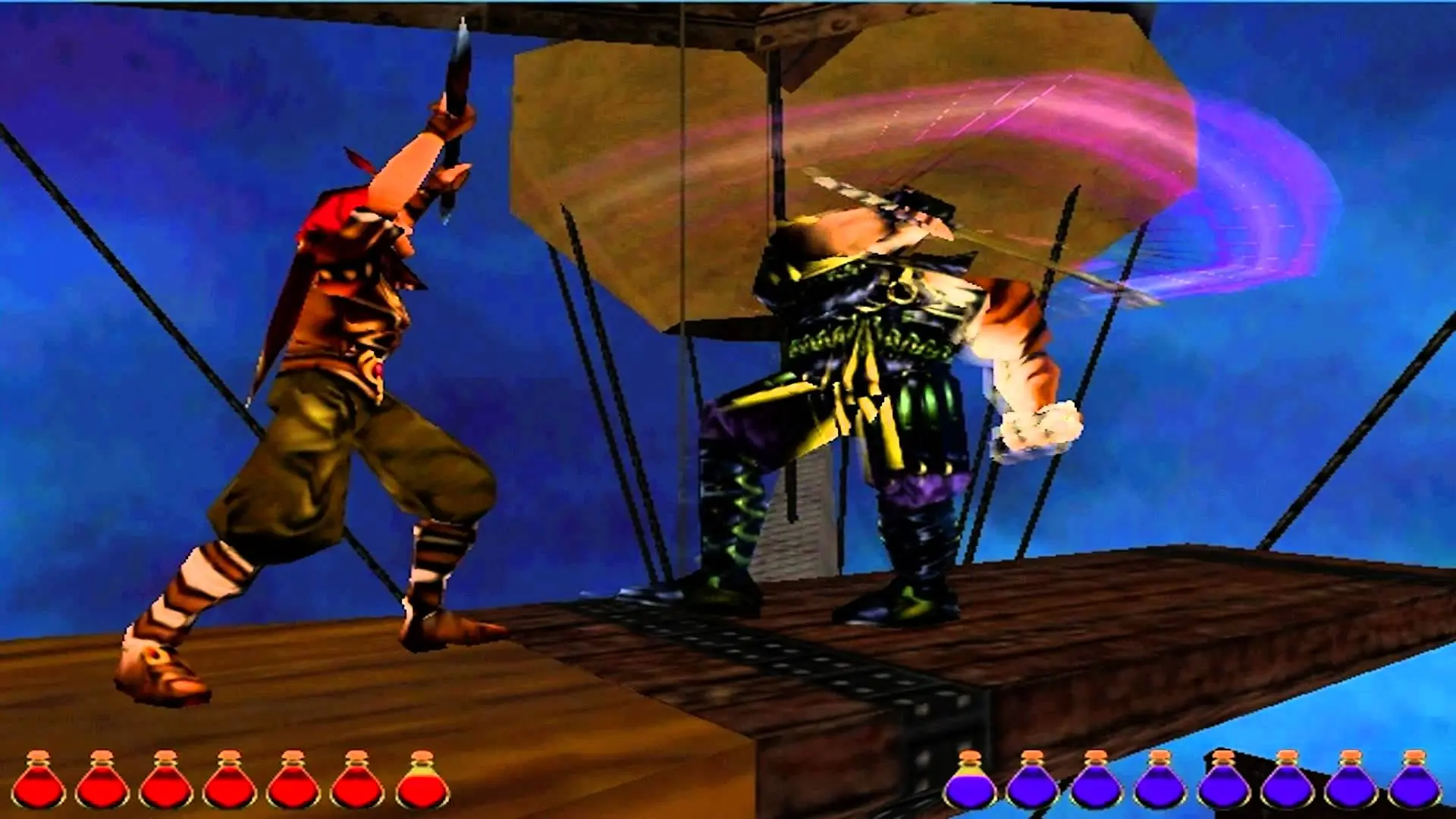
Prince of Persia 3D — Windows screenshot 1Prince of Persia 3D — Windows screenshot 2Prince of Persia 3D — Windows screenshot 3

Download Prince of Persia 3D

Prince of Persia 3D is abandonware and no longer sold or supported by its publishers. Files are archived here for these platforms:

Windows (1999)

  • Prince_of_Persia_3D.rarEN126.38 MB
  • Instructions Prince_of_Persia_3D.rar

    How to play on Windows

    1. Click on the download button. It should redirect you to your download (a .rar file). Make sure you download the file properly and that your internet does not disconnect while downloading.
    2. Extract the “Prince of Persia 3D” folder to your desktop.
    3. Open the “Prince of Persia 3D” folder and then open the “Game Files” folder.
    4. Find the file called “setup.exe” and double click it to install the game. You can leave all the setup stages at default.
    5. The game should install and a shortcut for the game should be on your desktop.
    6. Right click the game shortcut and select compatibility. You want to run the game in compatibility mode for Windows 95, in Reduced color mode (8-bit), in 640×480 screen resolution, and as administrator. After enabling these settings, click “Apply” and then “OK”.
    7. Double click on the game to launch it.
    8. Enjoy the game!

Comments

13 thoughts on “Prince of Persia 3D”

  1. 0
    I did all the Steps as said. But after opening the Game it just gives me a Blackscreen for a couple of sec’s and then just crashes without any error message. Anybody got a sulution?
    Reply
  2. 0
    Hello Goodnight. Somebody could help me?. The program loads and the start screen appears, but the game does not recognize my mouse, what am I doing wrong? Thanks in advance. Cheers
    Reply
    • 0
      Probably ur using a bluetooth mouse or wireless. In that case the game wouldn’t recognize the device. So better get another one and try playing it. My runs well, i m in Win7, mouse keyboard okay.
      Reply
  3. 0
    Please, can you tell me….. did you installed the game on 64 bit Windows? Windows 10? And how do you fixed the “non transperent door” graphics glitch?
    Reply